My favorite app
Great app, easy to use. Helps our small business save time and money to create different marketing materials professionally. Thank you.
Start by uploading a clear photo of the perfume bottle you want to turn into an outline. PNG and JPG formats are supported.
In the prompt box, tell the AI what you want. For example, 'Create a minimalist line drawing of this bottle' or 'thick black outline'.
Click the generate button and let the AI work. In just a few moments, it will transform your photo into a custom piece of line art.
Your perfume bottle outline is ready. Download the high-resolution image to use in your design projects.
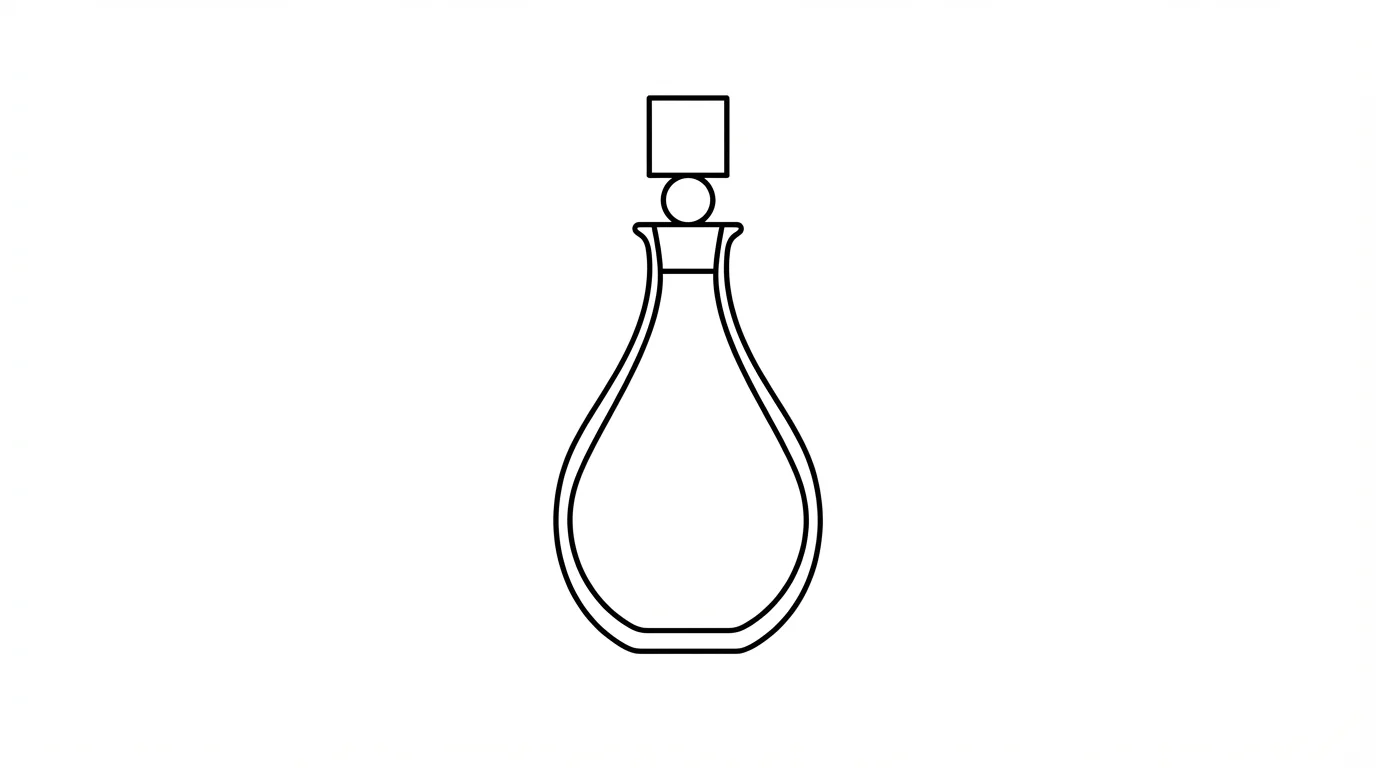
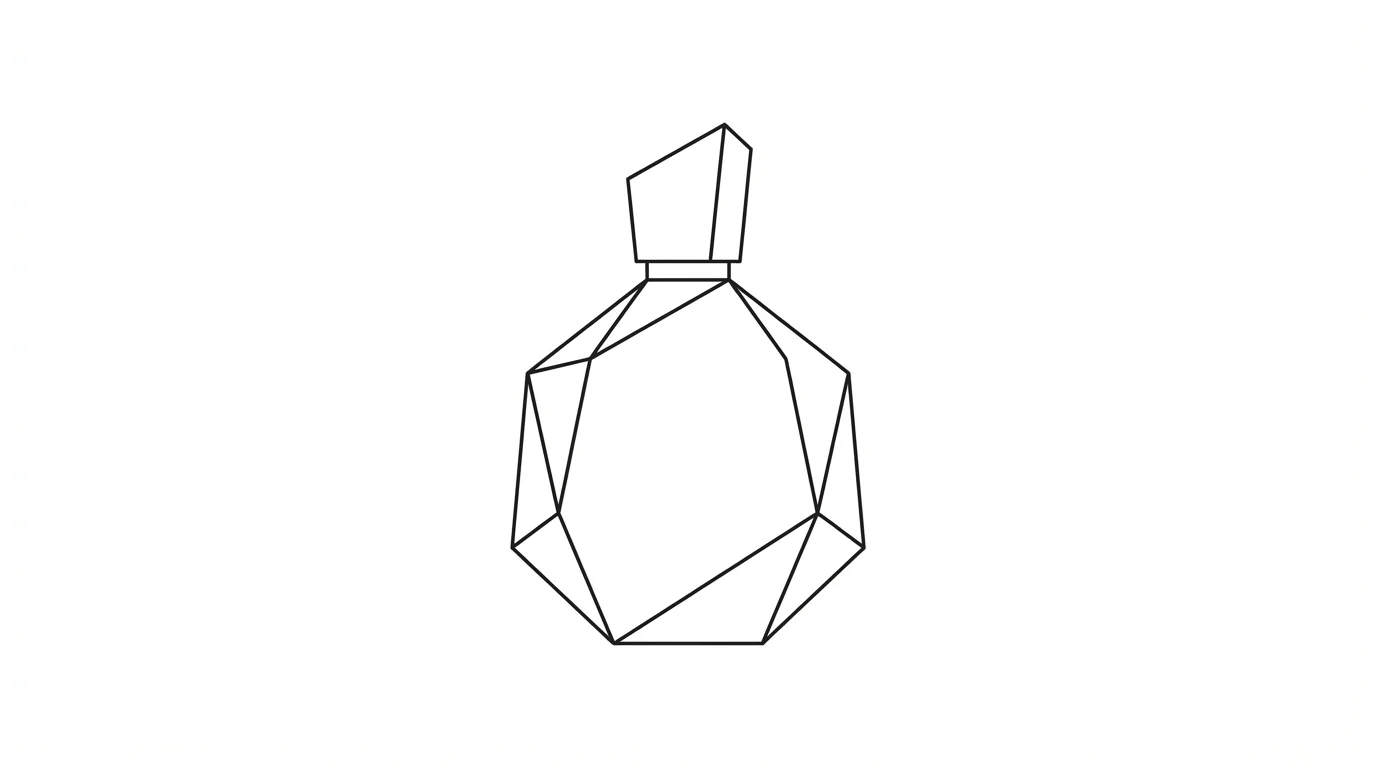
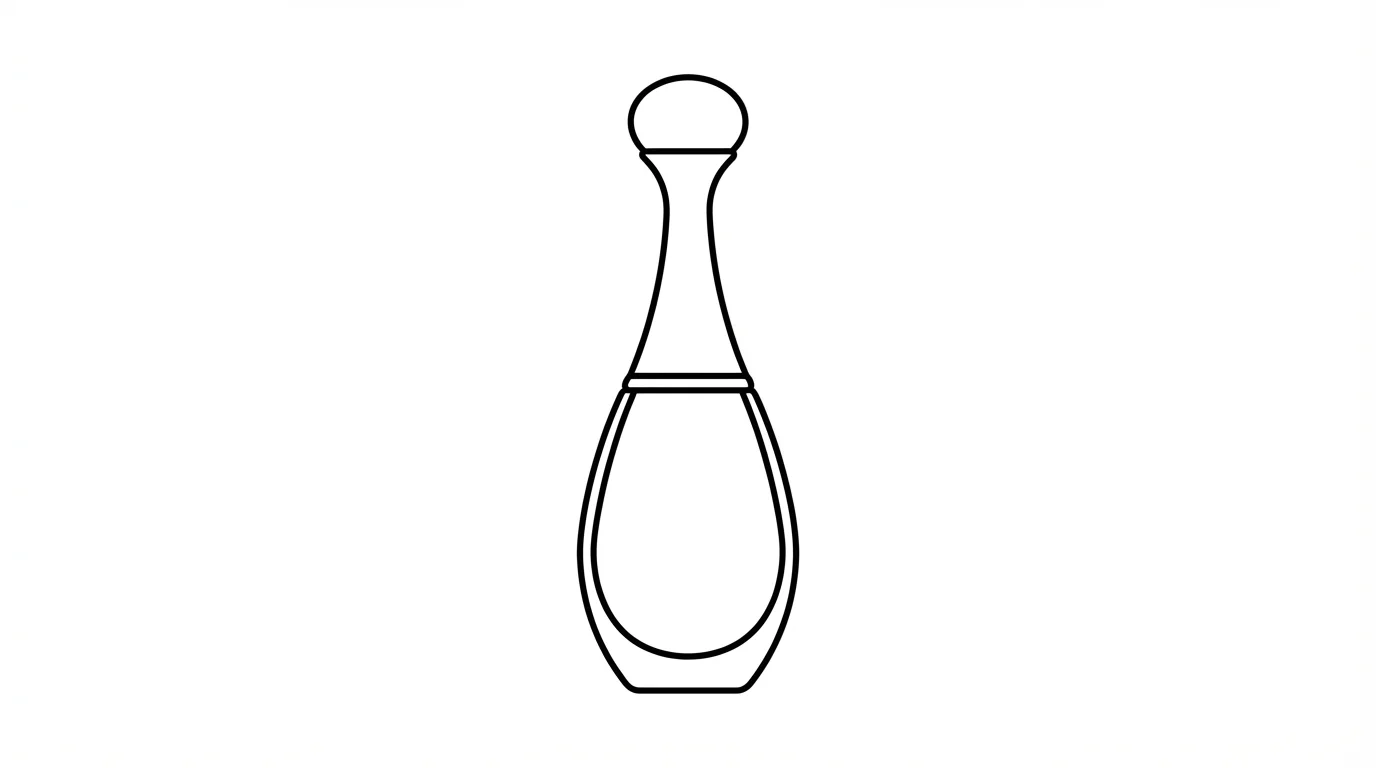
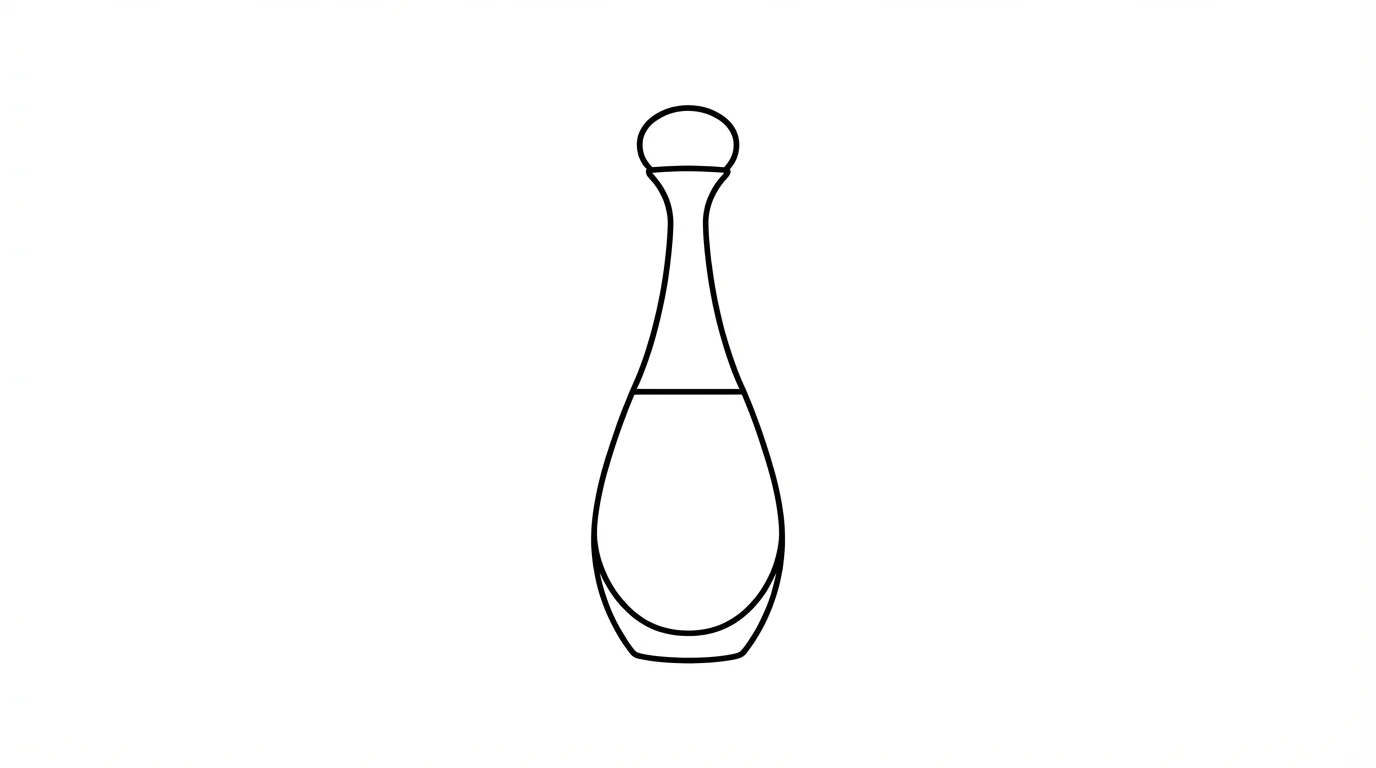
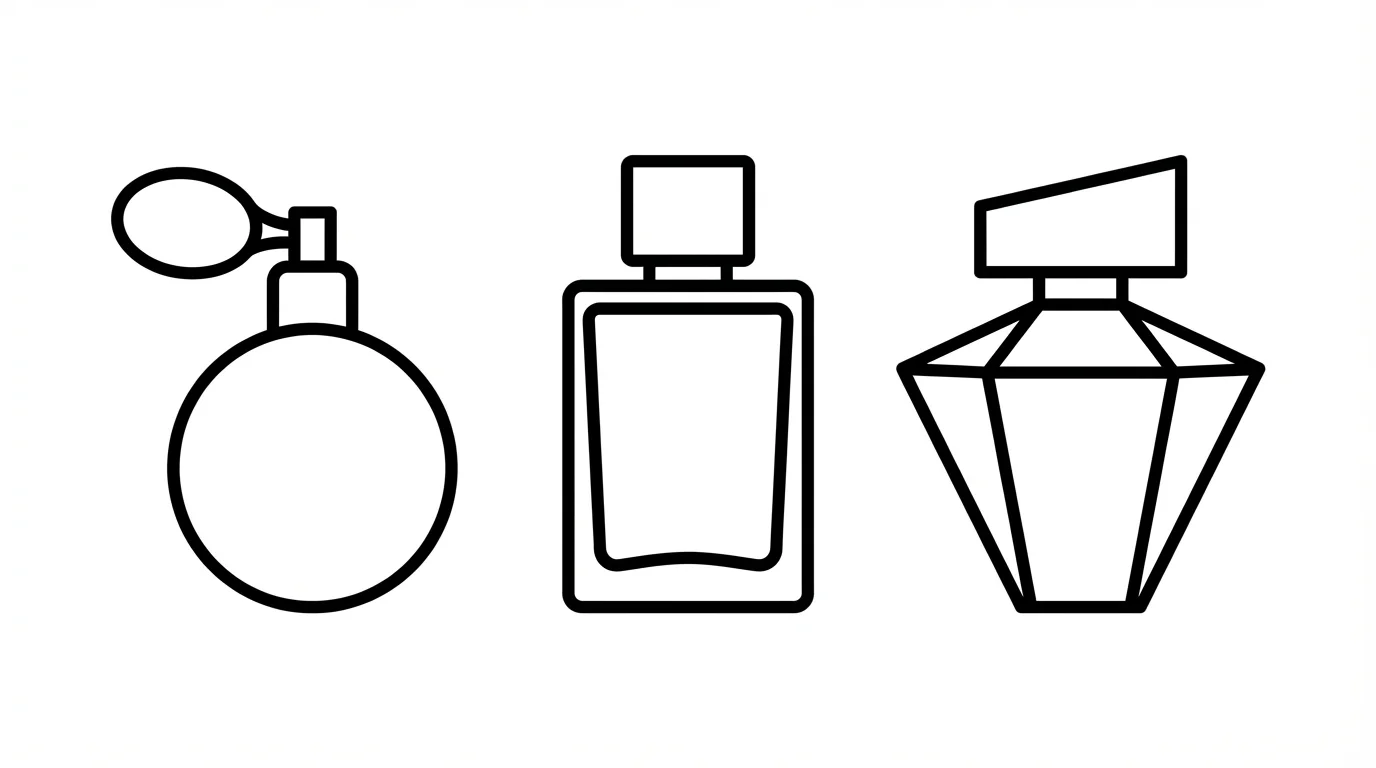
An AI perfume bottle outline generator is a tool that uses artificial intelligence to turn a photograph of a perfume bottle into a line drawing. You upload an image, and the AI automatically detects its shape and converts it into a clean outline.
To create an outline, upload a photo of your perfume bottle. Then, enter a text prompt describing the kind of outline you want, for example, 'create a simple black outline'. The AI will then generate the line art for you to download.
Yes. When you generate an outline, you can specify in your prompt to 'remove the background'. Downloading the result as a PNG file will ensure it has a transparent background, making it easy to place on top of other images or colored backgrounds.
You can download your generated outlines for free in high-resolution PNG or JPEG formats. If you have a Pixelcut PRO subscription, you can also download in SVG or WEBP formats.
Yes, you can influence the style of the outline through your text prompt. For instance, you could describe 'a thick blue outline' or 'a thin, delicate grey line' to guide the AI toward your desired result.
Yes, all images you create and download are watermark-free and can be used for both personal and commercial purposes. This includes using them for branding, marketing, or on your website.
Great app, easy to use. Helps our small business save time and money to create different marketing materials professionally. Thank you.
I need a good background remover for my work and I've been through them all it feels like. This one is the best by far. It's so easy to use and the results always look amazing. Thank you Pixelcut!
It's amazingly easy and gives the perfect results for my bags and accessories. It looks like it was done by a professional photographer.