My favorite app
Great app, easy to use. Helps our small business save time and money to create different marketing materials professionally. Thank you.
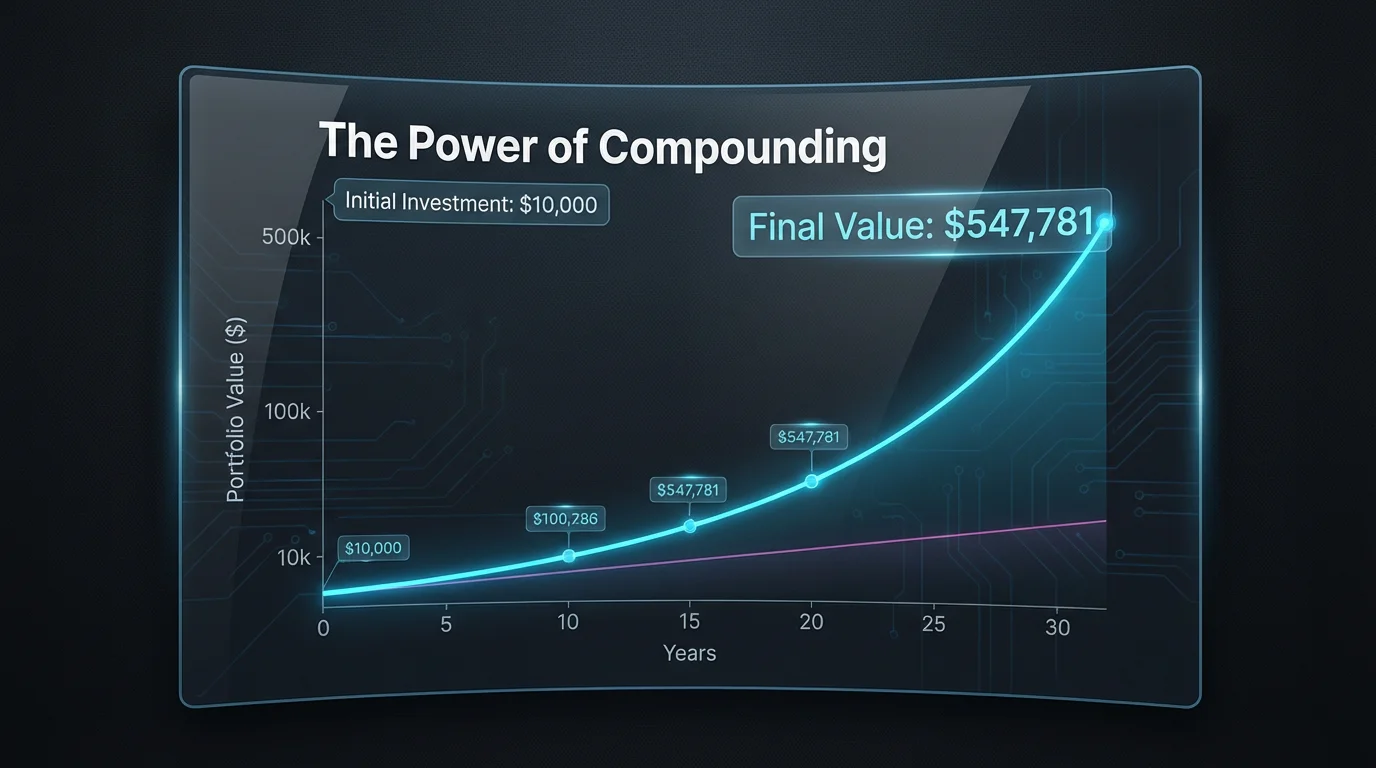
Start by typing a clear description of the chart you want to create. For example: 'A graph showing a $1,000 investment growing at 6% annually for 30 years.'
Click the generate button and let the AI interpret your prompt. It will process the financial scenario and create a custom chart for you in seconds.
Your high-resolution compound interest graph is ready to download for free. Use it to enhance your presentations, reports, or personal financial plans.


An AI compound interest visualization tool uses artificial intelligence to create charts and graphs from text descriptions. Instead of using a calculator, you can describe a financial scenario, and the AI will generate a visual representation of how an investment might grow over time.
You can be as specific or as general as you want. For example, you can provide a detailed prompt like, 'Graph the growth of a $5,000 principal at 8% annual interest for 20 years,' or a more general one like, 'Show a chart of slow vs. fast investment growth.'
Yes, you can. Simply include the comparison in your text prompt. For instance, you could ask the AI to 'Create a line graph comparing a $100 monthly investment at 5% interest versus a $200 monthly investment at 7% interest over 25 years.'
This tool is a visual generator, not a certified financial calculator. It is designed to create illustrations based on the information you provide. While it visualizes mathematical concepts, it should not be used as a primary tool for making financial decisions.
To customize your chart, include stylistic details in your prompt. You can request different chart types, such as 'create a bar chart' instead of a line graph, or specify colors, like 'use a blue and green color palette,' to influence the final design.
The graphs are useful for a variety of purposes. You can use them for personal financial planning, in presentations to explain financial concepts, for educational materials, or in blog posts and articles to illustrate the power of compounding.
Great app, easy to use. Helps our small business save time and money to create different marketing materials professionally. Thank you.
I need a good background remover for my work and I've been through them all it feels like. This one is the best by far. It's so easy to use and the results always look amazing. Thank you Pixelcut!
It's amazingly easy and gives the perfect results for my bags and accessories. It looks like it was done by a professional photographer.