My favorite app
Great app, easy to use. Helps our small business save time and money to create different marketing materials professionally. Thank you.
Turn HEIC, JPG, PNG, and WebP files into JPG, PNG, or WebP right in your browser with this free image converter. Process up to 10,000 photos per batch and download them all as a ZIP.
Drag and drop your HEIC, JPG, PNG, or WebP files into the online image converter. Upload from your device or import an entire folder from Dropbox.
Select your output format from JPG, PNG, or WebP. Your choice applies to every image in the batch at once, so one click converts the whole set.
Hit convert and your images are processed right in your browser. Grab each file one by one or download the entire batch together as a single ZIP.
Pixelcut's image converter handles every format pair you need. Go from HEIC to JPG for universal compatibility, switch PNG to WebP for smaller web files, or convert WebP to PNG when you need lossless editing. Every conversion keeps your original resolution, and JPG and WebP output stays visually sharp. Whether you are converting a single photo or a full product catalog, every image comes through clean on the other side.
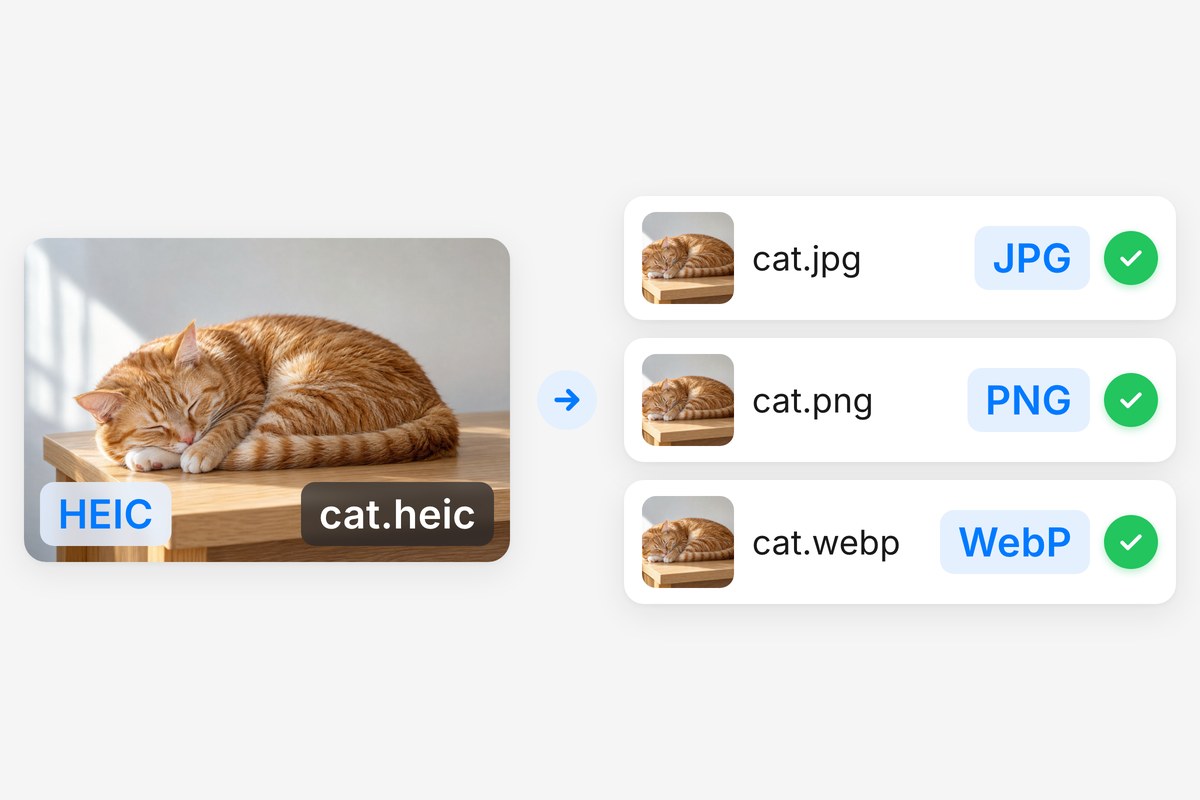
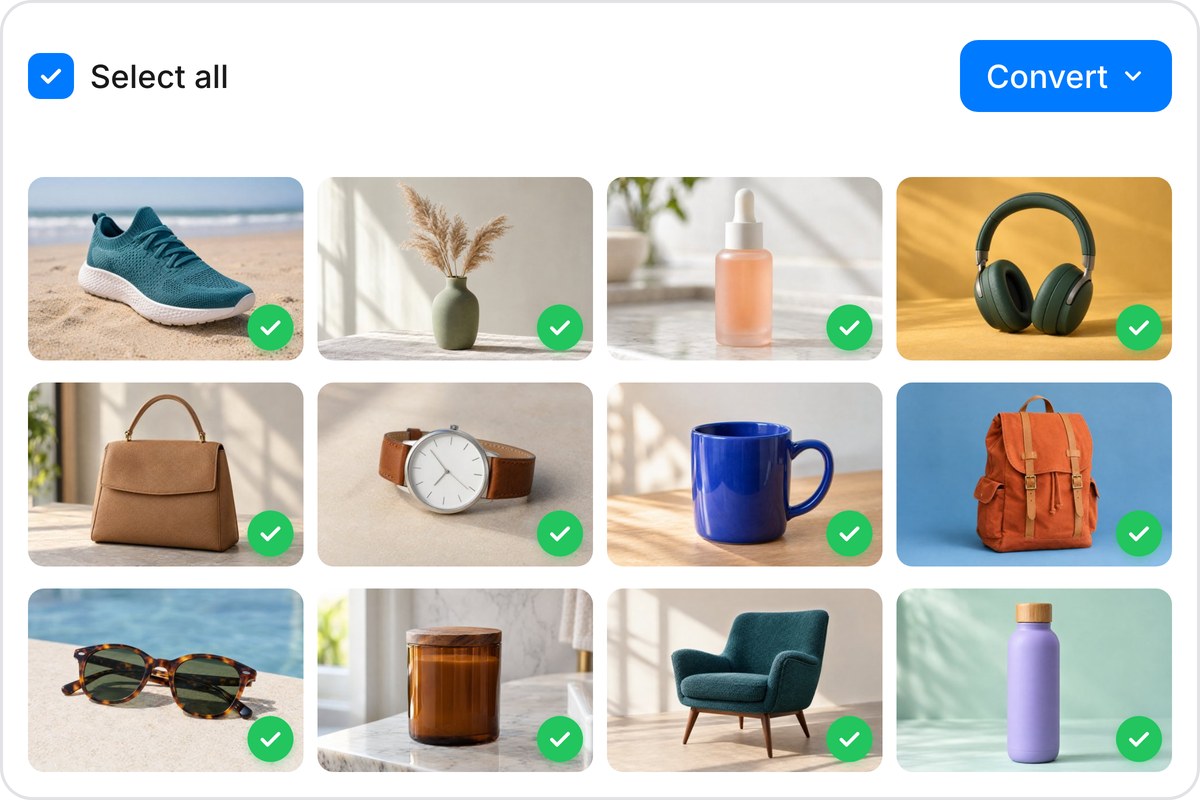
Got a folder of HEIC shots from your phone or an entire product catalog that needs WebP versions? Drop them all in at once. Pixelcut's image converter processes up to 10,000 files per batch, converting everything to your chosen format, with free accounts covering up to 100. Import large libraries from Dropbox and download the results as a single ZIP. Select your files, pick the output format, and let the converter handle the rest.
Your images never leave your device. Pixelcut's image converter runs directly in your browser using client-side processing, so nothing gets uploaded to a server. That means no third-party access, no cloud storage risk, and no waiting on uploads to finish. The conversion happens locally on your machine. For anyone handling sensitive photos, client work, or personal images, this is an image converter you can actually trust from start to finish.

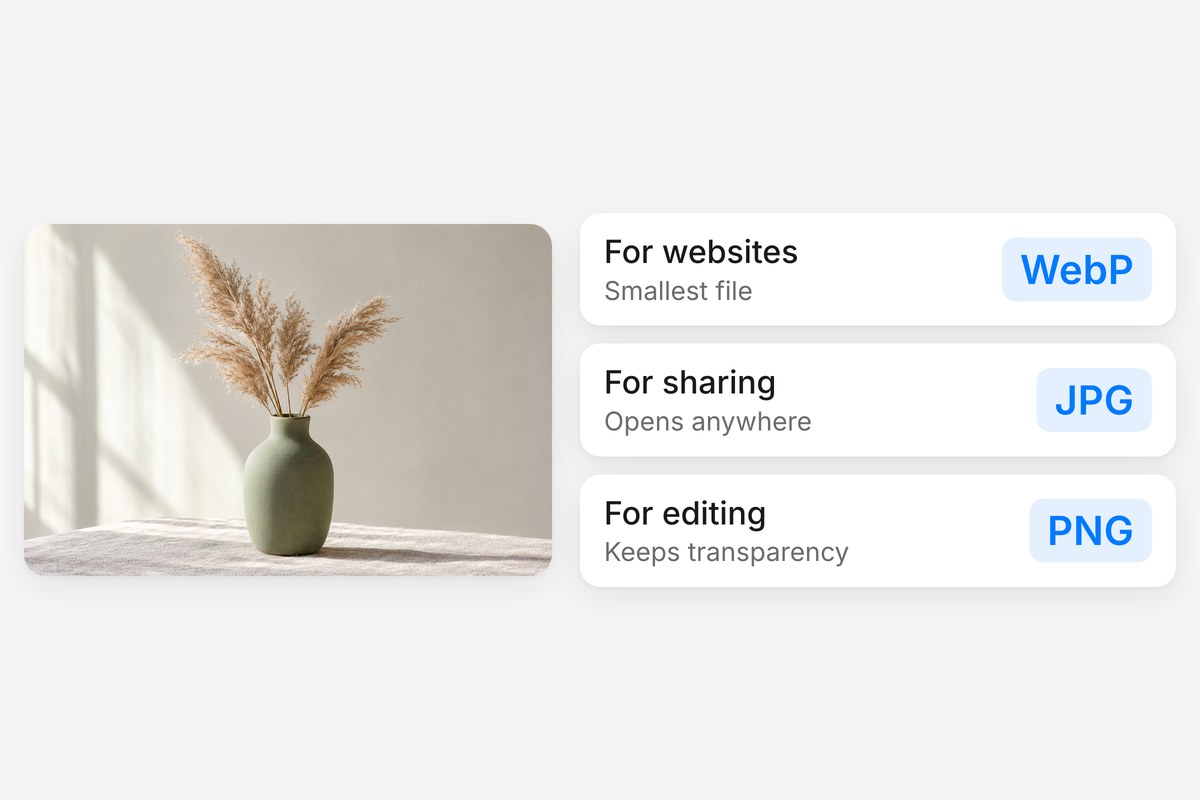
Different projects call for different formats. Convert HEIC to JPG so anyone can open your iPhone photos. Switch JPG or PNG to WebP to cut page load times on your site. Convert WebP to PNG when you need transparency for design work. Go from PNG to JPG to shrink files before emailing. Pixelcut's image converter covers all nine format pairs, and once your files are ready, its AI tools can remove backgrounds, upscale, or edit further.











Great app, easy to use. Helps our small business save time and money to create different marketing materials professionally. Thank you.
I need a good background remover for my work and I've been through them all it feels like. This one is the best by far. It's so easy to use and the results always look amazing. Thank you Pixelcut!
It's amazingly easy and gives the perfect results for my bags and accessories. It looks like it was done by a professional photographer.