My favorite app
Great app, easy to use. Helps our small business save time and money to create different marketing materials professionally. Thank you.
Convert HEIC to PNG right in your browser with lossless quality and no server uploads, then batch up to 10,000 iPhone photos and download them all as a single ZIP.
Drag and drop your HEIC photos into the converter or browse your files. You can also import an entire folder directly from Dropbox for faster batch uploads.
Select PNG as your output format and click convert. Pixelcut processes every file in your browser, so your photos stay on your device the entire time.
Grab your converted PNG files individually or download them all at once as a single ZIP. Every image keeps its original resolution and color data intact.
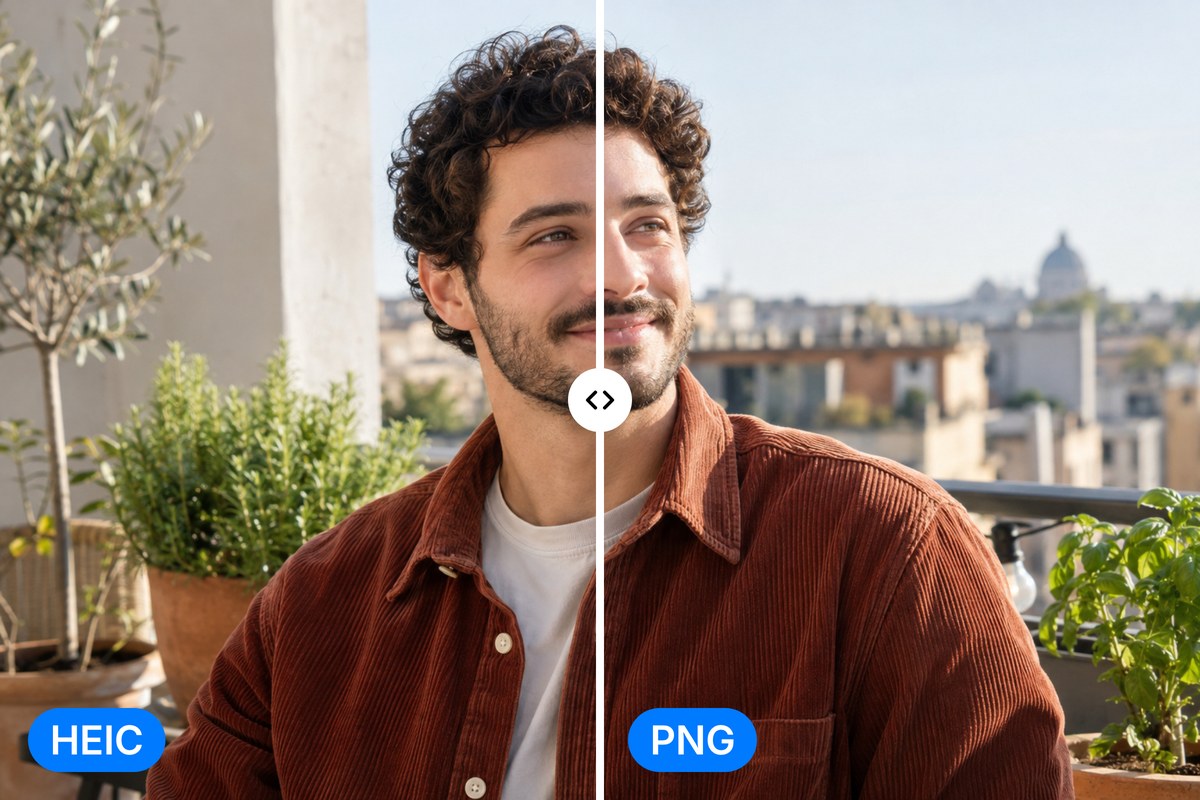
HEIC files from your iPhone pack incredible detail into a compact format, but most devices and apps outside the Apple world can't open them. Pixelcut's HEIC to PNG converter decodes every pixel at full resolution, preserving the original color depth and sharpness. No compression artifacts, no quality tradeoffs. Your photos come out looking exactly the way you shot them, just in a format everything can read and edit.
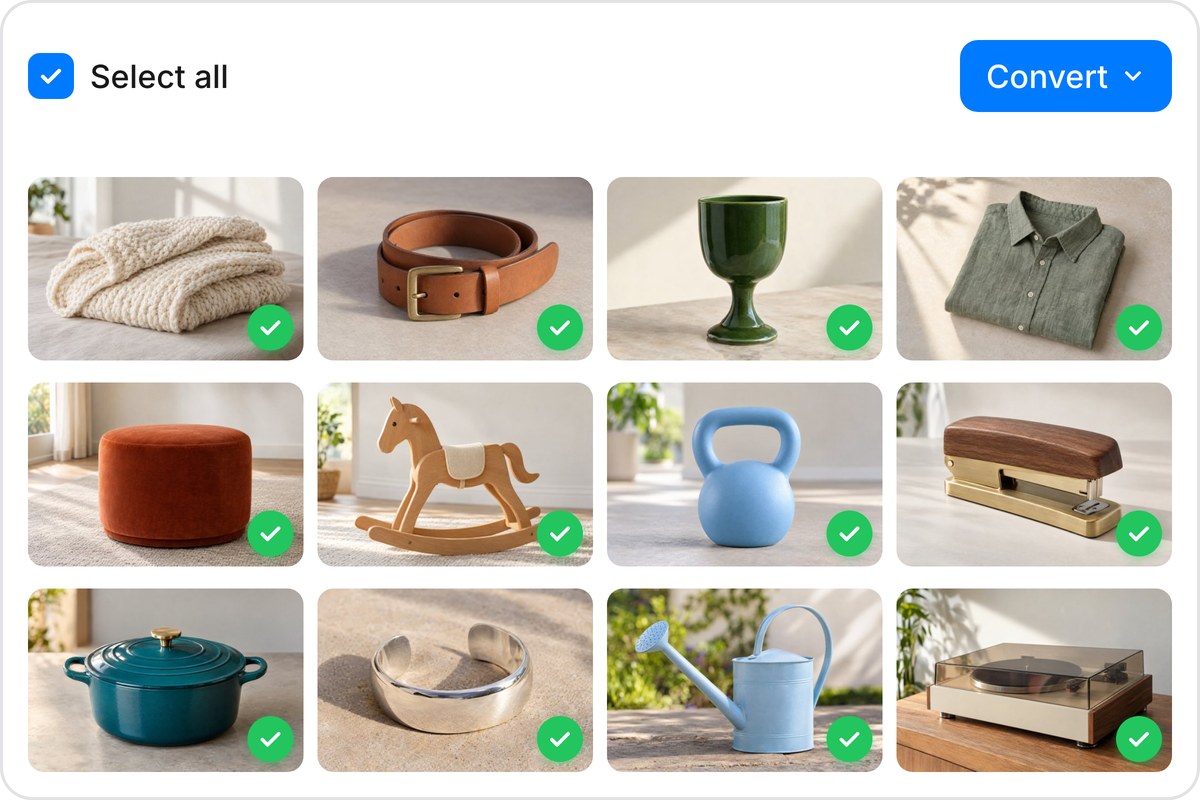
Transferring a whole camera roll shouldn't mean converting files one at a time. Pixelcut handles up to 10,000 HEIC images per batch, so you can drop an entire folder and walk away. Start with 100 free conversions to test it, then scale up when you need more. Finished files arrive as a ZIP download, keeping your converted PNGs organized and ready to use wherever you need them.
Your HEIC files convert to PNG entirely inside your browser using client-side processing. Nothing gets uploaded, nothing gets stored, and nothing passes through a third-party server. For personal photos, client work, or anything you would rather keep private, that matters. You get the convenience of an online tool with the security of local software, and closing the tab leaves nothing behind on anyone else's infrastructure.

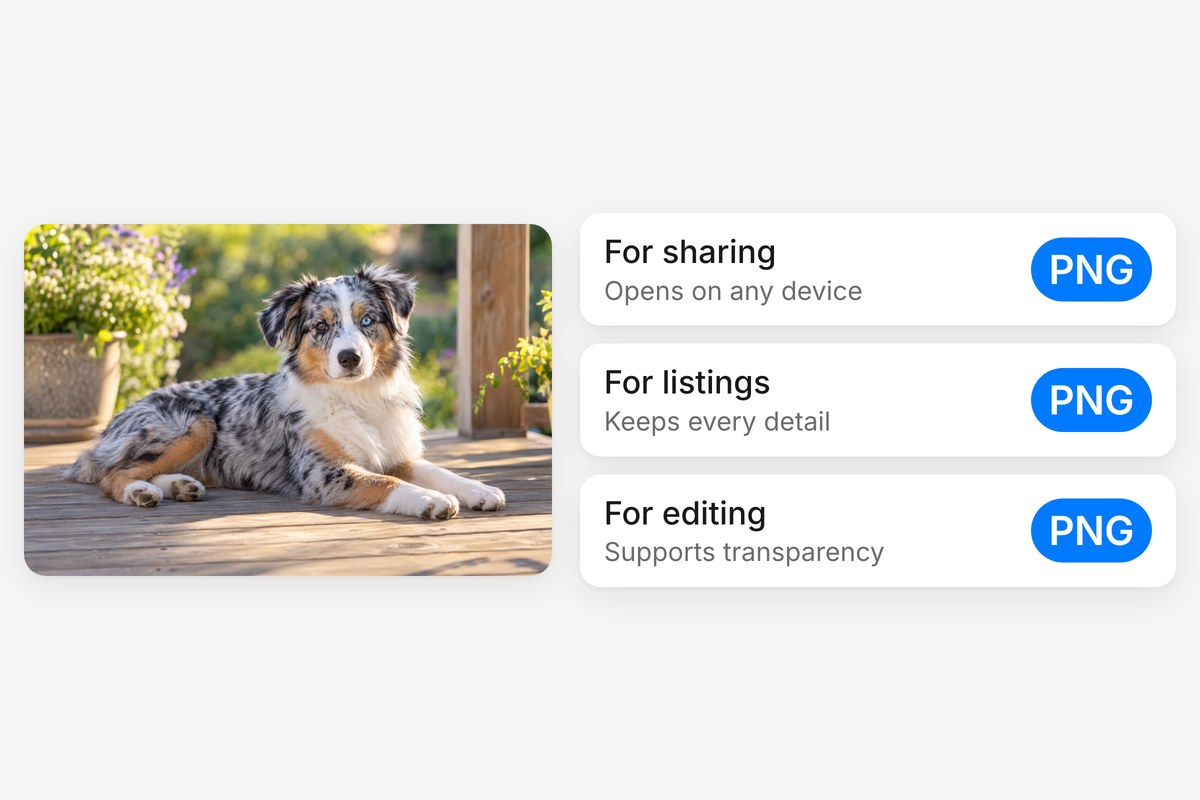
PNG is the universal standard for lossless images. Unlike HEIC, it opens on every operating system, browser, and editing app without extra plugins. PNG also supports alpha transparency, which makes it the go-to format for layered editing, graphic design, and overlays down the line. Once your files are converted, Pixelcut's AI editing tools can help you resize, enhance, or remove backgrounds from your new PNGs.











Great app, easy to use. Helps our small business save time and money to create different marketing materials professionally. Thank you.
I need a good background remover for my work and I've been through them all it feels like. This one is the best by far. It's so easy to use and the results always look amazing. Thank you Pixelcut!
It's amazingly easy and gives the perfect results for my bags and accessories. It looks like it was done by a professional photographer.