My favorite app
Great app, easy to use. Helps our small business save time and money to create different marketing materials professionally. Thank you.
Convert PNG to JPG right in your browser and turn heavy PNGs into lightweight JPGs. Batch thousands at once with one click, keep every image sharp, and download as a ZIP.
Drag and drop your PNG files into the converter or click to browse your device. You can also import an entire folder directly from Dropbox for faster batch uploads.
Select JPG as your output format and hit convert. Your images are processed locally in your browser, so nothing gets uploaded to external servers.
Grab your converted JPG files individually or download everything at once as a single ZIP. Your smaller JPGs are ready to share or upload in seconds.
PNG files look great, but they carry a lot of extra weight. When you convert PNG to JPG with Pixelcut, your photos shrink dramatically without the visual quality taking a hit. JPG compression discards data your eyes rarely notice, so the difference between your original PNG and the converted JPG is practically invisible. It is ideal for product photos, social graphics, and blog images where file size matters more than pixel-perfect transparency.
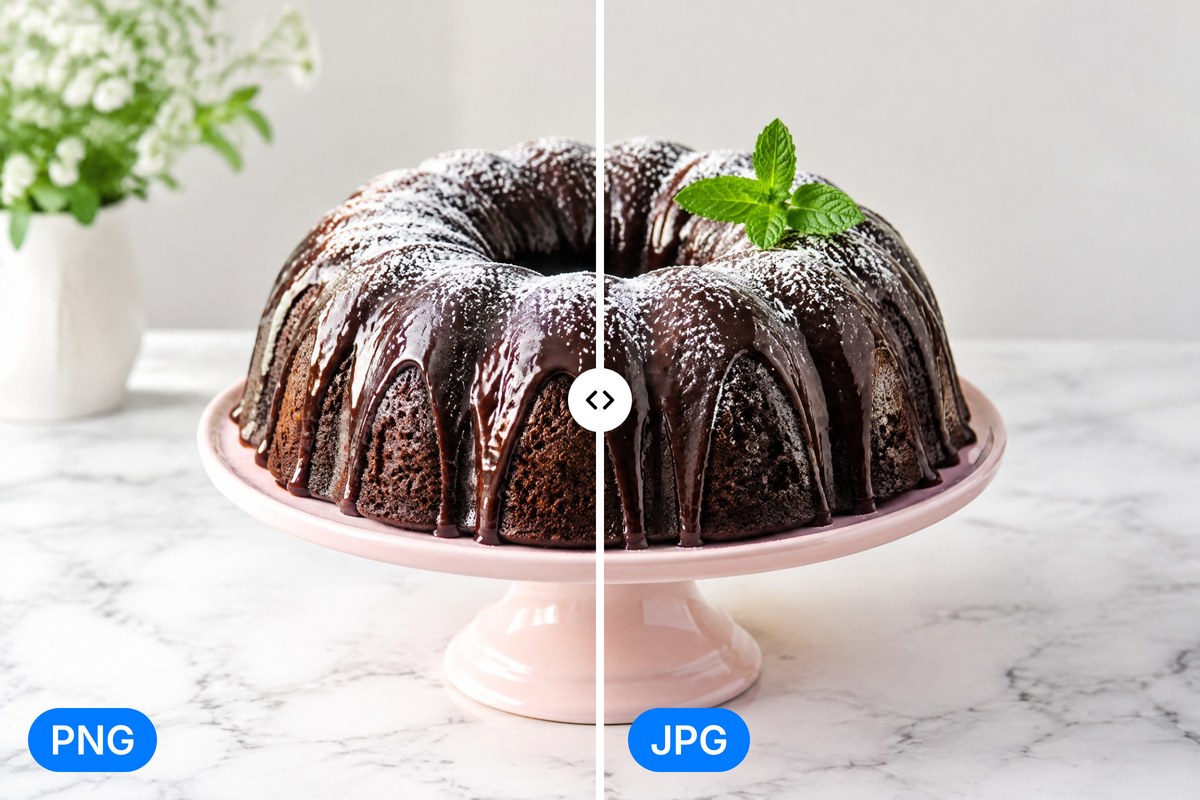
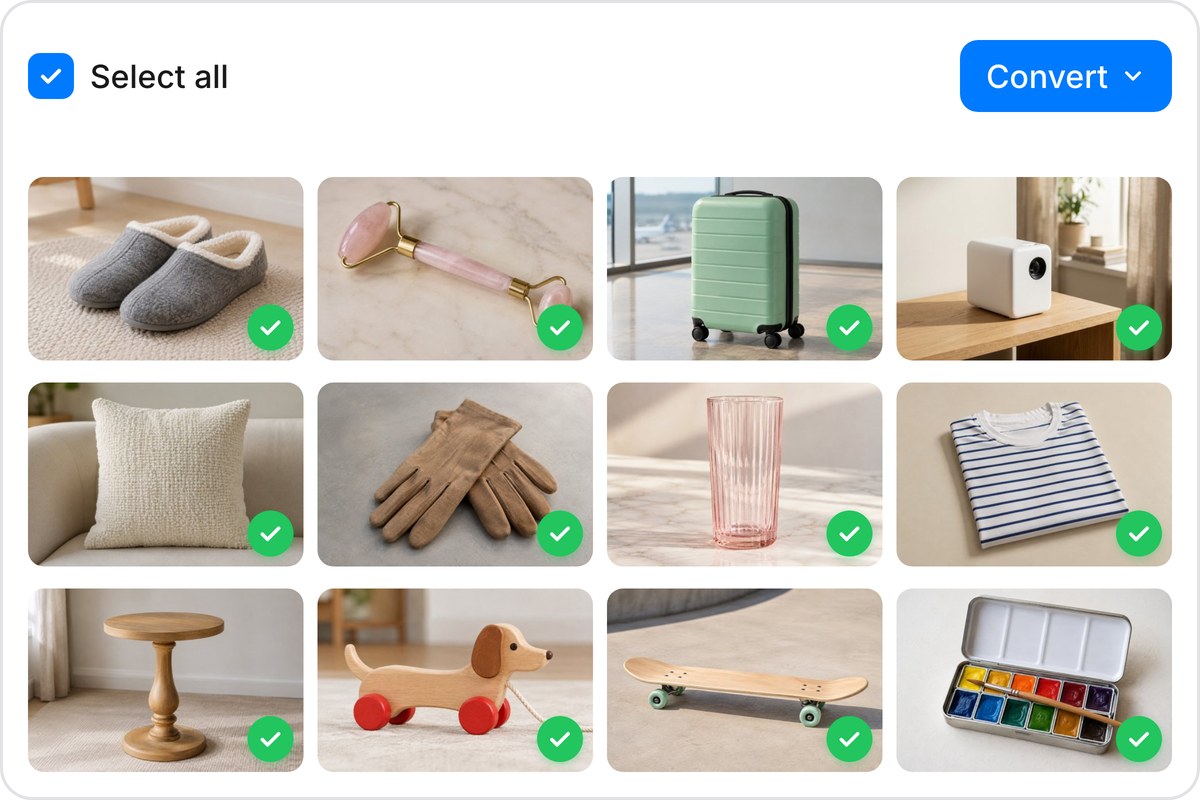
Converting files one at a time is nobody's idea of a good afternoon. Pixelcut lets you batch convert up to 10,000 PNG images to JPG in a single session. Drag in your entire folder, hit convert, and download everything as a tidy ZIP. Whether you are processing a week's worth of screenshots or a full product catalog, the bulk PNG to JPG converter handles it. Free accounts start with 100 conversions per batch.
Every PNG you convert on Pixelcut stays on your device. The conversion runs entirely in your browser using client-side processing, so your files are never uploaded to a remote server. No waiting on uploads, no worrying about who can reach your data, and no retention policies to read through. Your personal photos, confidential designs, and client assets stay exactly where they belong. Close the tab and the process leaves nothing behind.
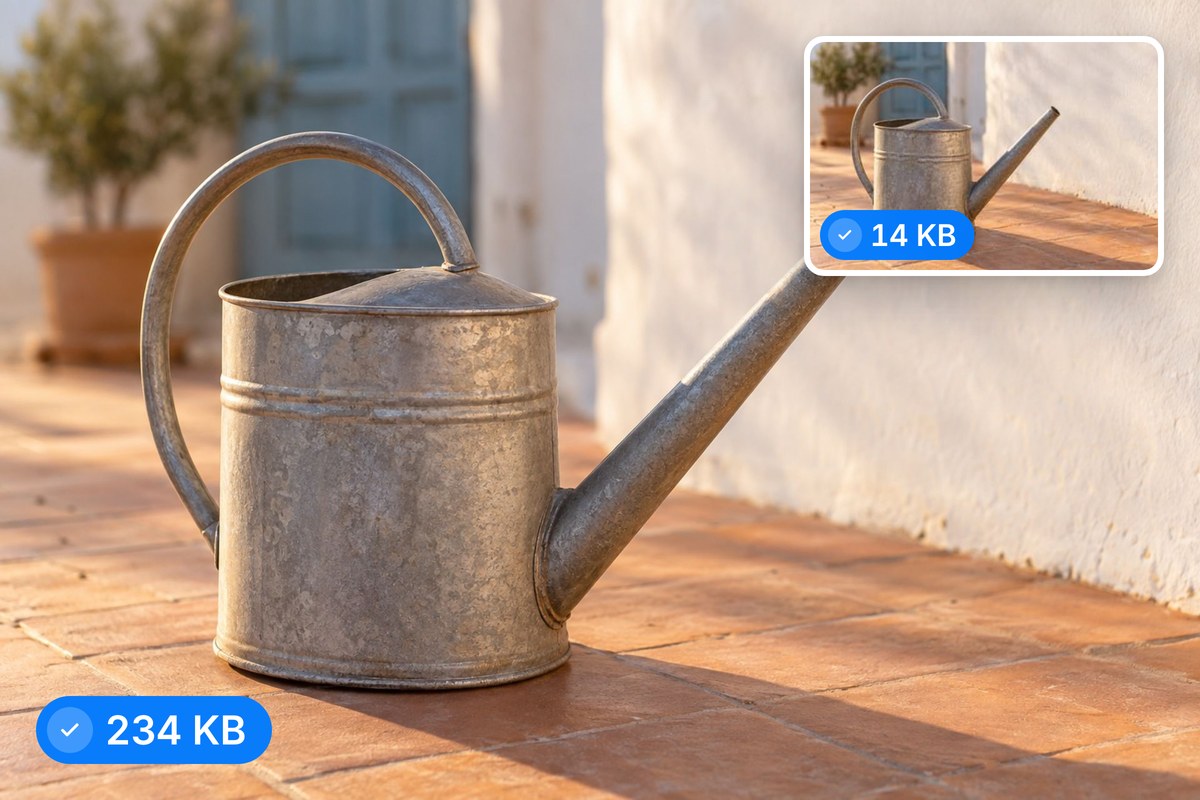
JPG is the web's default photo format for good reason. It delivers vibrant images at a fraction of the PNG file size, which means faster page loads, smoother email attachments, and less storage used on your device. Converting PNG to JPG is one of the quickest wins for web performance and everyday file management. Once your images are converted, Pixelcut's AI editing tools can resize, enhance, or remove backgrounds before you publish.











Great app, easy to use. Helps our small business save time and money to create different marketing materials professionally. Thank you.
I need a good background remover for my work and I've been through them all it feels like. This one is the best by far. It's so easy to use and the results always look amazing. Thank you Pixelcut!
It's amazingly easy and gives the perfect results for my bags and accessories. It looks like it was done by a professional photographer.