My favorite app
Great app, easy to use. Helps our small business save time and money to create different marketing materials professionally. Thank you.
Convert JPG to WebP right in your browser and get modern, web-ready files that stay sharp. Batch thousands of images at once, then download everything as a single ZIP.
Drag and drop your JPG images into the converter, or import them from your device or Dropbox. Add up to 100 files free, or up to 10,000 on a paid plan.
Select WebP as your output format and click convert. Pixelcut processes every file locally in your browser, so your images stay private on your own device.
Download your converted WebP files individually or grab them all at once as a ZIP archive. Your files are ready in seconds, formatted for the modern web.
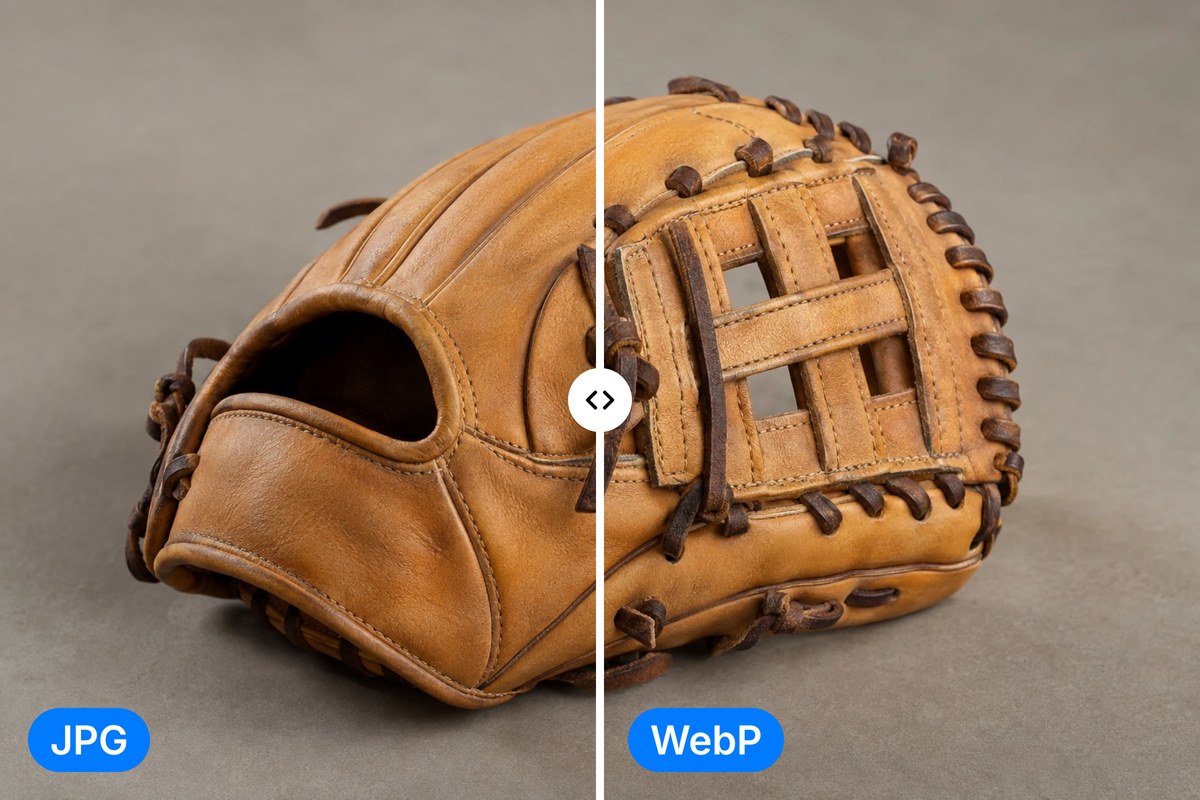
WebP is Google's modern image format, supported across every major browser. When you convert JPG to WebP on Pixelcut, your images keep the sharpness, color accuracy, and detail you see today, in a noticeably lighter file. You get a future-proof, web-ready file that displays cleanly on modern sites and apps, ready to drop into your CMS or storefront in one step.
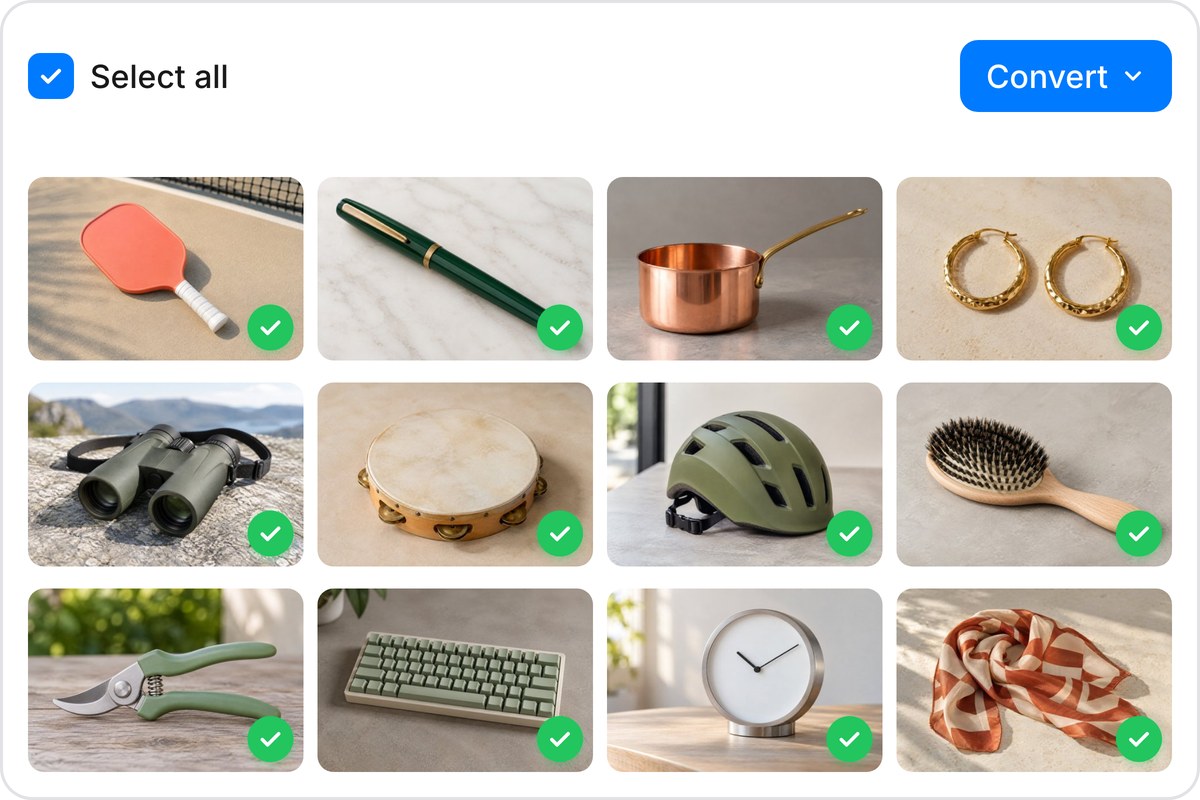
Got an entire folder of product photos or blog graphics to convert? Upload up to 100 JPG files free, or scale to 10,000 per batch on a paid plan, and convert them all to WebP at once. Pixelcut handles the queue automatically, so you can step away and let it run. When everything finishes, download your WebP files as a single ZIP archive. Converting images one by one is a thing of the past.
Every JPG you convert on Pixelcut stays on your device. The conversion runs entirely inside your browser using client-side processing, so your files are never uploaded to a remote server. No one else sees your images, stores them, or accesses them after the fact. That is especially valuable for confidential product shots, personal photographs, or any visual content you would rather not hand to a third party.
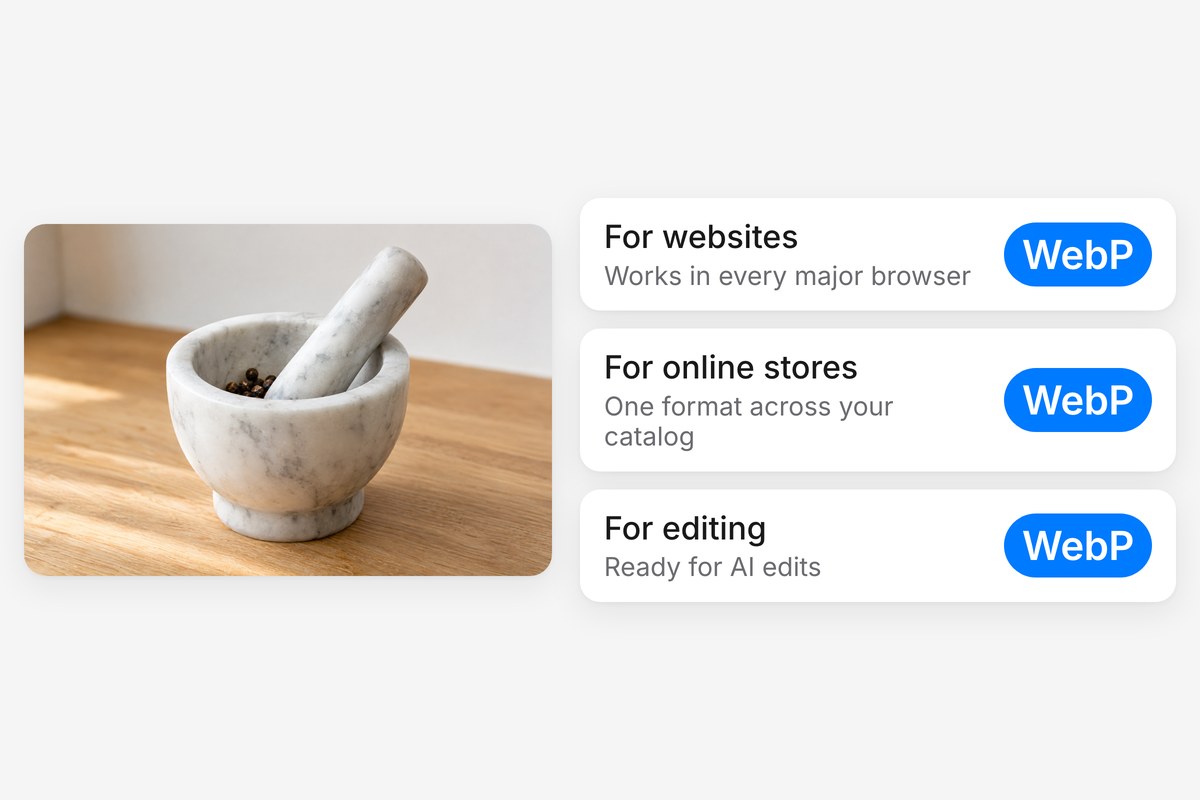
WebP is the format modern sites lean on, with broad browser support and a single file type that covers photos, graphics, and transparency. Converting your JPGs to WebP future-proofs your image library and keeps everything consistent across your pages. Pixelcut also offers AI tools for background removal, upscaling, and more, so you can refine your visuals after converting without switching to another app.











Great app, easy to use. Helps our small business save time and money to create different marketing materials professionally. Thank you.
I need a good background remover for my work and I've been through them all it feels like. This one is the best by far. It's so easy to use and the results always look amazing. Thank you Pixelcut!
It's amazingly easy and gives the perfect results for my bags and accessories. It looks like it was done by a professional photographer.