My favorite app
Great app, easy to use. Helps our small business save time and money to create different marketing materials professionally. Thank you.
Convert PNG to WebP right in your browser with sharp results and transparency preserved. Batch hundreds of files at once and download smaller, web-ready images in a single ZIP.
Drag and drop your PNG images into the converter or click to browse. Add single files or import an entire folder from Dropbox for a full batch conversion.
Hit convert and Pixelcut processes your files right in the browser. Your images stay on your device the entire time, never touching external servers.
Grab your converted WebP files individually or download everything as a single ZIP. You can also pull source files in from Dropbox to start your next batch.
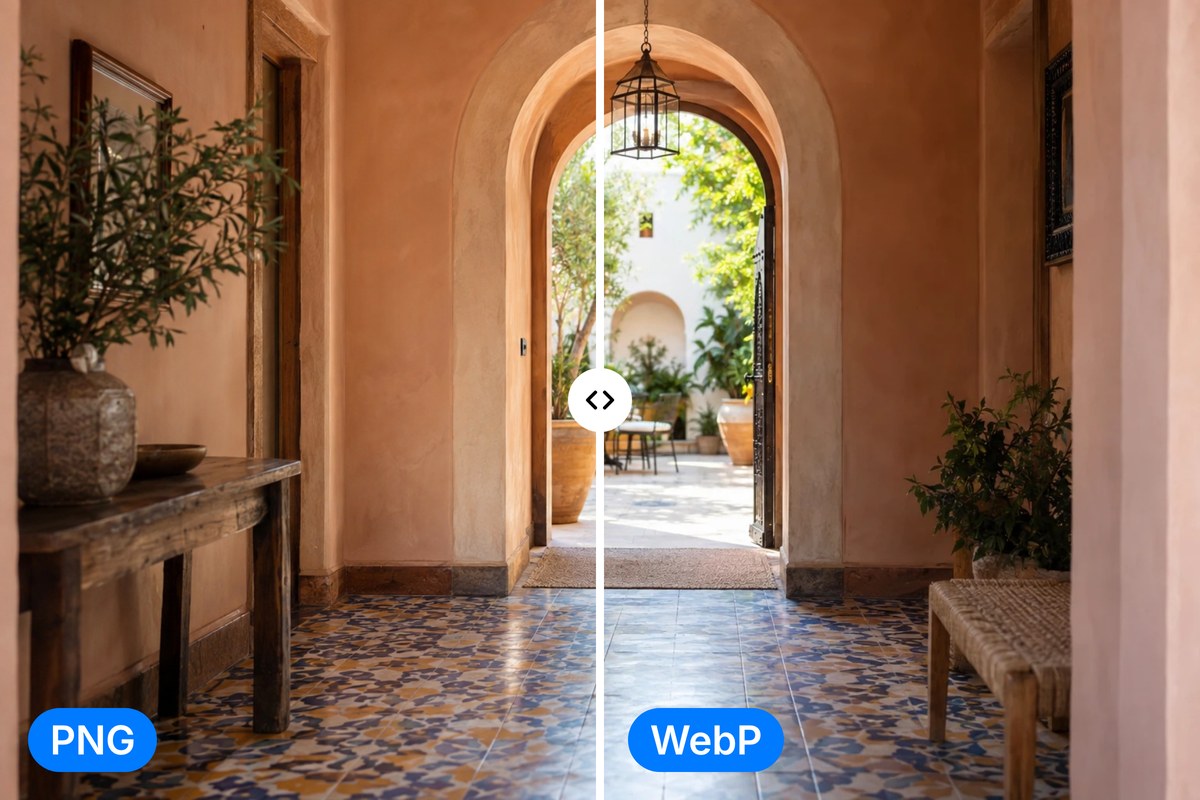
PNG files carry sharp detail and lossless clarity, but they also carry heavy file sizes. Pixelcut's PNG to WebP converter turns them into much lighter files that keep colors, edges, and transparency looking clean. You get sharp, web-ready images in a smaller, faster file that is ready for the modern web.
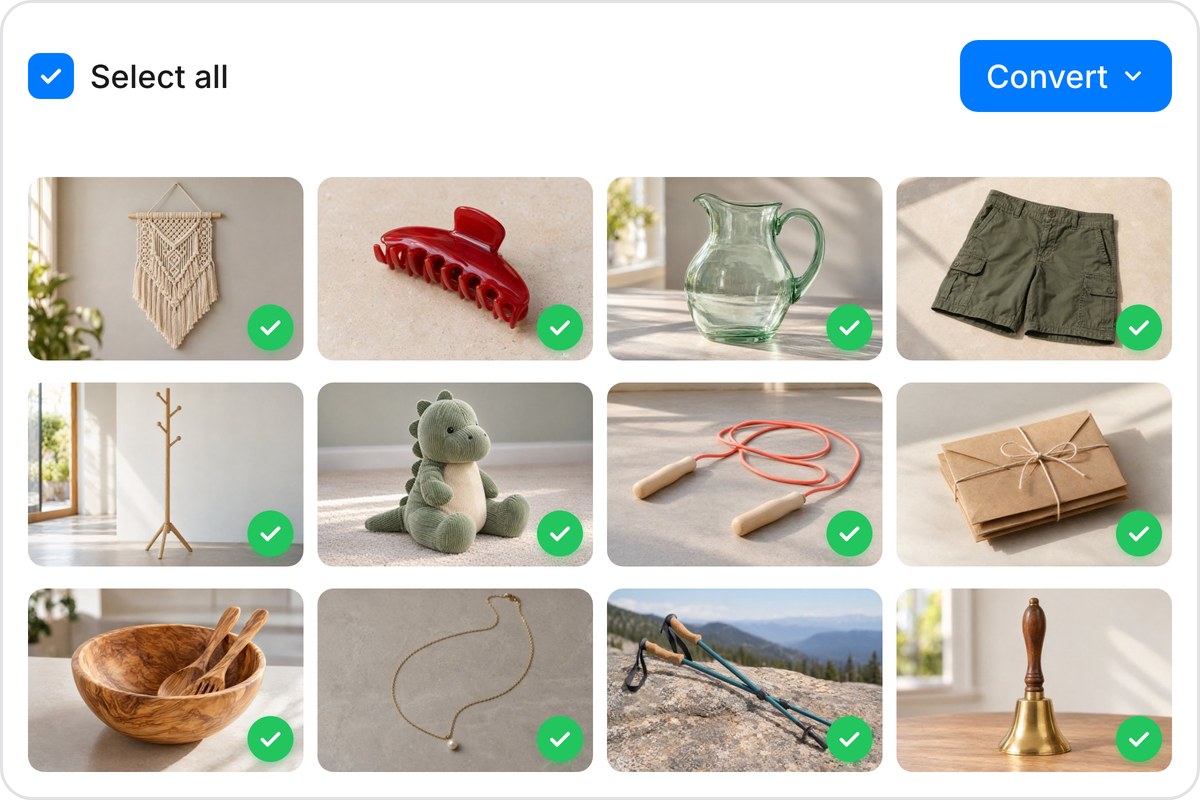
Redesigning a site with hundreds of product shots? Migrating a portfolio to WebP? Pixelcut handles it. Upload up to 100 PNG files free or scale to 10,000 per batch on a paid plan. Every converted file downloads as a tidy ZIP, so you can swap out an entire image library without renaming, reorganizing, or converting one file at a time. Bulk conversion that actually saves hours.
Your PNG files are converted to WebP entirely inside your browser using client-side processing. Nothing leaves your device. No uploads, no server storage, no third-party access. That makes this converter a safe fit for brand assets, unreleased product photos, confidential design files, and anything else you would rather keep off someone else's cloud. The privacy is built into how the tool runs, not promised after the fact.
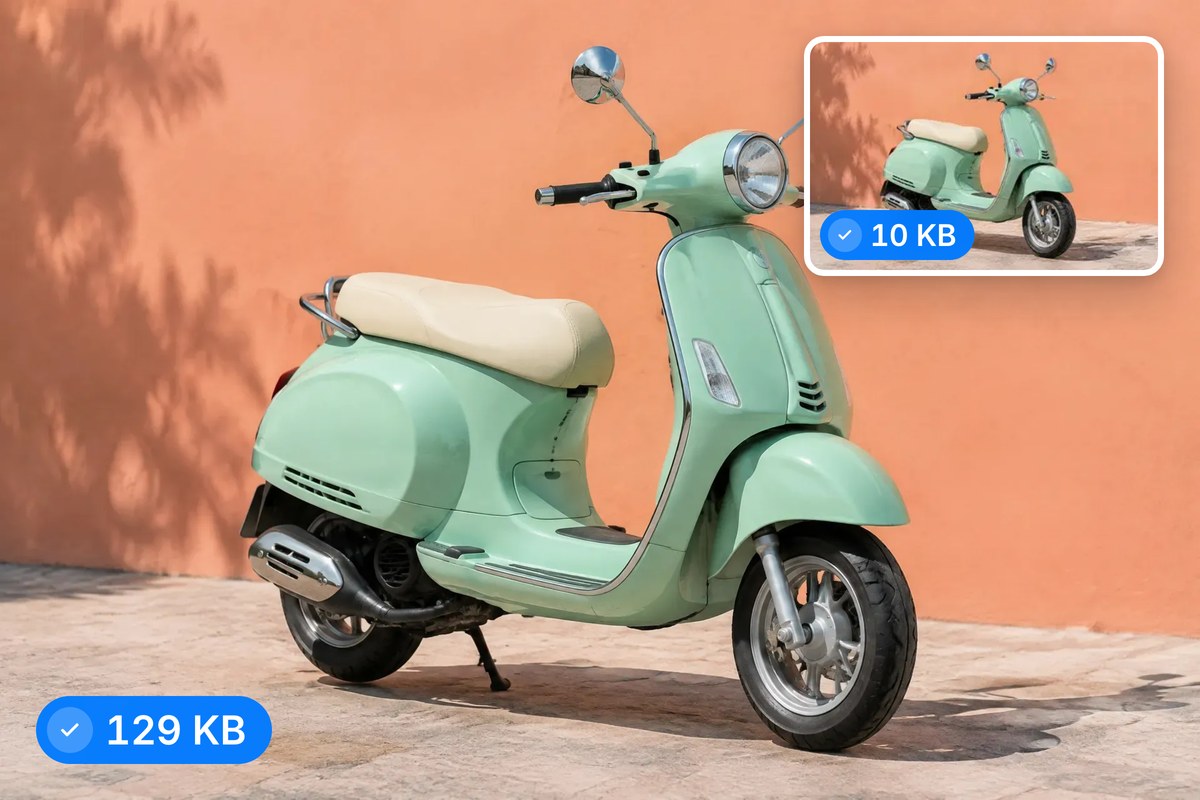
WebP was built by Google to make the web faster, and switching from PNG delivers real results. Expect much smaller files that load quicker, cut bandwidth costs, and lift your Core Web Vitals scores. Transparency is fully preserved in WebP, so logos, icons, and layered graphics work just like they did in PNG. Once your images are converted, Pixelcut's AI tools can remove backgrounds, upscale, and more.











Great app, easy to use. Helps our small business save time and money to create different marketing materials professionally. Thank you.
I need a good background remover for my work and I've been through them all it feels like. This one is the best by far. It's so easy to use and the results always look amazing. Thank you Pixelcut!
It's amazingly easy and gives the perfect results for my bags and accessories. It looks like it was done by a professional photographer.