My favorite app
Great app, easy to use. Helps our small business save time and money to create different marketing materials professionally. Thank you.
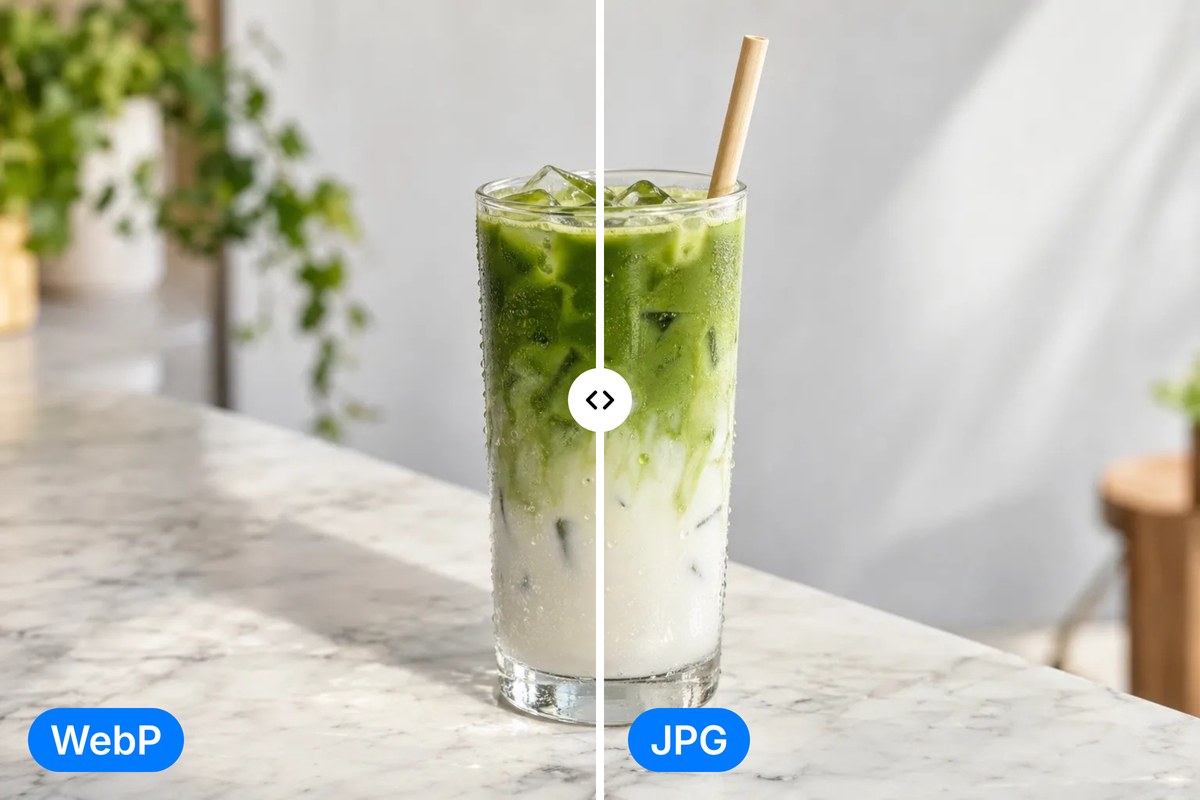
Convert WebP to JPG right in your browser with sharp, clear results. Batch up to 100 images free or thousands on a paid plan, then download everything as a single ZIP.
Drag and drop your WebP files into the converter or import directly from Dropbox. Select one file or hundreds at a time for a single batch conversion.
Click convert and watch your WebP files become JPGs in moments. Everything runs locally in your browser, so your images never leave your device.
Grab your converted JPGs individually or download everything as a single ZIP file. Your new JPGs are ready to share, print, or edit anywhere you need.
WebP is compact, but not every app or platform supports it. Pixelcut's converter turns your WebP files into high-quality JPGs that stay true to the originals at full resolution. Whether you saved images from a website or received WebP files from a colleague, you get clean JPGs ready for any workflow, from a client handoff to a print run. Free to try, with no software to install.
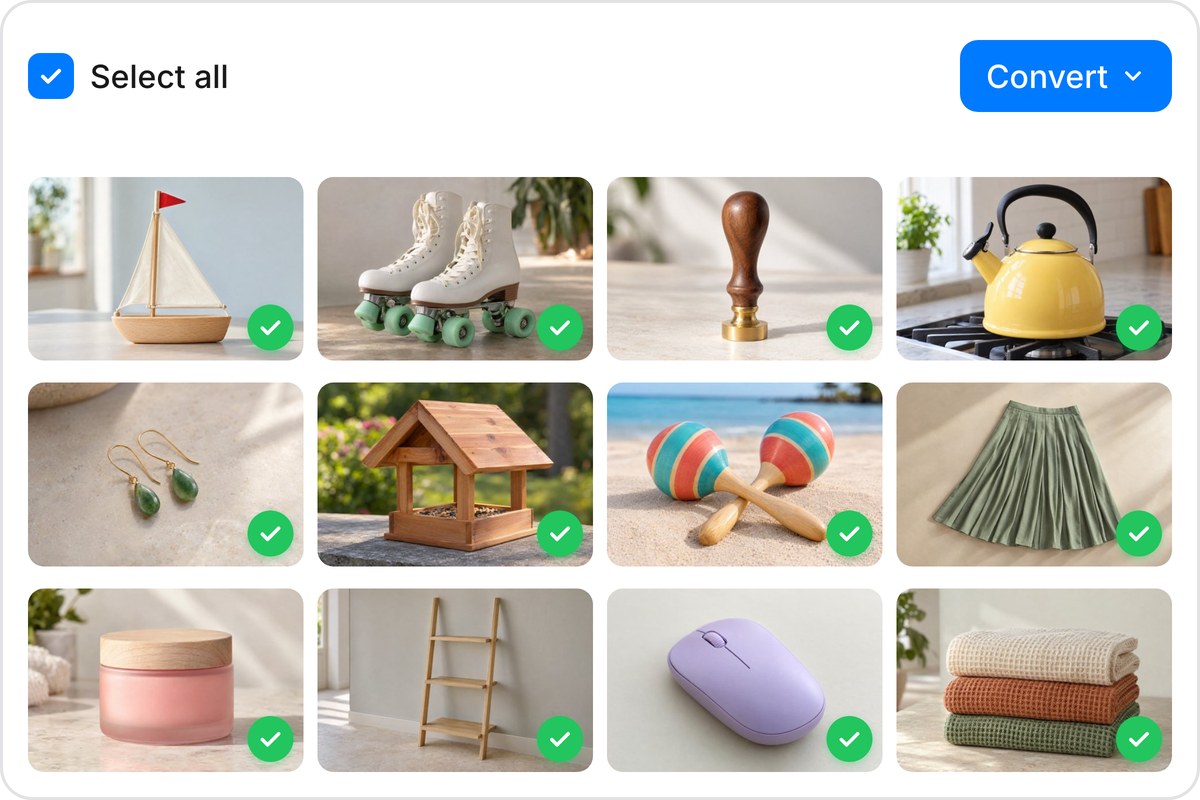
One file or ten thousand, the process stays the same. Upload your entire WebP collection, hit convert, and download all your JPGs in a single ZIP. Pixelcut handles up to 100 images free and scales to 10,000 per batch on paid plans. There is no waiting in queues to slow you down, so large libraries move quickly. It is built for designers, marketers, and store owners who work with big image sets and need results fast.
Your WebP files are converted to JPG entirely inside your browser using client-side processing. Nothing gets uploaded, nothing gets stored, and no one else can reach your images. That makes Pixelcut the right choice for confidential assets, client work, and personal photos you would rather keep to yourself. Since the conversion runs on your own device, your files stay under your control from the first upload to the final download.
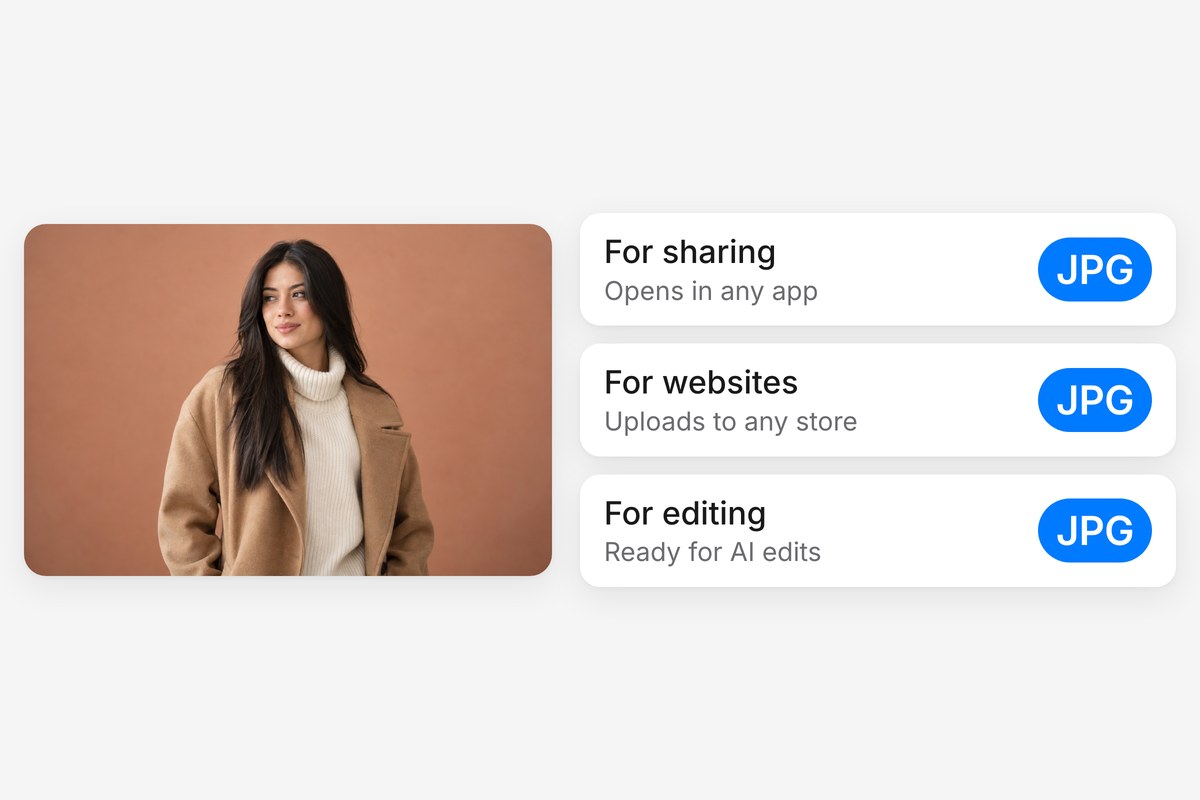
WebP was built for the web, but JPG works everywhere. Email clients, print services, older photo editors, social platforms, and presentation software all handle JPGs without issues. Converting your WebP files to JPG clears up compatibility headaches and gives you a format that just works. Once you have your JPGs, Pixelcut's AI editing tools can help you resize, enhance, or remove backgrounds in a few clicks.











Great app, easy to use. Helps our small business save time and money to create different marketing materials professionally. Thank you.
I need a good background remover for my work and I've been through them all it feels like. This one is the best by far. It's so easy to use and the results always look amazing. Thank you Pixelcut!
It's amazingly easy and gives the perfect results for my bags and accessories. It looks like it was done by a professional photographer.