My favorite app
Great app, easy to use. Helps our small business save time and money to create different marketing materials professionally. Thank you.
Convert JPG to PNG right in your browser and lock in lossless quality. Batch thousands of files at once, preserve every pixel, and download everything as a single ZIP.
Drag and drop your JPG files into the converter or import them from Dropbox. Add up to 100 files for free, or up to 10,000 with a paid plan.
Select PNG as your output format and click convert. Pixelcut processes your files directly in the browser, so nothing gets uploaded to external servers.
Grab each converted PNG individually or download all of them at once in a single ZIP file. Your lossless PNG files are ready to use immediately.
JPG uses lossy compression, so every save can degrade your image a little. Converting to PNG locks in the quality you have now by moving your file to a lossless format, with no further degradation and no new compression artifacts. Pixelcut's converter handles the format change cleanly, keeping colors, resolution, and sharpness exactly as they are. If you plan to edit the image later, PNG gives you a stable starting point that holds up through repeated saves.
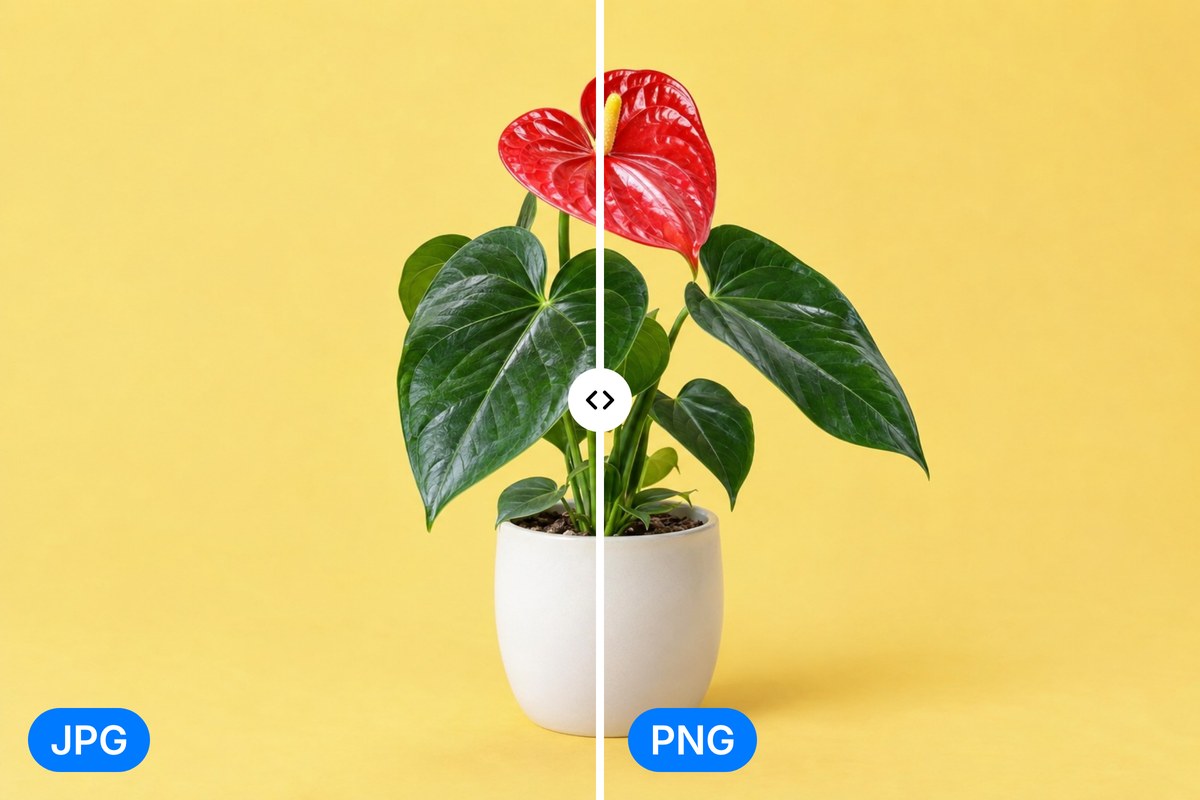
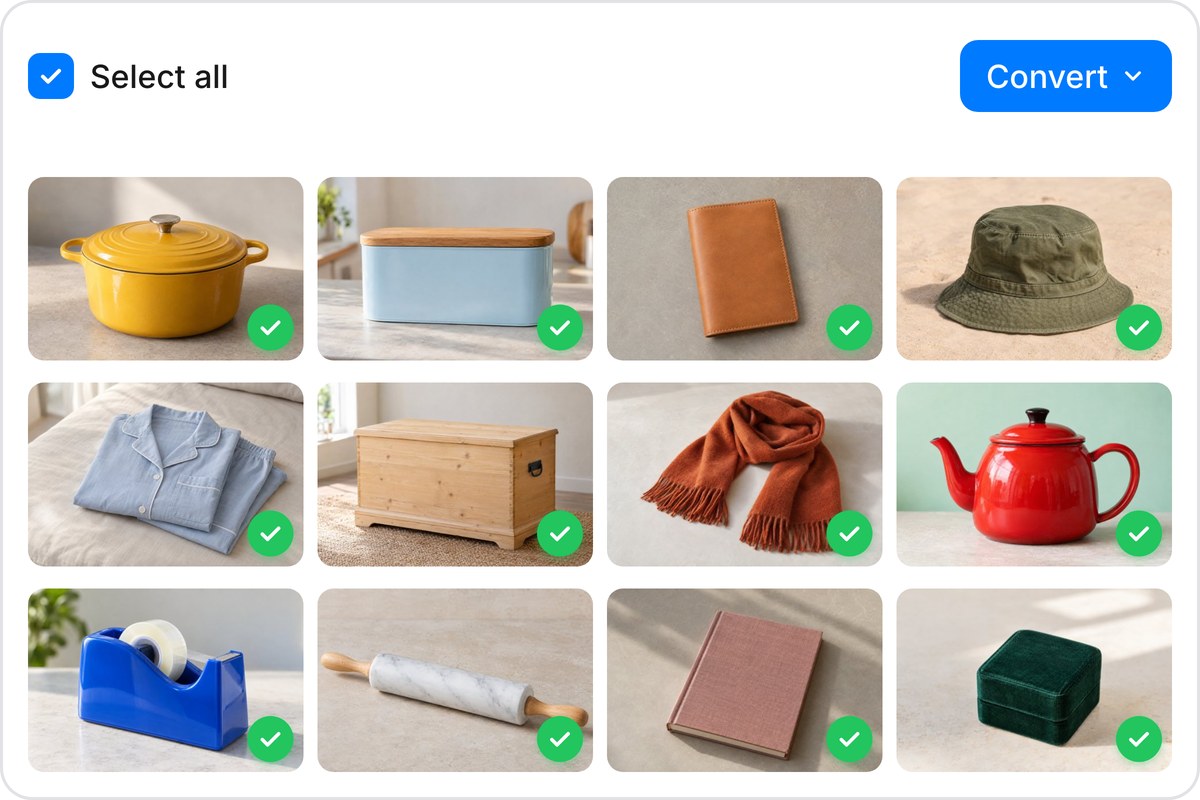
Got a folder full of JPGs that need to be PNGs? Upload up to 100 images free, or scale to 10,000 on a paid plan. Pixelcut's JPG to PNG converter processes your entire batch at once instead of one file at a time. Import straight from Dropbox if your files live in the cloud. When everything is converted, download the whole set as a single ZIP instead of clicking through each file. Big batches finish in seconds.
Your JPG to PNG conversion happens entirely in your browser, on your own device. No images leave your computer, no data is stored on third-party servers, and there is nothing to delete afterward because nothing was uploaded in the first place. Whether you are converting personal photos or client work, your files stay under your control from start to finish. The privacy comes from how the tool runs, not a policy you have to trust.
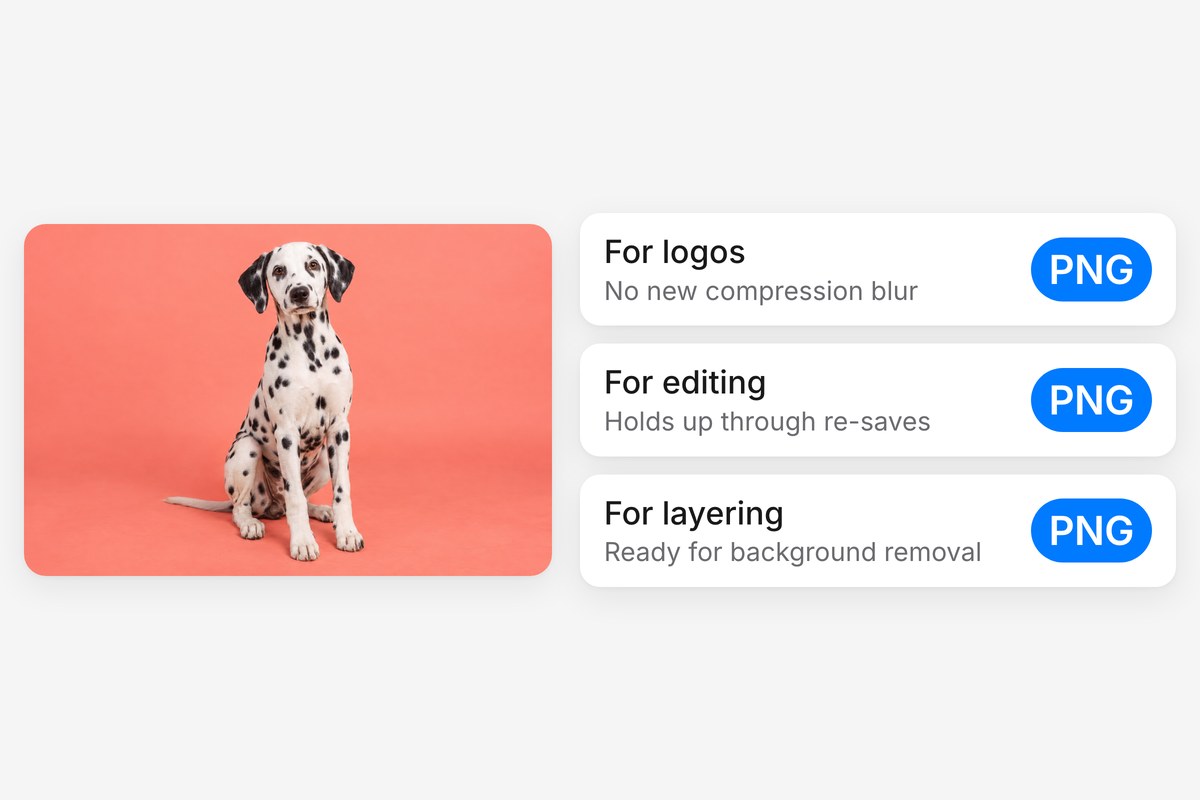
PNG is the go-to format when you need sharp edges on text, clean lines on logos, or a transparent layer for design work. Converting your JPG to PNG gives you a file that supports transparency, handles graphic elements without blurring, and holds up through multiple rounds of editing. Once your files are in PNG, you can run them through Pixelcut's AI background remover to create transparent PNGs ready for layering into any project.











Great app, easy to use. Helps our small business save time and money to create different marketing materials professionally. Thank you.
I need a good background remover for my work and I've been through them all it feels like. This one is the best by far. It's so easy to use and the results always look amazing. Thank you Pixelcut!
It's amazingly easy and gives the perfect results for my bags and accessories. It looks like it was done by a professional photographer.