My favorite app
Great app, easy to use. Helps our small business save time and money to create different marketing materials professionally. Thank you.
Convert HEIC to WebP right in your browser and turn iPhone photos into lightweight, web-ready files. Batch up to 10,000 images, keep them looking sharp, and download as a ZIP.
Drag and drop your HEIC photos or select them from your device. You can also import an entire folder directly from Dropbox to load a full batch fast.
Pixelcut converts your images right in the browser, with no uploading to servers and no waiting on cloud processing. Your photos stay on your device throughout.
Grab your converted WebP images individually or download everything as a single ZIP file. Your new files are web-ready and built for fast loading.
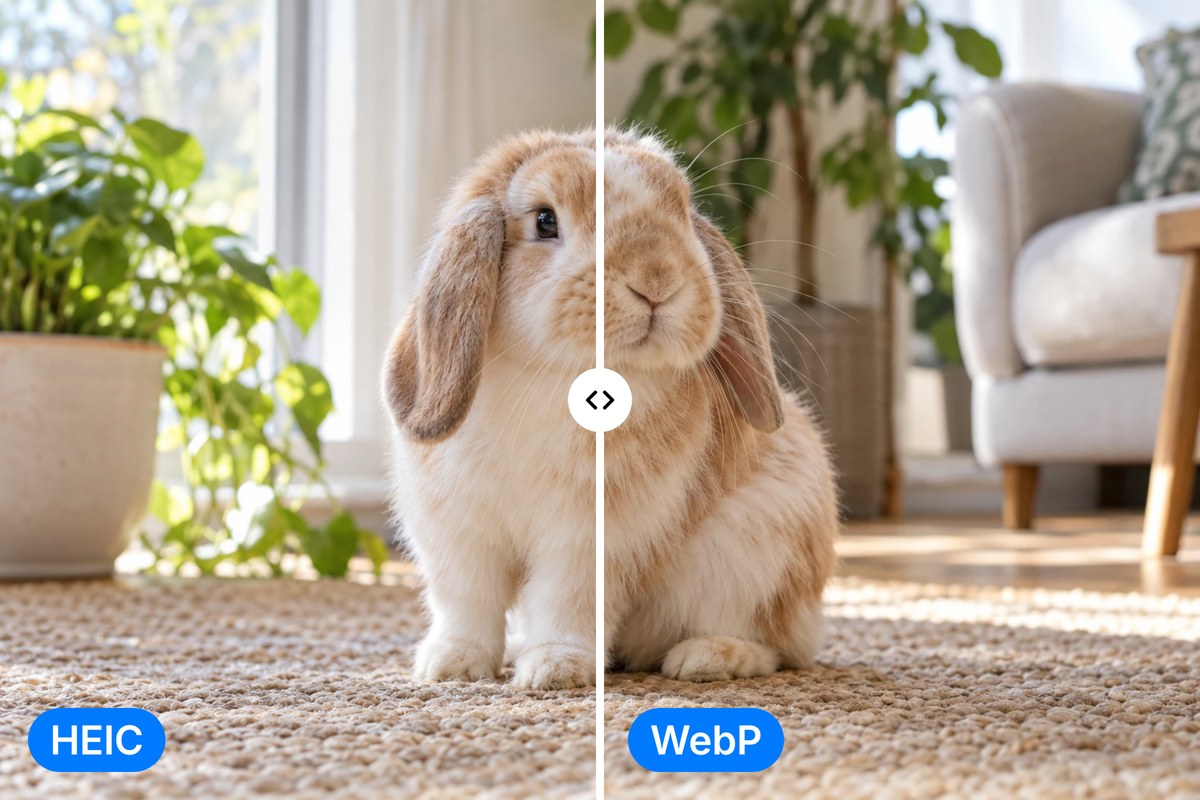
HEIC files from your iPhone look great, but most browsers and websites still can't display them. WebP fixes that, delivering sharp quality at a fraction of the file size of JPG or PNG. Pixelcut handles the format switch instantly, giving you web-compatible images without visible quality loss. Whether you are prepping product photos for an online store or uploading to a CMS, your converted WebP files load faster and take up less storage.
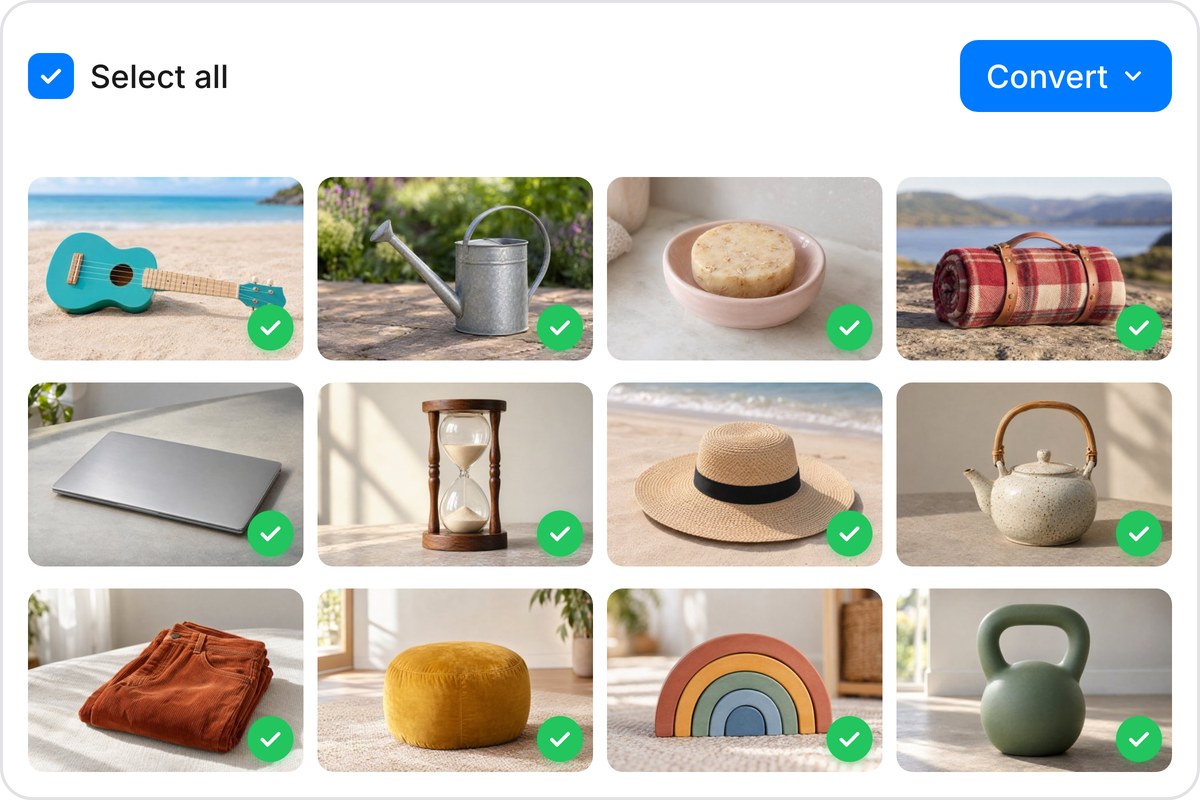
Got a whole photo library to convert? Skip the one-by-one grind. Pixelcut processes up to 10,000 HEIC images per batch, so you can convert an entire shoot or product catalog at once. Start with 100 files free to test the workflow. When everything finishes, download all your WebP files as a single ZIP. You can also import HEIC images straight from Dropbox if your photos live in the cloud.
Every conversion happens locally in your browser using client-side processing, so your HEIC files never leave your device. There are no server uploads, no third-party access, and no wondering what happens to your data after processing. That makes Pixelcut a solid choice for personal photos, client work, or any images you would rather keep off someone else's infrastructure. The privacy is built into how the tool runs.

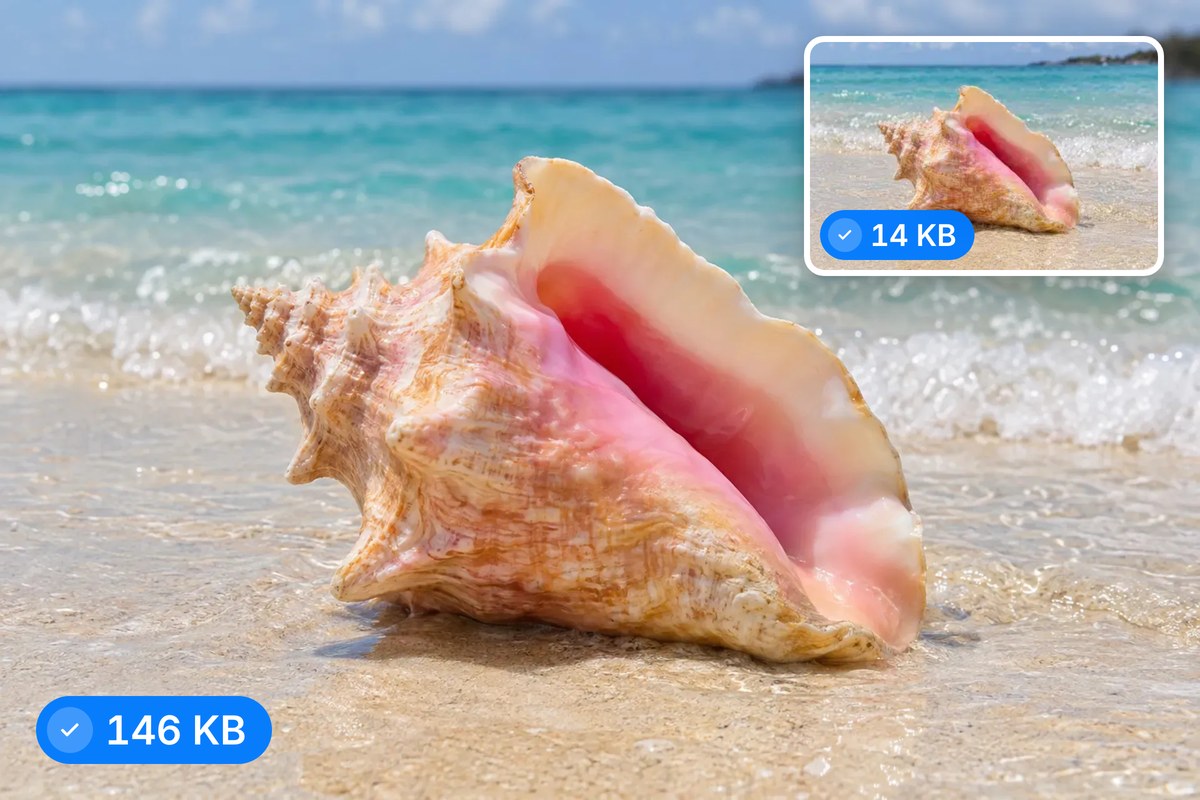
WebP was built by Google specifically for the web. Compared to JPG, it typically produces files 25 to 35 percent smaller at similar visual quality, which means faster page loads, lower bandwidth costs, and stronger Core Web Vitals scores. For ecommerce stores, blogs, and portfolios, switching from HEIC to WebP is one of the simplest performance wins around. After converting, Pixelcut's AI editing tools can refine backgrounds, upscale resolution, or enhance colors before you publish.











Great app, easy to use. Helps our small business save time and money to create different marketing materials professionally. Thank you.
I need a good background remover for my work and I've been through them all it feels like. This one is the best by far. It's so easy to use and the results always look amazing. Thank you Pixelcut!
It's amazingly easy and gives the perfect results for my bags and accessories. It looks like it was done by a professional photographer.