My favorite app
Great app, easy to use. Helps our small business save time and money to create different marketing materials professionally. Thank you.
Convert HEIC to JPG right in your browser with sharp, clear results. No server uploads and no software to install, just fast, private batch conversion for your whole camera roll.
Drag and drop your HEIC photos or select them from your device. You can also import an entire folder straight from Dropbox for faster batch jobs.
Your files convert instantly right in your browser and nothing gets uploaded to a server. Select all the HEIC photos you need and let Pixelcut handle the rest.
Grab your converted JPGs one by one or download everything as a single ZIP file. Your photos are ready to share, print, or edit anywhere you need them.
HEIC files pack incredible quality into small sizes, and your JPGs should reflect that. Pixelcut's converter preserves your original resolution and color accuracy through every conversion, with no washed-out tones. Whether you shot a sunset portrait or a product flat lay, the JPG output stays true to your HEIC source. The conversion is quick and straightforward, so you spend less time waiting and more time using your photos.
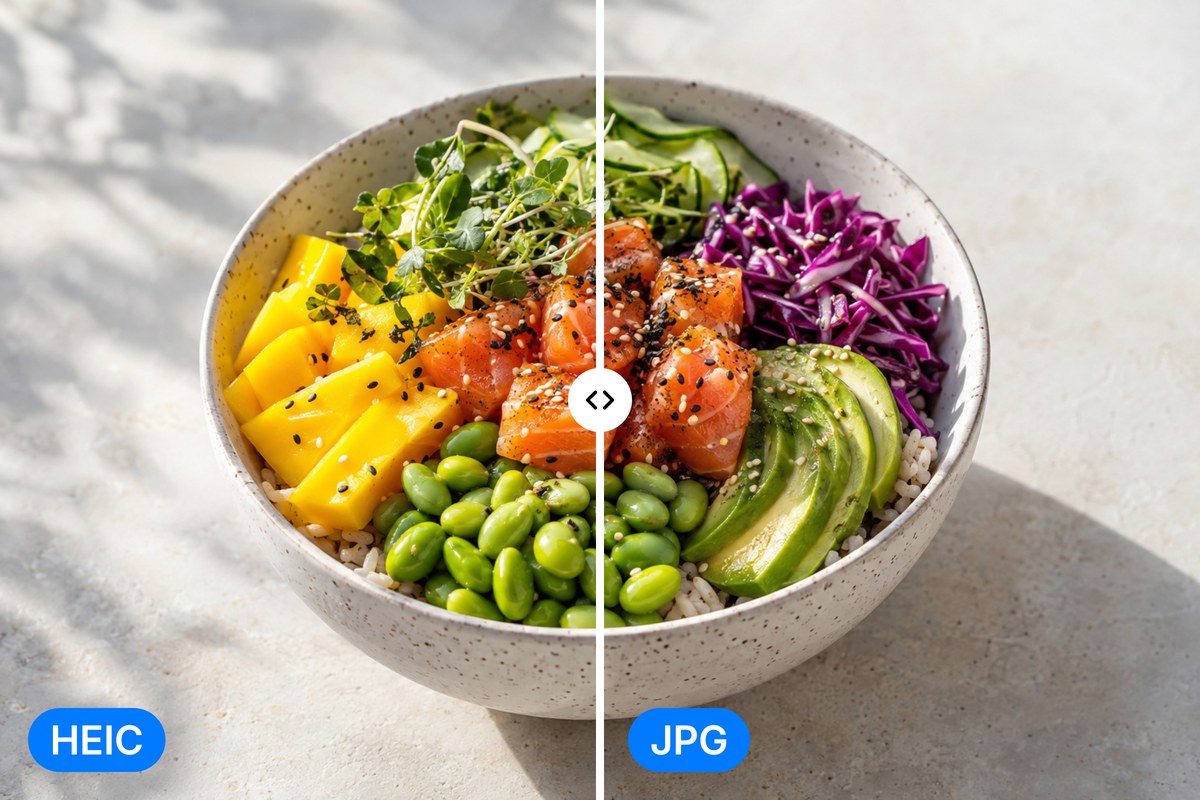
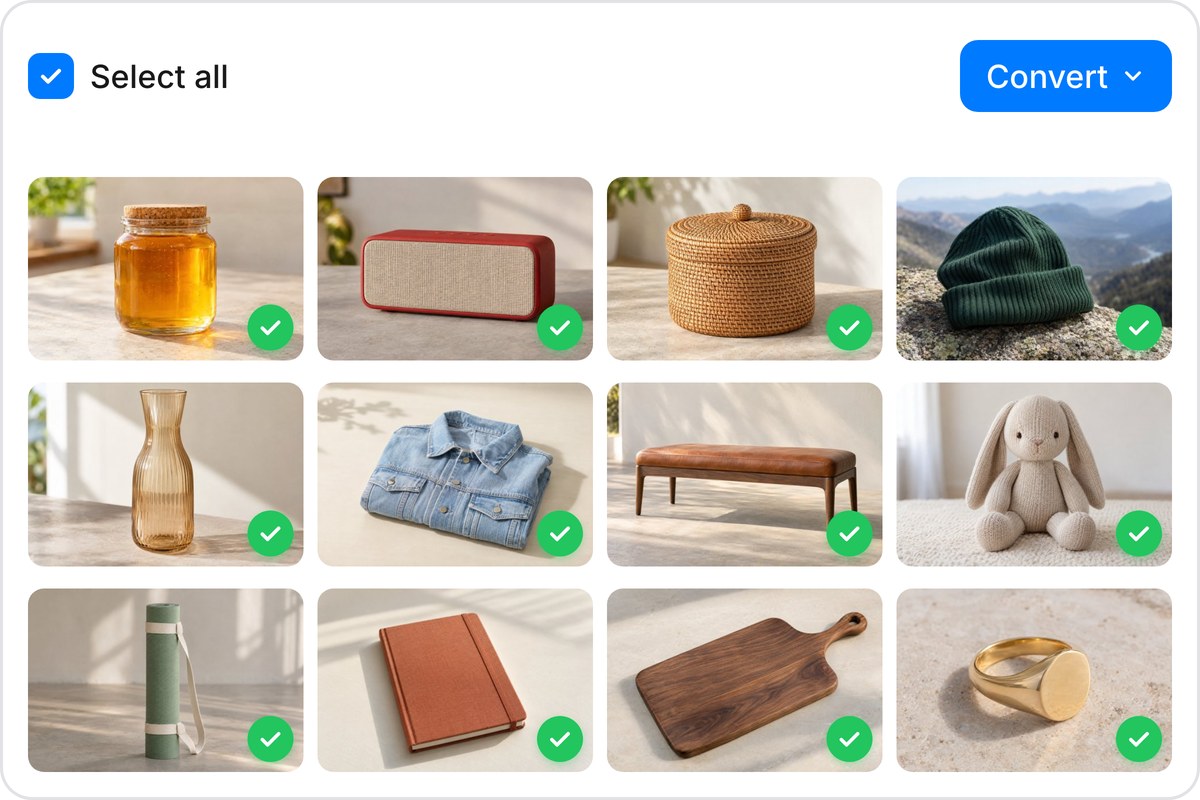
Got a full camera roll to convert? Pixelcut handles up to 10,000 HEIC files in a single batch. Upload from your device or pull files straight from Dropbox, then download every JPG as one ZIP. No more converting photos one at a time. Whether you are migrating an entire photo library or clearing a weekend's worth of shots, the batch converter handles it in minutes. Start with 100 free conversions to try it out.
Your personal photos deserve real privacy. Pixelcut converts HEIC to JPG entirely inside your browser, so your images never leave your device. There are no uploads to remote servers, no cloud storage in between, and no third-party access. The conversion runs locally on your own hardware. That matters when you are converting vacation photos, family moments, or anything you would rather keep to yourself. Private by design, not by policy.
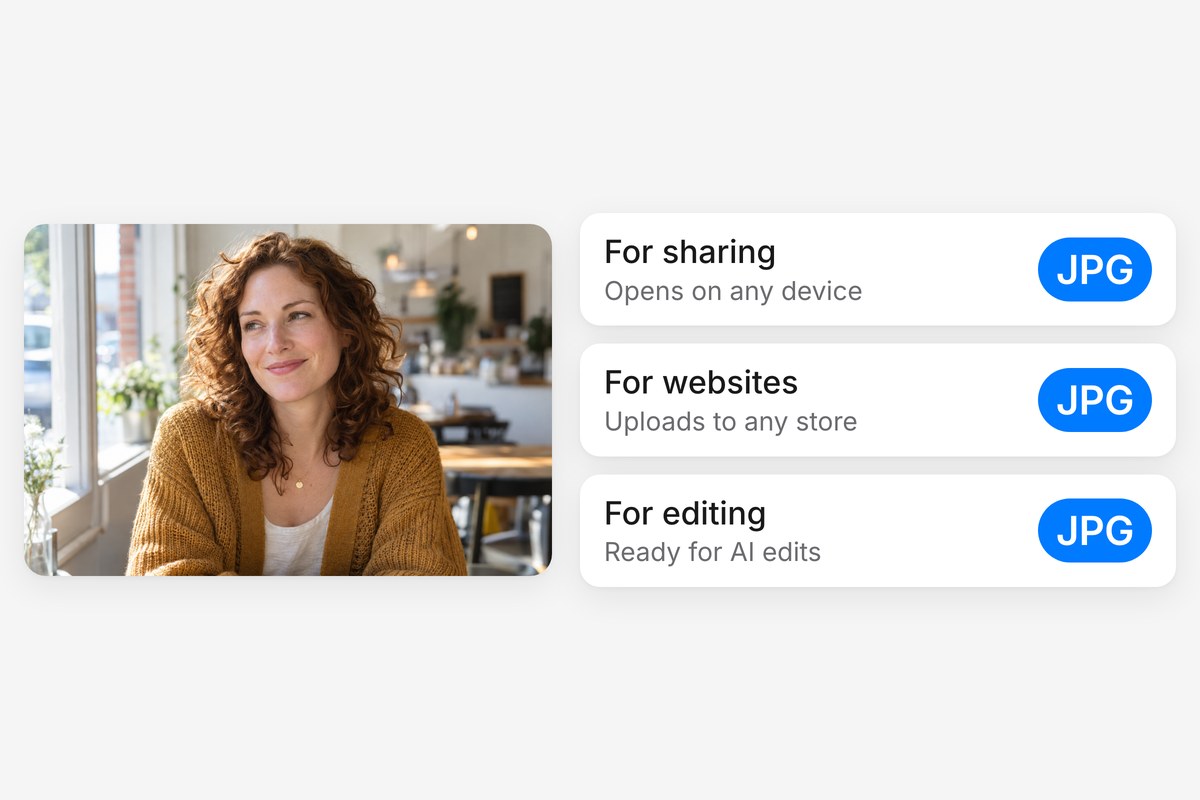
Apple's HEIC format saves storage, but it creates headaches the moment you share photos outside the Apple world. Windows PCs, older apps, social platforms, and email clients often reject HEIC files. Converting to JPG gives your photos universal compatibility across every device and platform, so they open instantly on any computer, phone, or browser. Once converted, Pixelcut's AI editing tools can remove backgrounds or upscale your JPGs if you want to take them further.











Great app, easy to use. Helps our small business save time and money to create different marketing materials professionally. Thank you.
I need a good background remover for my work and I've been through them all it feels like. This one is the best by far. It's so easy to use and the results always look amazing. Thank you Pixelcut!
It's amazingly easy and gives the perfect results for my bags and accessories. It looks like it was done by a professional photographer.