My favorite app
Great app, easy to use. Helps our small business save time and money to create different marketing materials professionally. Thank you.
Convert WebP to PNG right in your browser with full transparency and lossless quality preserved. Batch up to 10,000 files at once and download them all as a single ZIP.
Drag and drop your WebP images or upload them from your device. You can also import an entire folder from Dropbox. Add up to 100 files for free.
Select PNG as your output format and let Pixelcut handle the rest. Every file is converted locally in your browser, keeping your images completely private.
Download each PNG individually or grab all converted files at once as a ZIP archive. Every image keeps its original quality and transparency intact.
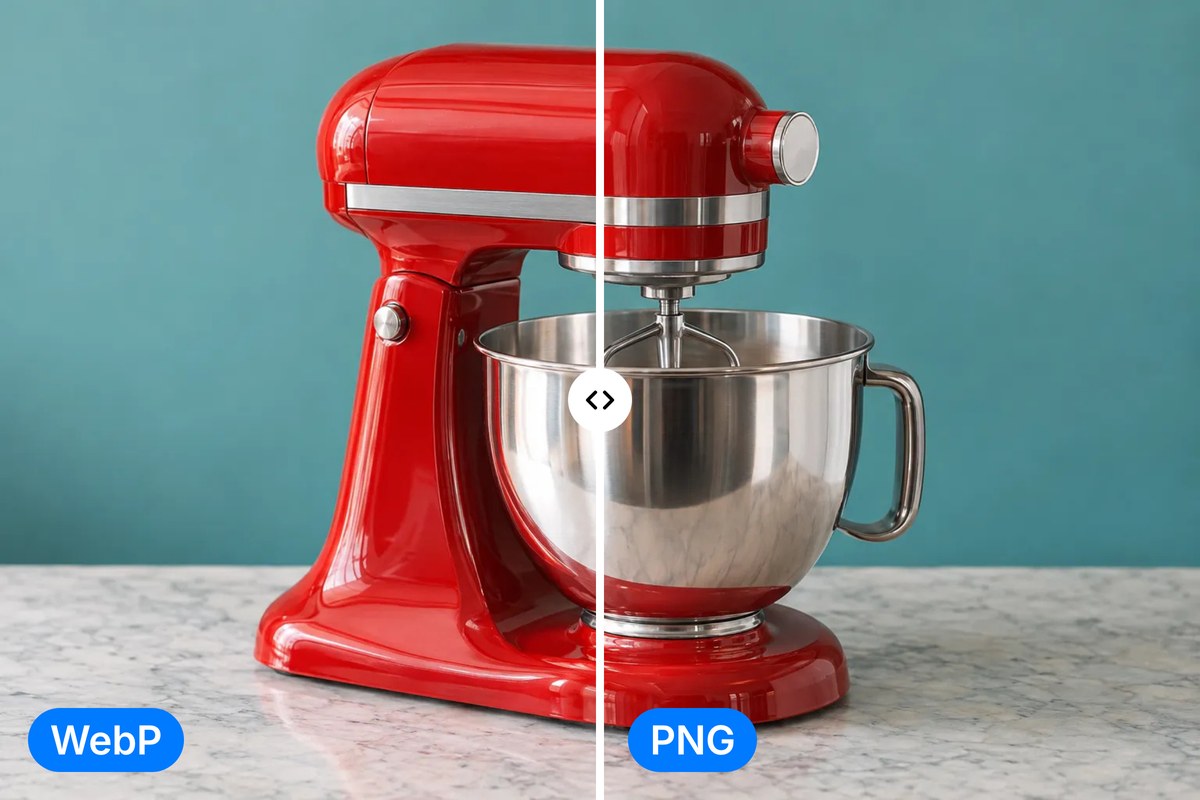
WebP files save space on websites, but they fall short when you need to edit, print, or share images on platforms that don't support the format. Pixelcut's WebP to PNG converter outputs pixel-perfect results with the full alpha channel intact. Every color value, every detail, and every layer carries over exactly as it was. Whether you are working with product photography, UI mockups, or transparent logos, you get a PNG that matches your original file down to the last pixel.
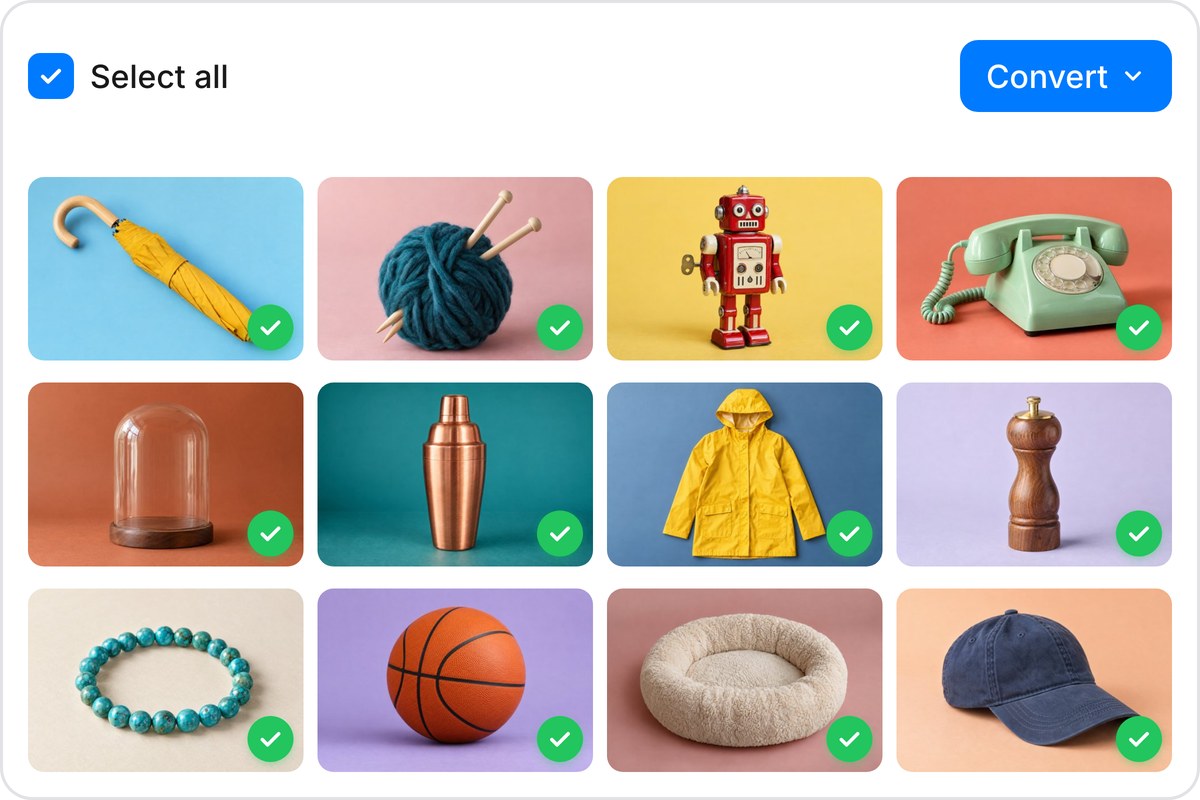
Converting files one at a time eats into your workflow. Pixelcut lets you batch convert up to 10,000 WebP images to PNG in a single session. Drag your entire folder in, hit convert, and download everything as a ZIP. You can also import WebP files straight from Dropbox if your assets live in the cloud. Start with 100 free conversions per batch, then scale up when your projects demand it. Processing stays fast because nothing leaves your machine.
Your WebP to PNG conversion runs entirely inside your browser. No images are transmitted, stored, or accessible to anyone but you. That makes it a strong fit for confidential assets like unreleased product shots, client mockups, and internal design files. Close the tab and everything is gone, with no server logs, no residual copies, and no third-party access. The privacy comes from how the tool runs, not a policy you have to trust.
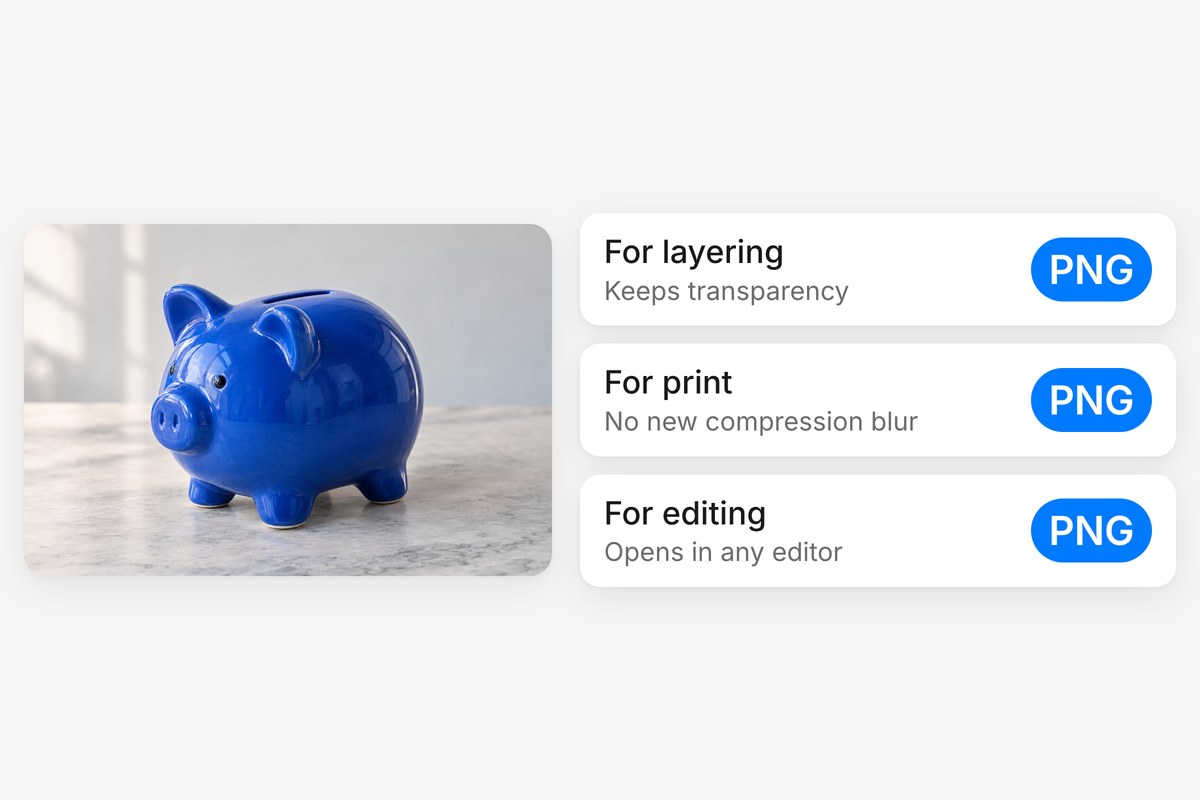
PNG is the go-to format when you need transparent backgrounds for layered compositions, print-ready graphics, or files that open cleanly in any editor. When you convert WebP to PNG, your images work everywhere: design tools, presentation software, social platforms, and professional print services. Need more from your images after converting? Pixelcut's AI tools can upscale, remove backgrounds, or sharpen them in a few clicks.











Great app, easy to use. Helps our small business save time and money to create different marketing materials professionally. Thank you.
I need a good background remover for my work and I've been through them all it feels like. This one is the best by far. It's so easy to use and the results always look amazing. Thank you Pixelcut!
It's amazingly easy and gives the perfect results for my bags and accessories. It looks like it was done by a professional photographer.