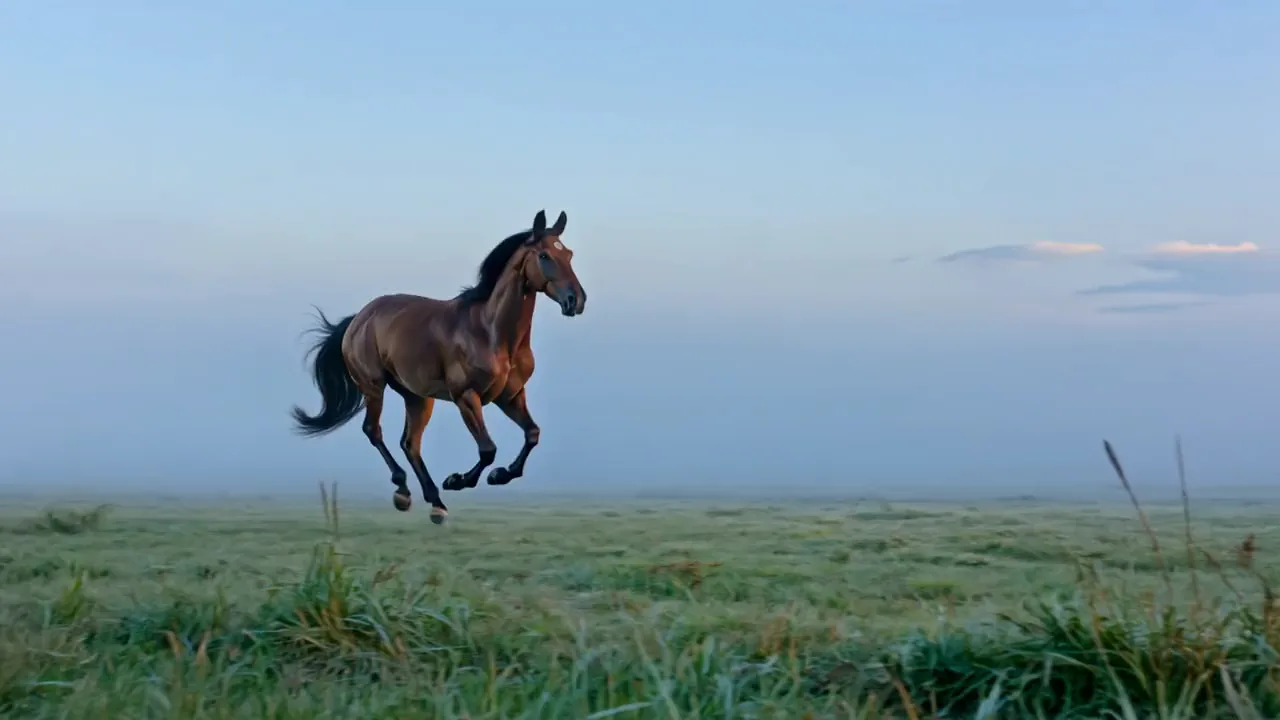
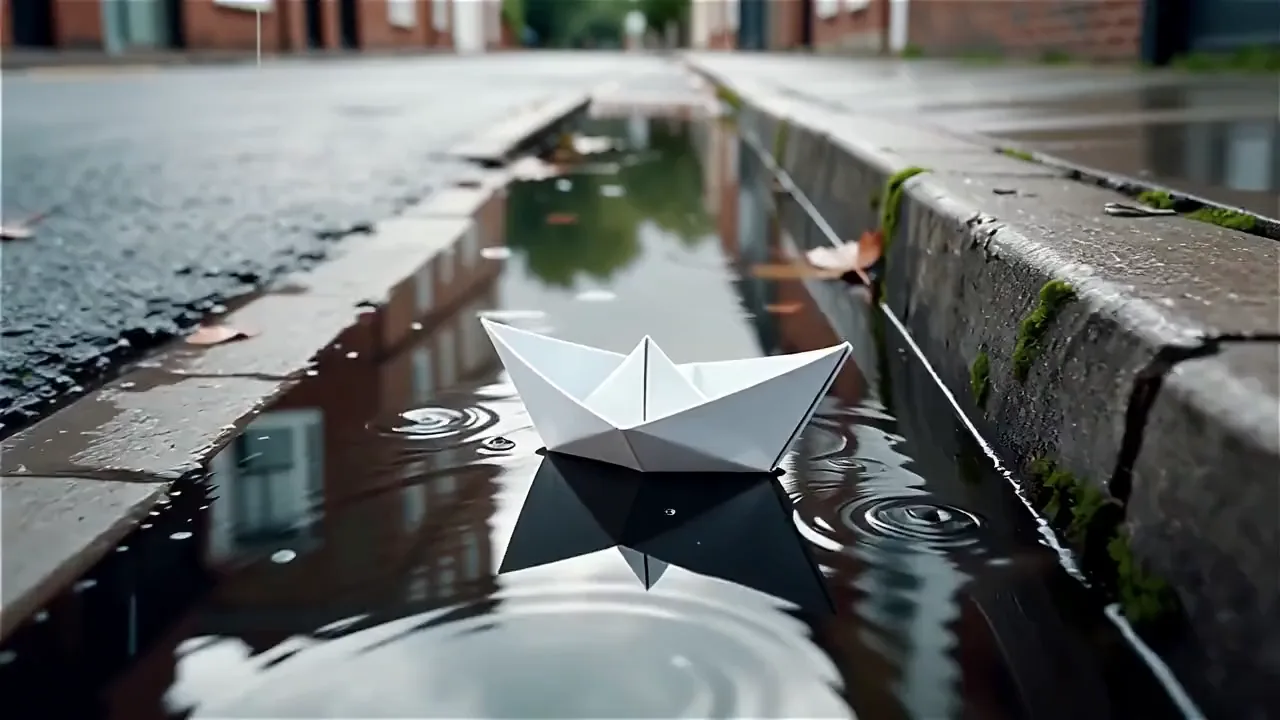
Play out a whole scene in one FLUX 3 clip
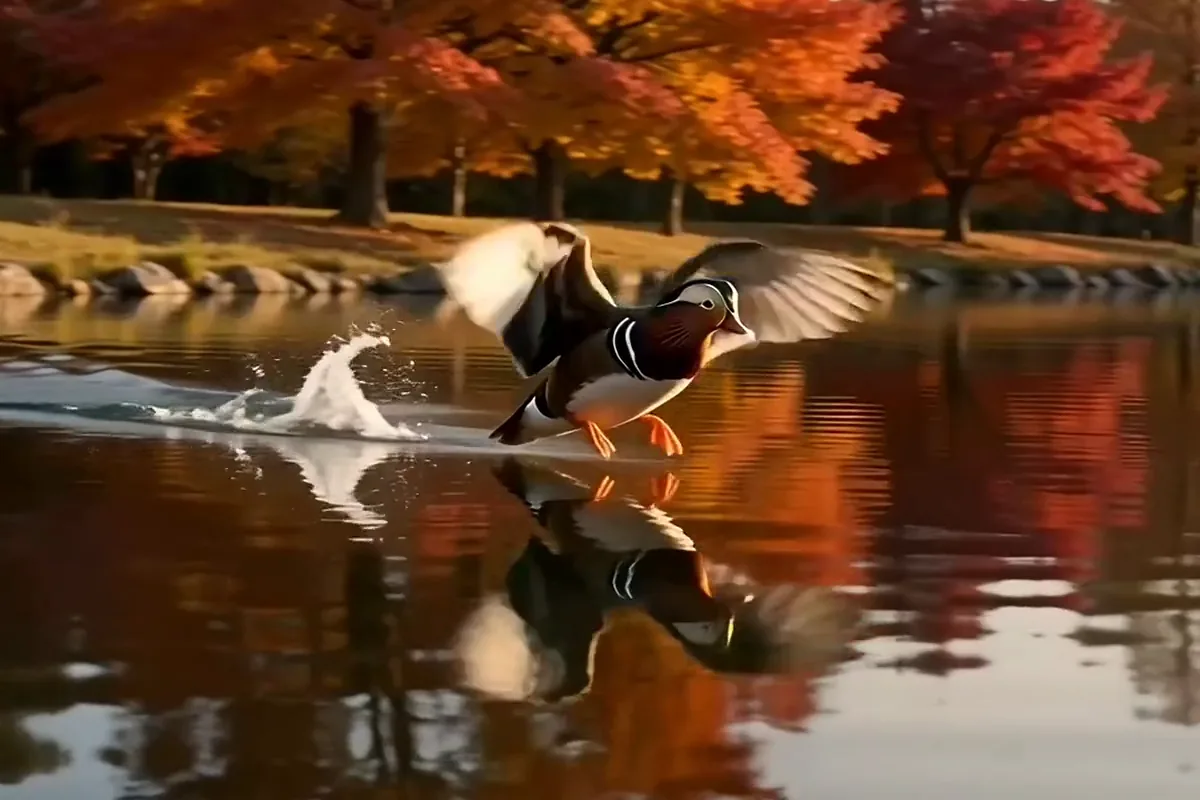
Give an action up to 20 seconds to unfold in one generation. Write the whole moment from start to finish, and it comes back complete with its sound built in. No short clips to stitch together afterward.

Turn a prompt or a photo into a 5 to 20 second clip with FLUX 3 by Black Forest Labs, long enough for a whole scene, from 21:9 to 9:16.
Model
On Pixelcut, FLUX 3 by Black Forest Labs turns a text prompt or a start photo into a 720p or 1080p MP4 with sound, 5 to 20 seconds long, in one of seven shapes from 21:9 to 9:16.
Upload a photo or describe the scene you want, and FLUX 3 turns it into a clip of up to 20 seconds.

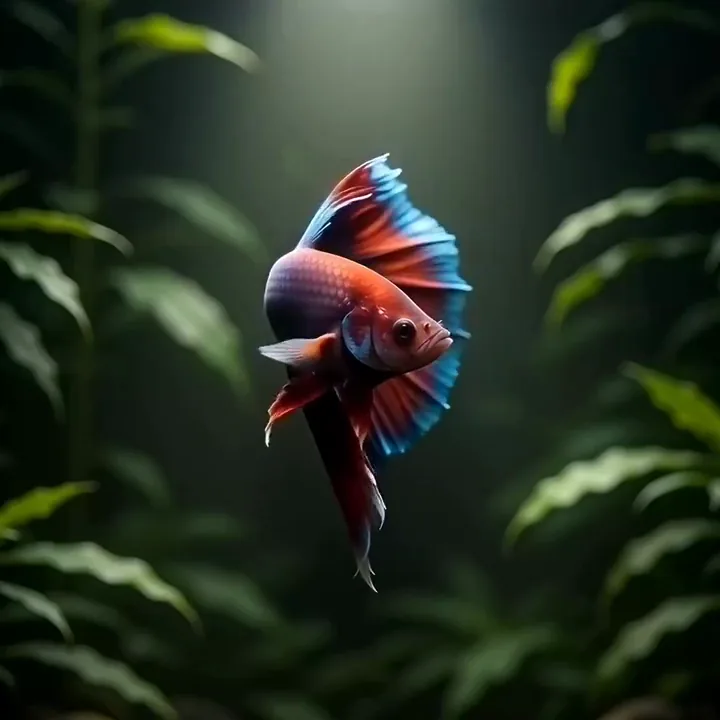
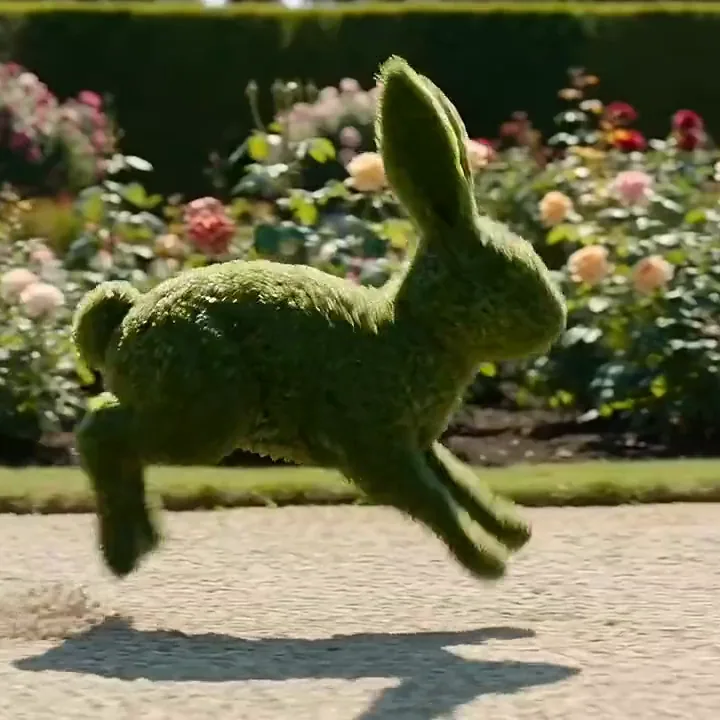
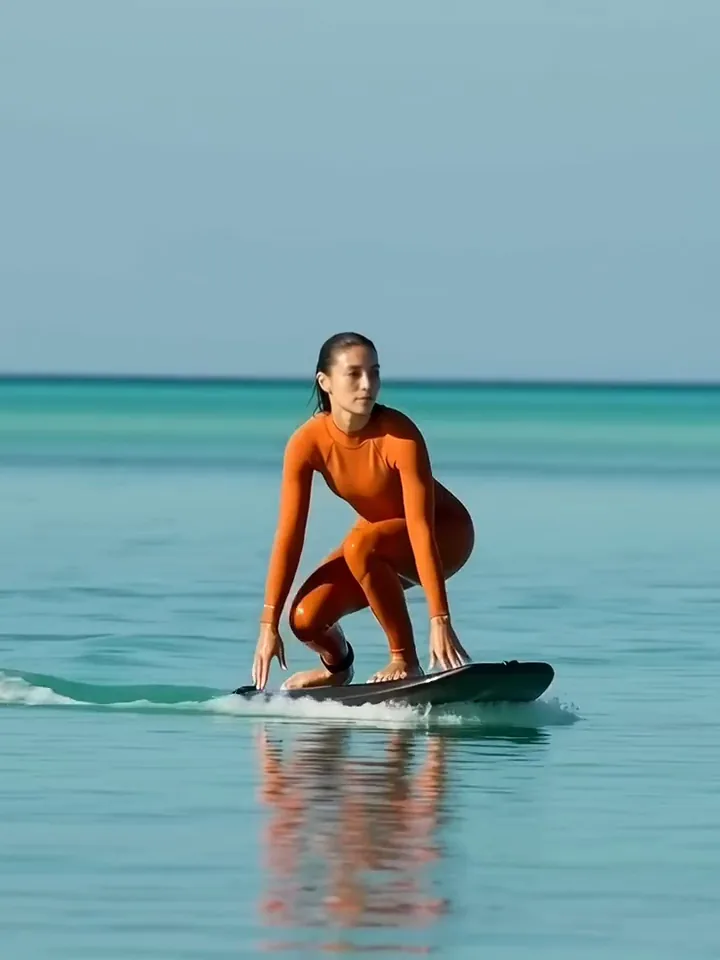
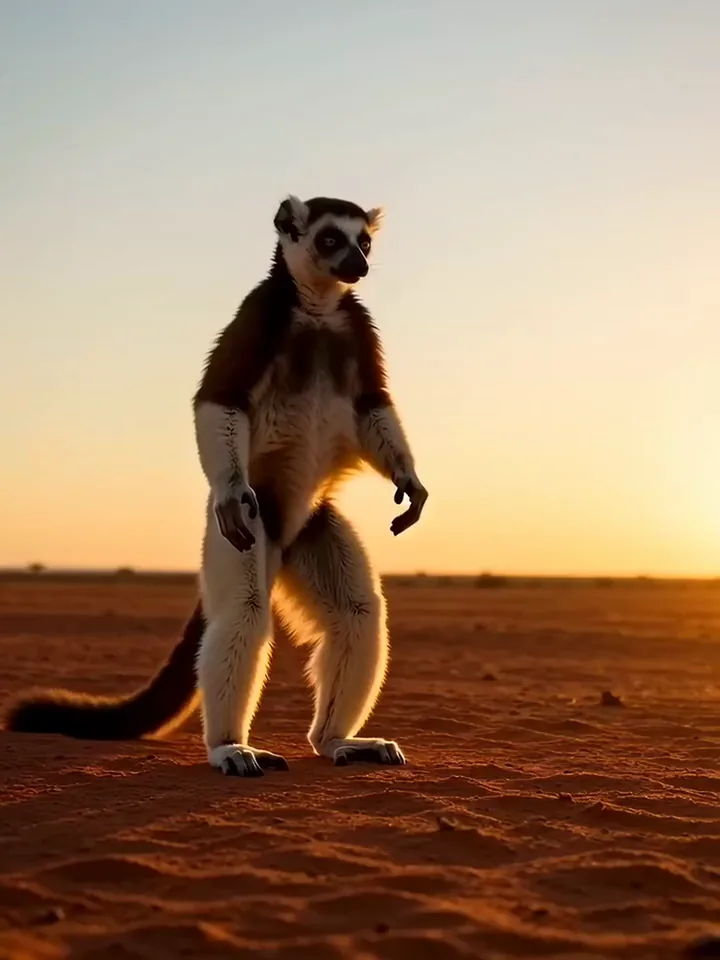
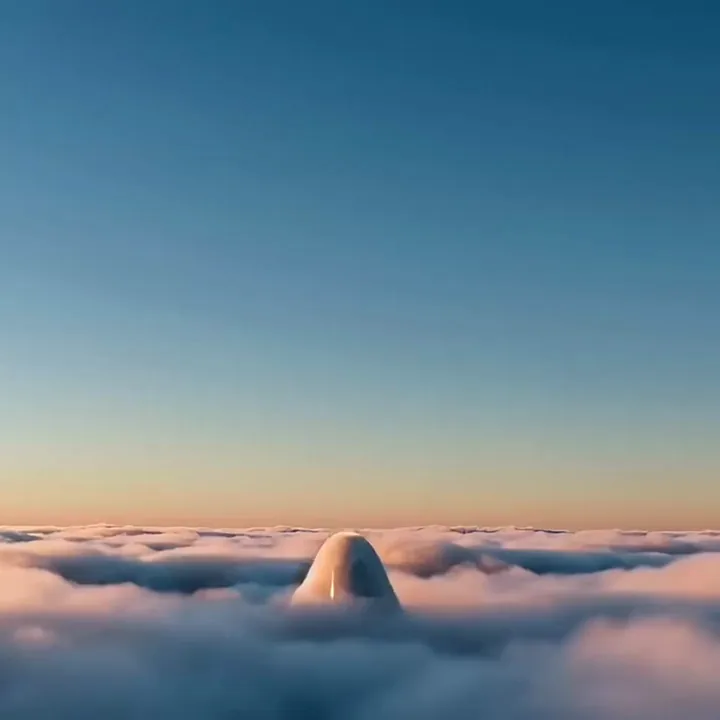


Text to video or image to video
Type a scene and FLUX 3 builds every frame from your words. Prefer to begin with a picture? Upload a start photo and the clip moves on from it, while your prompt describes the motion and the camera. Either way, the settings are yours before it renders.
A red cable car glides past a tall waterfall in a green gorge as mist drifts up, slow pan following
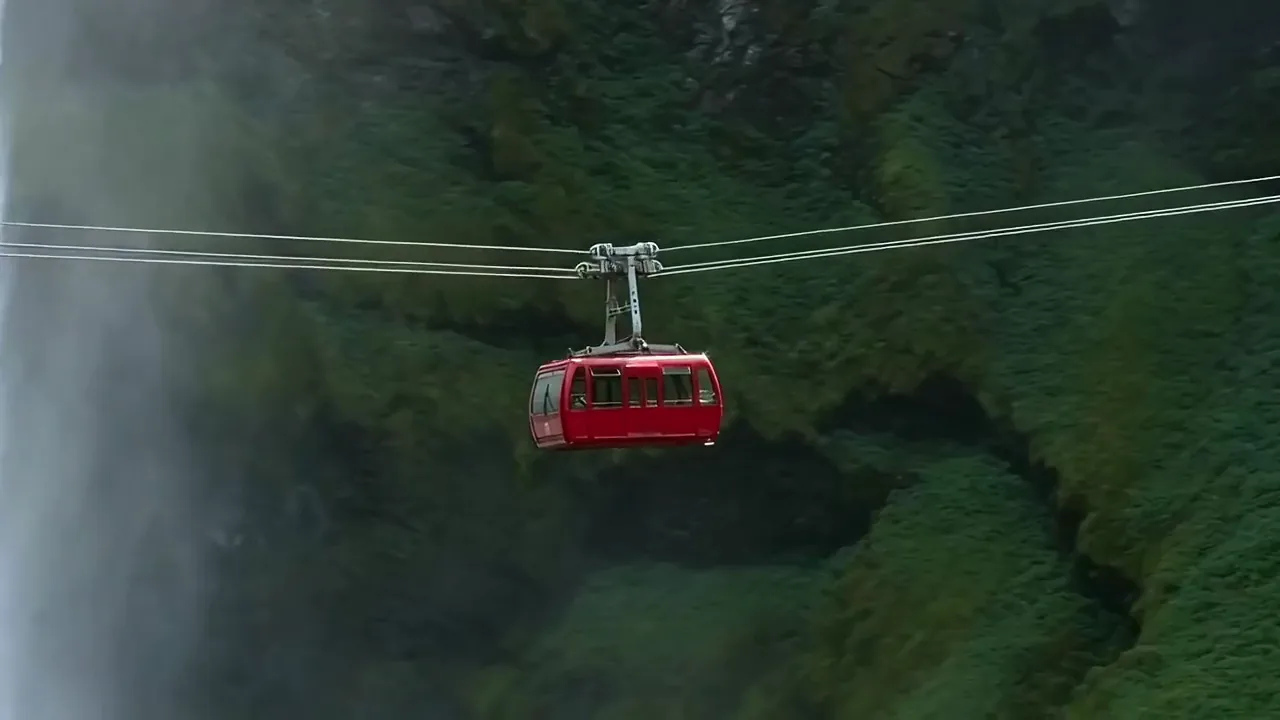


Give an action up to 20 seconds to unfold in one generation. Write the whole moment from start to finish, and it comes back complete with its sound built in. No short clips to stitch together afterward.
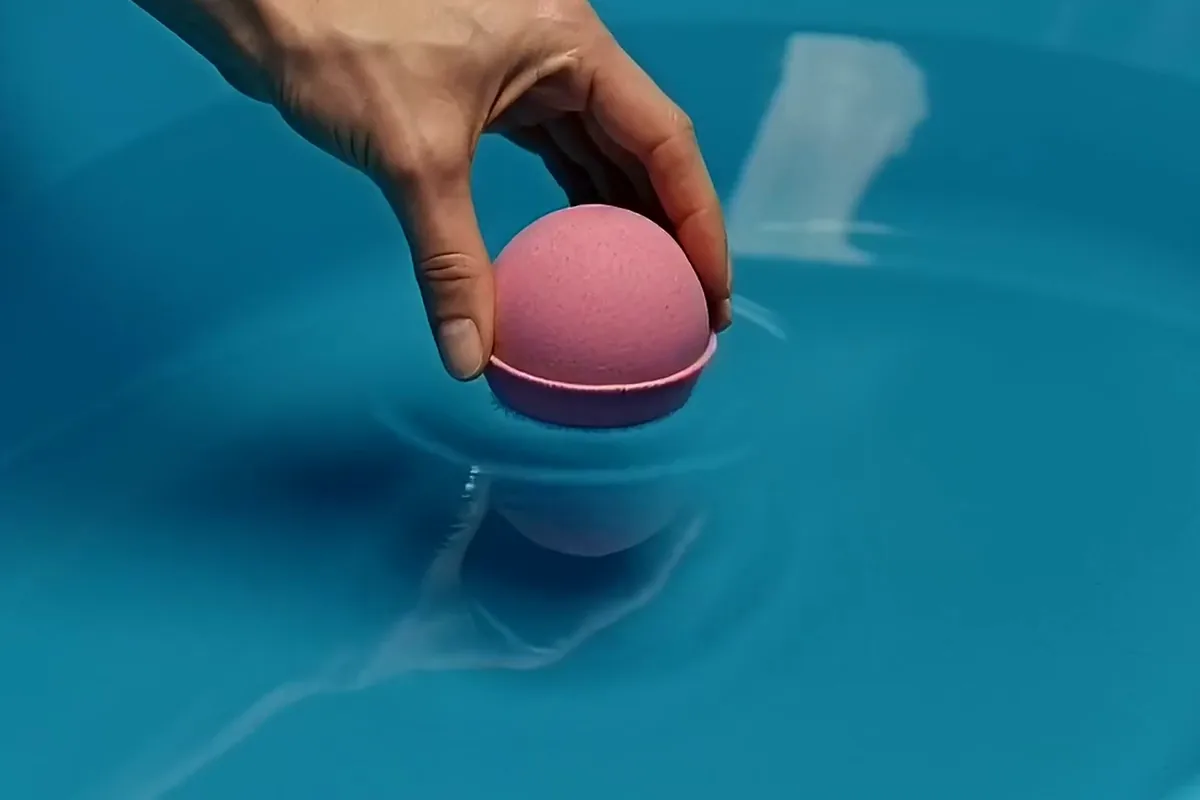
Already have a product shot? Add it as the start photo and watch it come to life. Your prompt says what happens next, and the clip opens on the picture you trust. Show it in motion without booking another shoot.

Pick the shape before you generate, from ultra wide 21:9 to tall 9:16. Go wide for a trailer or tall for a phone screen. Your clip fits the screen it plays on, with no cropping later.
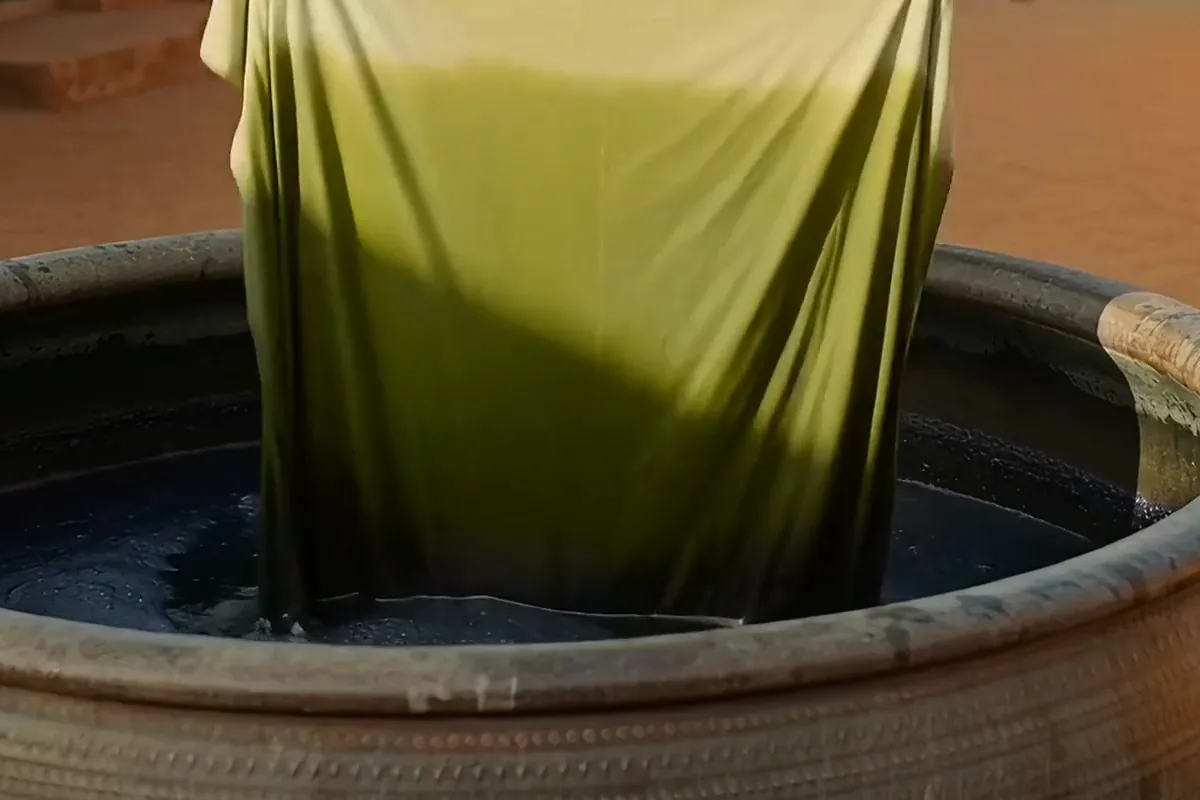
Some changes take time, and a longer clip lets them finish on screen. Pick the length by the second and get a crisp 1080p frame when detail counts. Slow reveals end where you want them, not halfway through.
Filmmakers, social creators and artists turn an idea or a picture into a clip framed for where it will play.
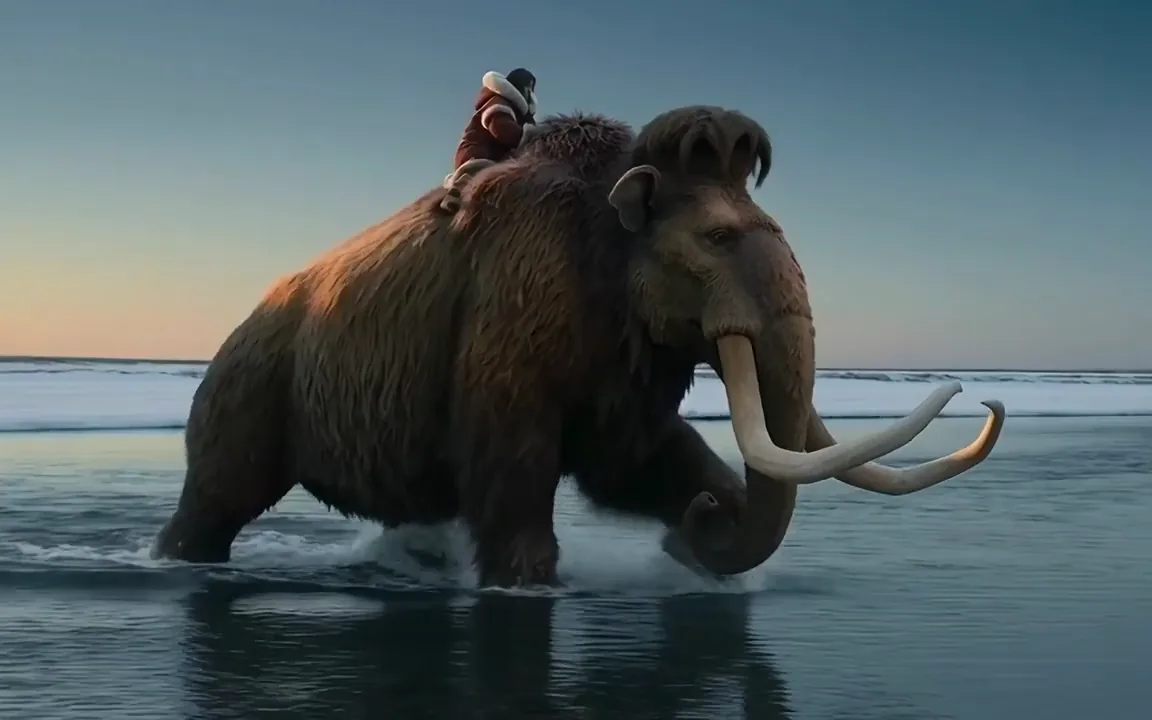
Pitch a world before you can shoot it. Frame a story beat wide like a film and give every moment of the scene room to breathe.
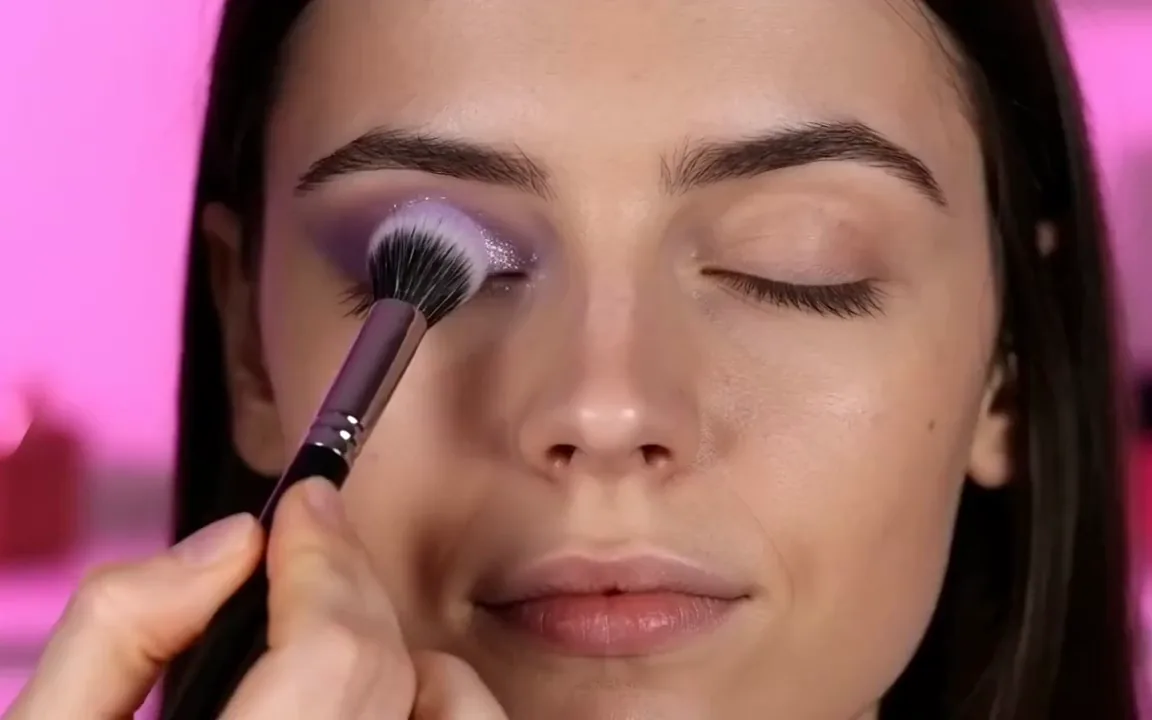
Make vertical clips for Reels and Shorts that are ready to post. Show a look or a product up close and give your feed something worth stopping for.
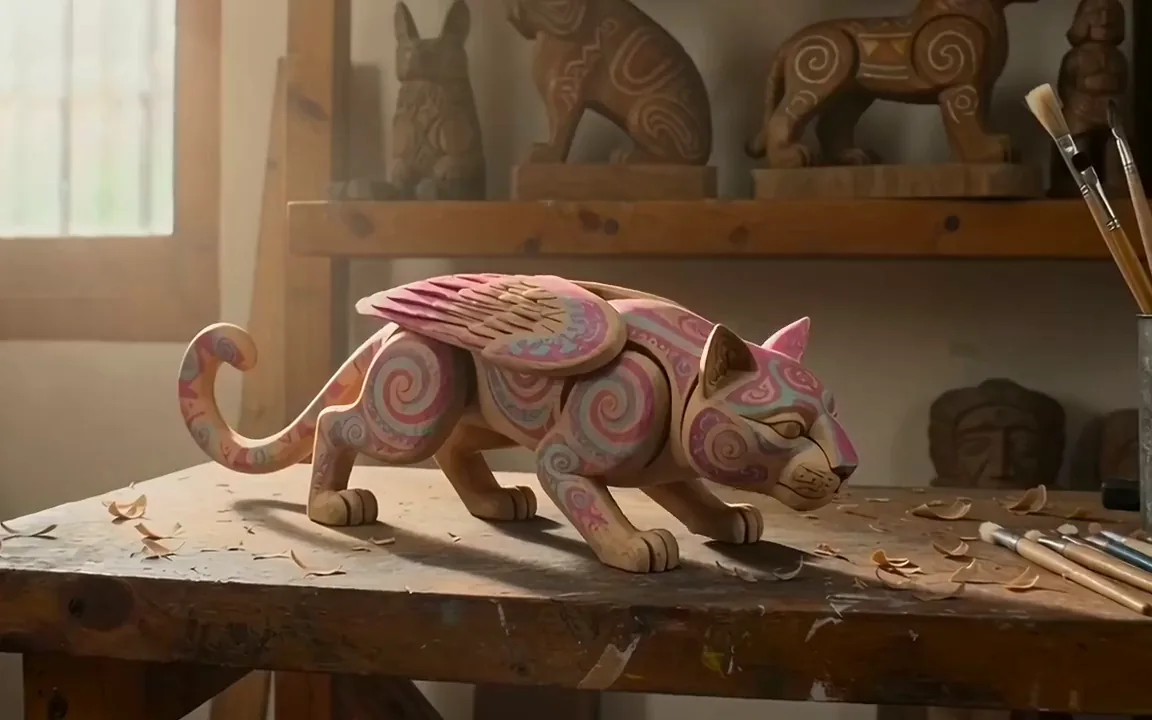
Upload your painting or carving as the start photo and describe how it moves. See your own work in motion, or compare more models in the AI video generator.
Switch models per generation instead of per subscription. Each card opens that model's page.
Cinematic motion, and your first video is free
ByteDance's newest video model
Text, image and reference video, up to 15 s
Photoreal video with synchronized audio
Multi-shot scenes and elements
Synchronized audio in many languages
Type what happens from the first second to the last. To start from a picture instead, upload it as the start photo and describe only how it should move.
FLUX 3 is already selected. Set the length anywhere from 5 to 20 seconds, giving a short burst fewer seconds and a scene that unfolds slowly more of them.
Pick one of seven fixed shapes, from 21:9 for wide film frames to 9:16 for phone screens, then keep 720p, the default, or switch to 1080p before you generate.
Press generate and the clip is ready in about four minutes, by Pixelcut's own estimate for FLUX 3. Watch it back, then download the MP4 or tweak one detail and go again.
Video is billed in credits per second of footage. Pick the plan that matches how much you make.



Trusted by creatives at