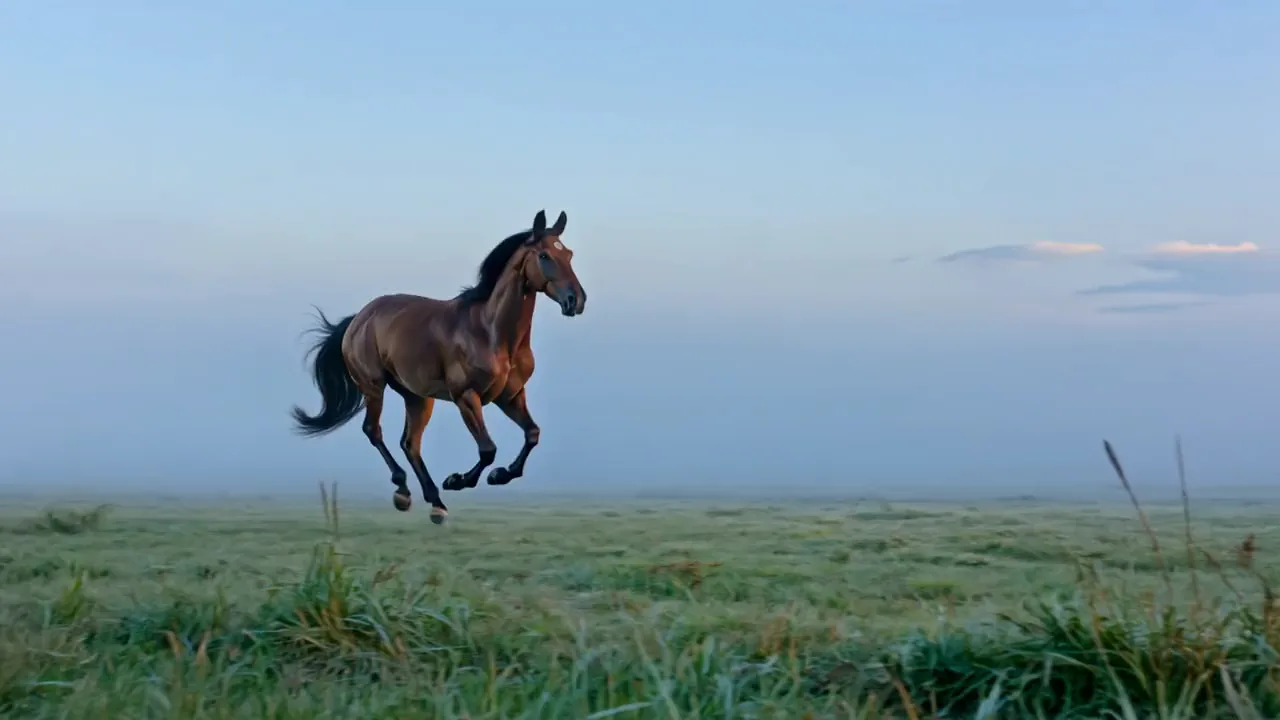
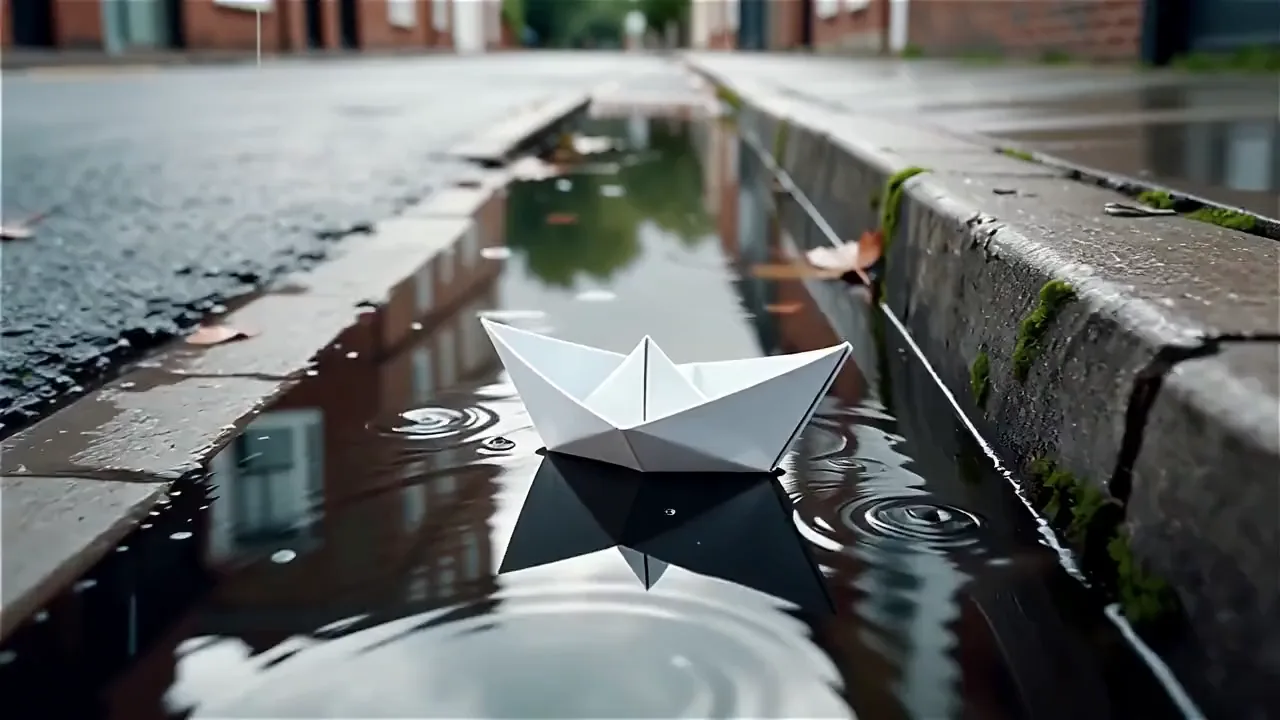
Write an action scene for Seedance 2.0 to film
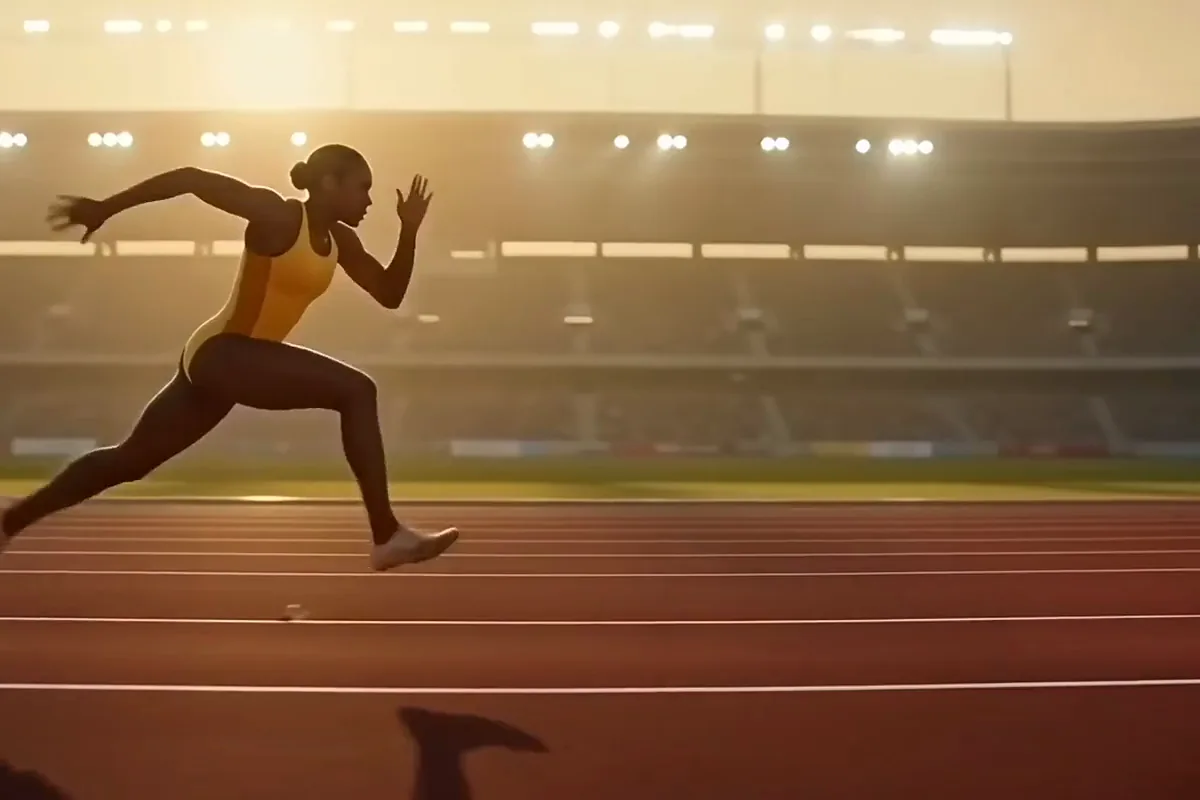
Describe the action in a sentence and get it back as a clip, with no photo needed. The model is known for smooth motion, even in big physical moves. Test a stunt or a sports idea before anyone films it.

Turn a prompt, a photo or up to 9 reference images into a Seedance 2.0 clip with sound, 4 to 15 seconds long and up to 4K.
Model
This page opens on Seedance 2.0 by ByteDance at 720p, or pick 480p, 1080p or 4K, with Enable Audio on from the start. Fast and Mini sit in the version switch, and all three run on Pixelcut Pro.
Describe the shot, add a photo if you like, and Seedance 2.0 turns it into footage with sound.
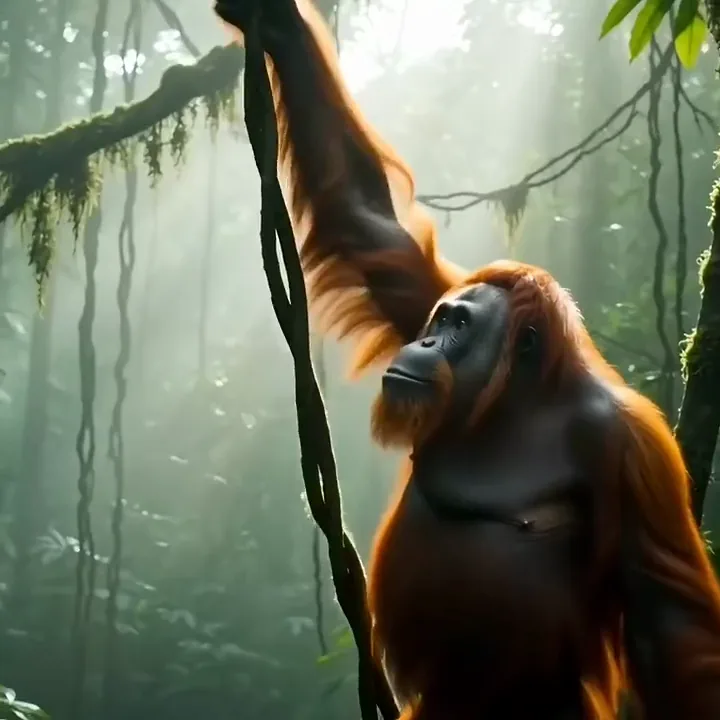
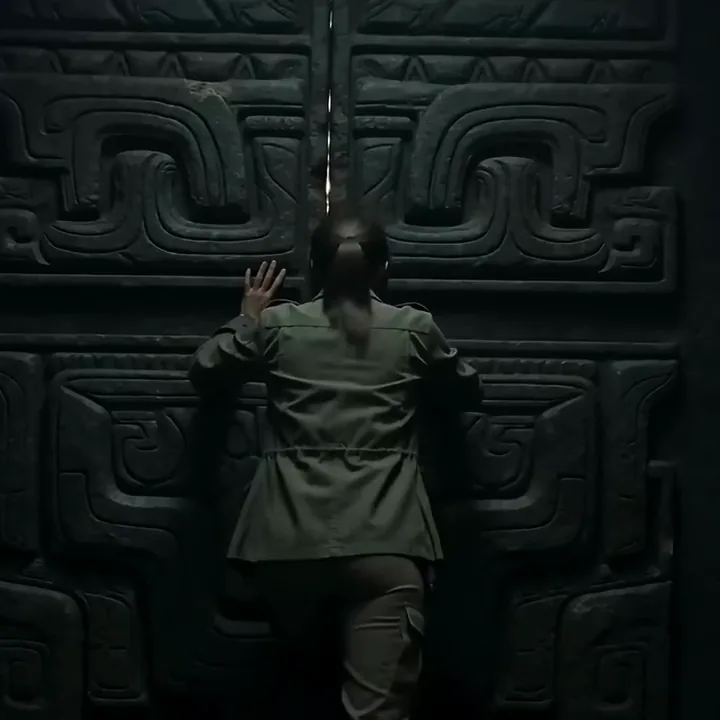
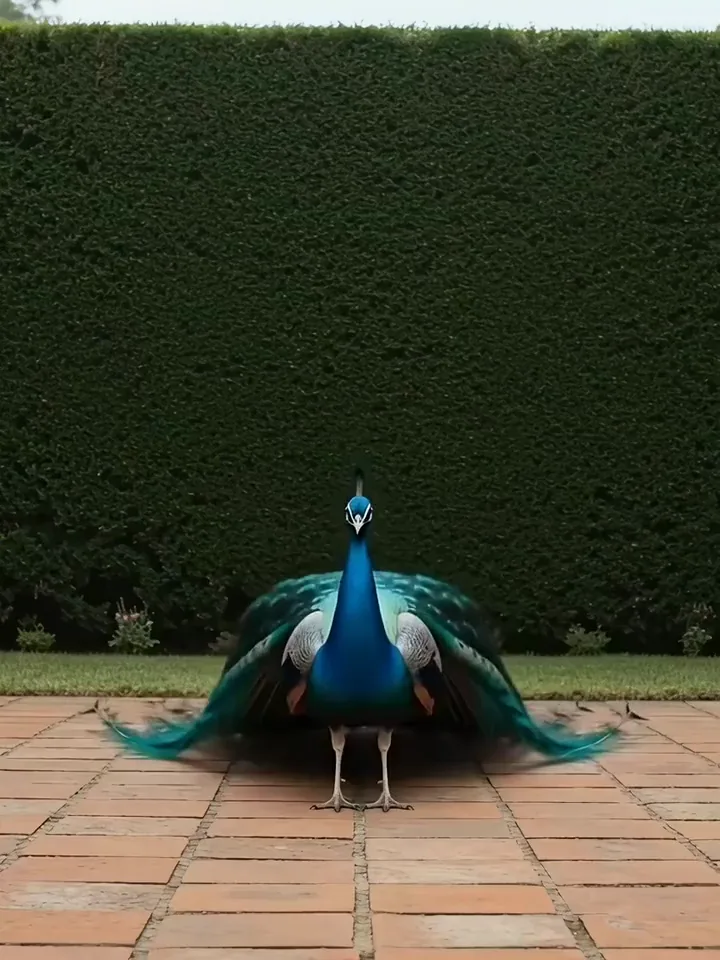
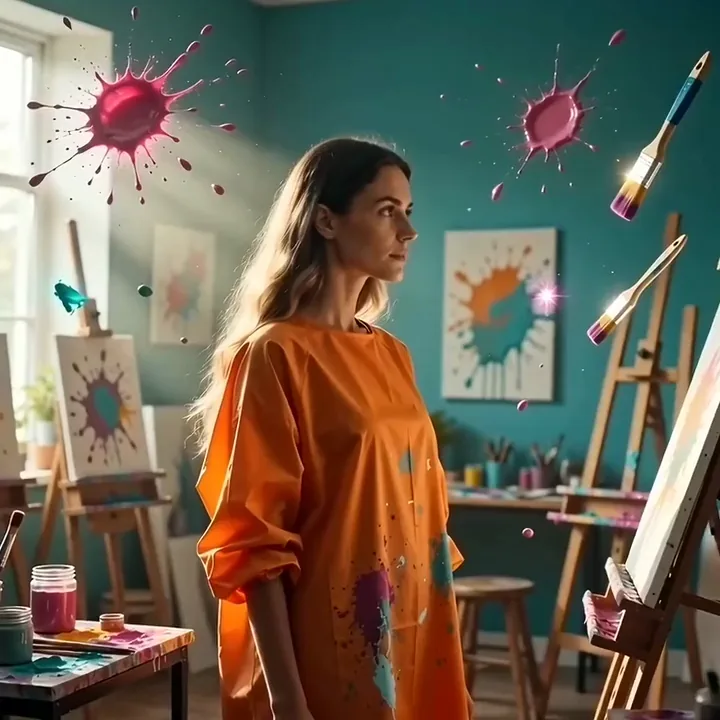
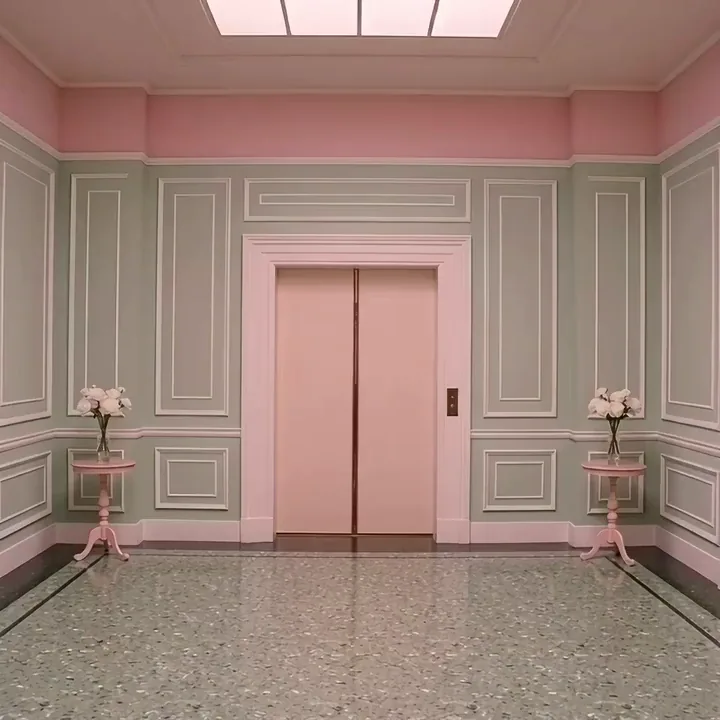
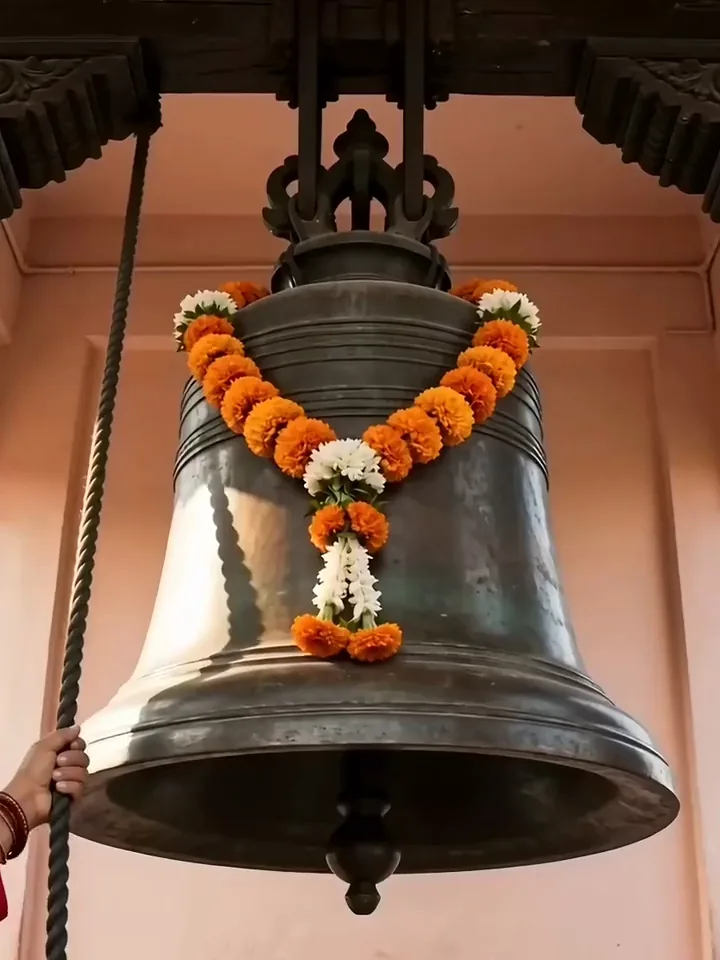
Start from text or a photo
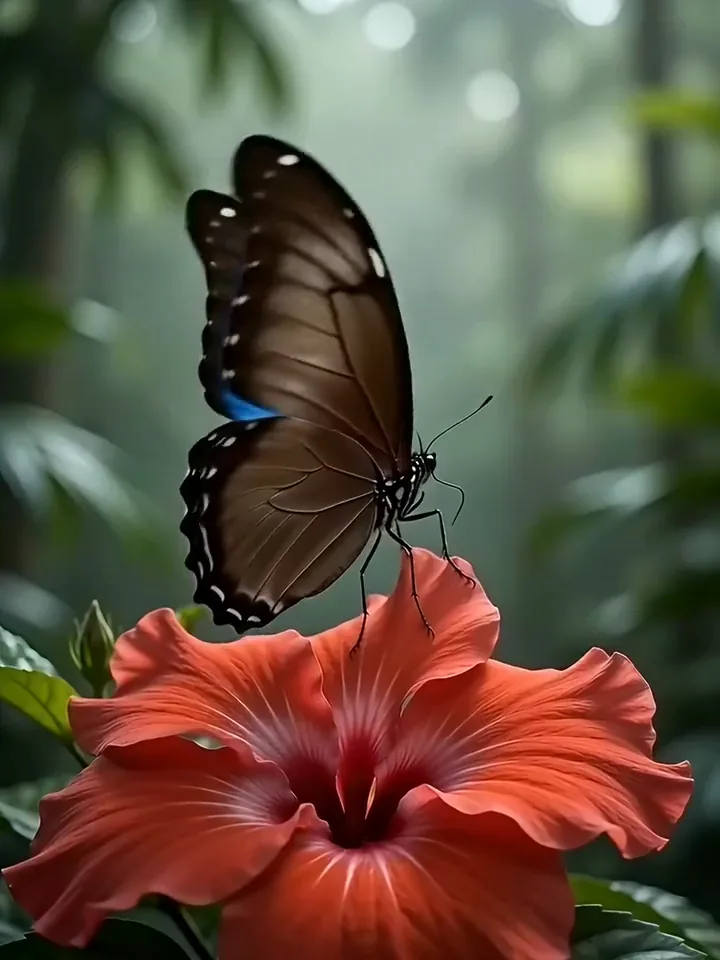
Write the scene in plain words and the model builds the whole shot from it. Already have a photo? Switch to image to video, upload it and describe only what should move. Prompts can run up to 2,000 characters, with room for every detail.
A scored sourdough loaf rises in a hot iron pot as its crust opens along the cut and turns golden, slow push in
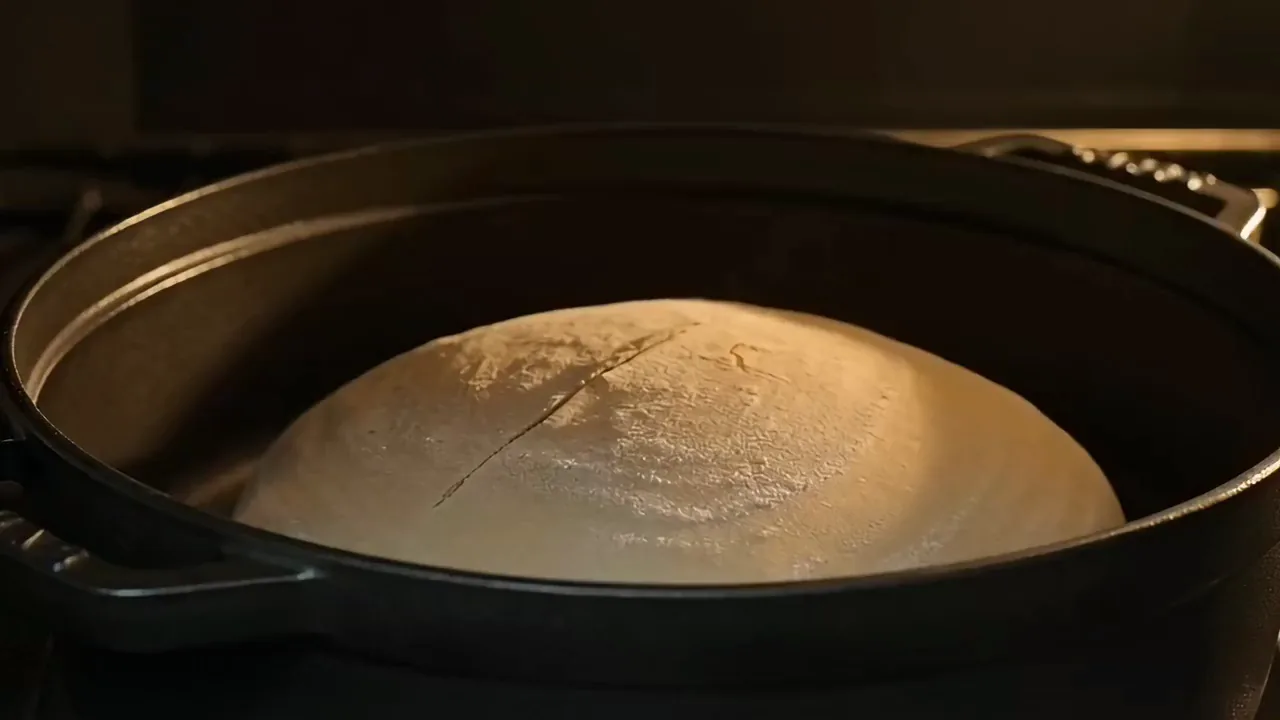
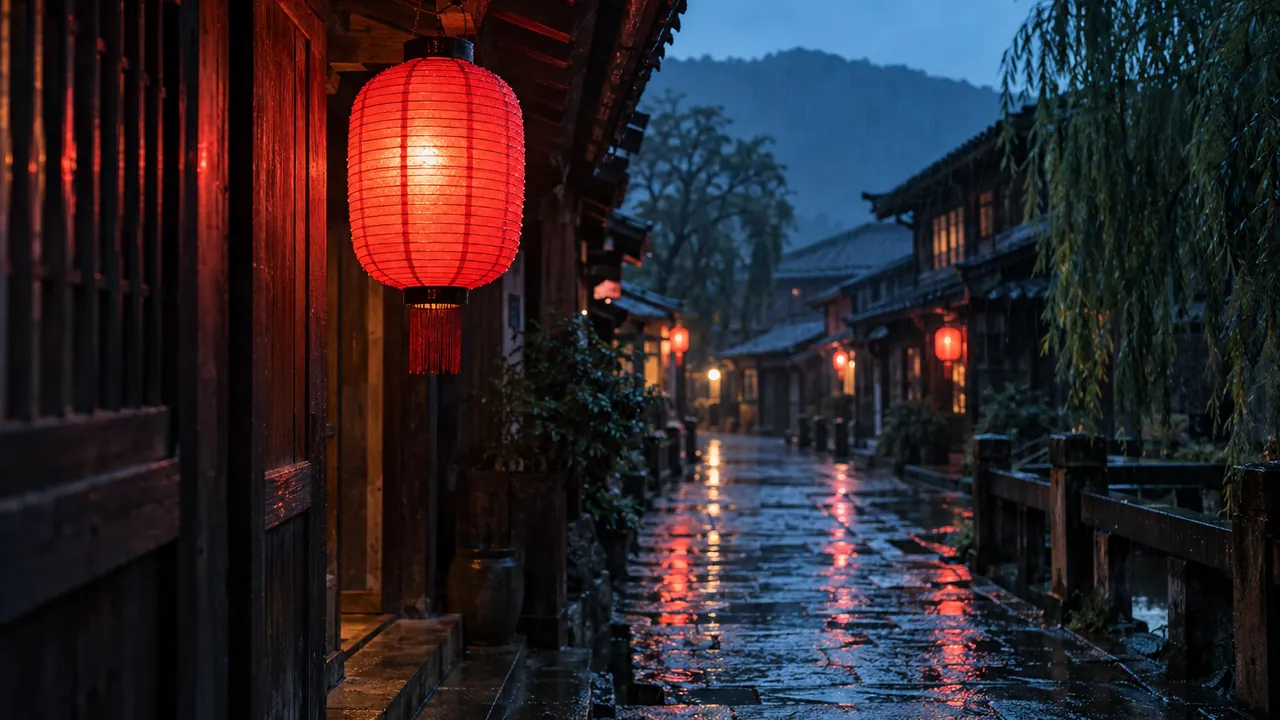
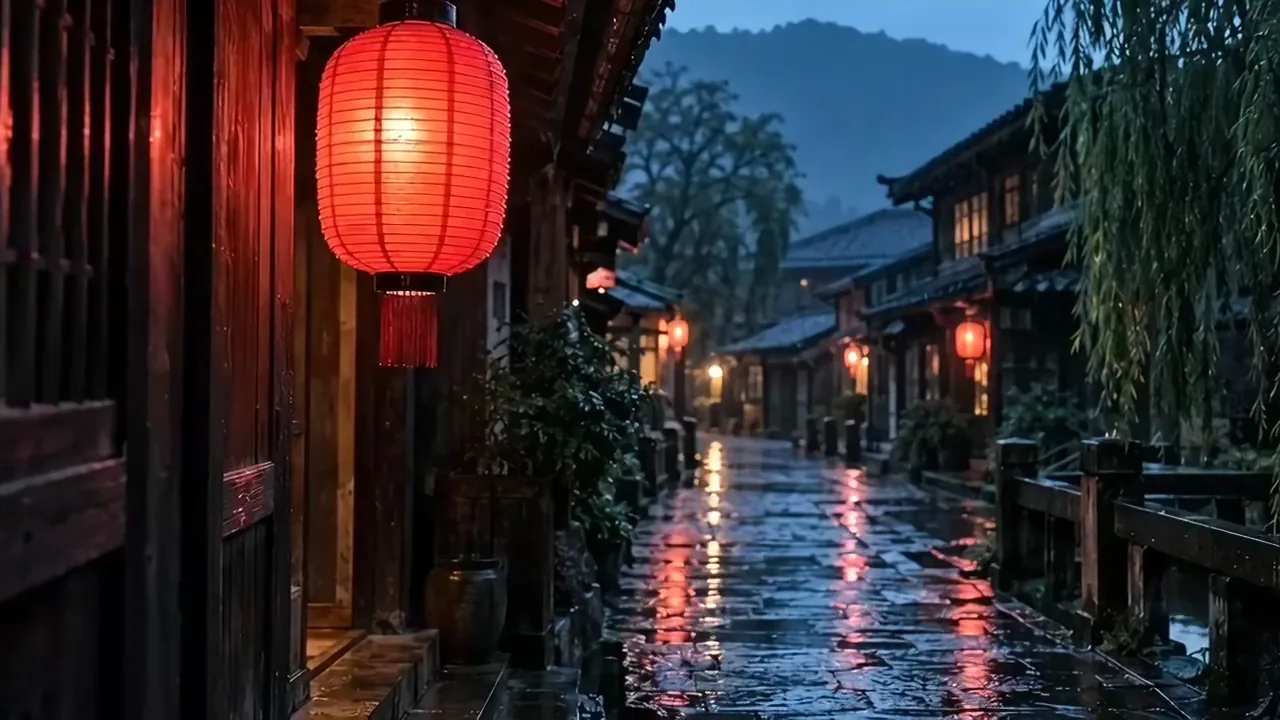
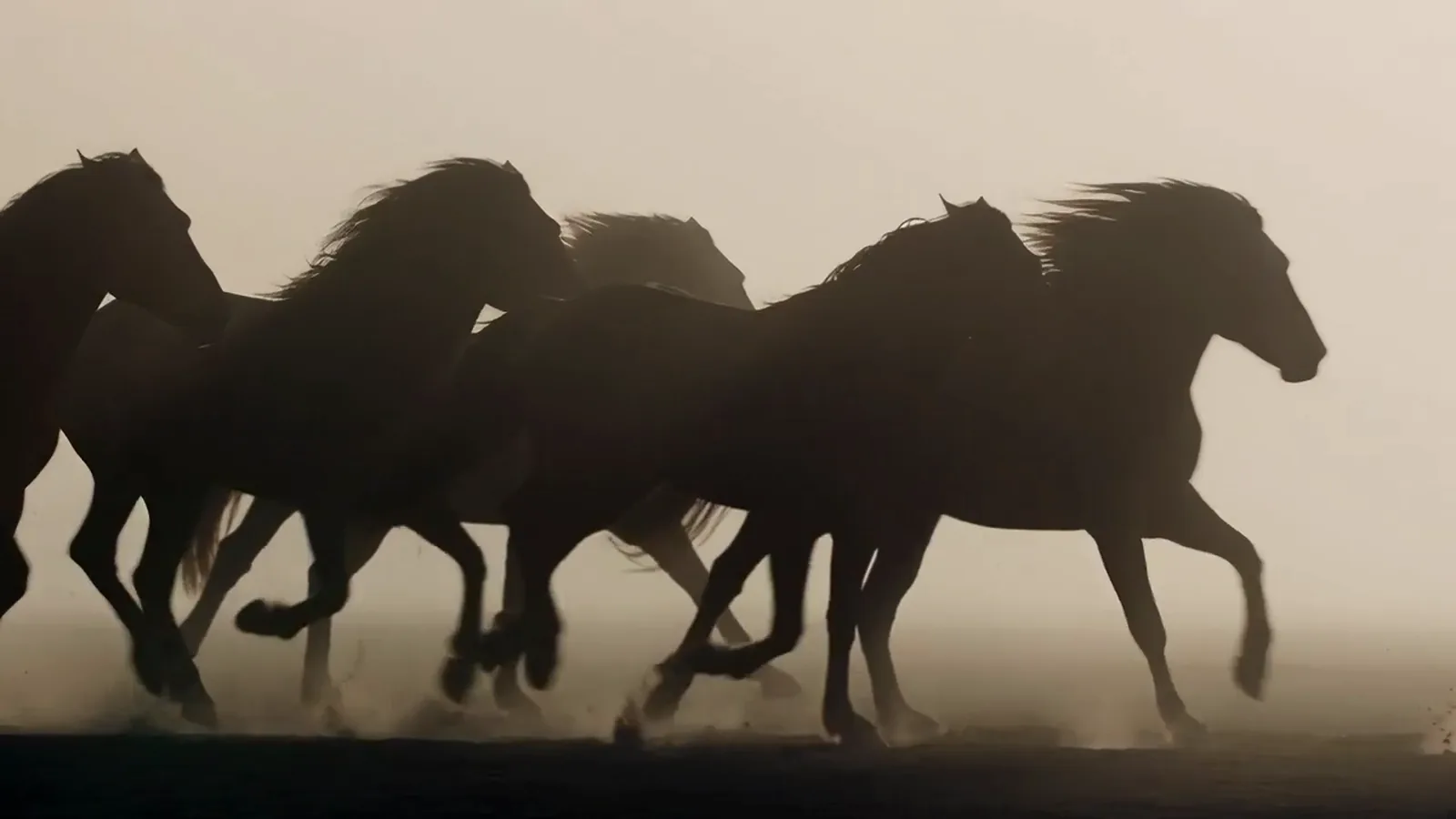
Describe the action in a sentence and get it back as a clip, with no photo needed. The model is known for smooth motion, even in big physical moves. Test a stunt or a sports idea before anyone films it.
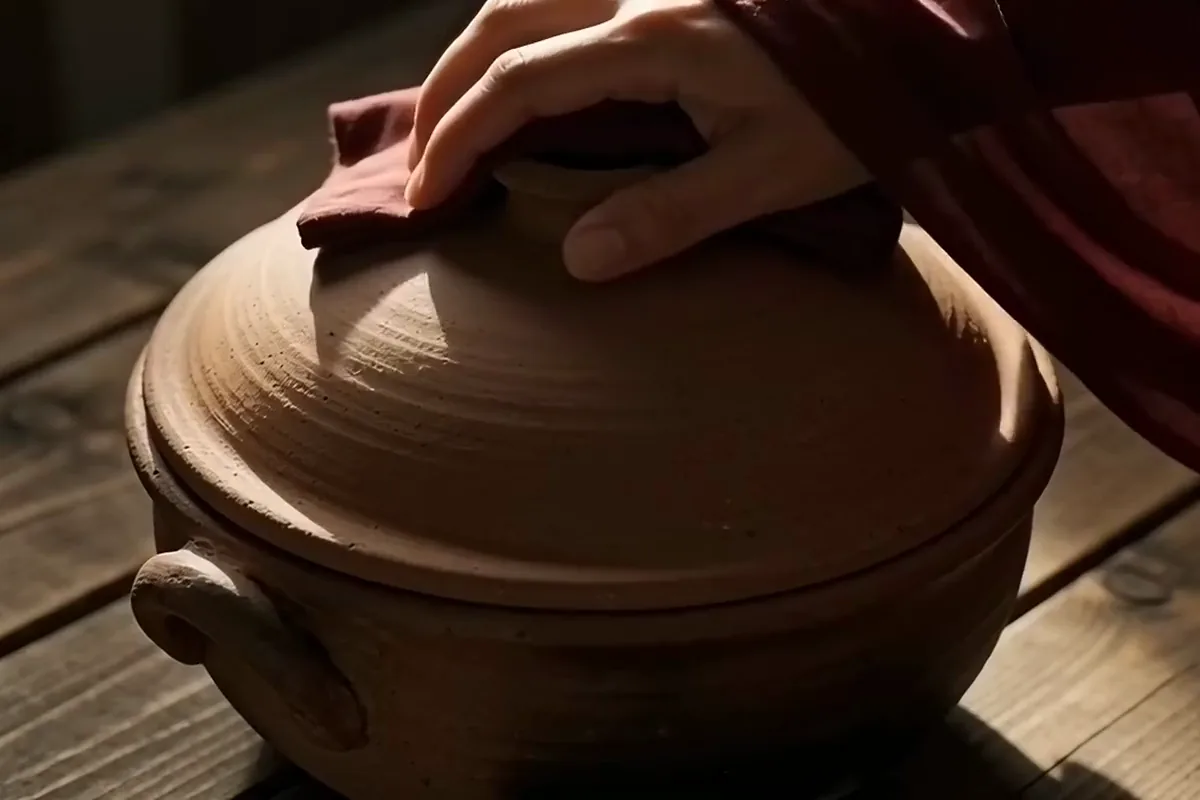
Upload a start photo and an end photo, and the model animates the moment that links them. Your clip finishes on the frame you chose. Two photos from one shoot become a short reveal that ends on your best shot.
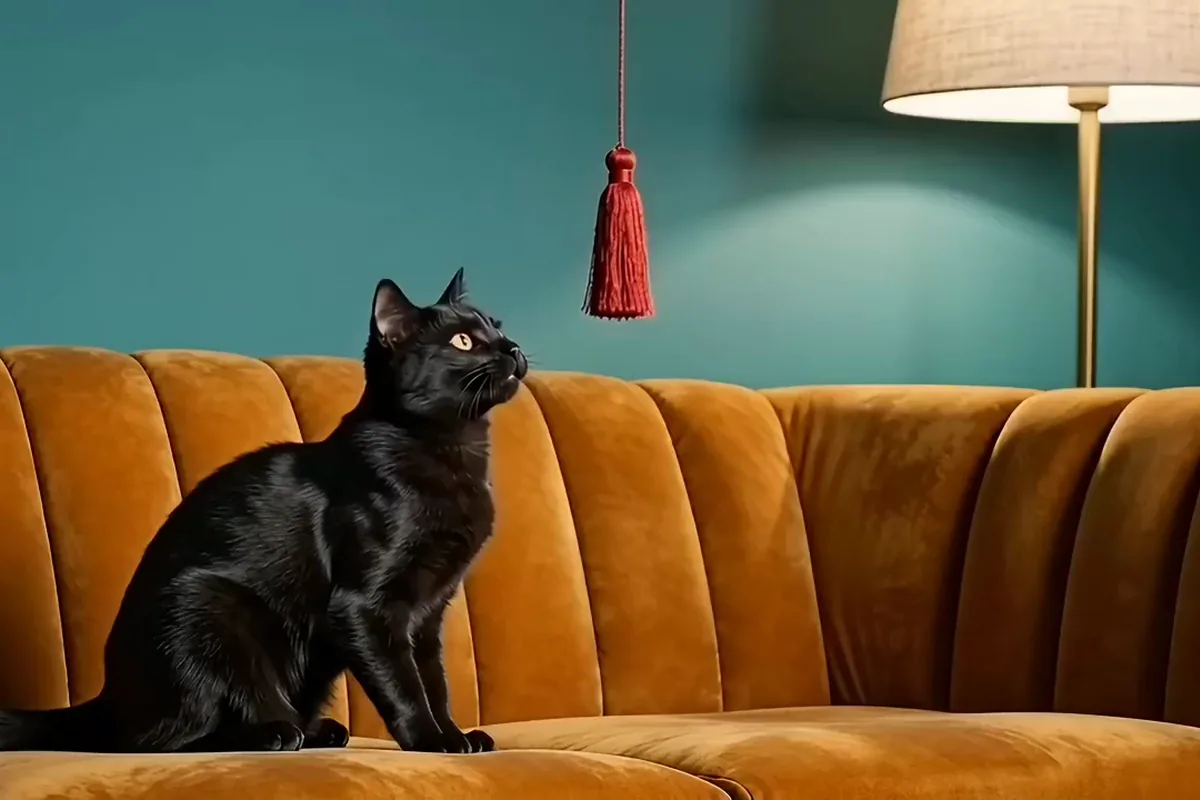
Add up to 9 photos of one subject, and the model uses them as its guide to who or what appears. It helps your mascot or pet look like itself in each clip. Use it when the subject matters more than the opening frame.
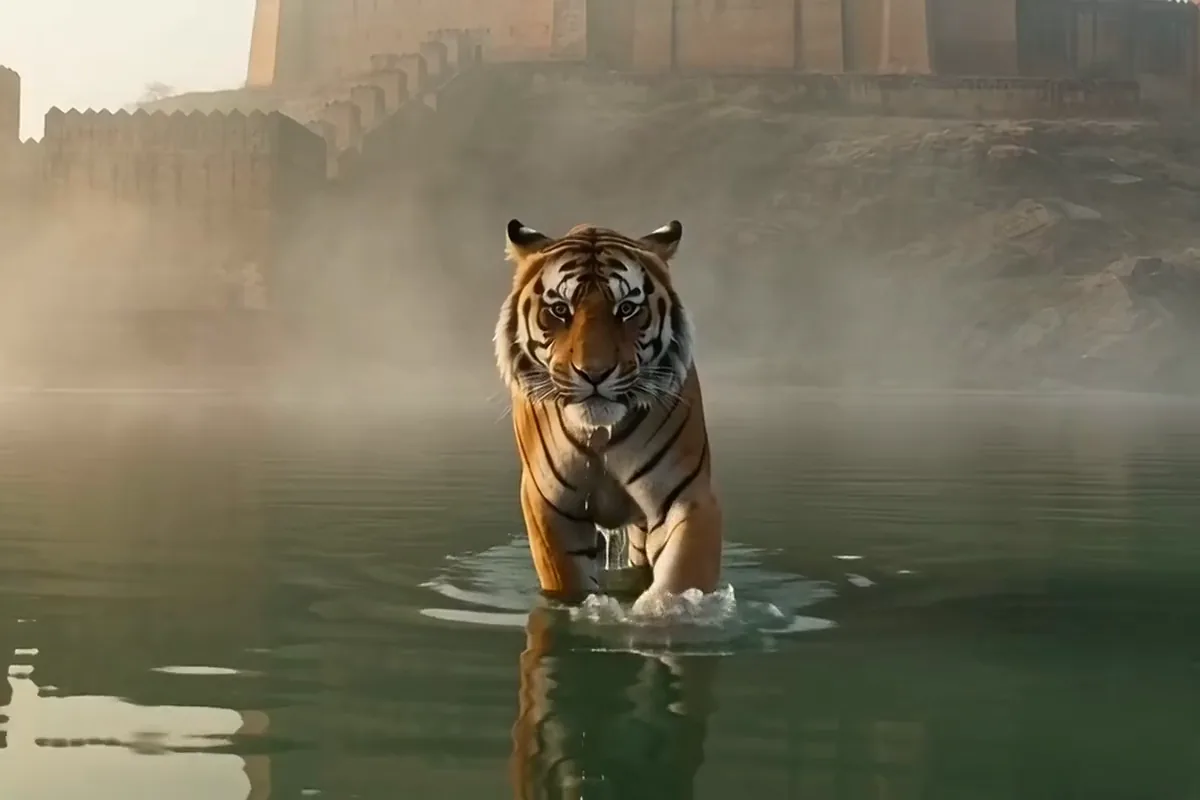
Render your clip in up to 4K on Pixelcut, with fine detail that holds up when it fills the screen. Pick a shape from cinematic wide to tall vertical. Make the banner version and the feed version from the same idea.
Marketers, social creators and filmmakers use Seedance 2.0 for ad spots, vertical posts and shots they could never film.
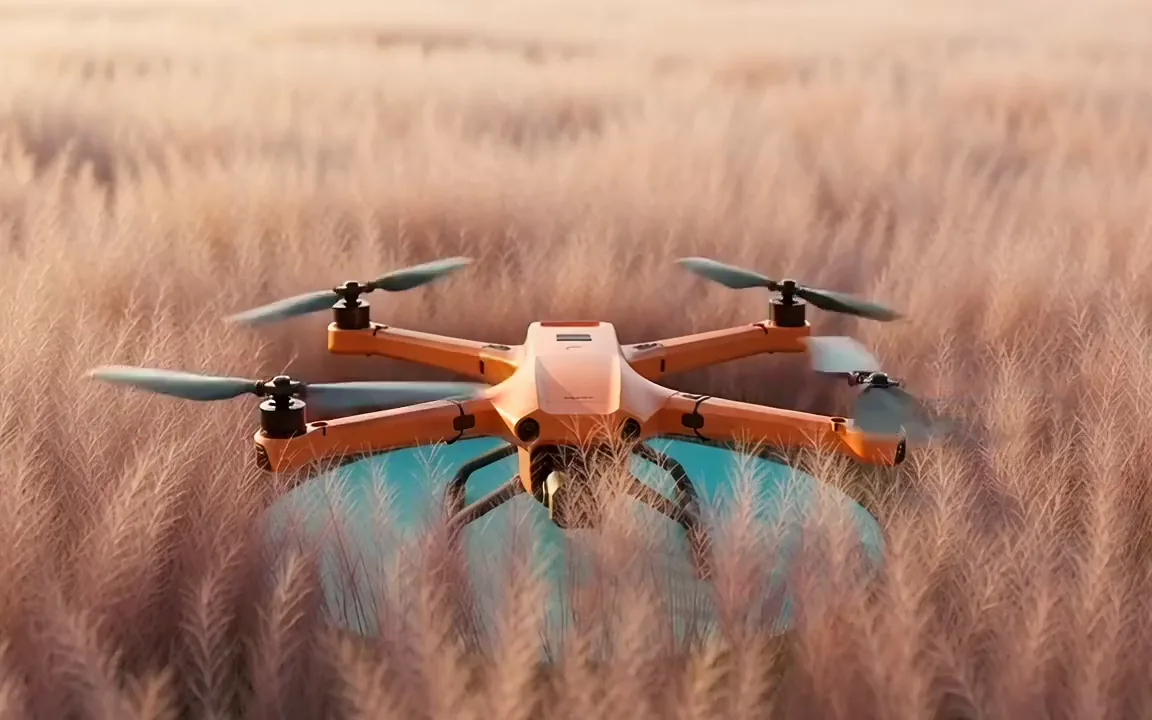
Make launch ads and pitch deck clips without booking a shoot. Try a few takes of one idea and run the one your audience responds to.
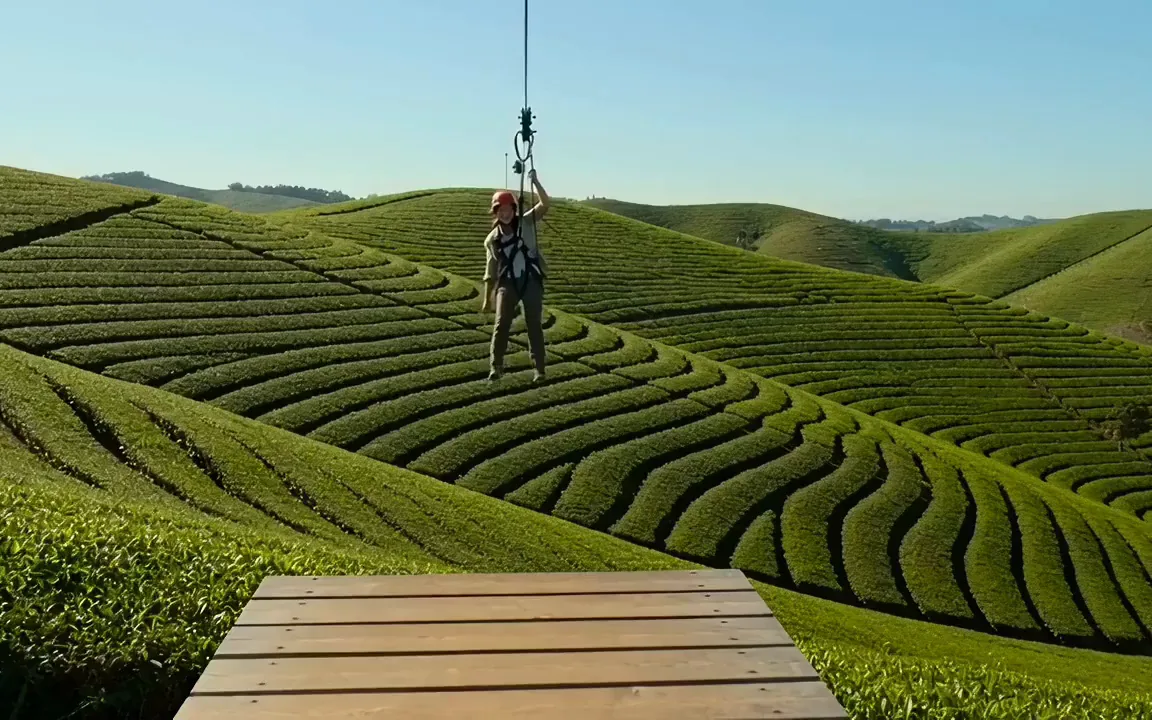
Post thrilling adventure clips without leaving your desk. Make them vertical for Reels and Shorts, ready to share the moment they finish.
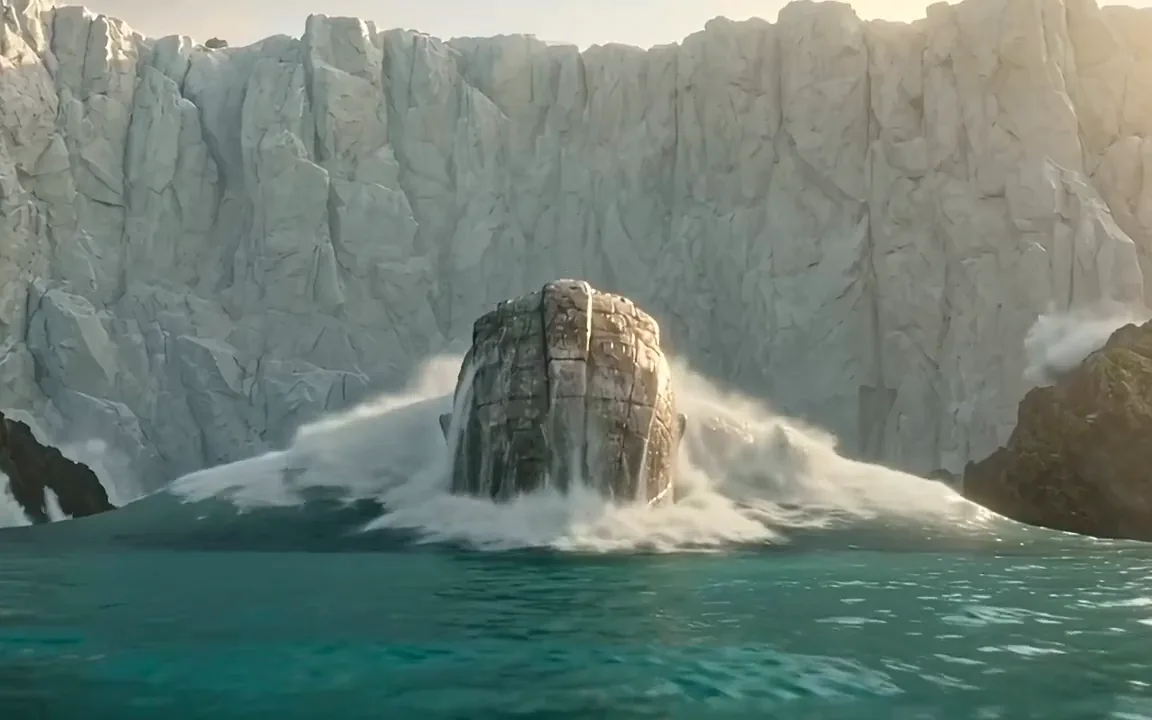
Pitch a big creature or effects scene before there is any budget for it. Run the same idea on more models in the AI video generator.
Switch models per generation instead of per subscription. Each card opens that model's page.
Cinematic motion, and your first video is free
ByteDance's newest video model
Photoreal video with synchronized audio
Multi-shot scenes and elements
Synchronized audio in many languages
Type the subject, the action and where the camera sits, in plain words. To work from pictures, add a start photo and an optional end photo, or up to 9 reference images.
Seedance 2.0 opens at 720p. Go up to 1080p or 4K for the final cut, or switch to Fast or Mini for quick drafts, then set the length, the aspect ratio and the sound.
Press generate, then watch the take with its sound. Keep the MP4 if it works. If not, swap one detail, like the light or the camera angle, and render it again.
Video is billed in credits per second of footage. Pick the plan that matches how much you make.



Trusted by creatives at