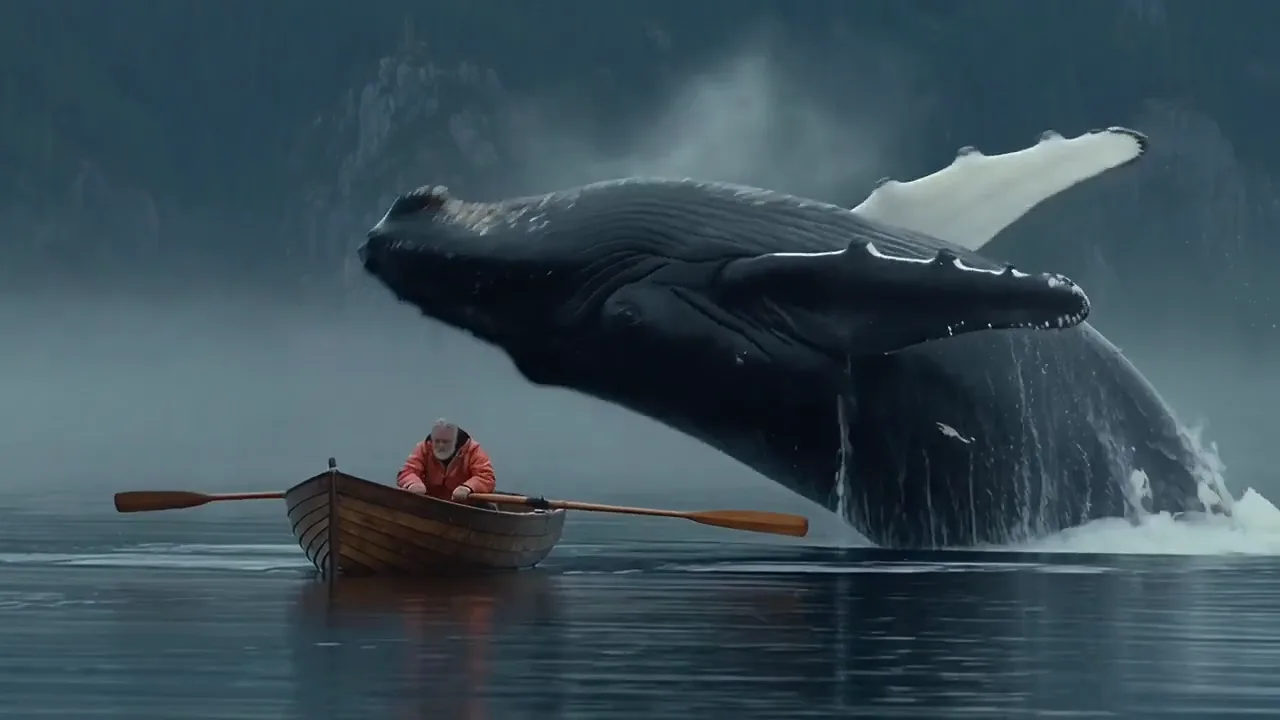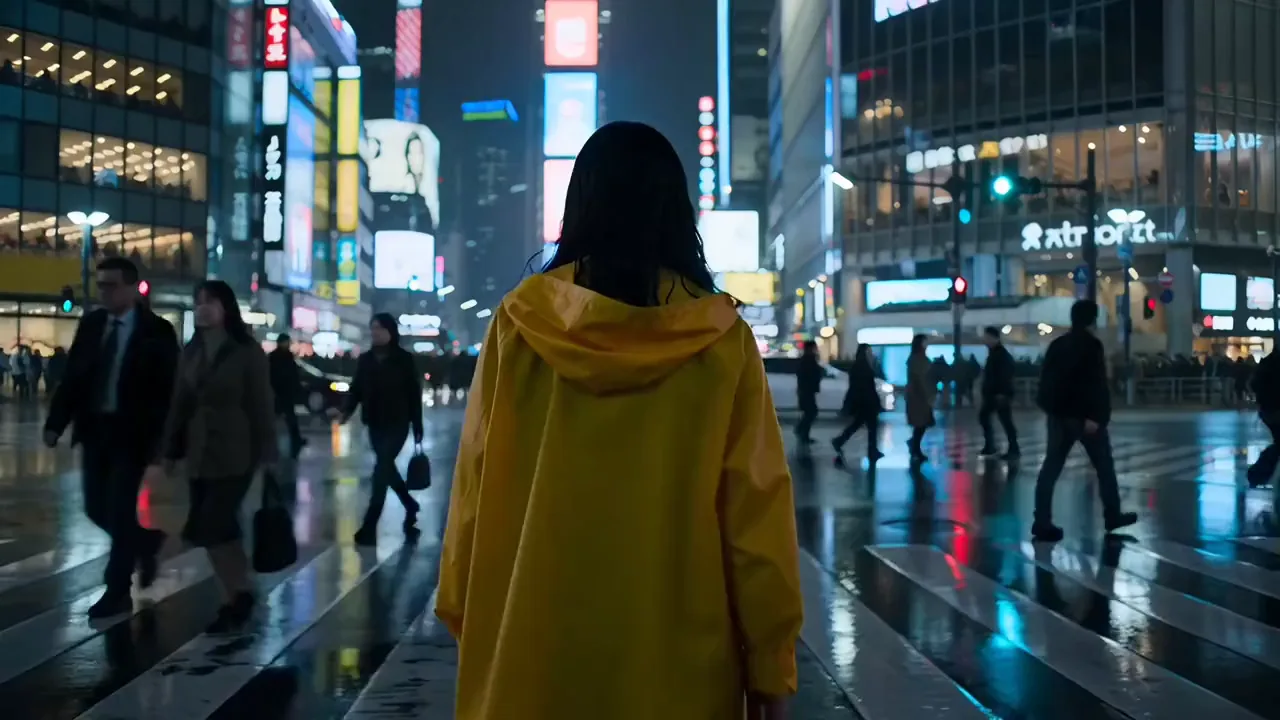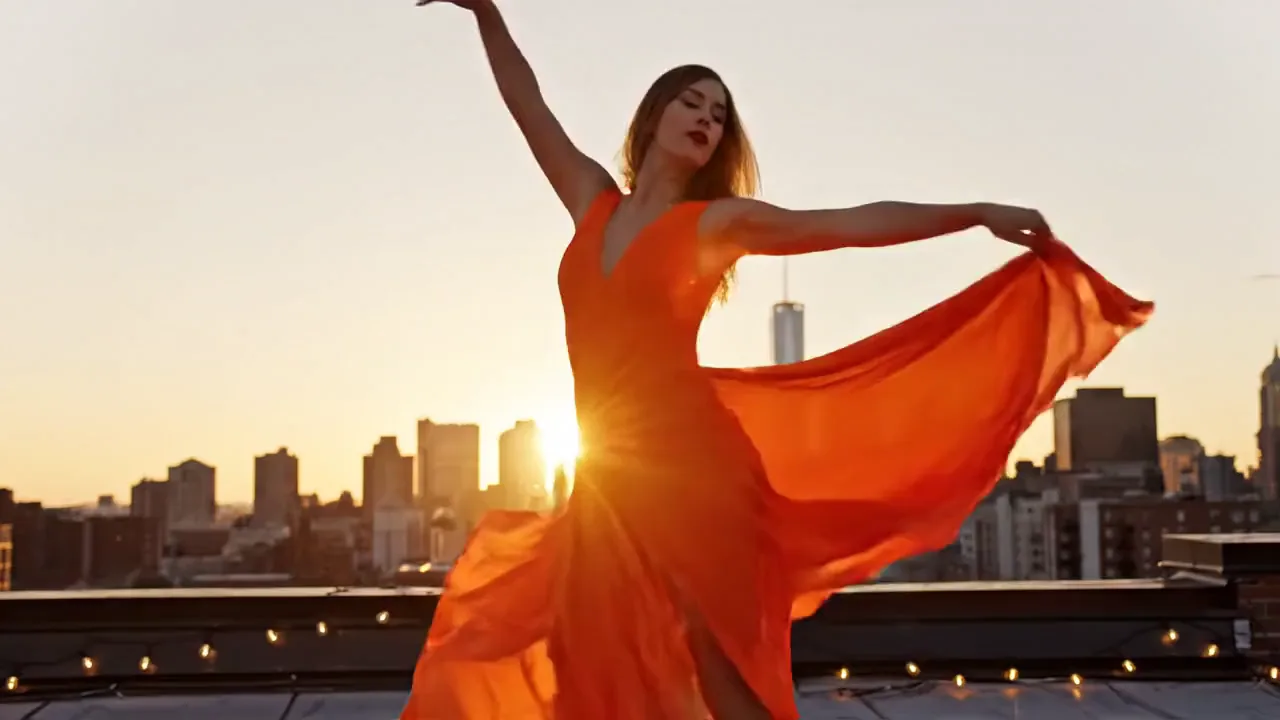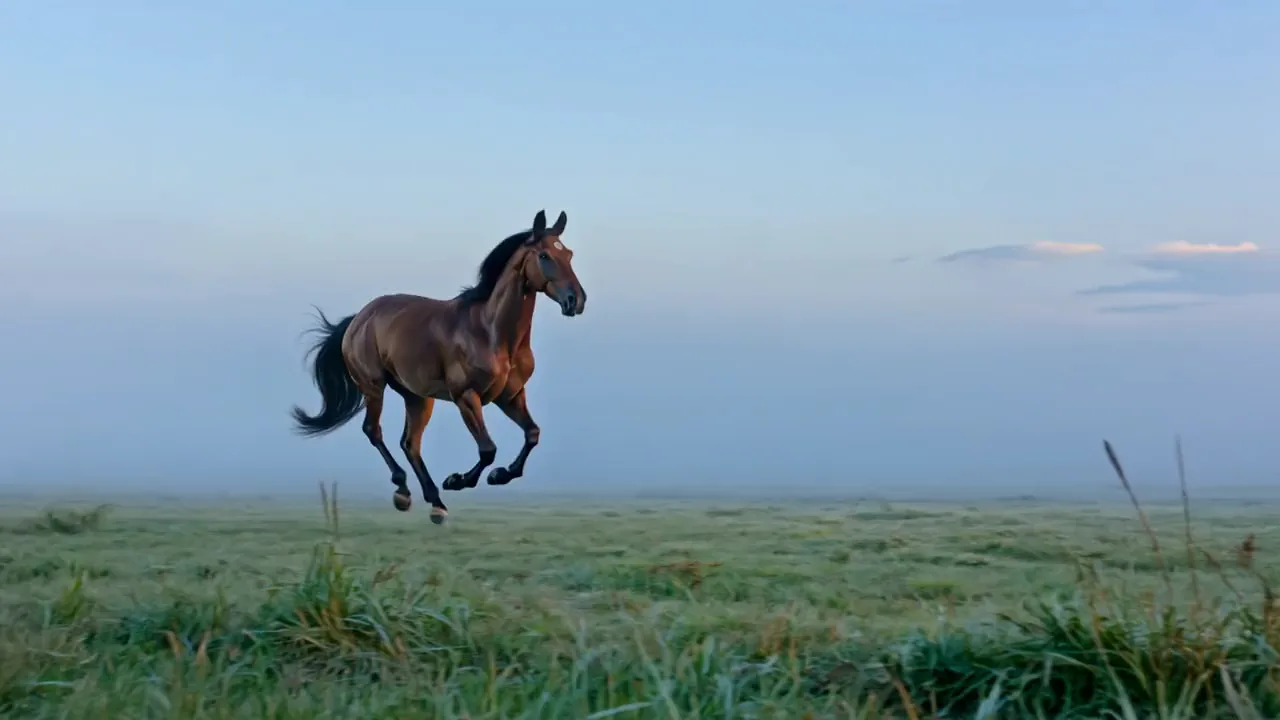






Gemini Omni video of a king cobra rising from its coil on red earth and fanning its hood, Gemini Omni video of a blue white iceberg stranded in orange Sahara dunes as frost spreads over the sand, A skydiver steering a red canopy into a right turn high above a white cloud deck, A green auto rickshaw speeding down a sandstone lane toward the camera through glowing golden dust

Gemini Omni AI video generator by Google

Turn a prompt or a photo into a Gemini Omni clip with sound on Pixelcut. Pick 3 to 10 seconds, wide or vertical, up to 4K on 1.1 Flash.

Model

Gemini Omni 1.1 Flash on Pixelcut

Gemini Omni 1.1 Flash by Google is preselected at 720p, with 360p, 1080p and 4K to choose from, while Gemini Omni Flash renders at 720p only. Both make 3 to 10 second clips with sound on Pixelcut Pro.

Gemini Omni 1.1 Flash at a glance

Input
Text or photosOptional start and end photo
Resolution
360p, 720p, 1080p, or 4K
Aspect ratio
16:9 and 9:16Landscape or vertical
Output
MP4
Clip length
3 to 10 s
Audio
Always onSound generated with the video

See what Gemini Omni AI can film

Describe the scene you want, and Gemini Omni turns it into a short clip with sound.

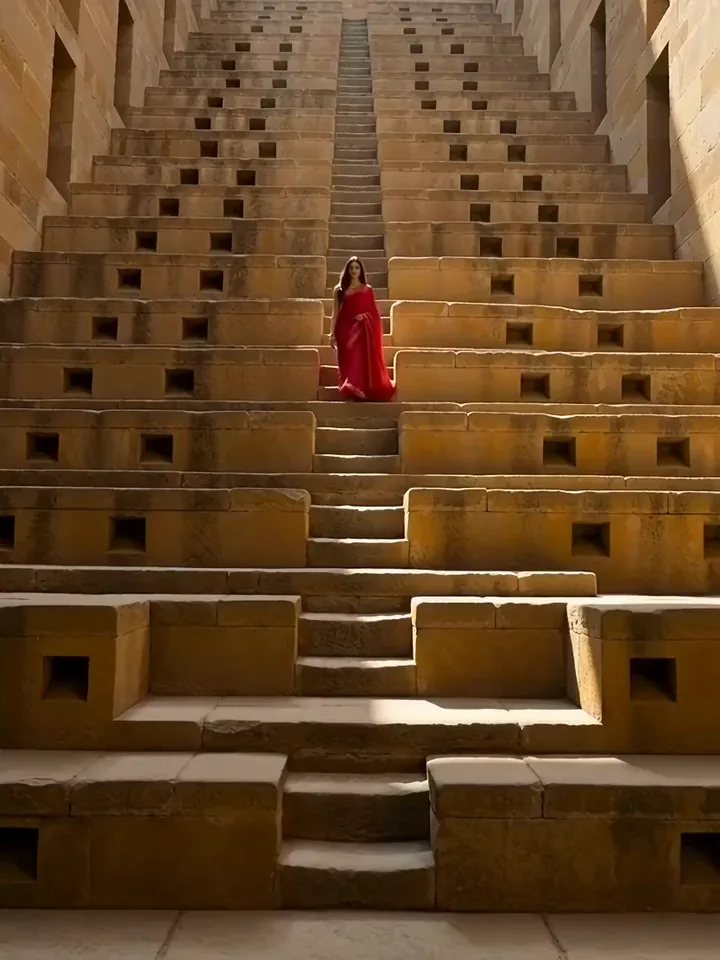
Gemini Omni video of a model in a scarlet sari walking down the stone steps of an ancient stepwell
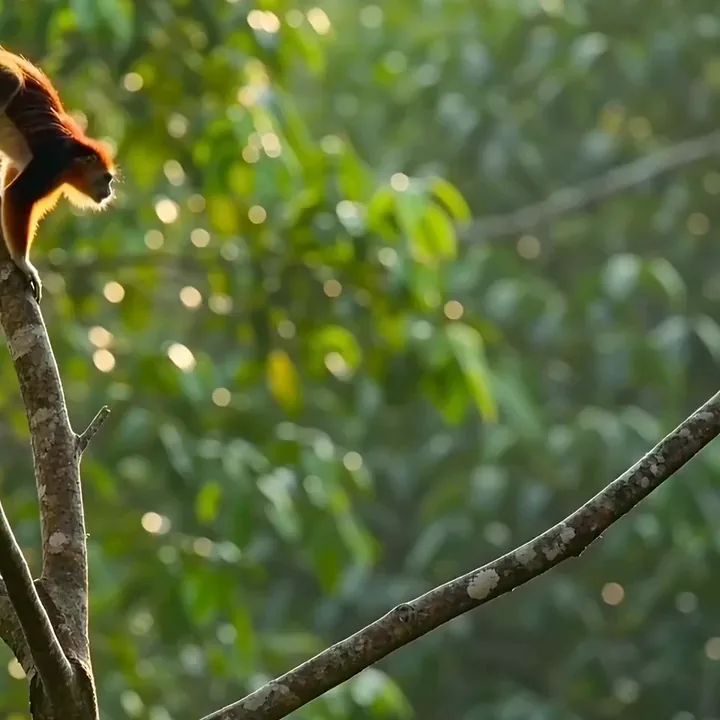
A Malabar giant squirrel leaping between branches in a sunlit forest canopy
Gemini Omni video of orange marigold petals streaming down a channel between green rice paddies
A cut card collage cricket batter lofting the ball high over the boundary rope
Gemini Omni video of a Bhangra dancer in a magenta turban raising his arms and one knee in a golden wheat field
A pixel style red roadster speeding down a palm lined highway toward a pink sunset
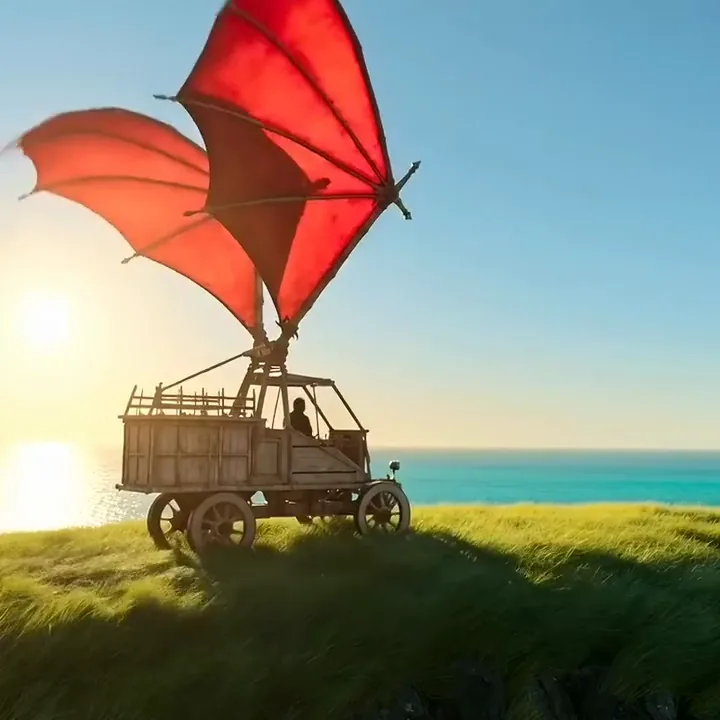
A wooden flying machine with red canvas wings lifting off a cliff over a turquoise sea
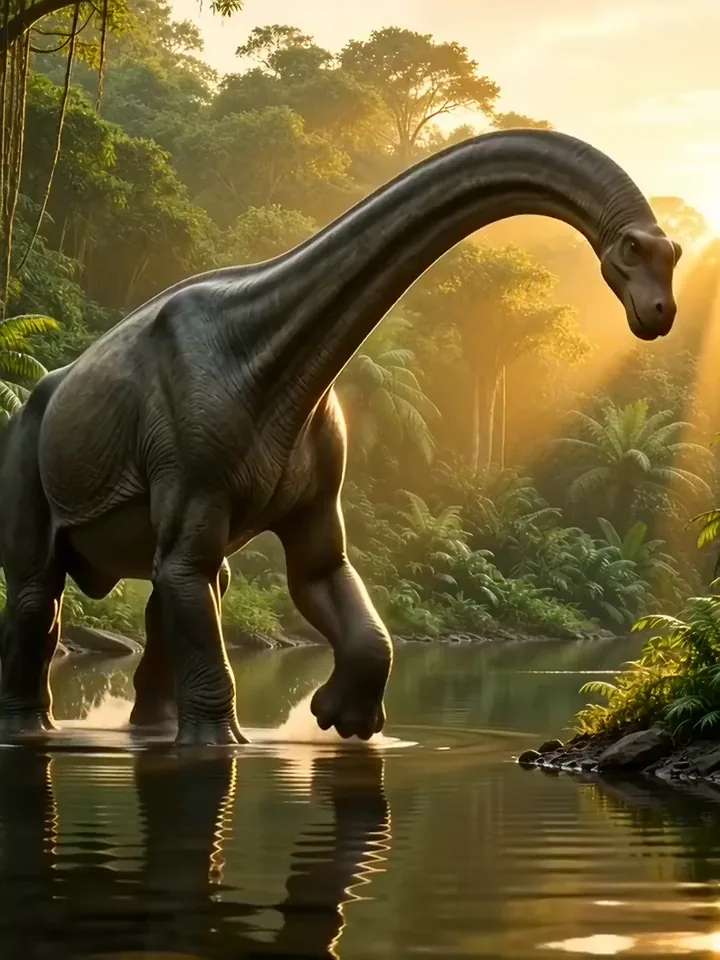
Gemini Omni video of a brachiosaurus wading a jungle stream at golden hour and lowering its long neck to drink

Prompt or start photo

Use Gemini Omni text to video or image to video

Text to video needs nothing but one sentence about what happens. Image to video starts from a photo of your own, and your prompt only has to say what should move. Each run gives you one finished MP4 to keep.

  1. Pick text to video or upload a start photo
  2. Describe the scene, or the motion in your photo
  3. Generate, then download the MP4

A Nile crocodile bursts out of muddy river shallows at sunset, water pouring off its back

Text to video

Write one sentence and let Gemini Omni film it
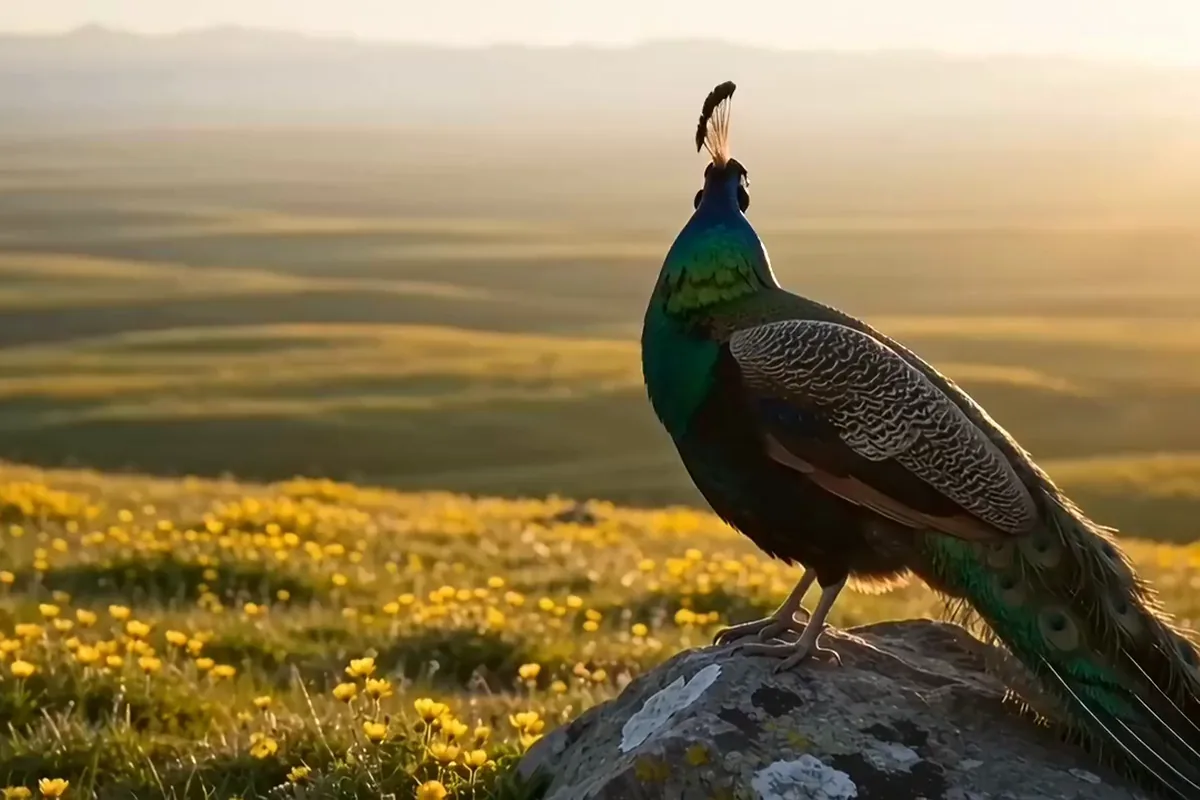
Gemini Omni video of a peacock on a rock in yellow flowers turning into the sun as its neck flashes green, blue and violet

Write one sentence and Gemini Omni 1.1 Flash builds the whole clip from your words. No photo needed, and the look of the scene is chosen for you. Give it one clear moment and a single run shows whether the idea works.

Draft at 360p on Gemini Omni 1.1 Flash, finish in 4K

Gemini Omni video of black ferrofluid on a yellow dish pulling into a crown of sharp spikes as a magnet slides underneath

Test an idea at a low resolution to check the motion, then rerun the prompt that works in sharp 4K. Every run is a fresh take, and the motion can change between them. You get the final clip at the size your screen needs.

Start a Gemini AI video from your own photo

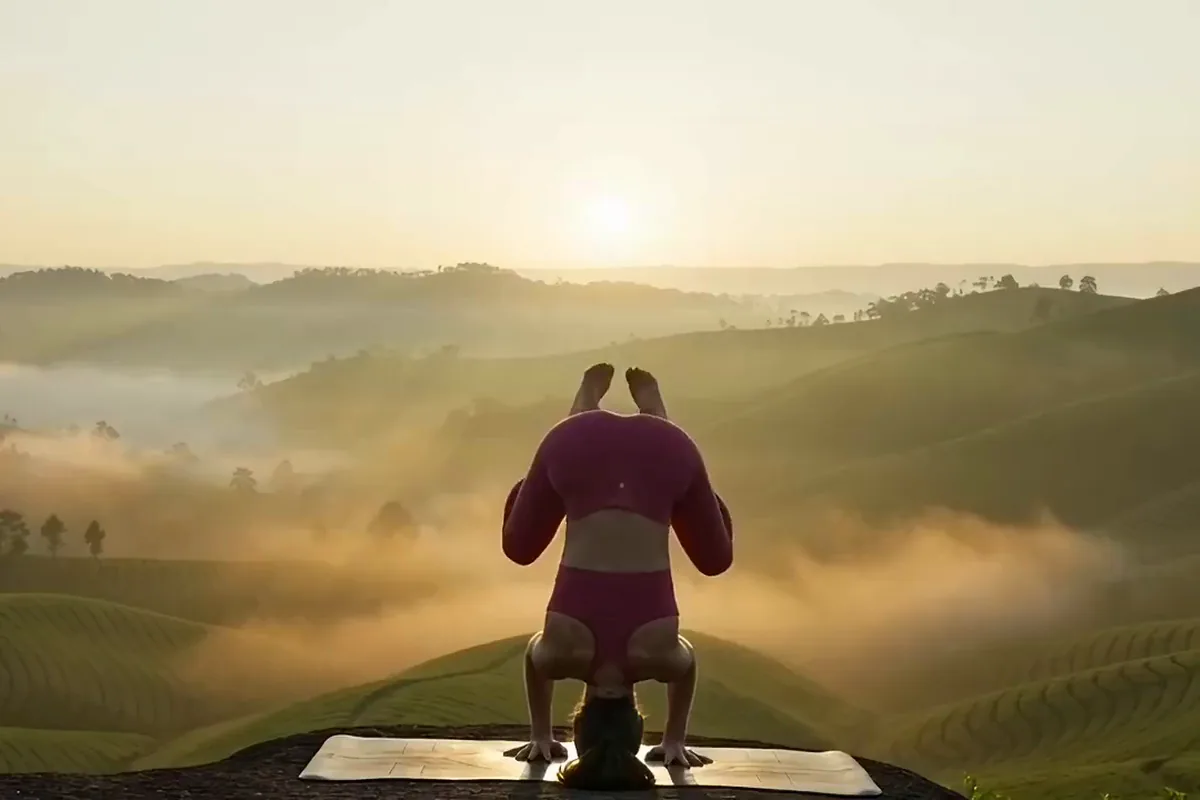
Gemini Omni video of a woman in magenta lifting into a straight yoga headstand on a mat above misty tea hills at sunrise

Upload your own photo and the model sets it in motion. In Pixelcut's video generator, 1.1 Flash also takes an end photo and lands the clip on the frame you chose. Make it wide for YouTube or tall for Reels and Shorts.

Get sound with every Google Omni clip

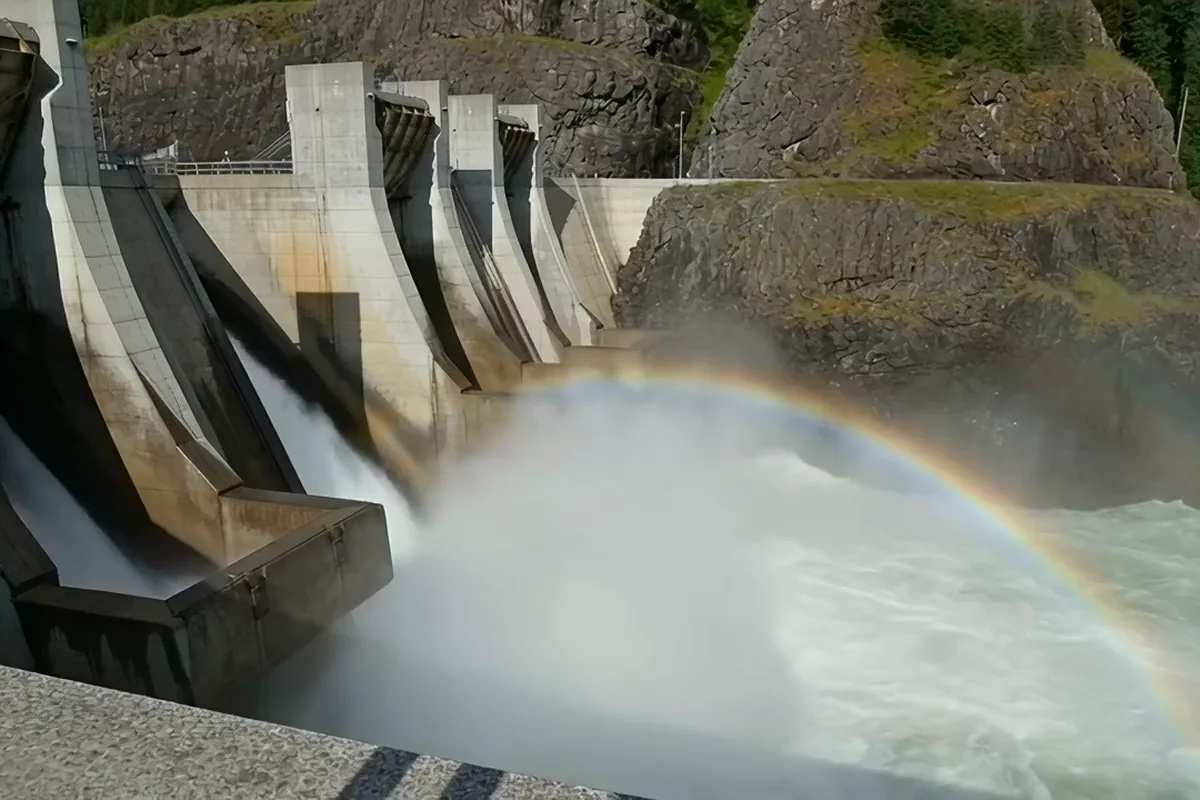
Gemini Omni video of dam gates releasing white water into a gorge in an arc of mist with a rainbow

Every clip comes back with its sound already in place. Audio is made together with the picture in the same run. There is nothing to switch on, just a finished scene to play with the volume up.

Put Gemini Omni video to work

Online shops, social video creators and teachers use it for product clips, social posts and quick lessons.

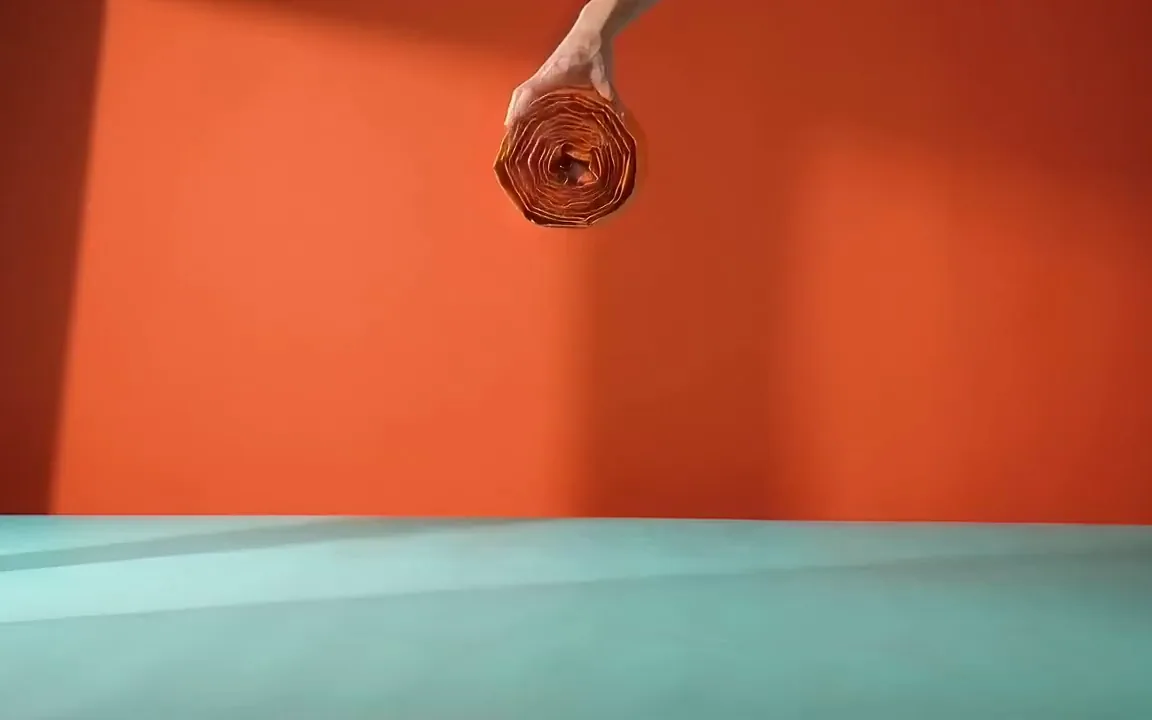
  • Gemini Omni video of an orange pop up tent springing open into a dome on a mint floor against a coral wall

    Online shops and small brands

    Make listing videos and ads without a product shoot. You can generally use the clips commercially if you own your inputs and follow Pixelcut's policies.

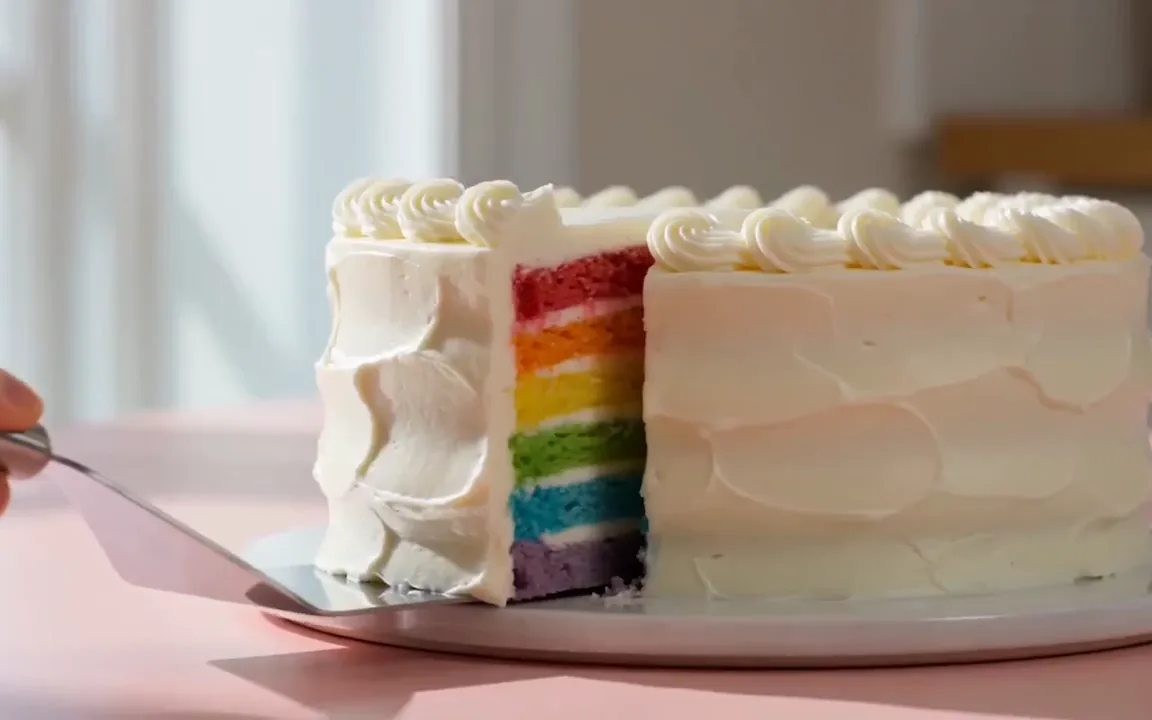
  • A cake server lifting a slice from a frosted cake to show bright rainbow layers on a pink counter

    Social video creators

    Post vertical clips for your feed without filming a thing. Pick 9:16 and your clip is ready to share as soon as it renders.

  • A wooden trebuchet silhouetted at sunrise swinging its arm and slinging a stone into the sky

    Teachers and explainers

    Show how something works in a short clip your class can watch twice. Compare the same idea across models in the AI video generator.

More models on Pixelcut

Switch models per generation instead of per subscription. Each card opens that model's page.

  • Cinematic motion, and your first video is free

    • New
    • Free with sign-up
    • Image to video
    • Up to 10 s
  • ByteDance's newest video model

    • New
    • Audio
    • Image to video
    • Up to 30 s
  • Text, image and reference video, up to 15 s

    • New
    • Audio
    • Image to video
    • Up to 15 s
  • Photoreal video with synchronized audio

    • Audio
    • Image to video
    • Up to 8 s
  • Multi-shot scenes and elements

    • New
    • Audio
    • Image to video
    • Up to 15 s
  • Synchronized audio in many languages

    • Image to video
    • Up to 10 s

How to use Gemini Omni Flash on Pixelcut

  1. 1

    Describe the clip you want

    Type the scene in the prompt box in plain words, the way you would brief a camera operator. To start from a picture instead, upload a photo as the first frame.

  2. 2

    Pick version and settings

    Keep 1.1 Flash for 360p up to 4K, or switch to Gemini Omni Flash at 720p. Then set the length, from 3 to 10 seconds, and pick 16:9 or 9:16.

  3. 3

    Generate and download it

    Hit generate and wait about two minutes, the model picker's estimate, for a clip with its sound already in it. Save the MP4, or adjust a single detail for another take.

Plans for video generation

Video is billed in credits per second of footage. Pick the plan that matches how much you make.

Save 20% with a yearly plan

Free

$0
per month, billed yearly
Your first video free on MiniMax H3 Max
Image tools free to try

Pro

$10$8
per month, billed yearly
600 AI Credits Monthly
Access all AI models
Unlimited Background Removal
Unlimited Upscale
3 Person Team
1,000 Batch Exports Monthly
Commercial license
Most Popular

Business

$30$24
per month, billed yearly
3,600 AI Credits Monthly
Access all AI models
Unlimited Background Removal
Unlimited Upscale
10 Person Team
2,000 Batch Exports Monthly
Commercial license
Trusted by over 200,000 creators, brands and small businesses

Trusted by creatives at

  • Adidas logo
  • Airbnb logo
  • Apple logo
  • Chanel logo
  • Google logo
  • Gucci logo
  • H&M logo
  • Nike logo
  • Sephora logo
  • Starbucks logo
  • Toyota logo

Frequently Asked Questions

Make your first clip with Google Gemini Omni