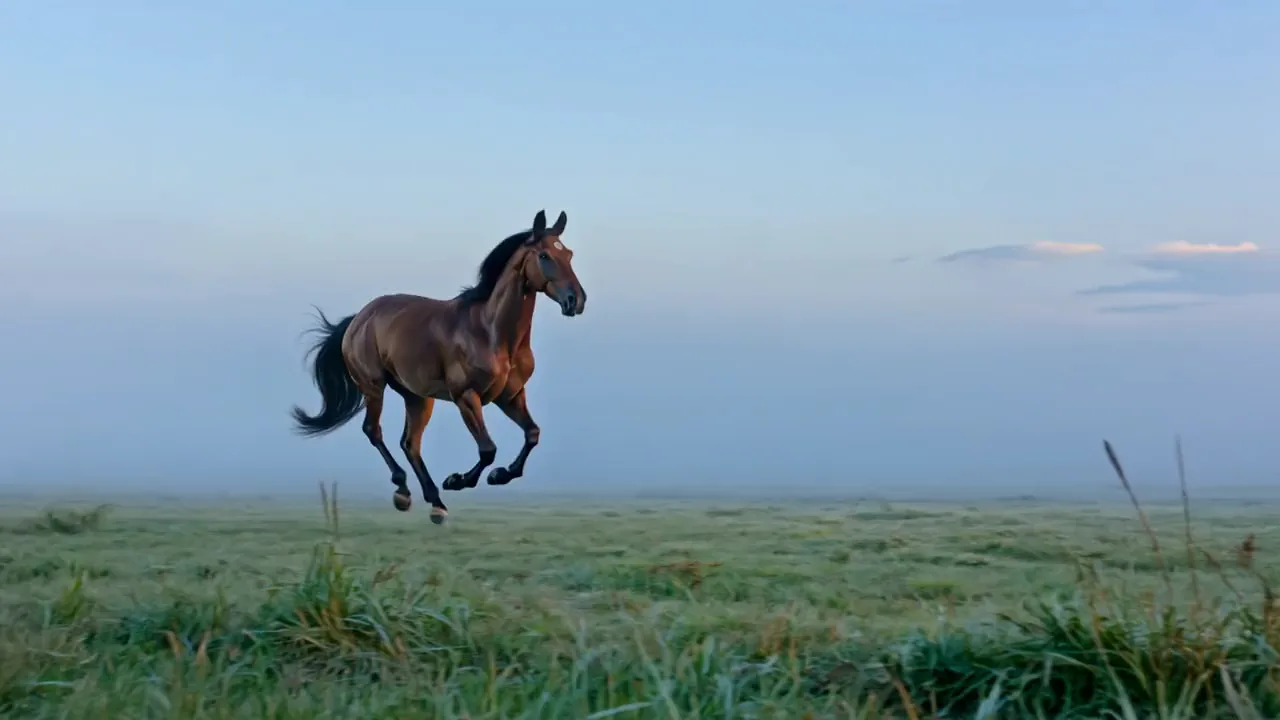
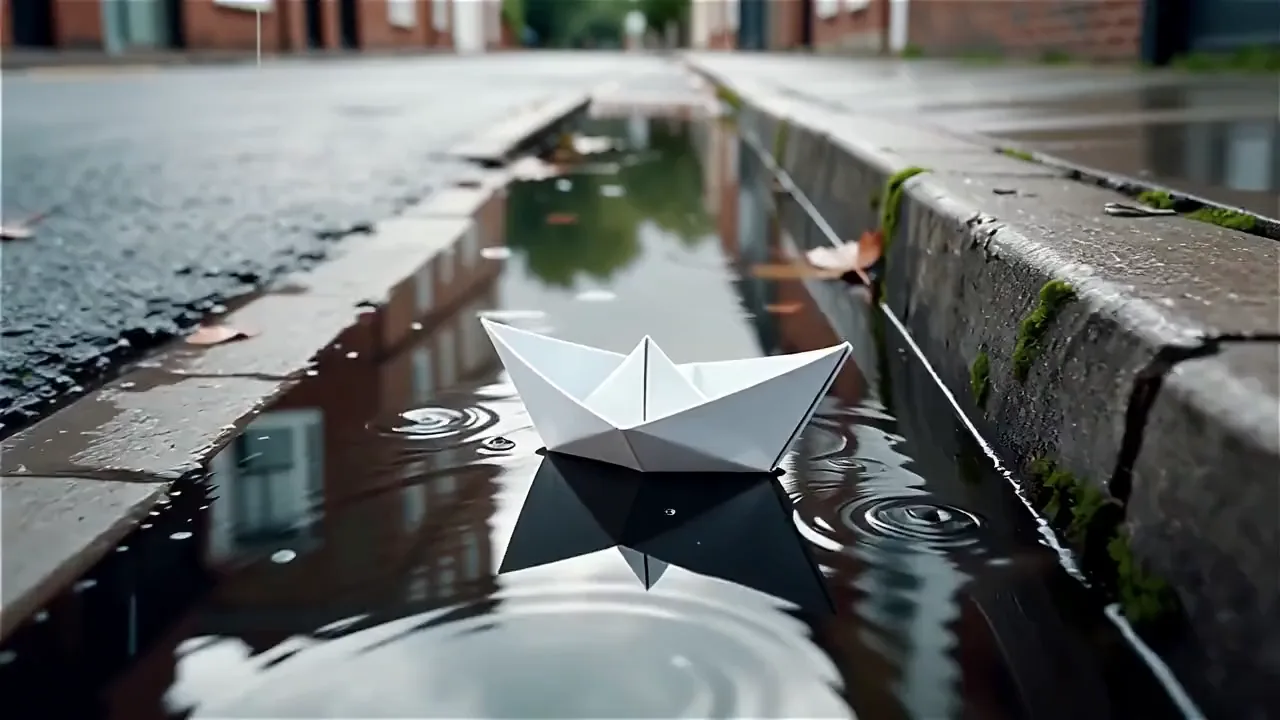
Start every LTX-2 video from your own photo
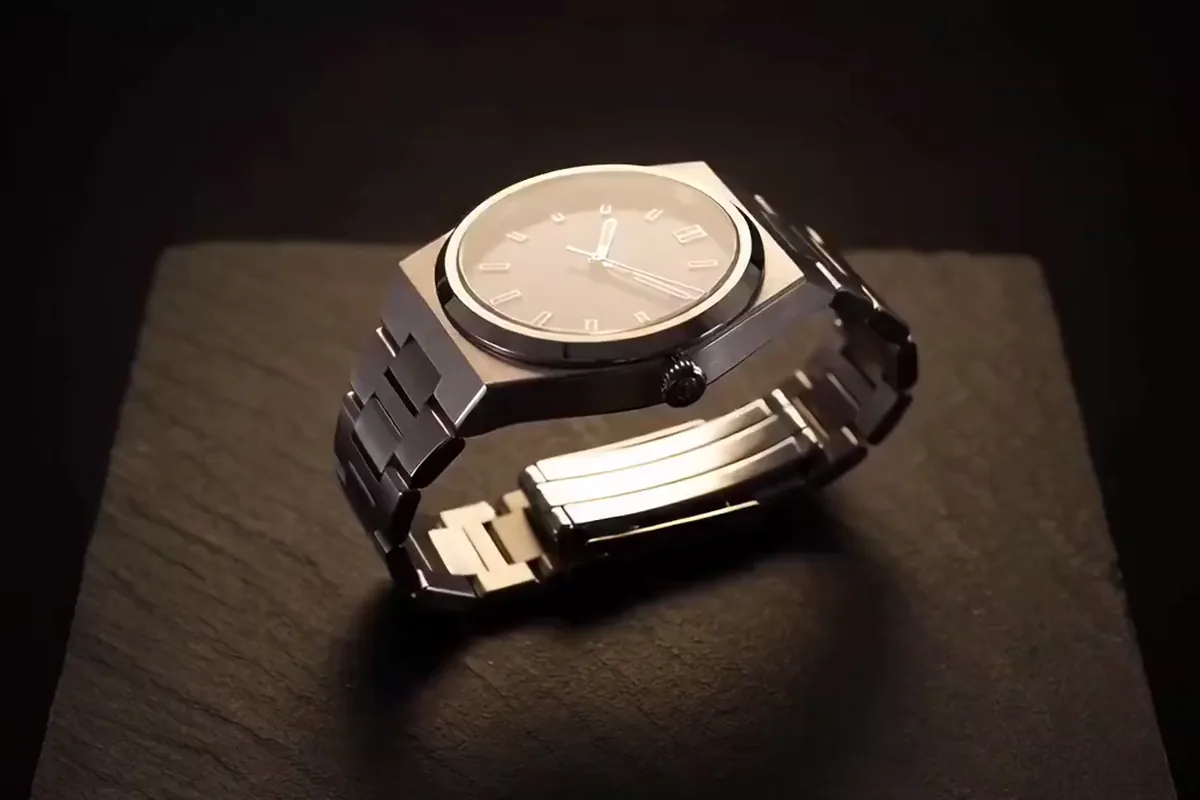
Upload a photo and it becomes the opening frame of your clip. It starts on your product and your lighting, just as you shot them. Describe only what should move, and the model adds the motion.

Animate a photo with LTX-2 by Lightricks. Describe the motion and get a clip with sound made in the same pass, vertical or wide to match your shot.
Model
LTX-2 by Lightricks turns one starting photo and a motion prompt into a 5 to 15 second MP4 at 30 fps, with sound on by default. Switch to Turbo for faster, lower-cost runs. Both run on Pixelcut Pro.
Upload a photo, describe the motion, and LTX-2 turns it into a short clip with sound.
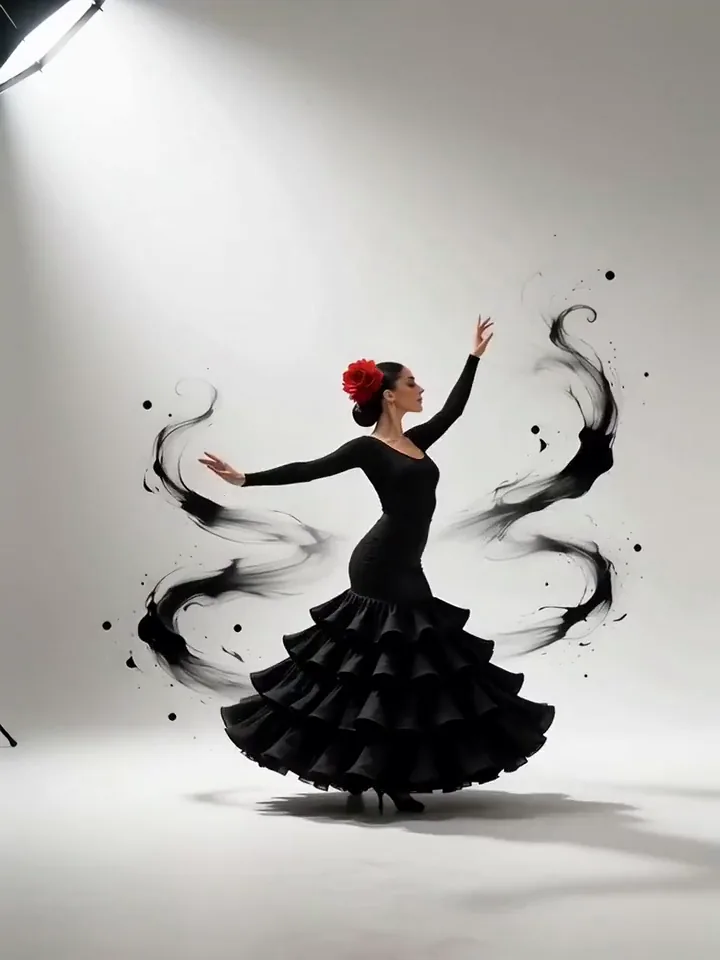
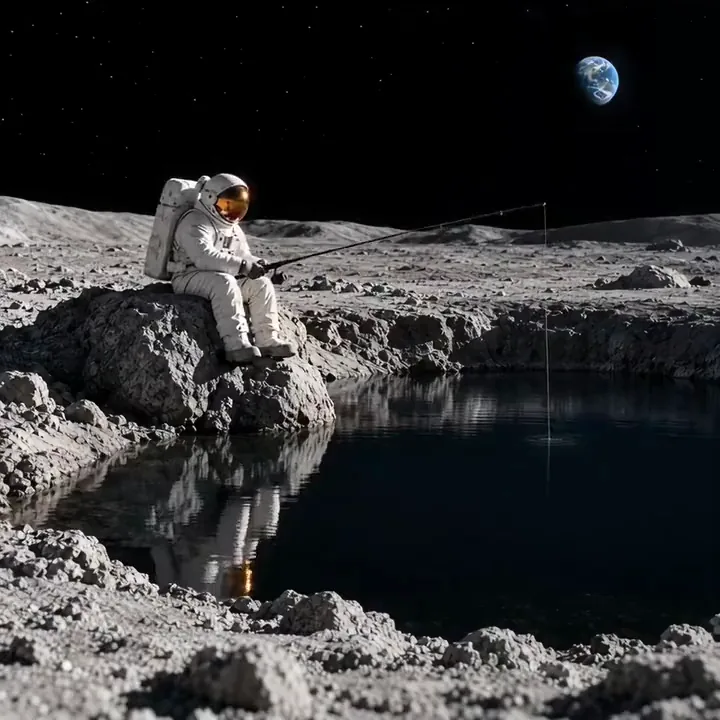

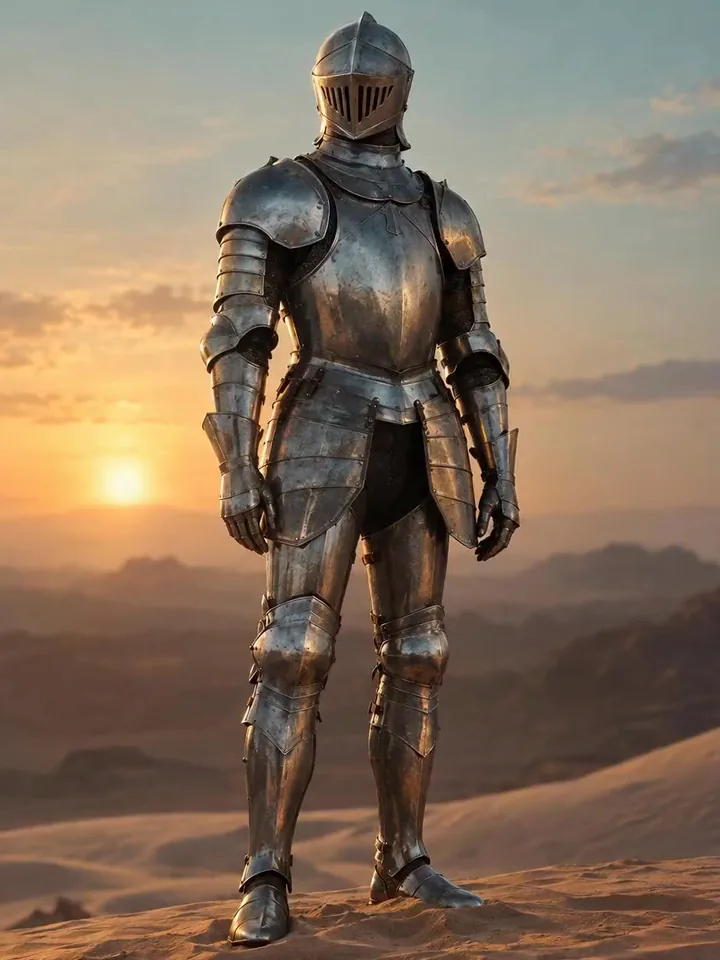
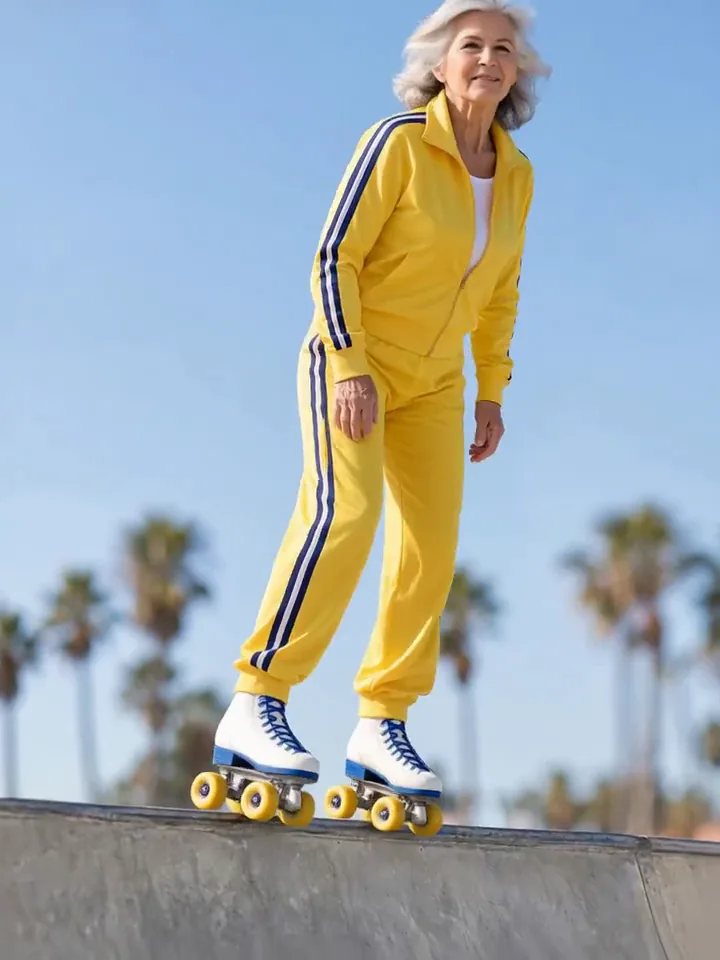

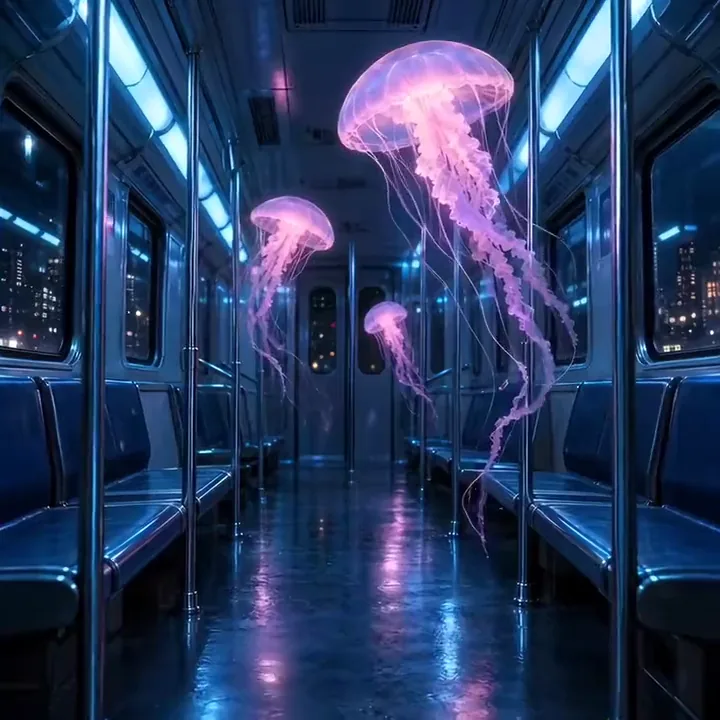
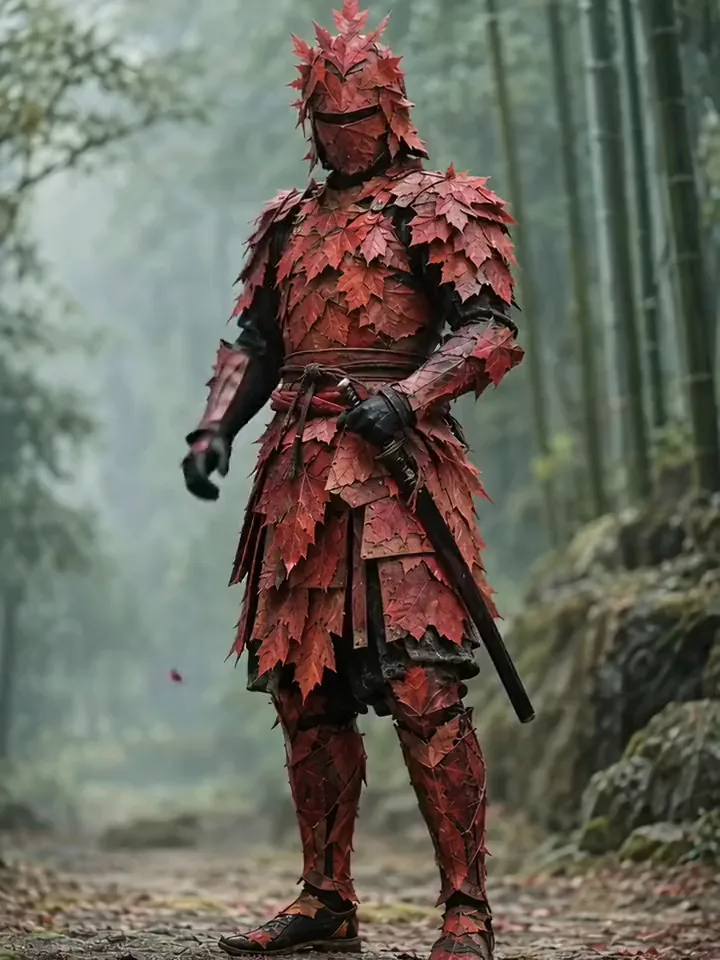
Image to video
LTX-2 on Pixelcut starts from a photo you already have. Upload it, add one line on the movement, the camera and the sound you want, and press generate. Keep that line to one action and one camera move for the cleanest result.
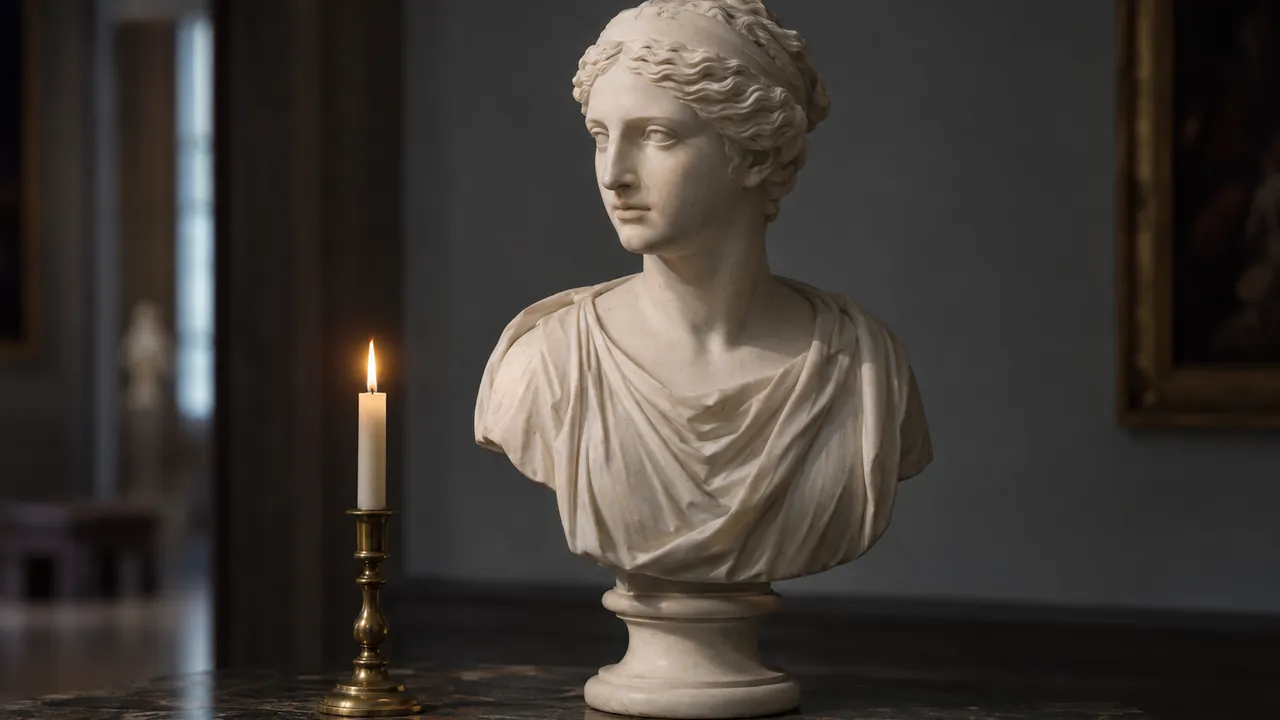
Upload a photo and it becomes the opening frame of your clip. It starts on your product and your lighting, just as you shot them. Describe only what should move, and the model adds the motion.
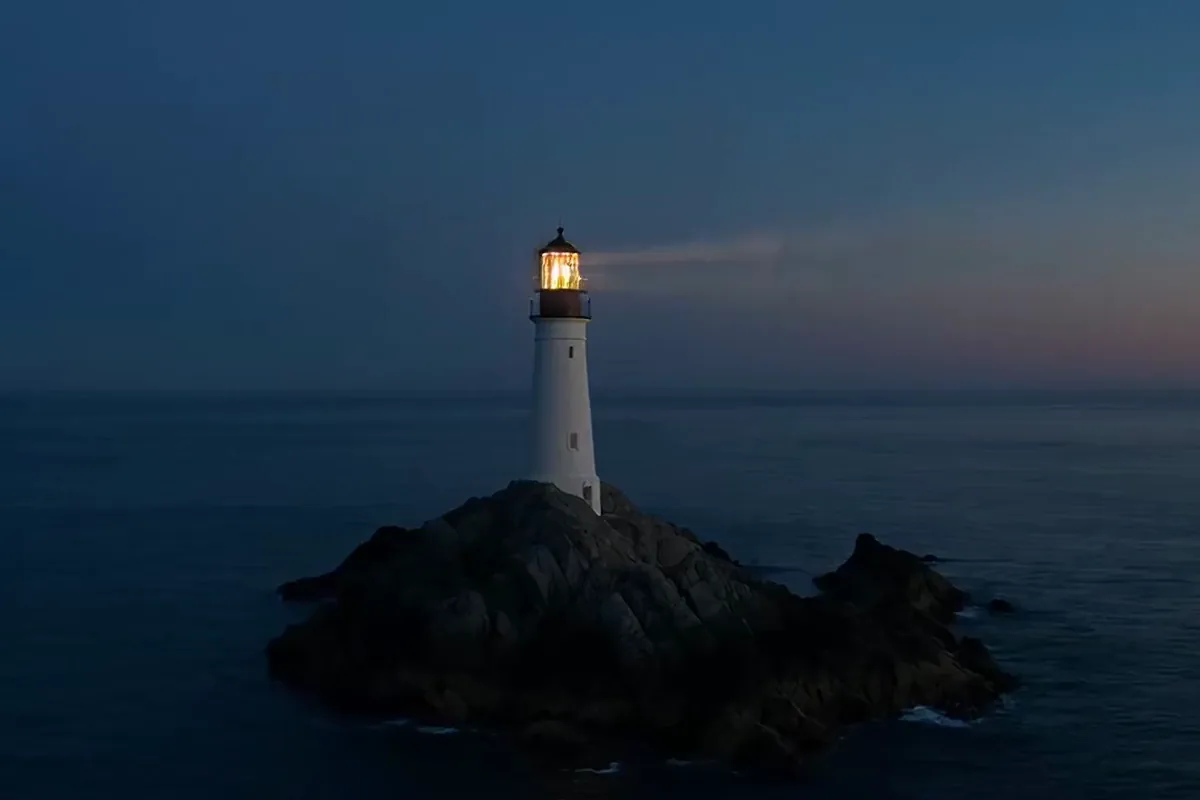
Get closer to the shot you picture by naming the action first, then the camera move, the light and the sound. Short, specific lines give cleaner clips than long lists of adjectives. For sound, name what makes it rather than the mood.
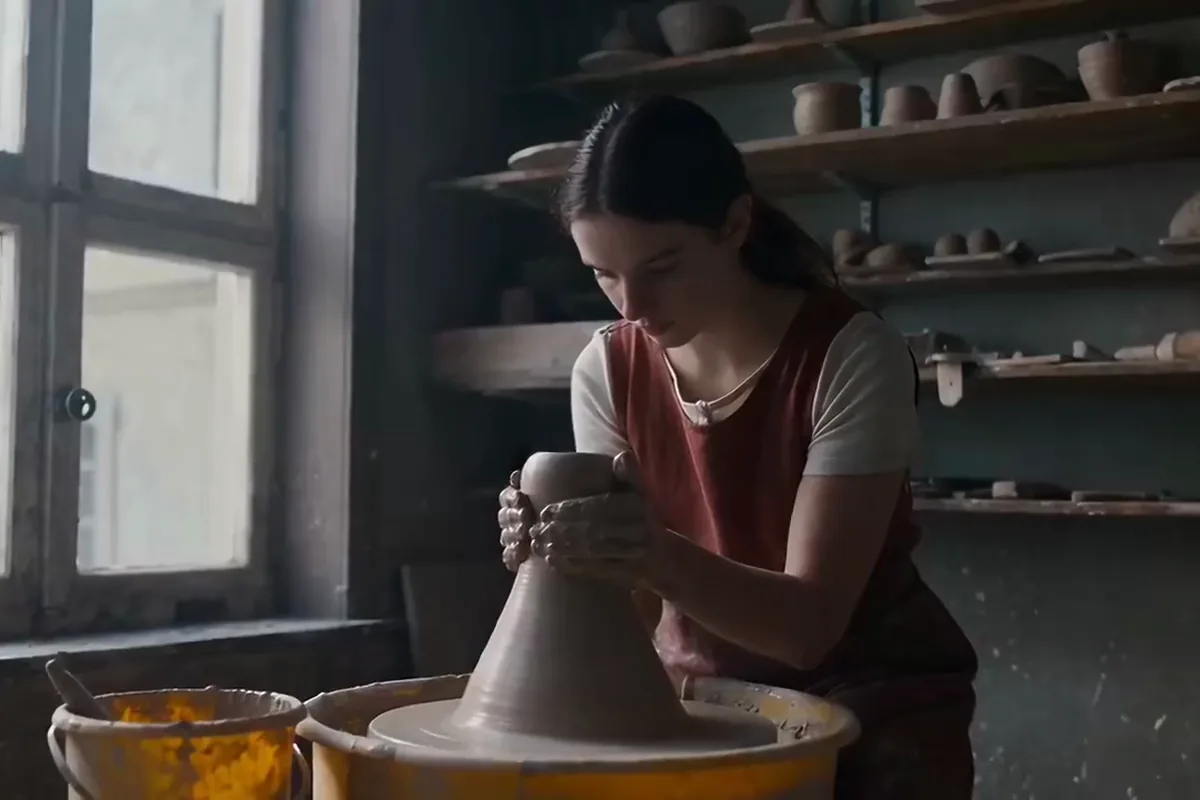
Turbo is the faster, lower-cost version of the same model, with the same options. Try a few takes of an idea in quick runs and keep the one that works. For a second look, run the same photo on the standard version.
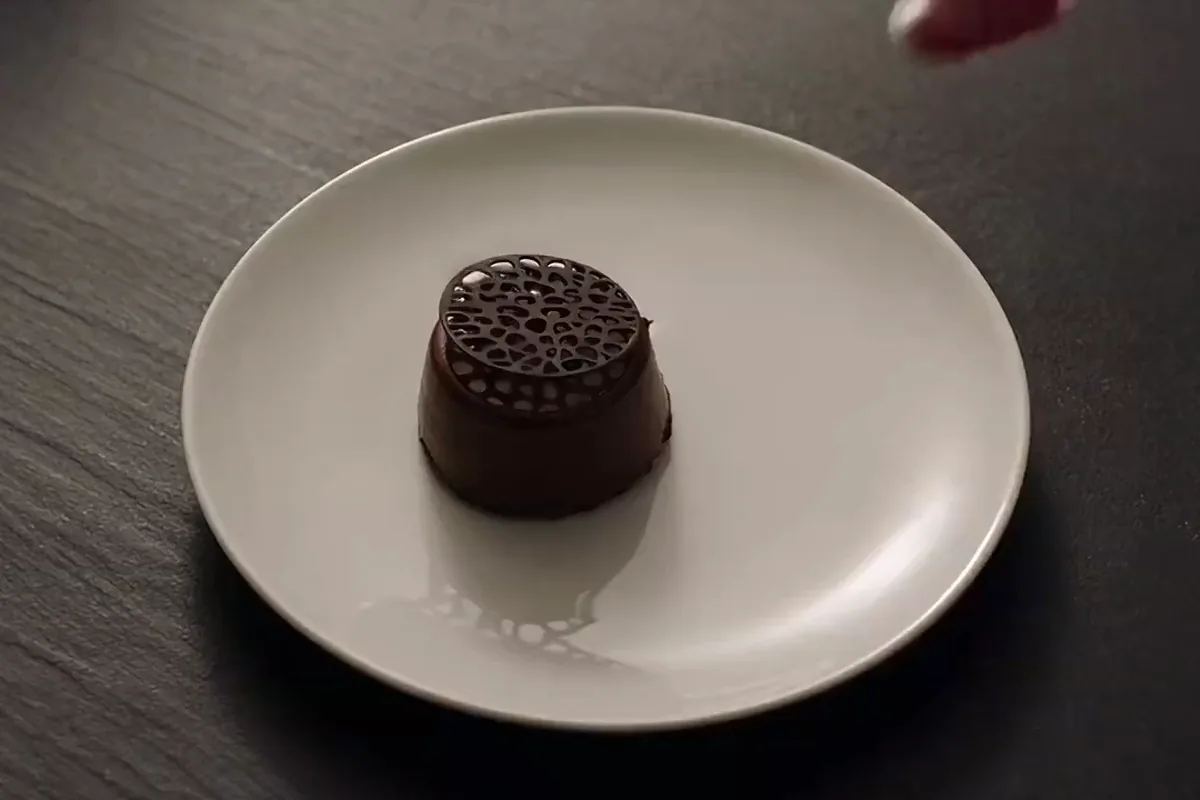
Set the length one second at a time, from 5 to 15 seconds. Go short for a teaser or longer for a full reveal. Your clip keeps the shape of your photo and drops straight into your edit.
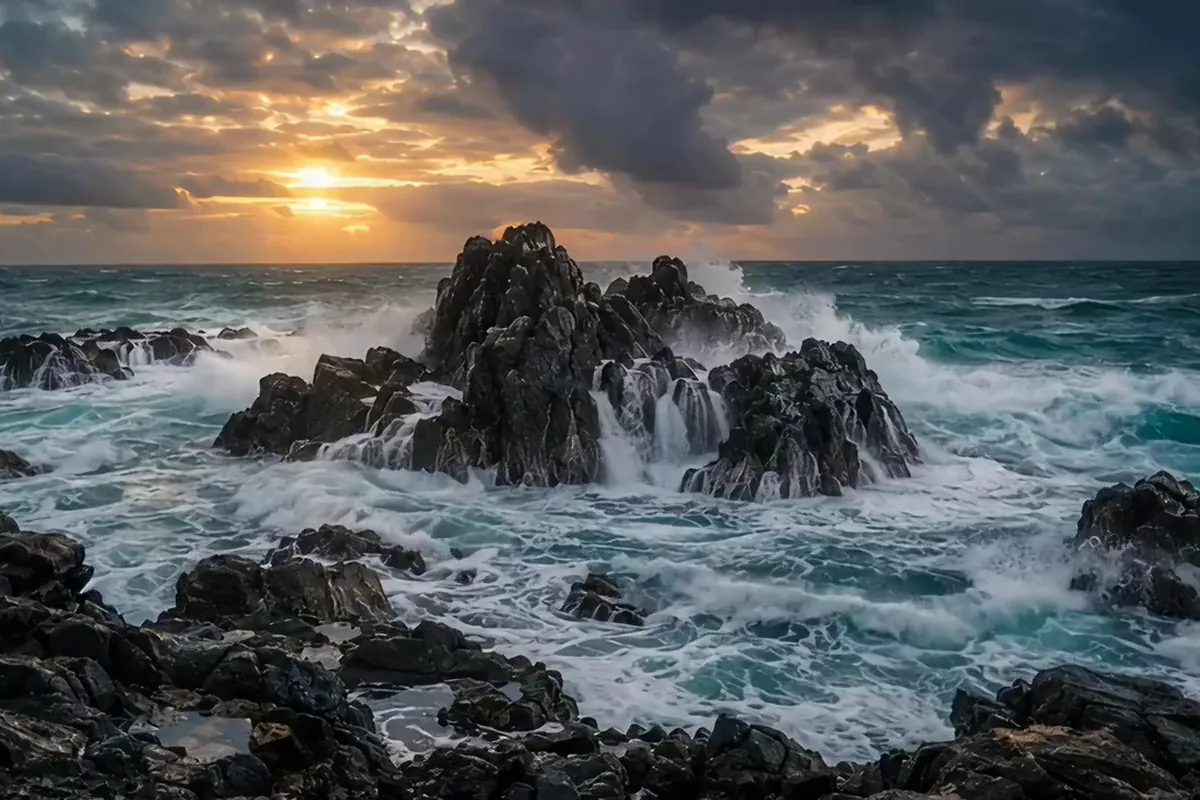
Make video and sound together from one prompt. Name the sound you want in the same line as the motion, and the audio comes back in the clip. You get a finished scene ready to share, with no separate sound step.
Filmmakers, marketers and social creators use LTX-2 to turn the photos they already have into short clips with sound.

Bring concept art and storyboard panels to life for a pitch or client review. Ambient sound sells the mood before anything is shot.

Turn a clean product photo into a campaign teaser with its sound in place. Show the product in motion before you book a shoot.

Animate your travel photos and pet pictures for short-form feeds, with sound already in the clip. Want to compare models? Try the AI video generator.
Switch models per generation instead of per subscription. Each card opens that model's page.
Cinematic motion, and your first video is free
ByteDance's newest video model
Text, image and reference video, up to 15 s
Photoreal video with synchronized audio
Multi-shot scenes and elements
Synchronized audio in many languages
Pick the image you want to animate, such as a product shot, portrait, travel photo or illustration. Its shape sets the frame of the finished video.
Write what should move, how the camera travels and what you want to hear, like a slow push in on a campfire with crackling logs and crickets at night.
Choose a duration in one-second steps, keep audio on to hear sound with your clip, and pick Turbo when you want faster, lower-cost runs while you test ideas.
Generate the clip, play it back with sound and download the MP4. Want a different take? Change a few words in the prompt and run it again.
Video is billed in credits per second of footage. Pick the plan that matches how much you make.



Trusted by creatives at