Turn one sentence into a Wan 2.2 clip
Describe a scene in plain words and the model brings it to life as a short clip. You need no photo and no footage to start. Test an idea in minutes, then sharpen the prompt and run it again.

Type a detailed prompt or add one start photo, and Alibaba's Wan 2.2 returns a clip in 16:9, 9:16 or 1:1 in about a minute and a half.
Model
Wan 2.2 by Alibaba runs here as its A14B text to video and image to video models. Write a detailed prompt, add a start photo if you have one, and get a five second MP4.
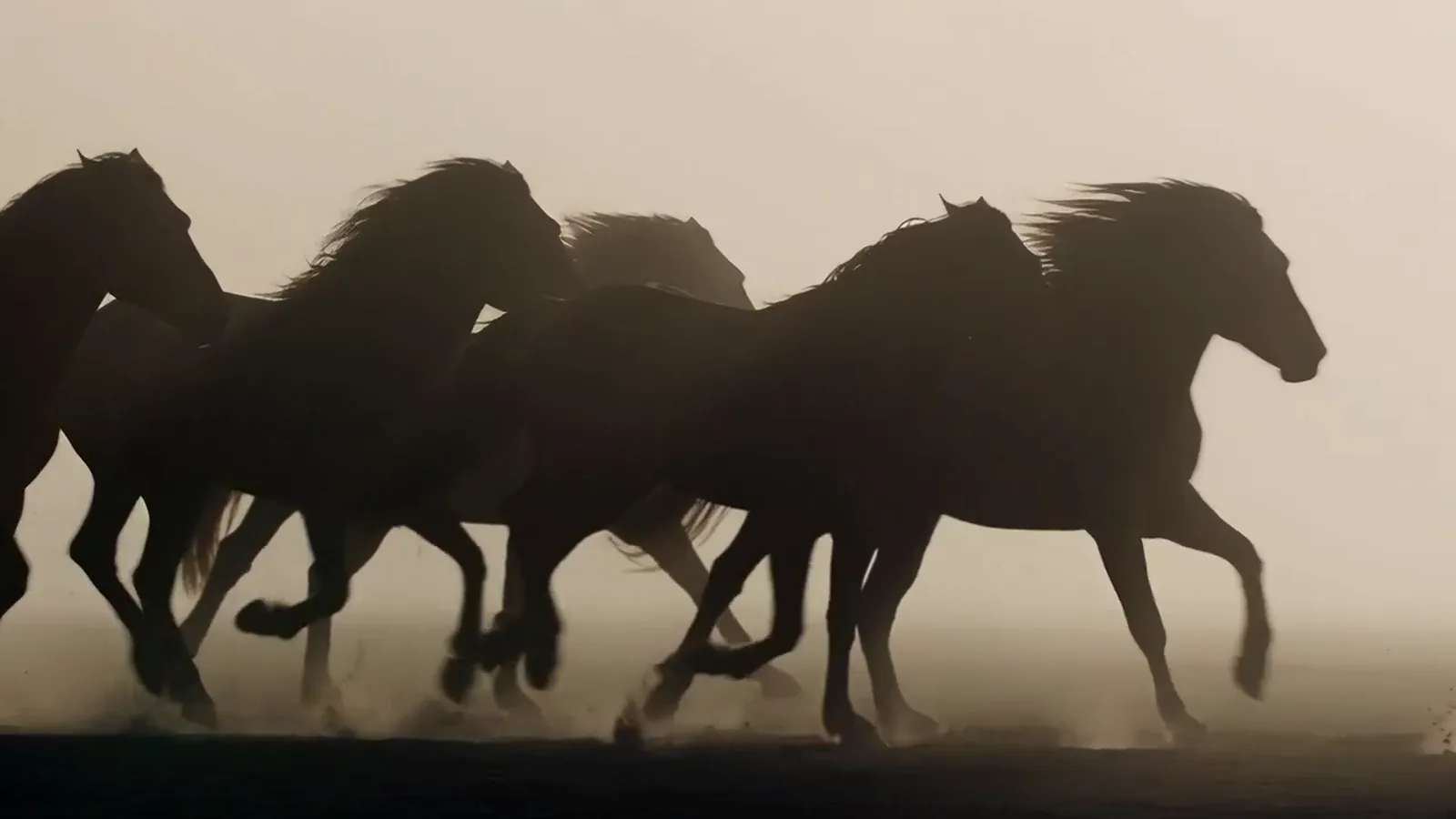
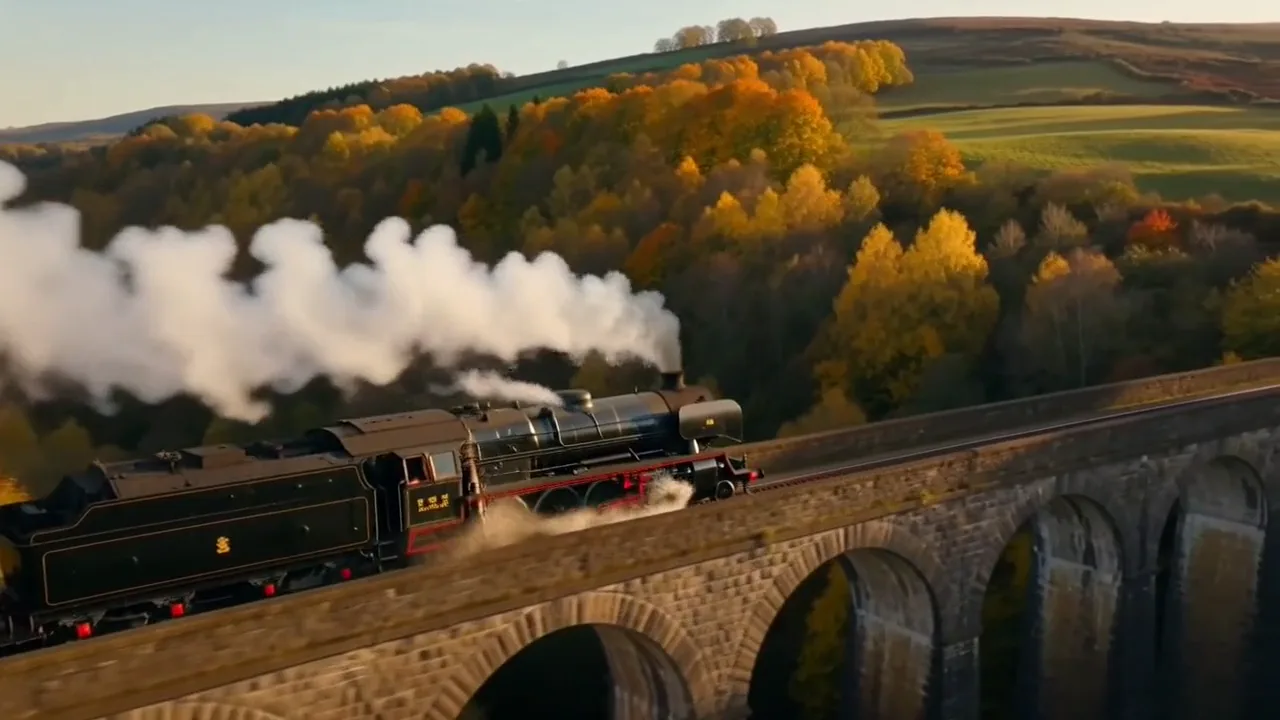
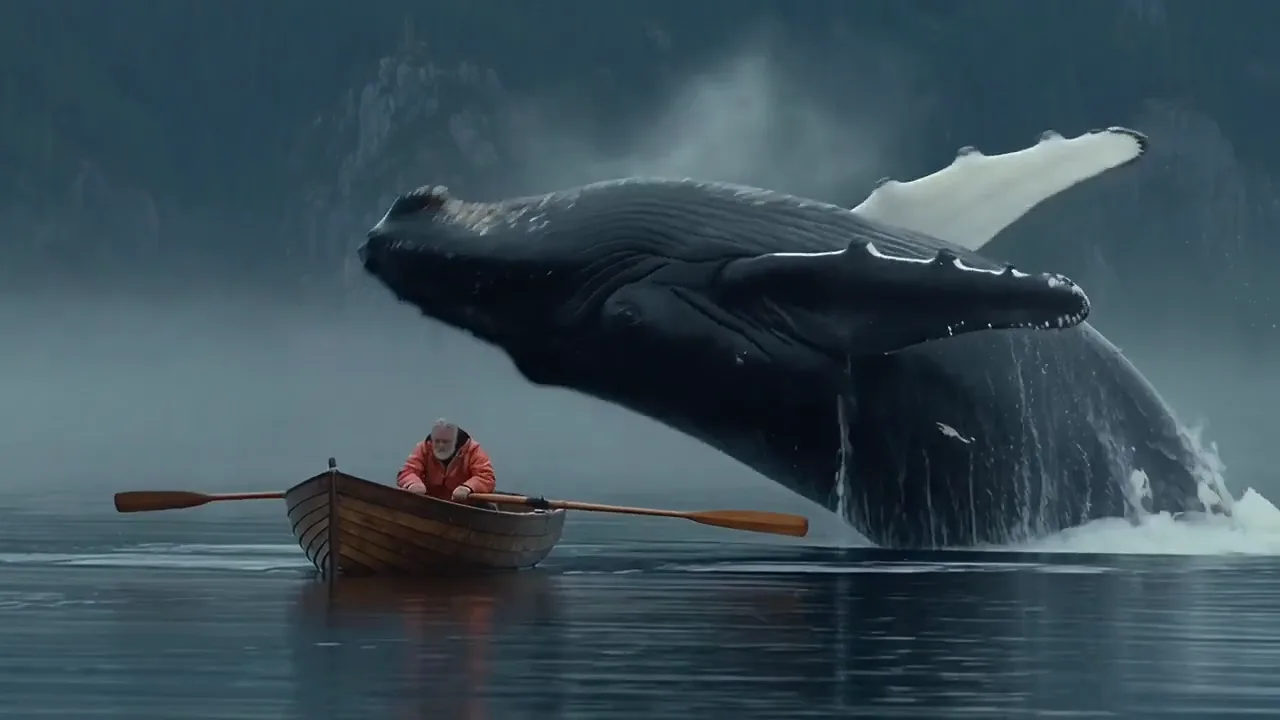
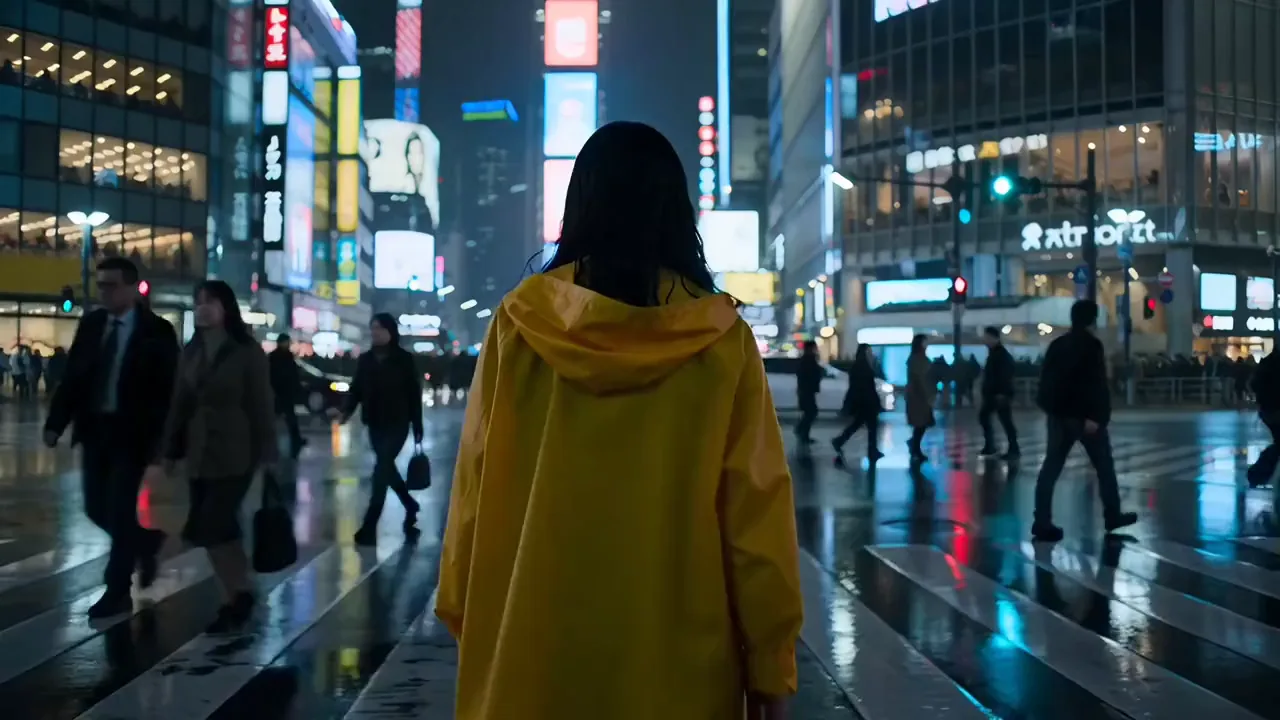
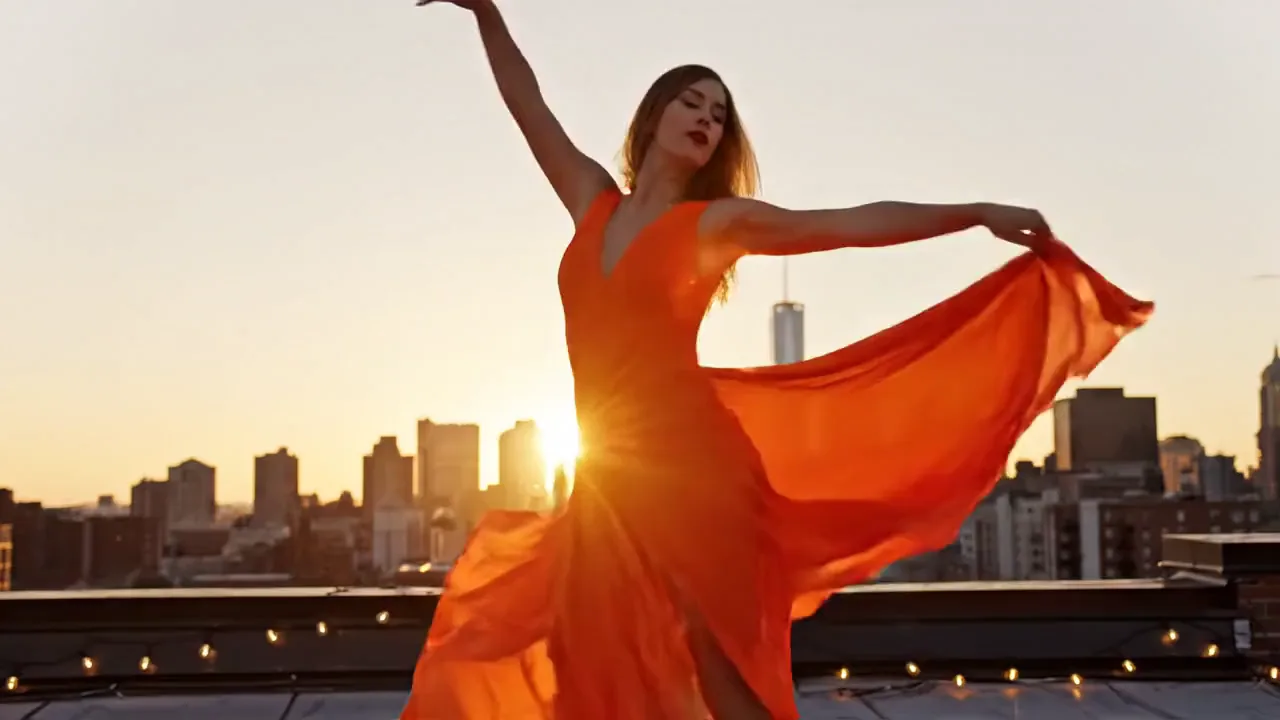
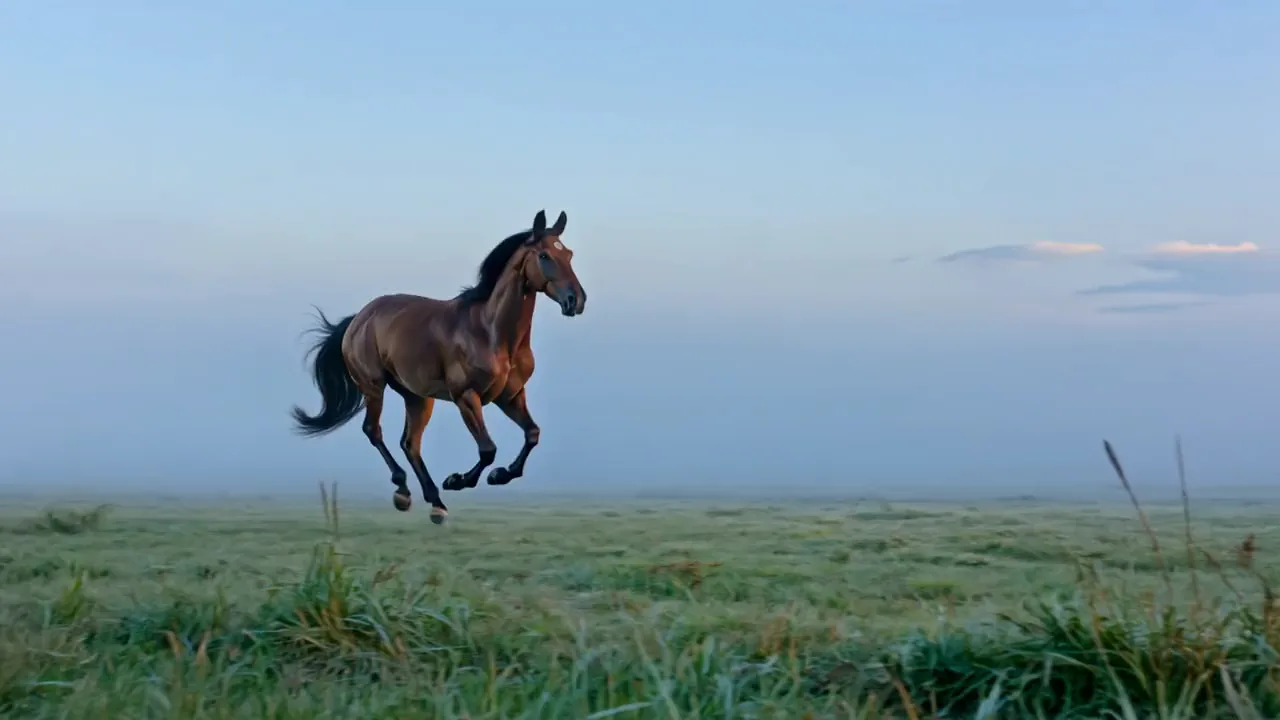
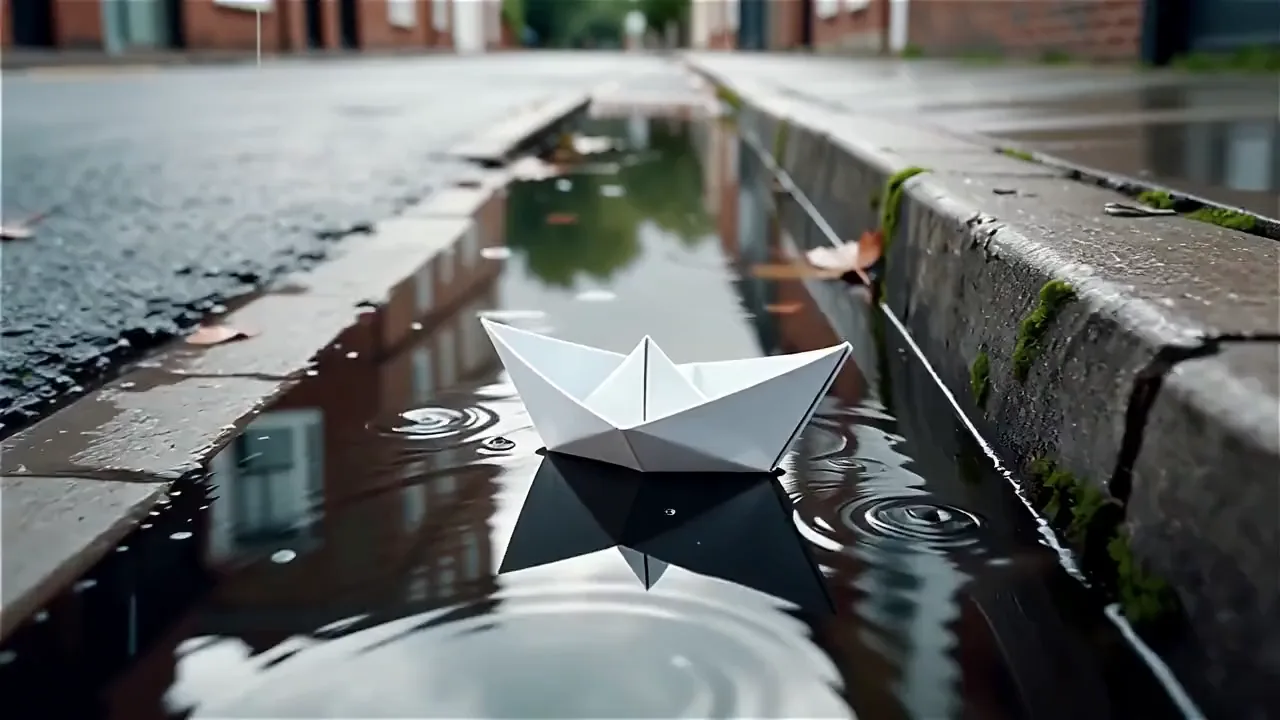
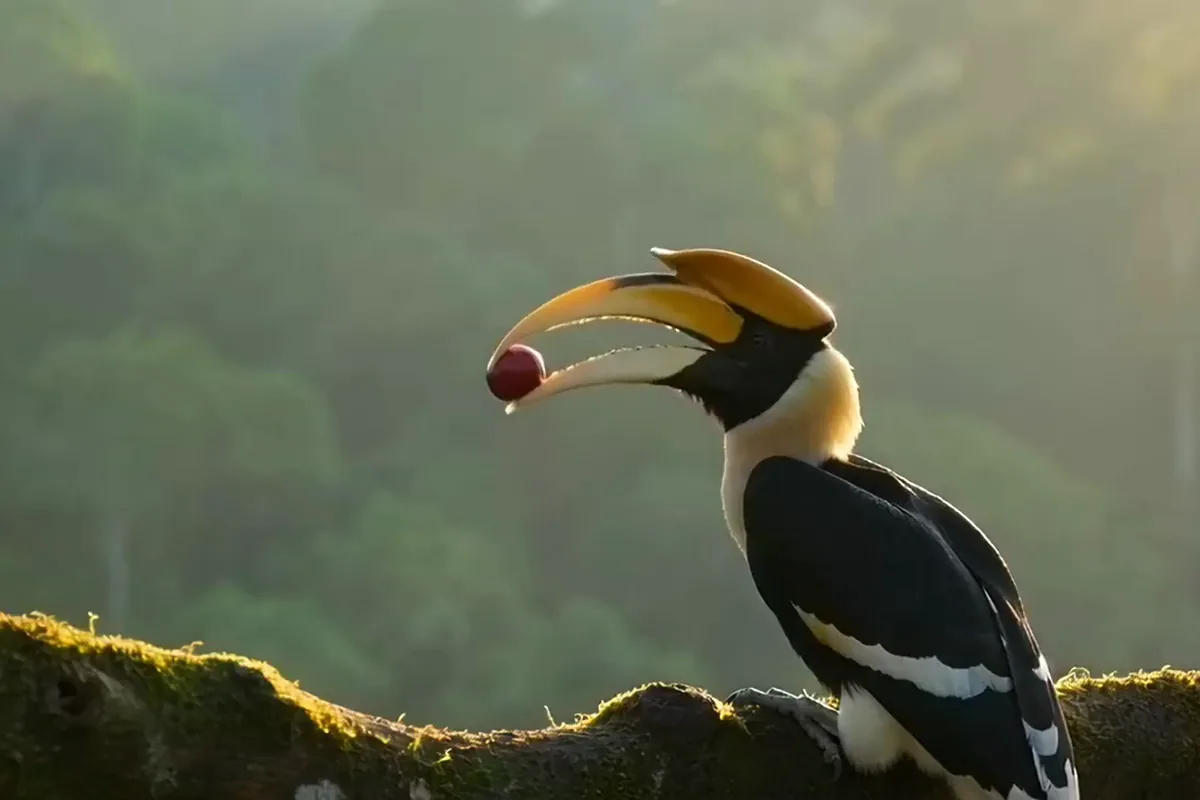
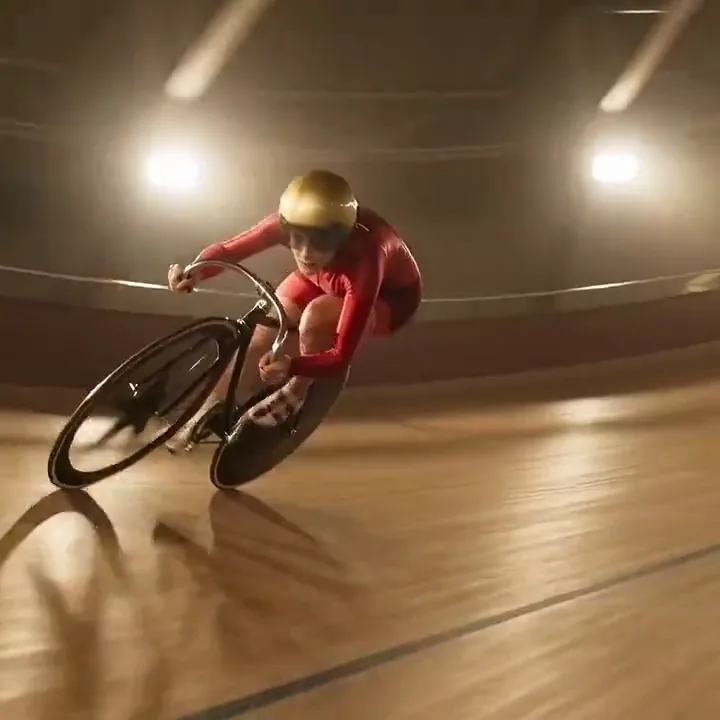
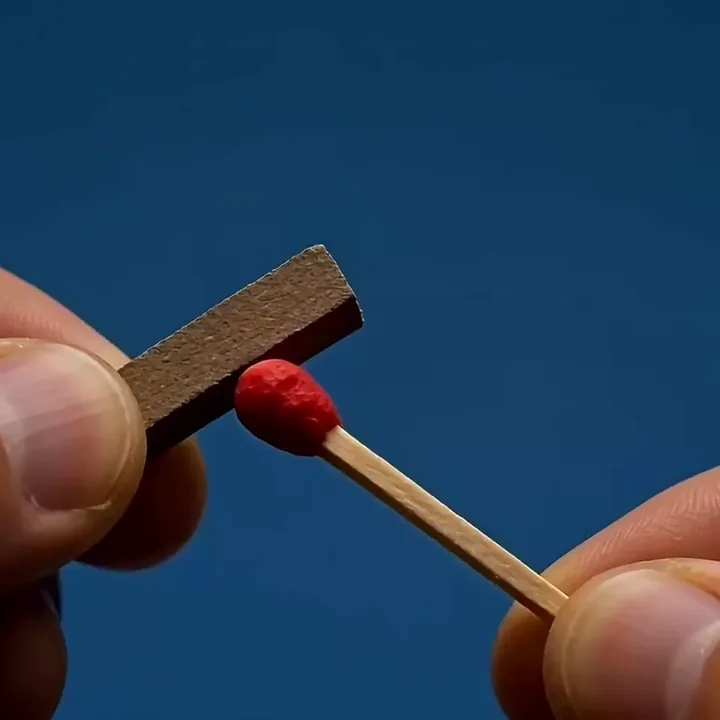
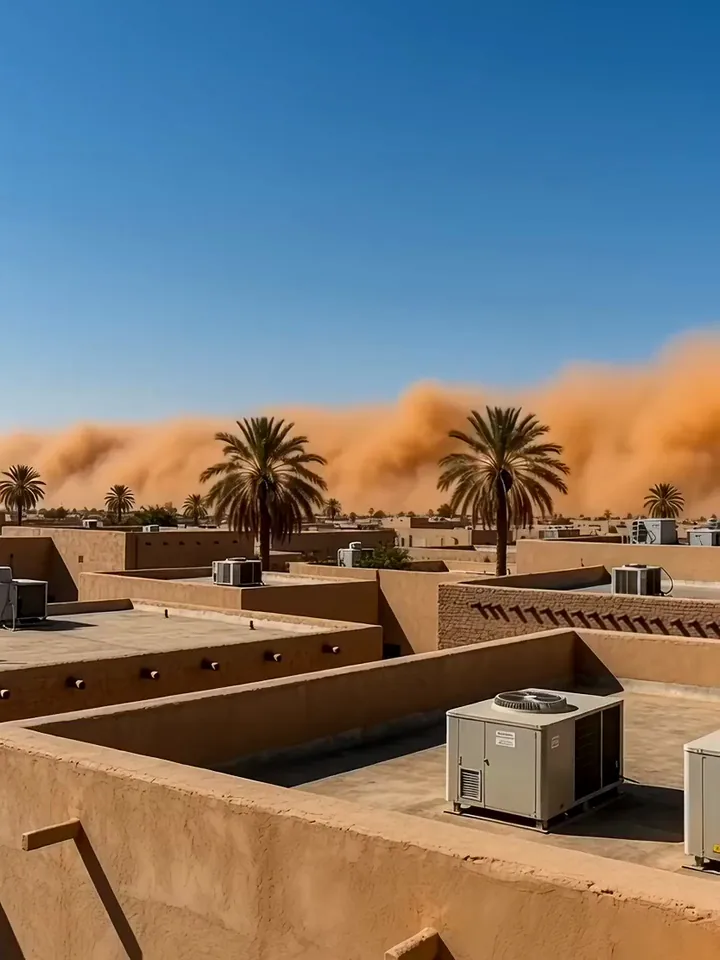
Each tile is a short Wan 2.2 clip. Take its subject, setting or light into a prompt of your own.
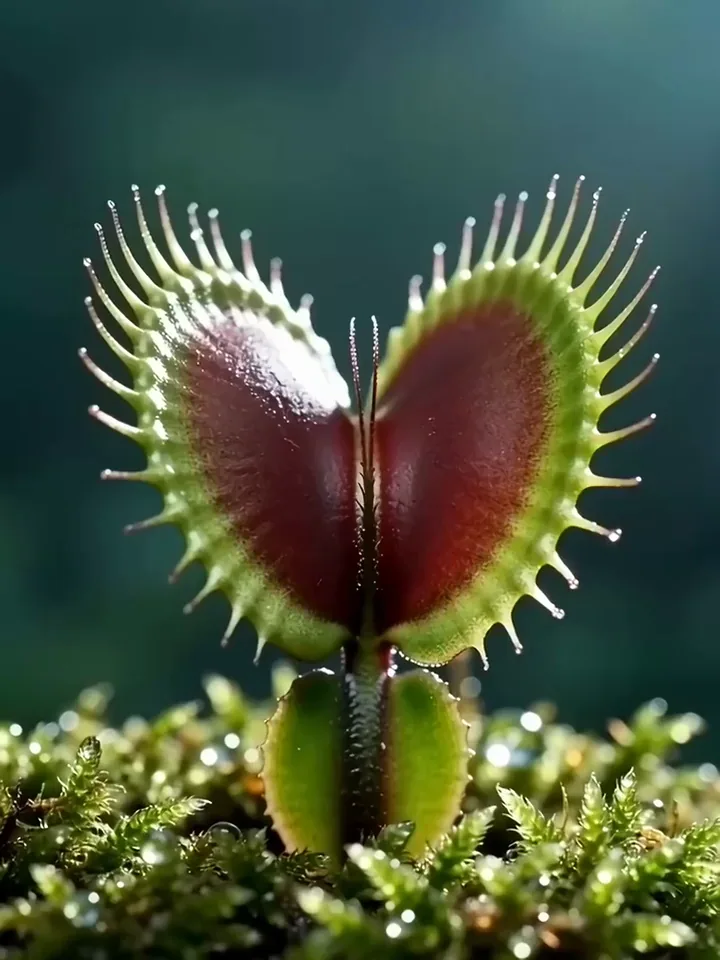
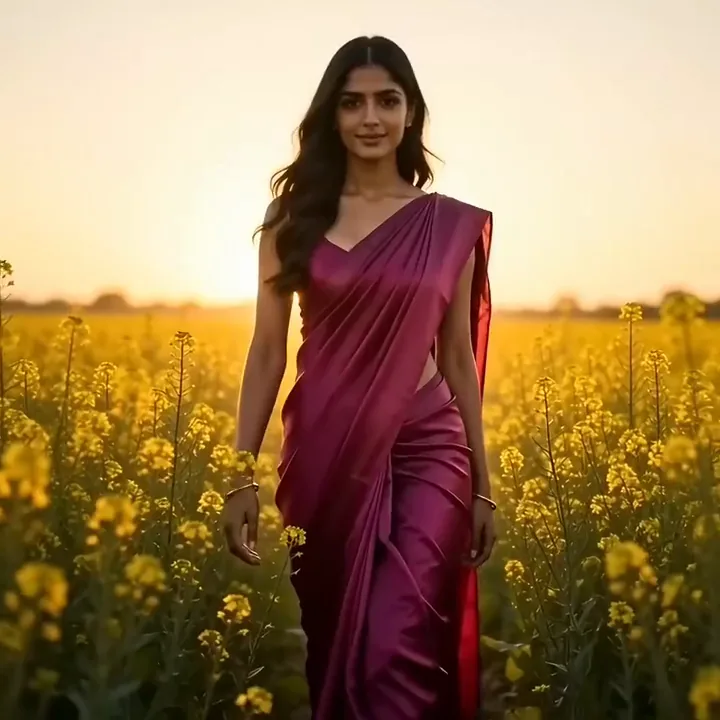
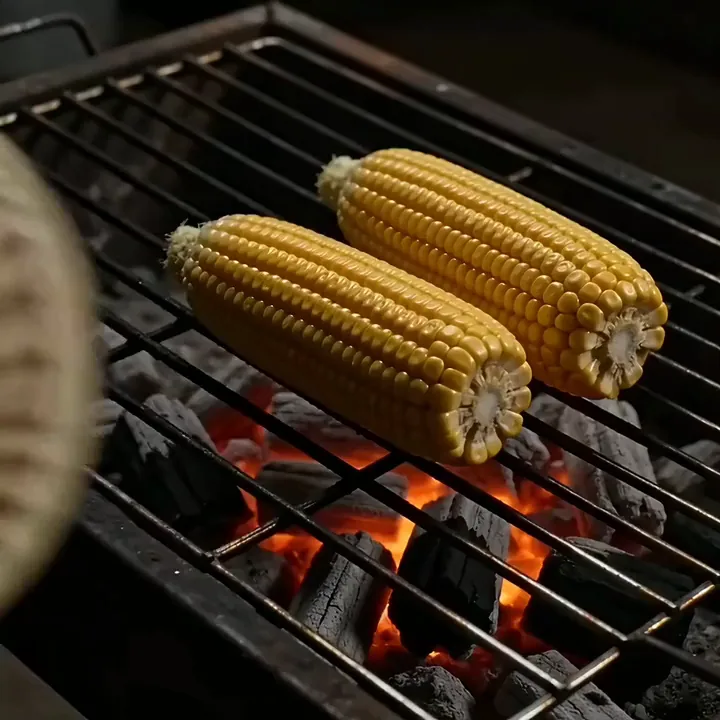

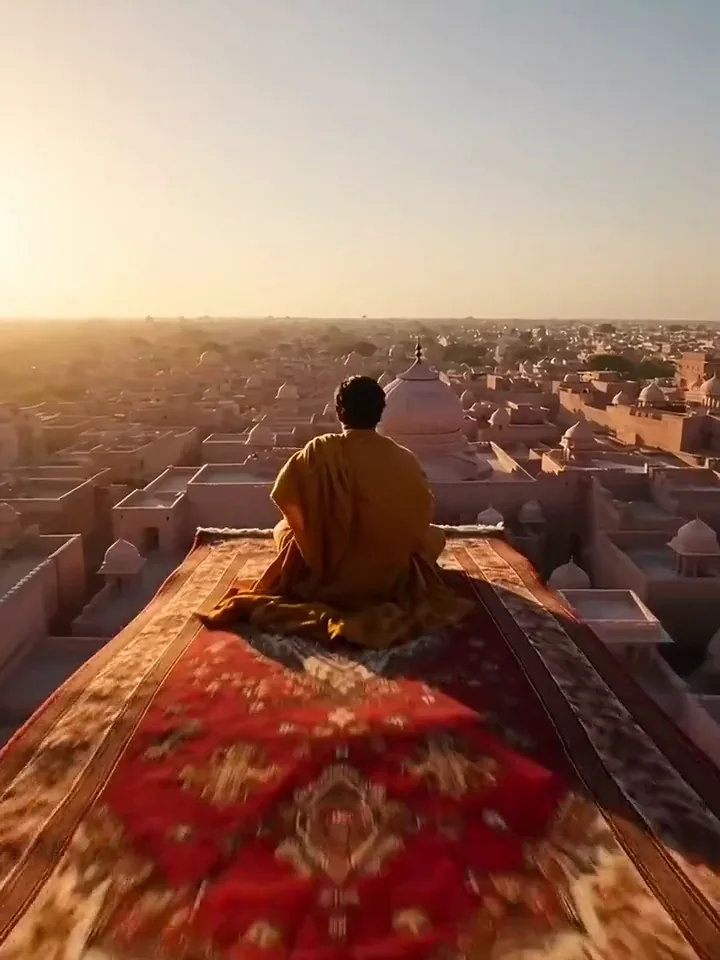
Prompt or photo
Start from words when the scene only exists in your head and you have nothing to film. Start from a photo when you already have the shot you want to move. Both paths give you the same kind of MP4, ready to post or drop into an edit.
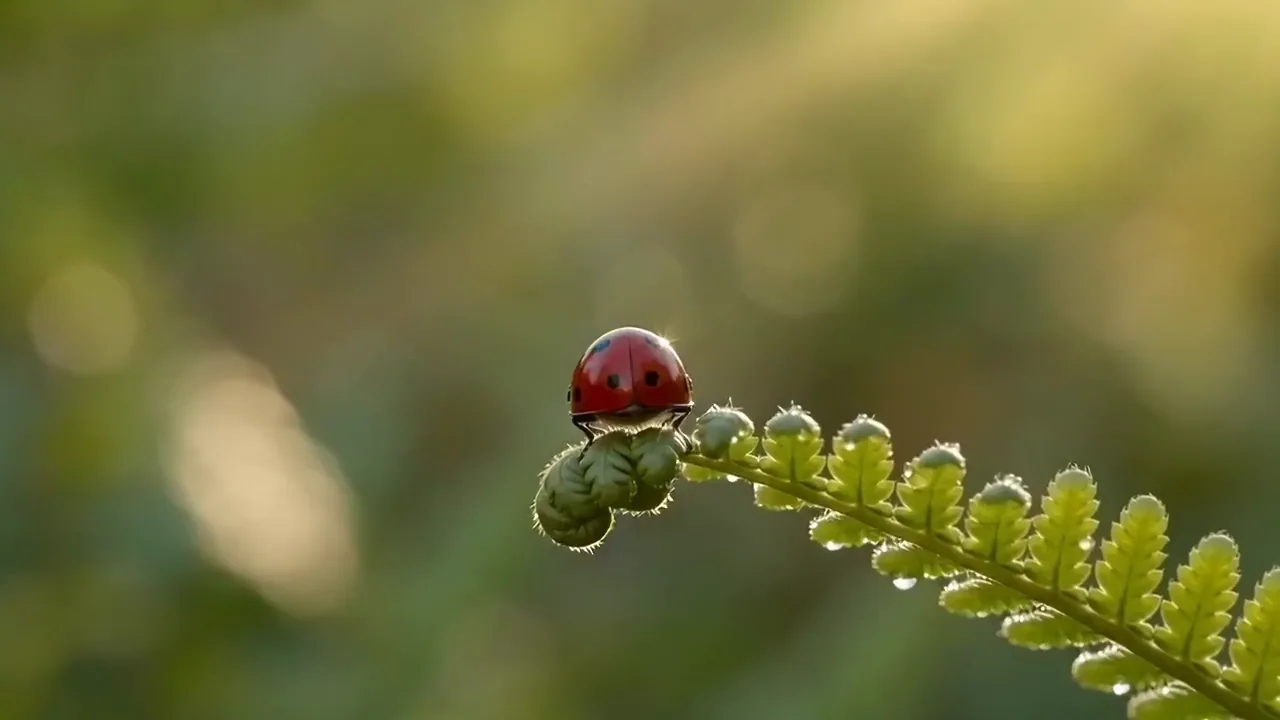
A red ladybird on a green fern opens its spotted shell, unfolds its wings and lifts off, slow push in
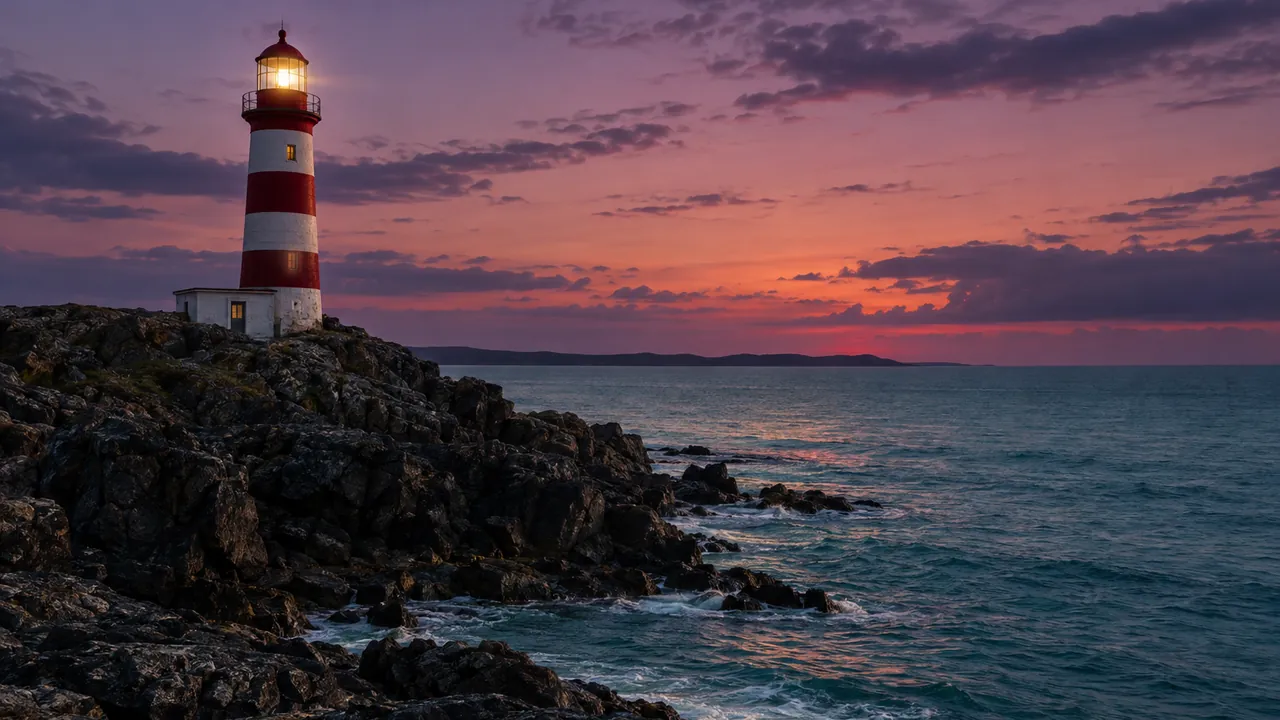
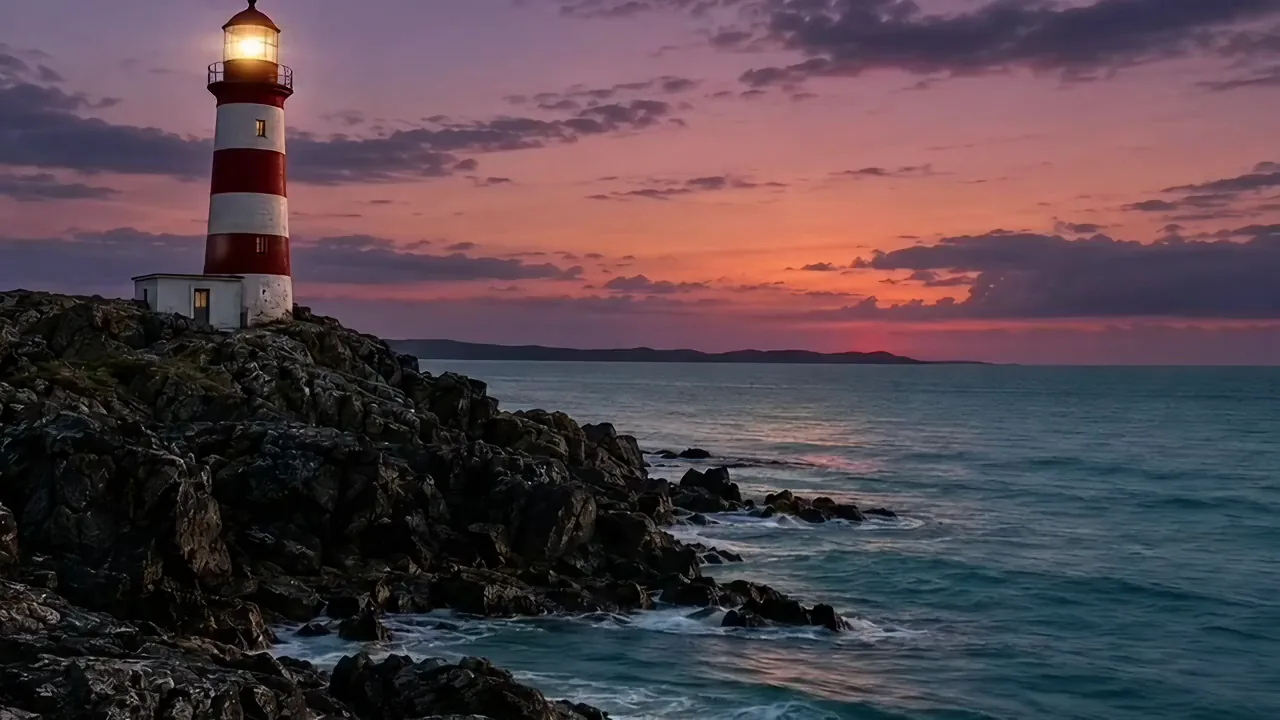
Describe a scene in plain words and the model brings it to life as a short clip. You need no photo and no footage to start. Test an idea in minutes, then sharpen the prompt and run it again.
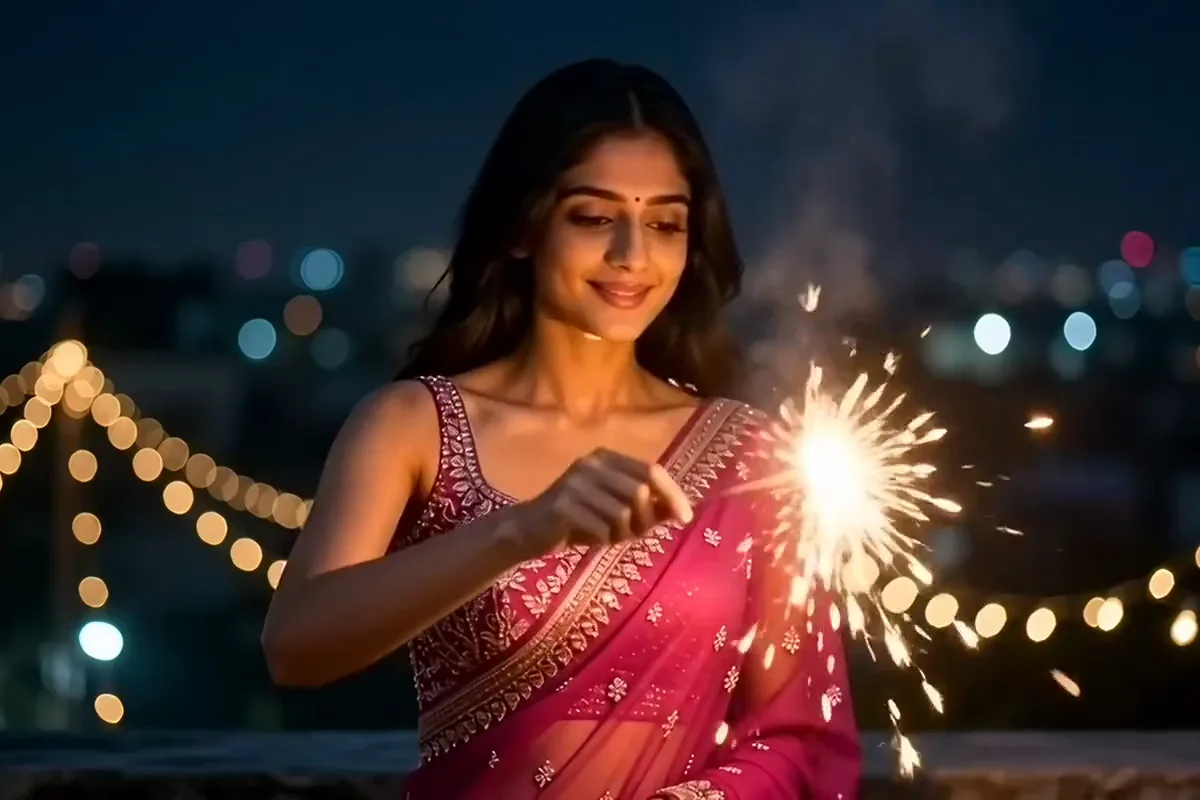
Upload one photo and your clip opens on that picture. You start from a shot you already like instead of a guess. Your prompt only has to say what moves, and the model sets it in motion.
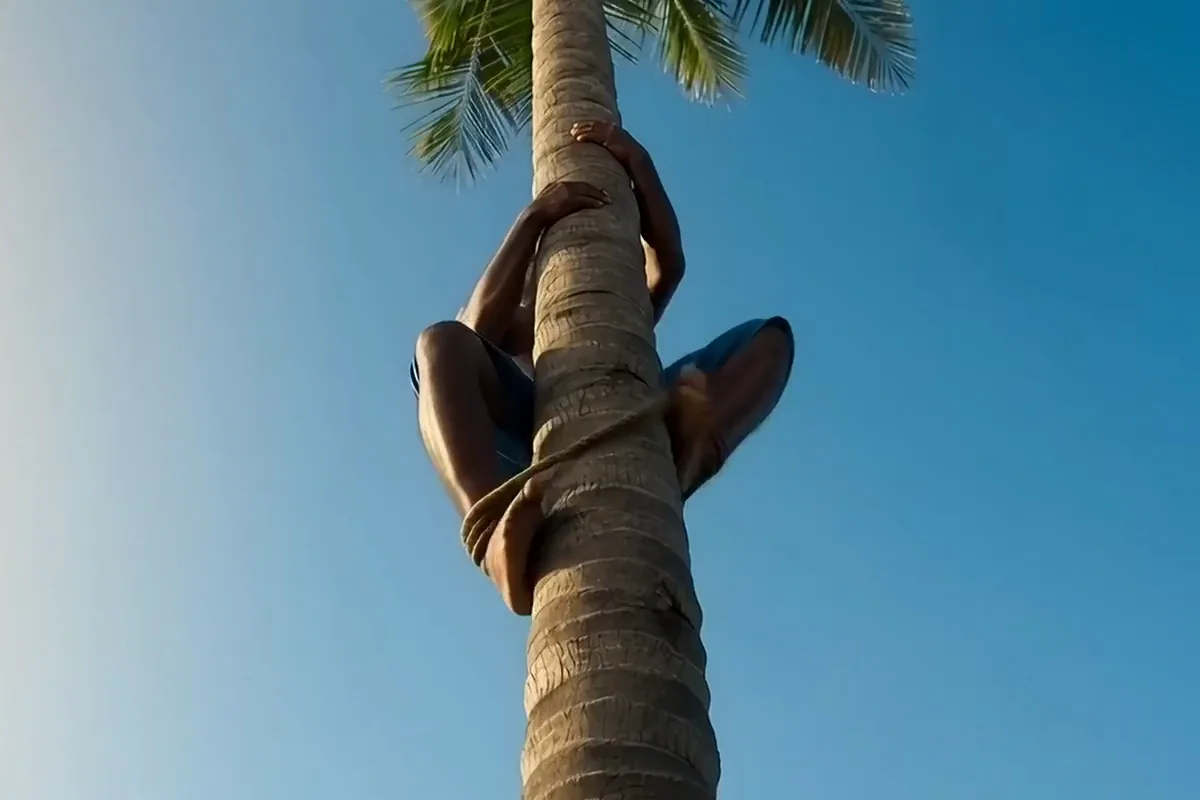
Make it vertical 9:16, square 1:1 or wide 16:9 before you generate. Your clip fills a phone screen for Reels or plays wide on YouTube. It comes out in the shape you need, with no cropping after.
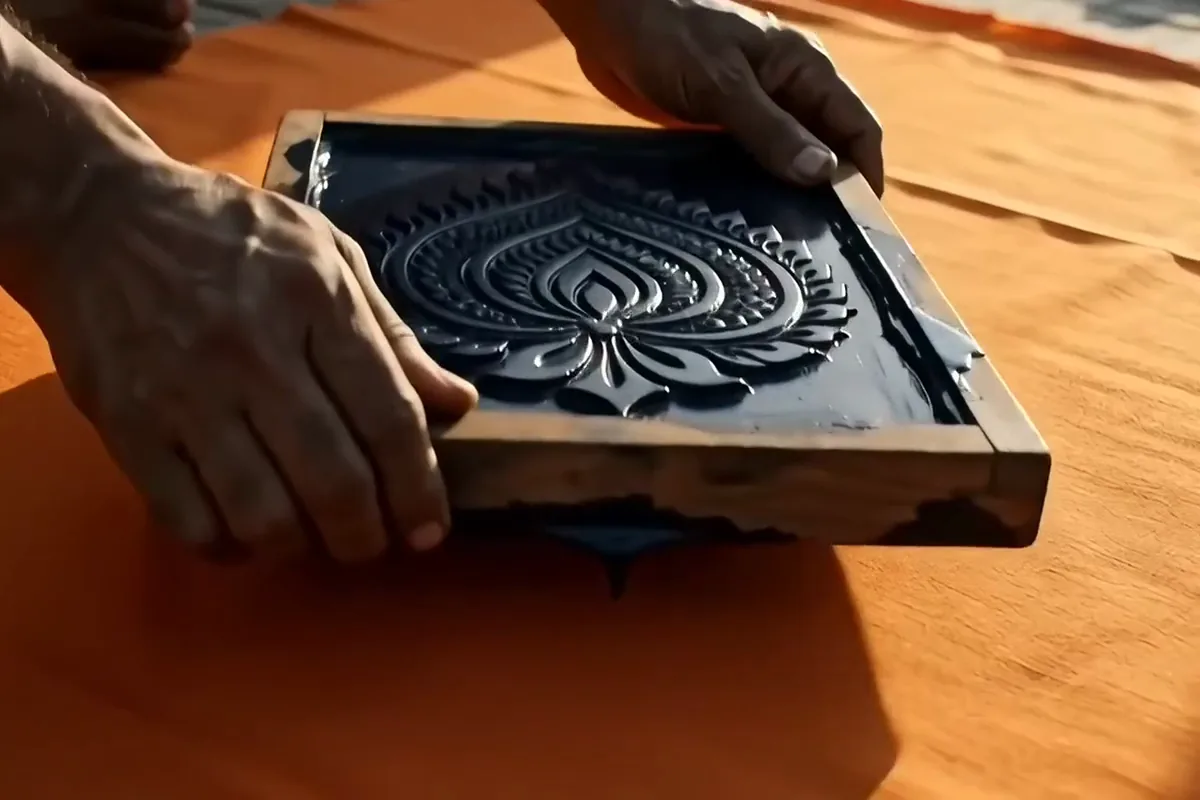
Describe the whole shot in up to 2,000 characters on Pixelcut. Put the subject and its action first, then the place and the light. You get room to plan every detail of the scene before you generate.
Cutaways for YouTube editors, creature pitches for indie game makers and openers for wedding and festival invites.
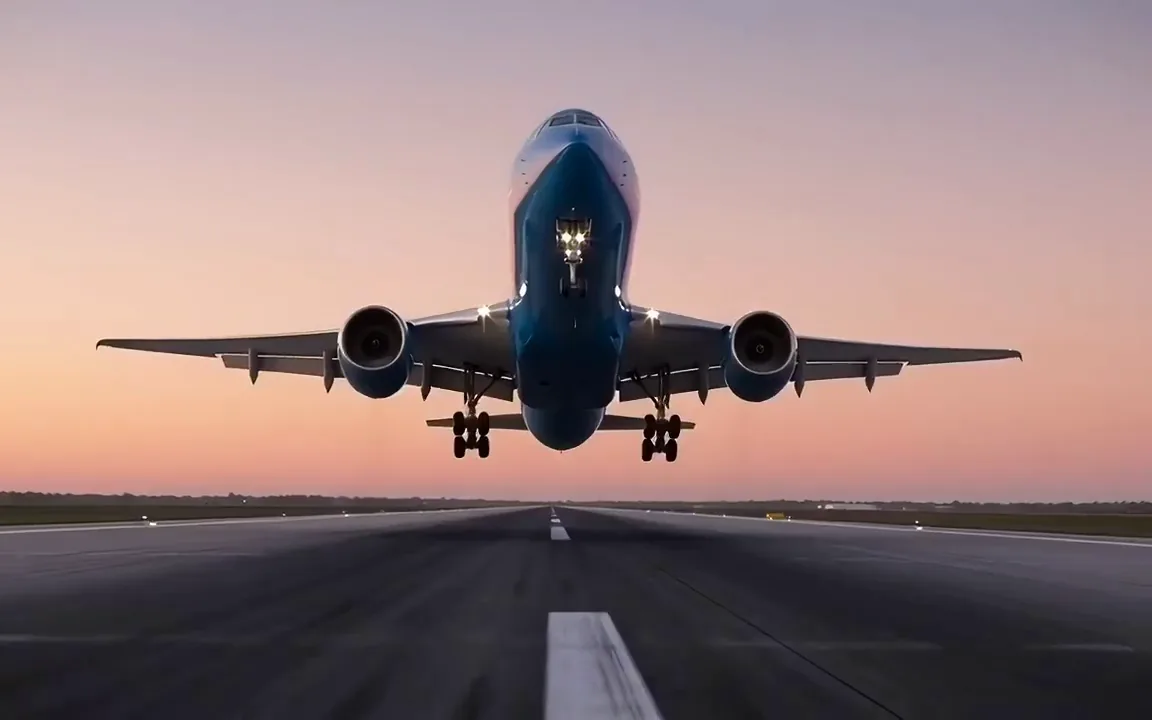
Fill a gap in your edit with a shot you never filmed. Make a wide cutaway that sits inside a long video. Find more video models in the AI video generator.
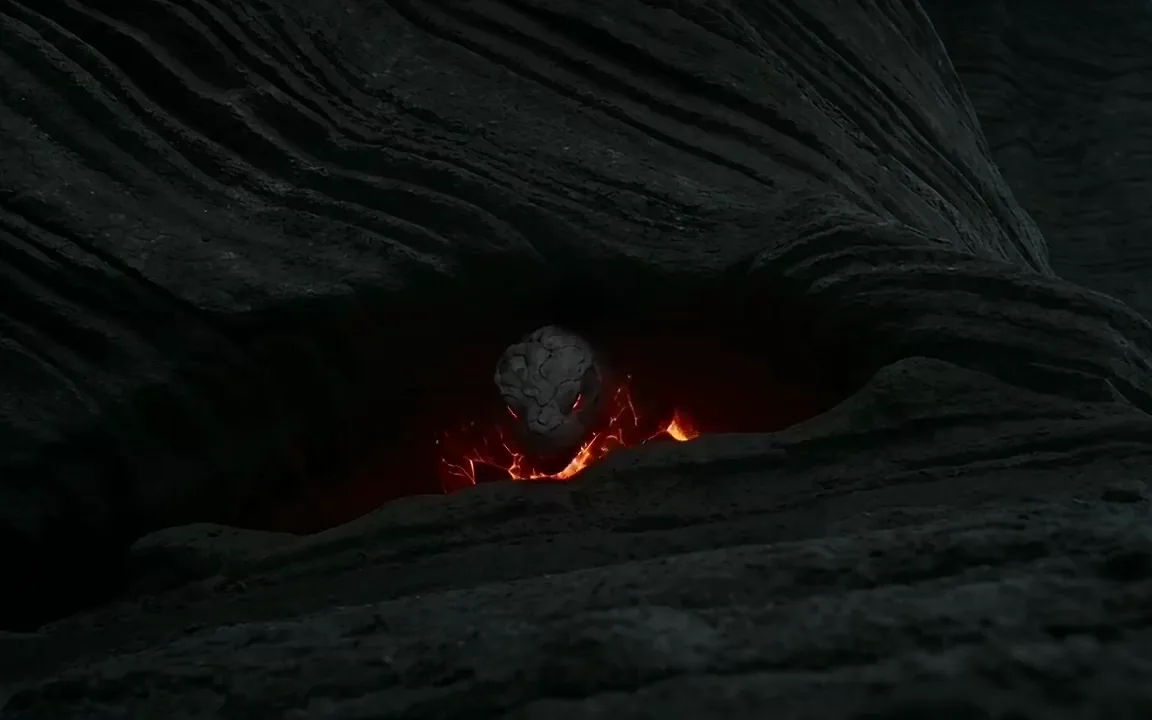
Pitch a boss or a creature before you build it. Get a moving shot with a trailer feel to show your team or your backers.
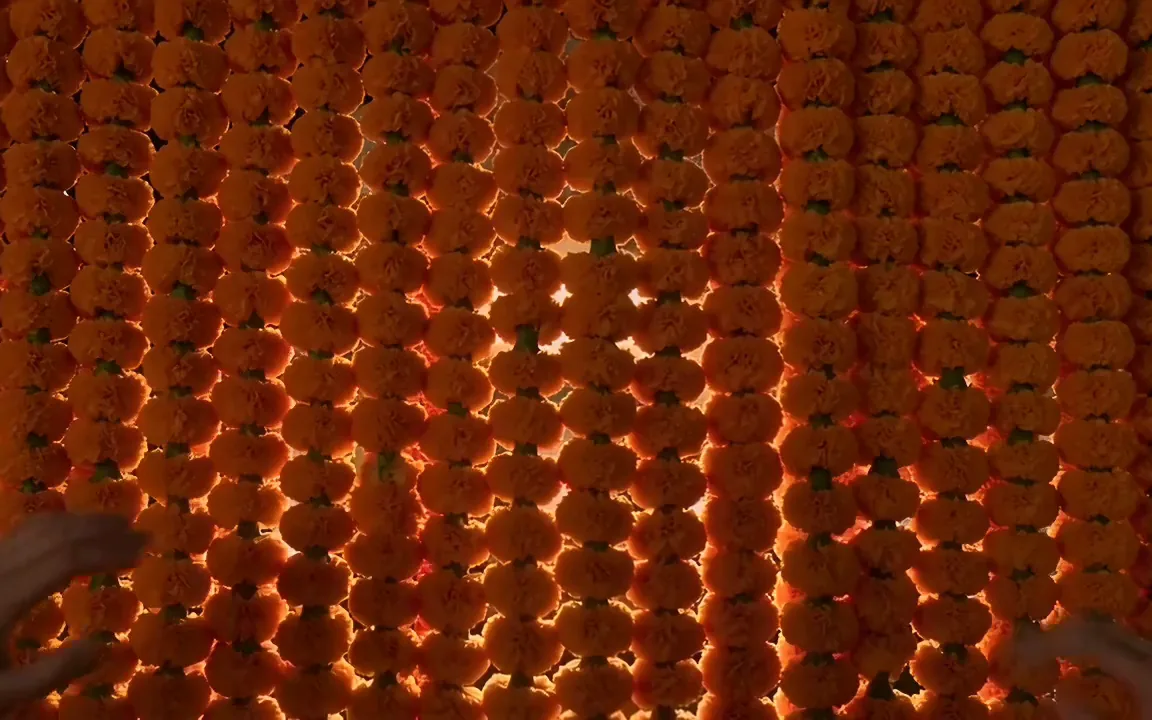
Open a digital invite or a WhatsApp status with a moving reveal. Your guests get a warm welcome that feels made for the big day.
Switch models per generation instead of per subscription. Each card opens that model's page.
Cinematic motion, and your first video is free
ByteDance's newest video model
Text, image and reference video, up to 15 s
Photoreal video with synchronized audio
Multi-shot scenes and elements
Synchronized audio in many languages
Put the subject and its action in the prompt box in plain words. Have a picture that sets the scene? Add it as the opening frame and describe only the motion.
Pick a tall, square or wide shape before you press generate. Match it to the screen most people will watch the clip on first, whether that is a phone or a laptop.
Press generate and save the MP4 to your device when it is ready. If the result is close but not quite right, edit one line of the prompt and run it again.
Video is billed in credits per second of footage. Pick the plan that matches how much you make.



Trusted by creatives at