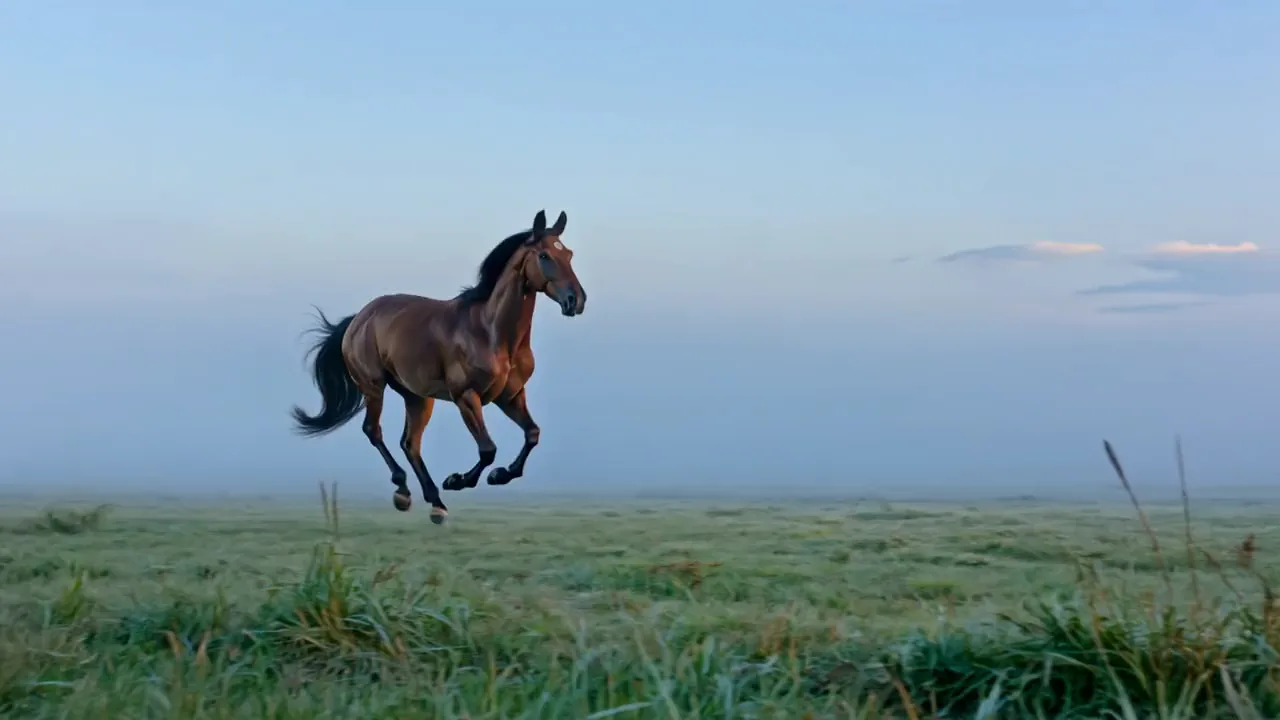
MiniMax H3 video of a black drag racer spinning its tyres at a night start line in red lit smoke, A mandrill with a red and blue face yawning wide on a mossy jungle log, MiniMax H3 video of a grizzly catching a leaping salmon at the lip of a river waterfall, A woman in a saffron sari throwing pink and yellow pigment that bursts into clouds of colour

MiniMax H3 Max AI video generator

Describe a shot or add a photo, and MiniMax H3 on Pixelcut turns it into a video with sound in about a minute, vertical, square or wide.

Model

MiniMax H3 Max on Pixelcut

MiniMax H3 Max by MiniMax turns a text prompt or a photo into a 5 to 10 second MP4 with stereo sound, at 480p or 768p and 24 fps, in about a minute per clip.

MiniMax H3 Max at a glance

Input
Text or photosOptional start and end photo
Resolution
480p or 768p
Aspect ratio
6 formats21:9, 16:9, 4:3, 1:1, 3:4, 9:16
Output
MP4
Clip length
5 to 10 s
Audio
No sound

Browse MiniMax AI video examples

Type a scene or add a photo, and MiniMax H3 Max returns a short clip with its own sound track.

MiniMax H3 video of a white kitsune spirit fanning nine glowing orange tails under a red torii gate
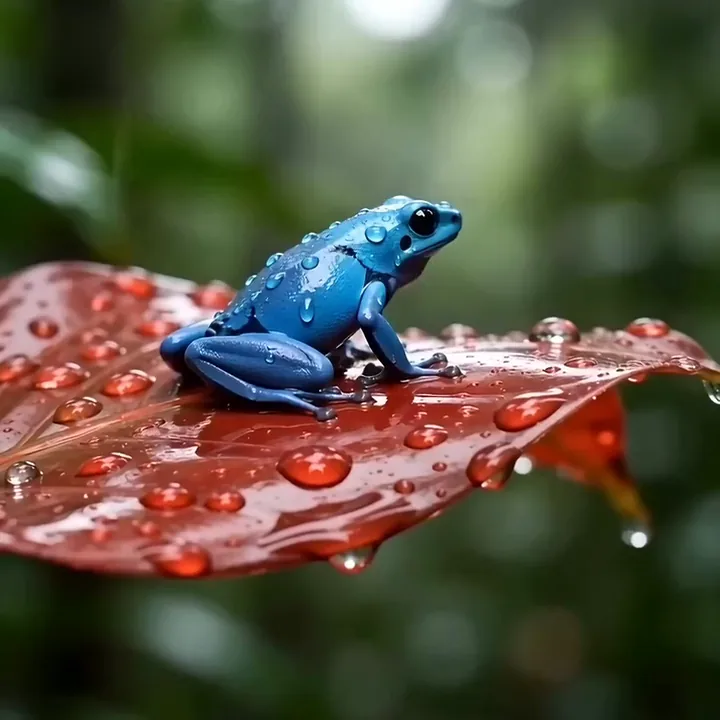
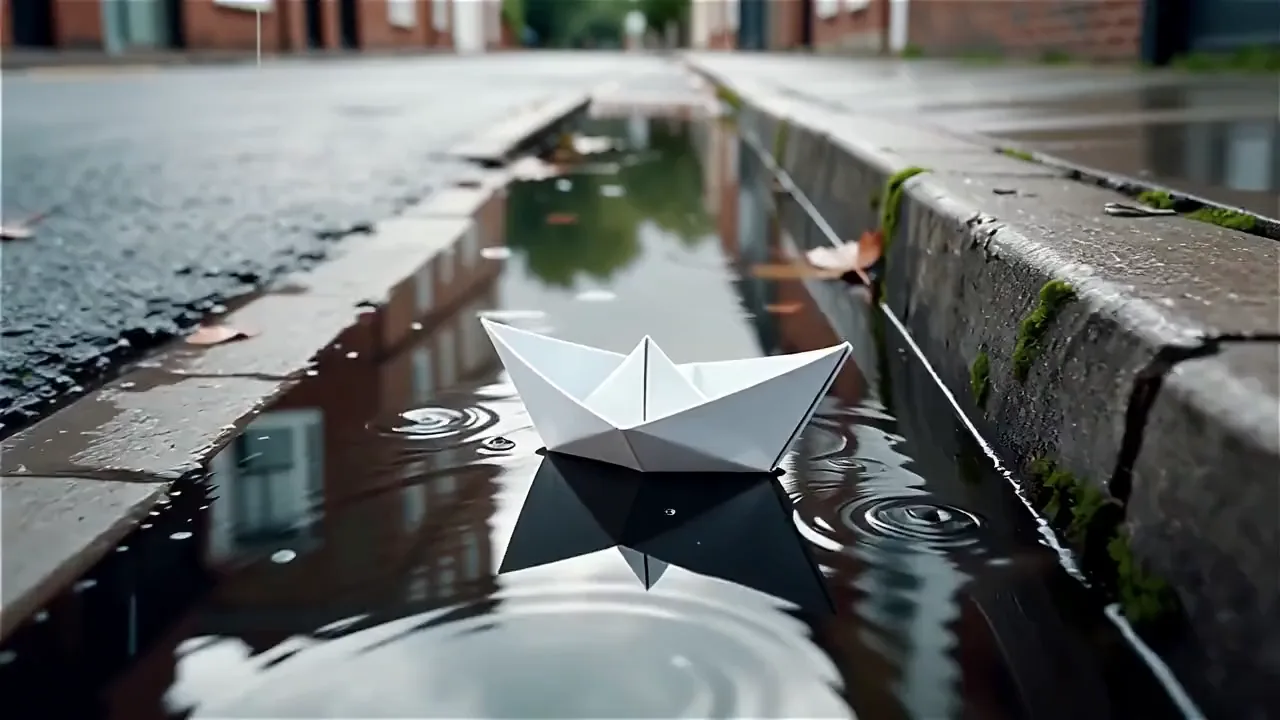
A blue poison dart frog on a wet red leaf as raindrops gather and drip
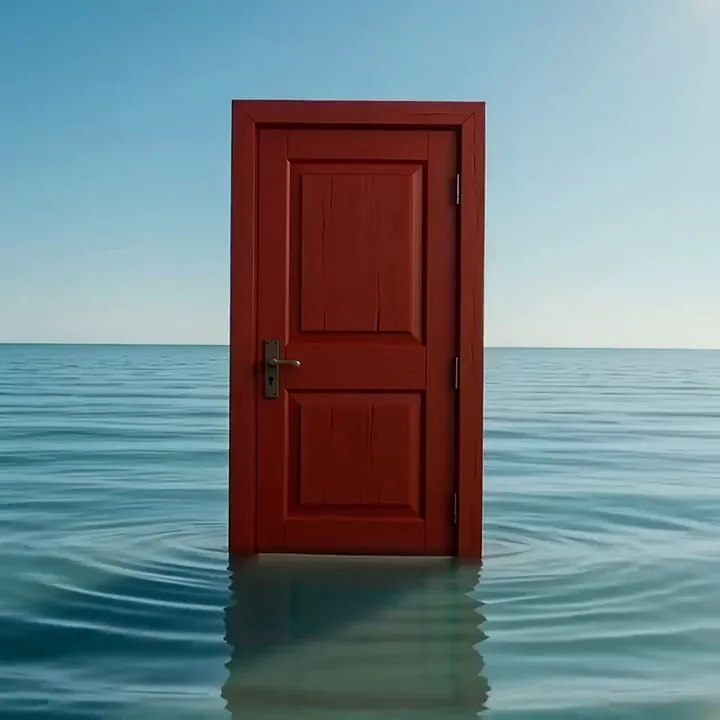
MiniMax H3 video of a red door standing in the sea that swings open onto golden dunes
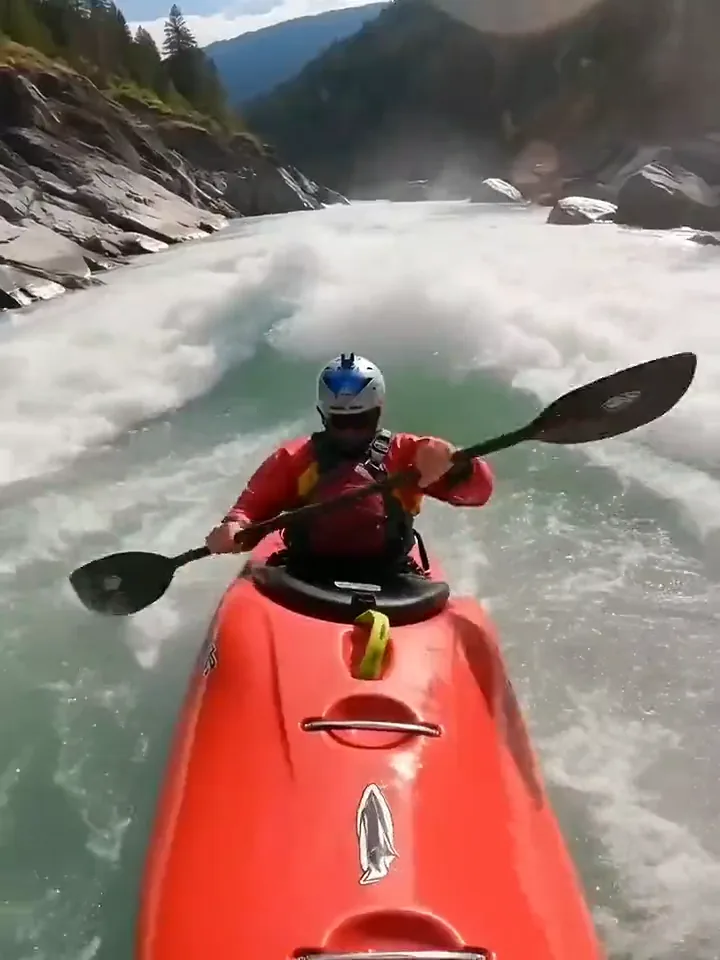
A kayaker in a red boat punching through white water on a mountain river
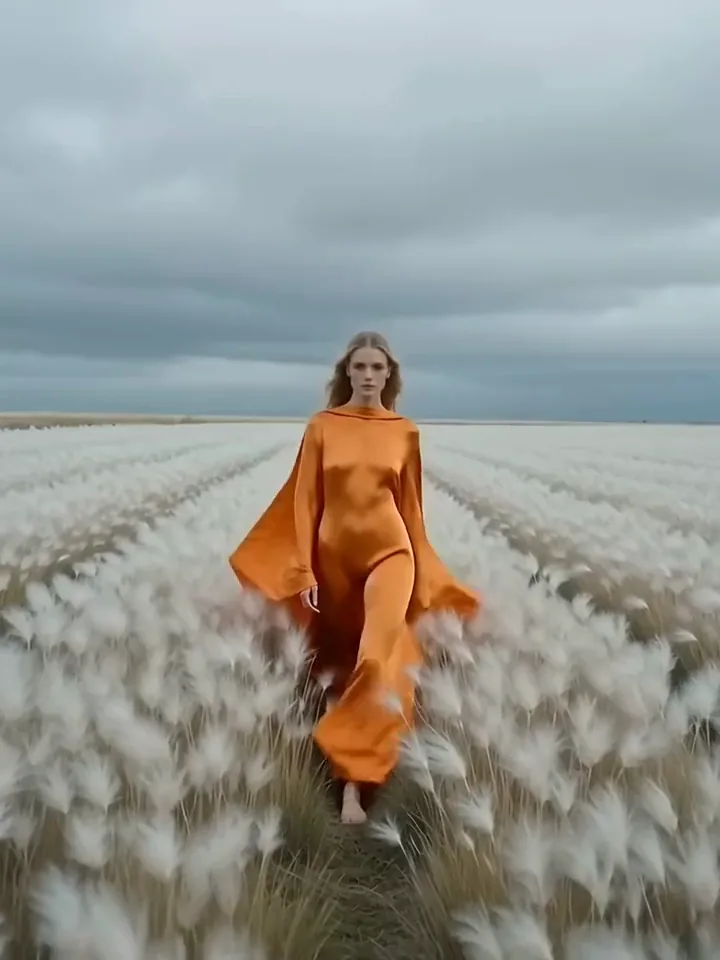
MiniMax H3 video of a model in a flowing tangerine outfit walking through windblown cotton grass
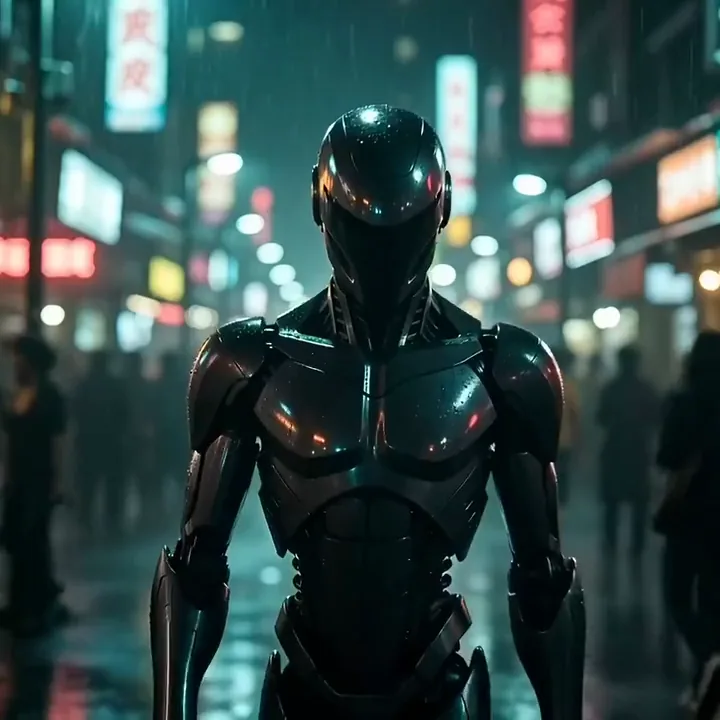
An android with a glowing red visor stepping toward the camera in a rainy neon market
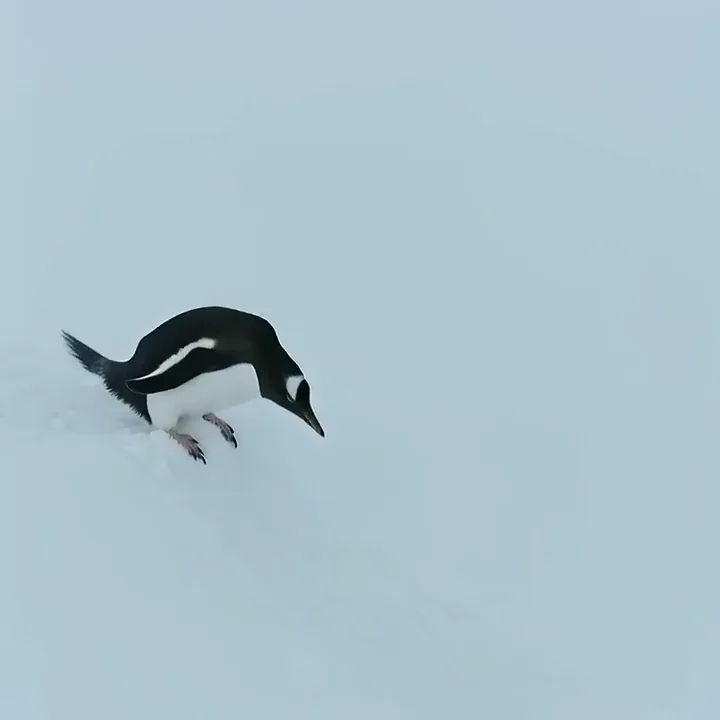
MiniMax H3 video of a penguin sliding belly first down the snow into dark water
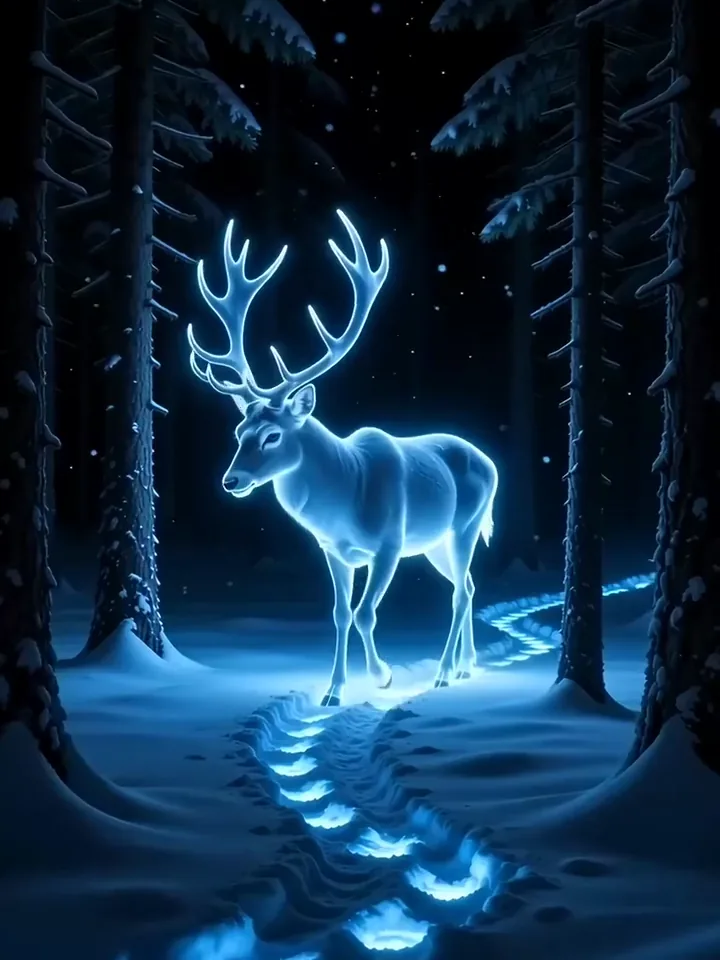
A stag made of glowing blue light walking between dark pines in falling snow

Text and image to video

Make a MiniMax video from text or a photo

Work from a sentence or from a picture you already have. A line of text is enough for MiniMax H3 Max to set the scene, the light and the motion. Add a start photo to animate it, and an optional end photo when you want to choose the final frame.

  1. Pick text to video or image to video
  2. Write the shot, or add a photo and say how it moves
  3. Press generate and save the MP4

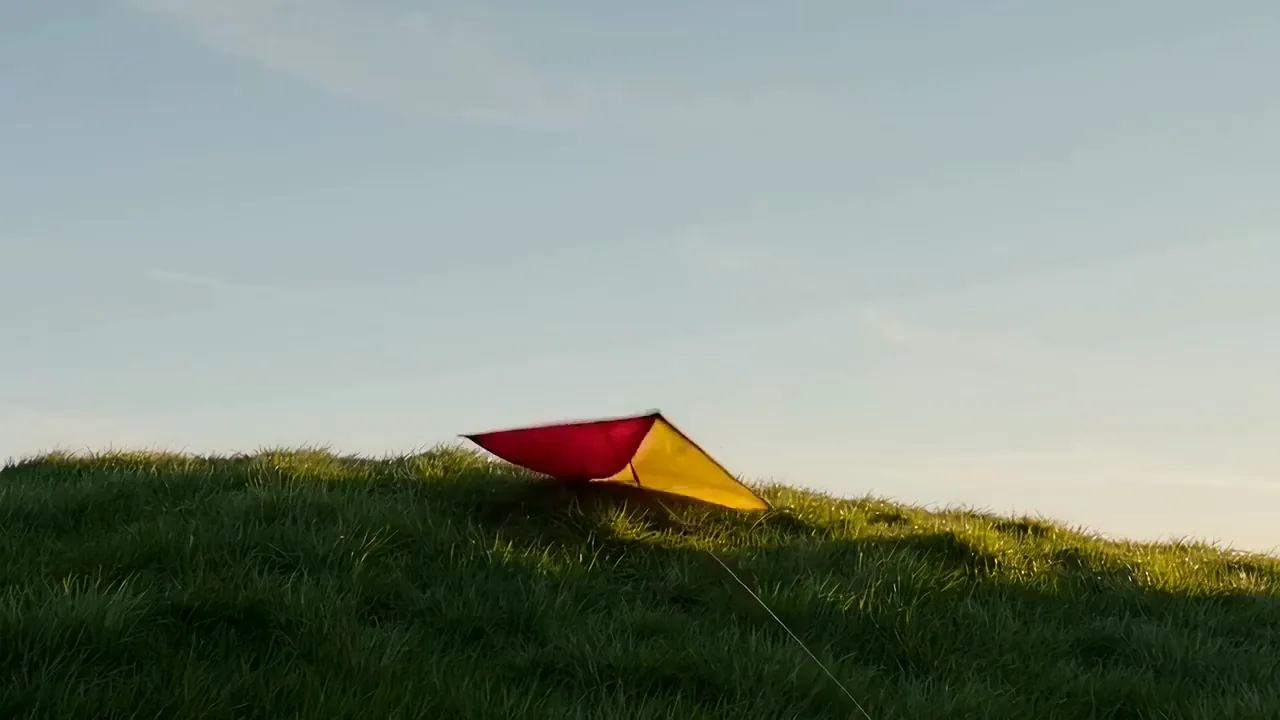
A red and yellow paper kite rises on its string over a green hilltop on a windy spring day as the camera slowly tilts up

Text to video

Get a MiniMax H3 Max take in about a minute
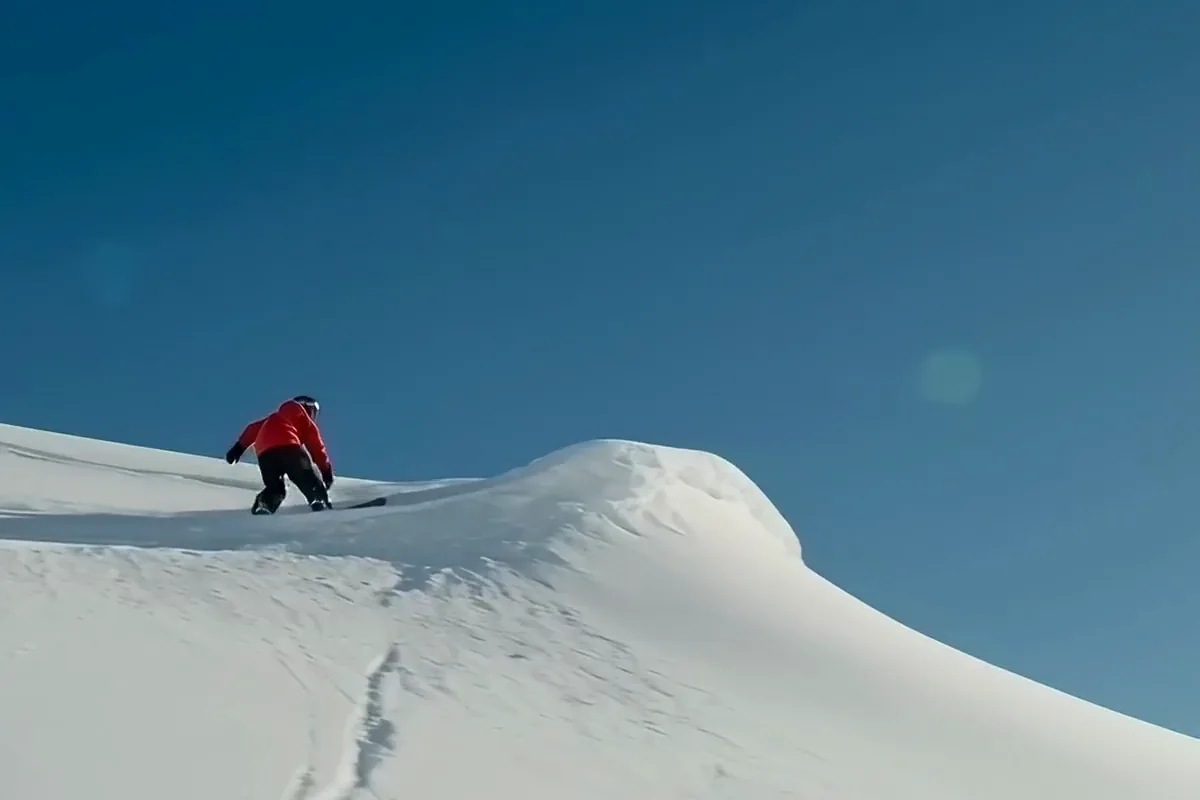
MiniMax H3 video of a snowboarder in a red jacket jumping off a snowy ridge and landing in a burst of powder

Watch your shot come back in about a minute, by the model picker's estimate. Change one word and run it again while the idea is still fresh. A few quick takes get you to the one you want to keep.

Generate the sound and the picture together

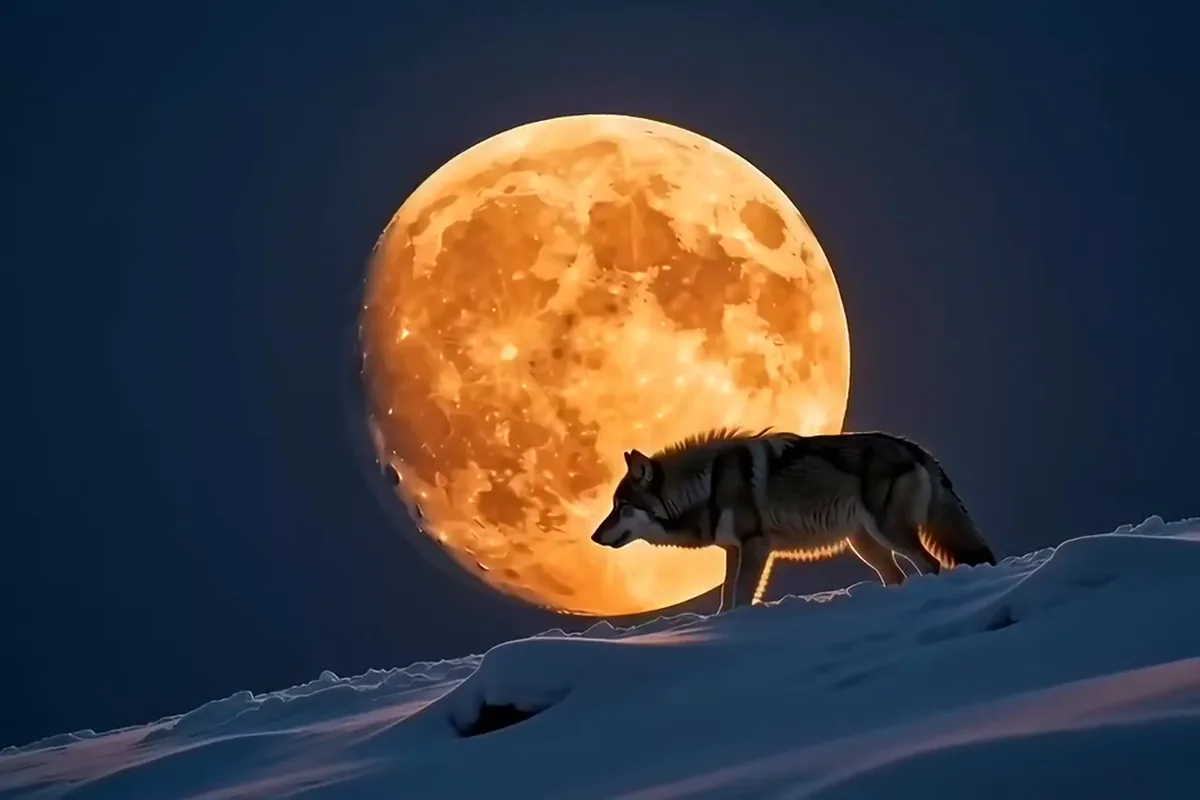
MiniMax H3 video of a grey wolf howling in front of a huge orange full moon on a snowy ridge

Every clip arrives with a stereo track made in the same pass as the picture. Press play and it already sounds like the scene. Quick posts and client previews come back complete, with no audio file to chase.

Animate a photo toward a last frame you pick

MiniMax H3 video of a bare cherry tree on a green hill filling with pink blossom

Start from a photo and say how it should move. Add an end photo too, and you choose where the clip lands. A text prompt alone also works when you have no picture yet.
Shape one idea for Shorts, Reels and wide screens

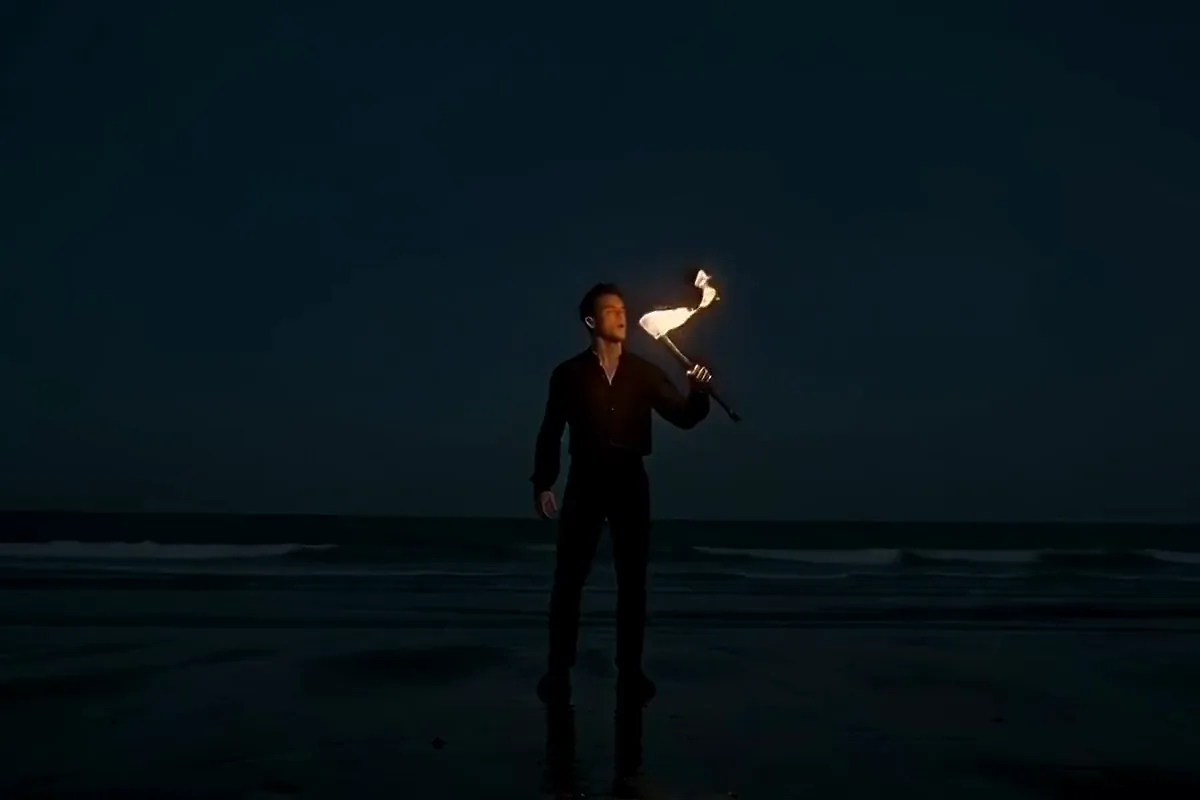
MiniMax H3 video of a fire breather on a night beach blowing a big plume of orange flame

Pick vertical 9:16 for a phone story, square for a grid or ultra wide 21:9 for a website header. Text prompts also offer 16:9, 4:3 and 3:4. A clip made from a photo keeps that photo's shape.

Run the same prompt on other video models

MiniMax H3 video of a deep sea diver in a brass helmet lifting the lid of a chest full of gold coins

Make the first pass on H3 Max, then send the same prompt to another video model without leaving the prompt box. Each one reads your words in its own way. Keep the version that fits your project best.

Put the MiniMax AI video generator to work

Fast first takes suit people who post every day, sell products online or plan shots before a shoot.
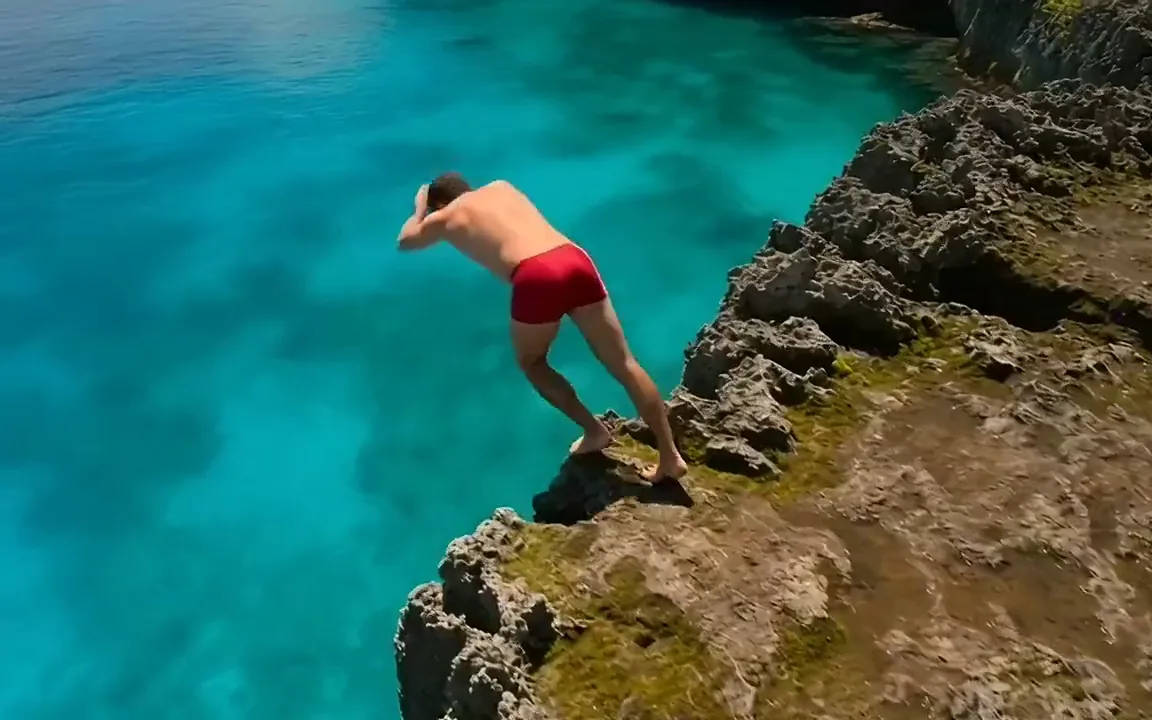
  • MiniMax H3 video of a cliff jumper in red shorts leaping from a rocky ledge into a turquoise lagoon

    Social creators

    Post action and travel clips without a camera crew. Frame them vertical for Shorts, Reels and TikTok, with the sound already in place.
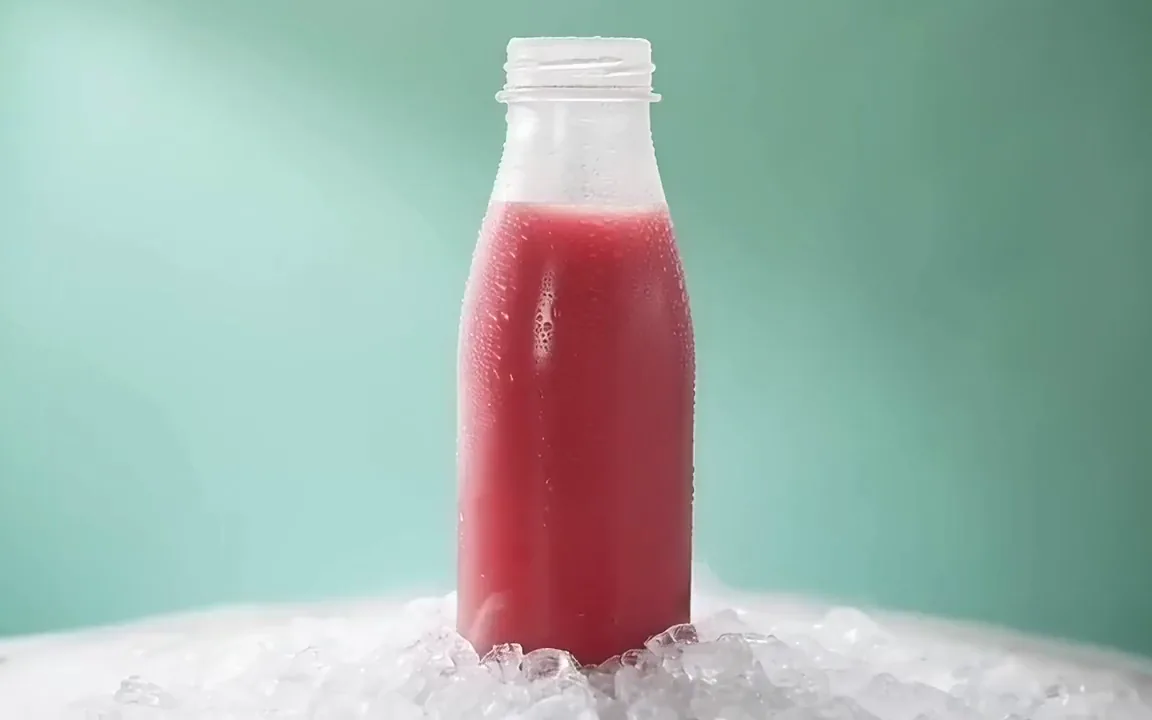
  • MiniMax H3 video of a frosted bottle of pink watermelon juice on crushed ice against a mint wall

    Small brands and shops

    Turn a product photo into an ad shot, or describe one from scratch. Get a clip with sound that is ready for your next promo.
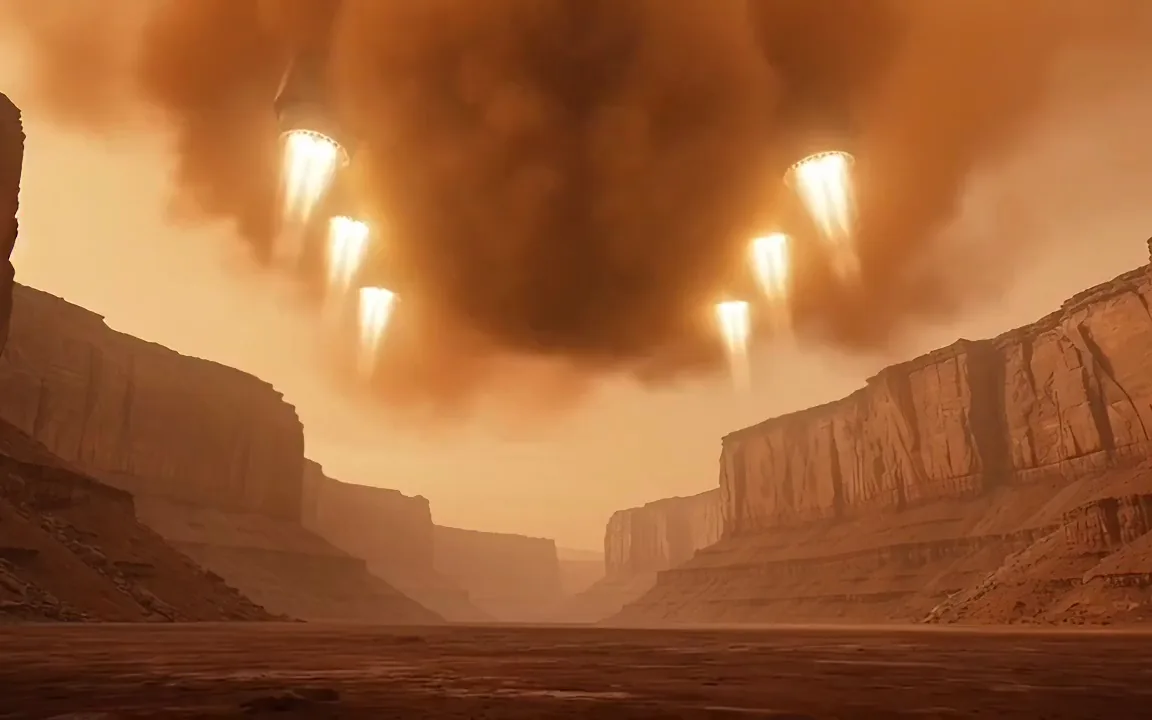
  • MiniMax H3 video of a cargo spaceship with glowing thrusters landing in a red alien canyon

    Filmmakers and storyboarders

    Show a shot before anyone books a set or a crew. Want a different look? Try the idea on more models in the AI video generator.

More models on Pixelcut

Switch models per generation instead of per subscription. Each card opens that model's page.

  • ByteDance's newest video model

    • New
    • Audio
    • Image to video
    • Up to 30 s
  • Text, image and reference video, up to 15 s

    • New
    • Audio
    • Image to video
    • Up to 15 s
  • Photoreal video with synchronized audio

    • Audio
    • Image to video
    • Up to 8 s
  • Multi-shot scenes and elements

    • New
    • Audio
    • Image to video
    • Up to 15 s
  • Synchronized audio in many languages

    • Image to video
    • Up to 10 s

How to make an H3 Max video

  1. 1

    Describe the shot

    Write what happens in the shot, who is in it and how the camera moves. To bring a picture to life, add it as the start photo, plus an end photo if you like.

  2. 2

    Pick the clip settings

    MiniMax H3 Max is already selected. Choose the length, the resolution and the aspect ratio, or keep the defaults and go straight to a quick first take.

  3. 3

    Generate and download

    Hit generate and wait about a minute, the time the model picker shows for H3 Max. Watch the result with sound, then save the MP4 or tweak a word and try another take.

Plans for video generation

Video is billed in credits per second of footage. Pick the plan that matches how much you make.

Save 20% with a yearly plan

Free

$0
per month, billed yearly
Your first video free on MiniMax H3 Max
Image tools free to try

Pro

$10$8
per month, billed yearly
600 AI Credits Monthly
Access all AI models
Unlimited Background Removal
Unlimited Upscale
3 Person Team
1,000 Batch Exports Monthly
Commercial license
Most Popular

Business

$30$24
per month, billed yearly
3,600 AI Credits Monthly
Access all AI models
Unlimited Background Removal
Unlimited Upscale
10 Person Team
2,000 Batch Exports Monthly
Commercial license
Trusted by over 200,000 creators, brands and small businesses

Trusted by creatives at
  • Adidas logo
  • Airbnb logo
  • Apple logo
  • Chanel logo
  • Google logo
  • Gucci logo
  • H&M logo
  • Nike logo
  • Sephora logo
  • Starbucks logo
  • Toyota logo

Frequently Asked Questions

Make your first H3 Max video