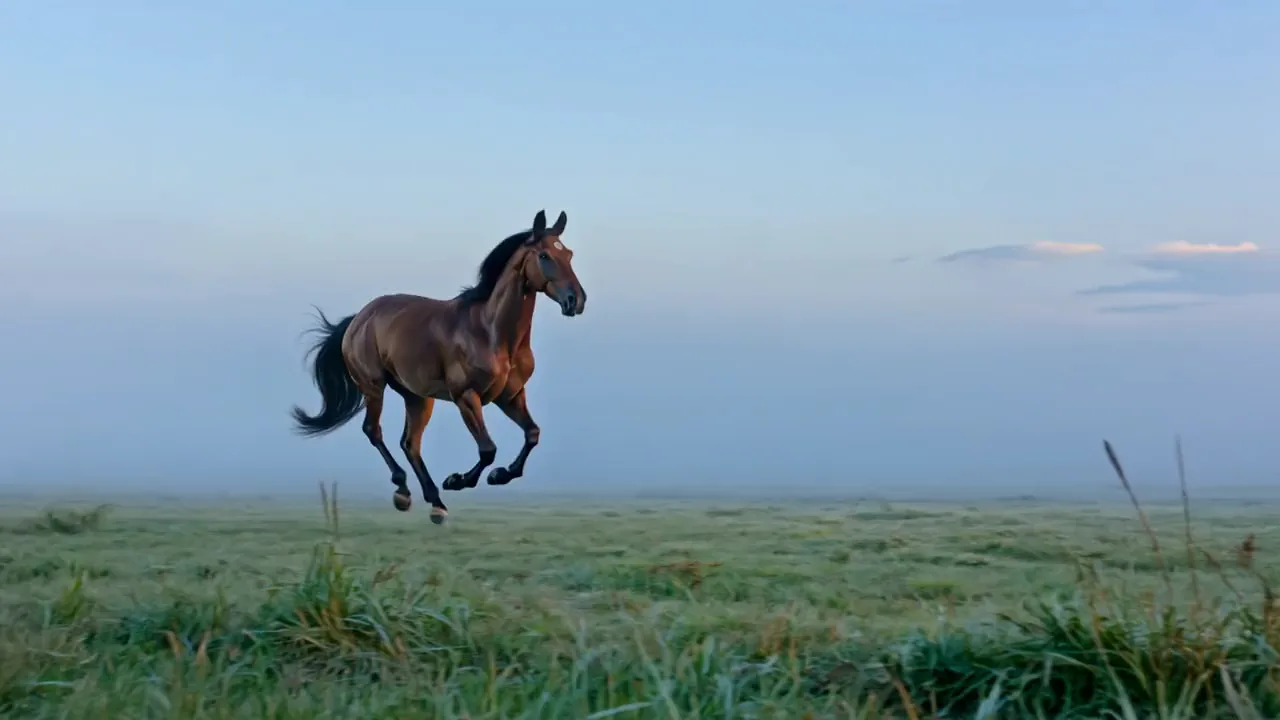
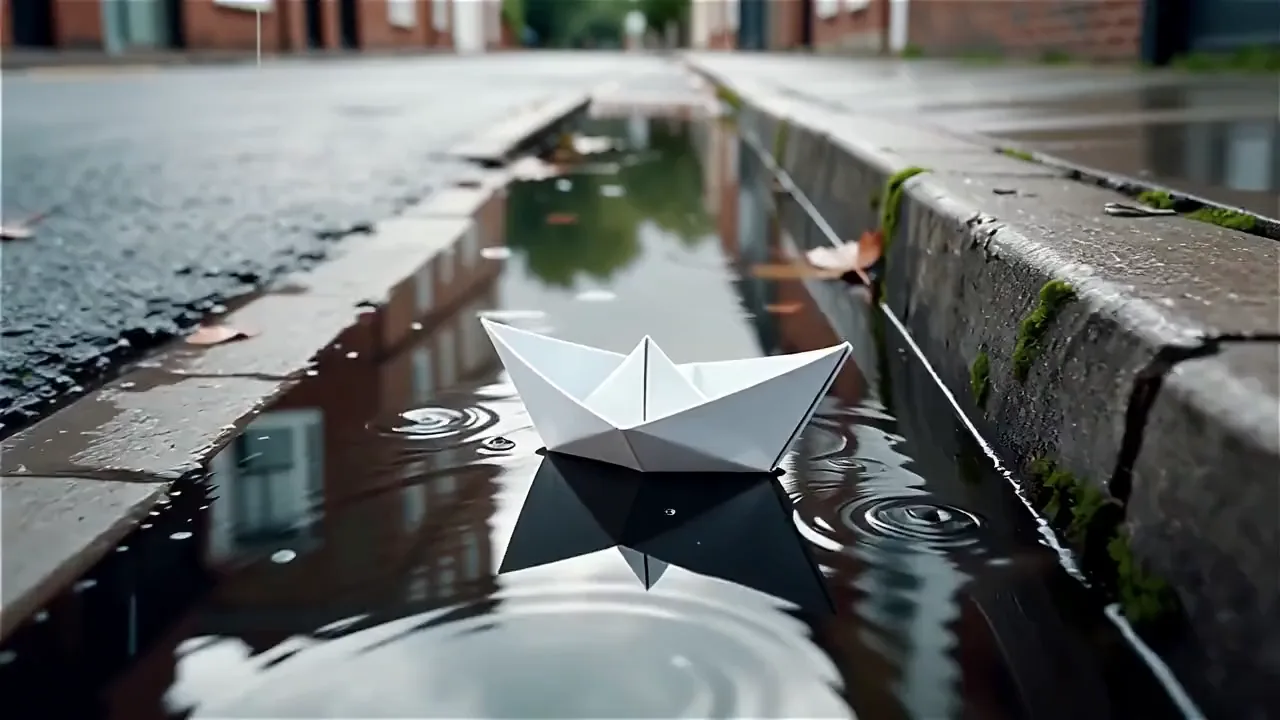
Turn a prompt into a Seedance 2.5 video
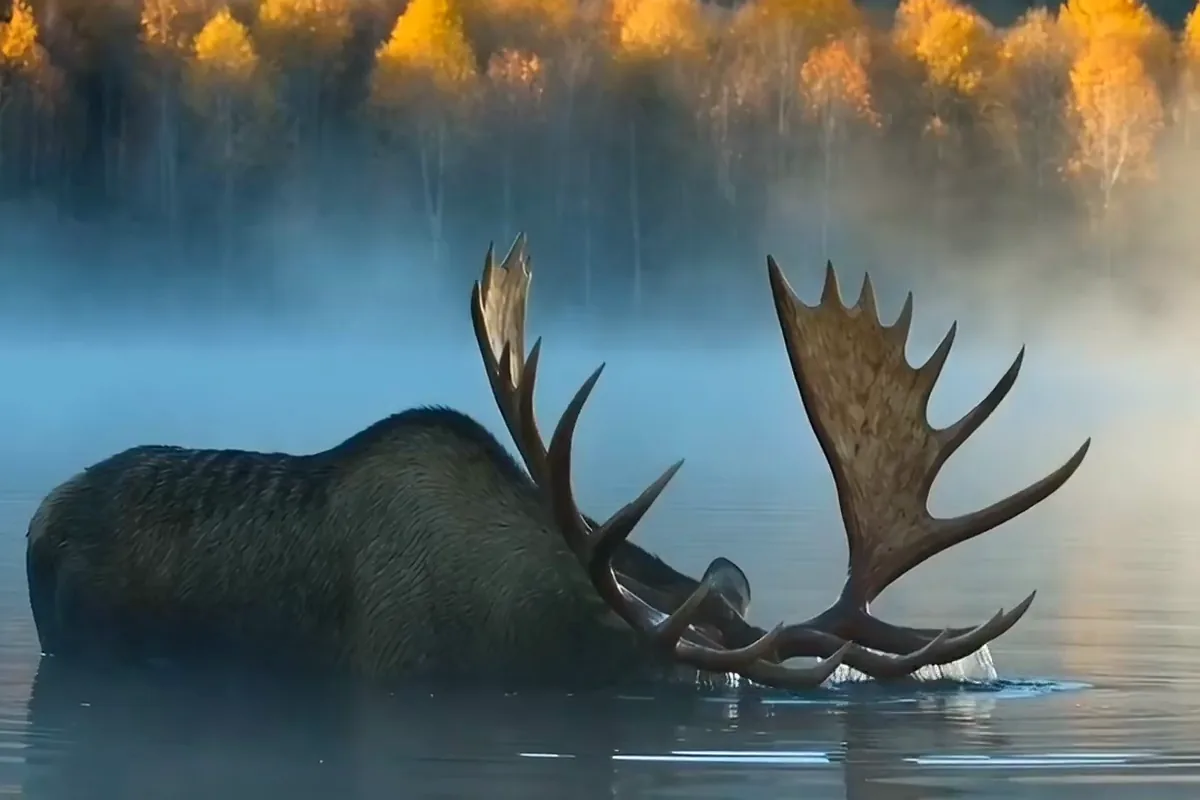
Describe a scene in plain words and get it back as a finished video. A sentence or two is all it takes to see your idea move. Change one line and run another take until the shot feels right.

Turn one prompt or photo into up to 30 seconds of video with sound on Seedance 2.5 by ByteDance, framed wide, square or vertical.
Model
Seedance 2.5 by ByteDance is the default. A prompt alone, or a start photo with an optional end photo, becomes a 4 to 30 second MP4 at 480p or 720p with sound on. Versions 2.0, 1.5 Pro and 1.0 Pro are on the switch too.
Describe a scene or drop in a start photo, and Seedance 2.5 renders it as a clip with sound.



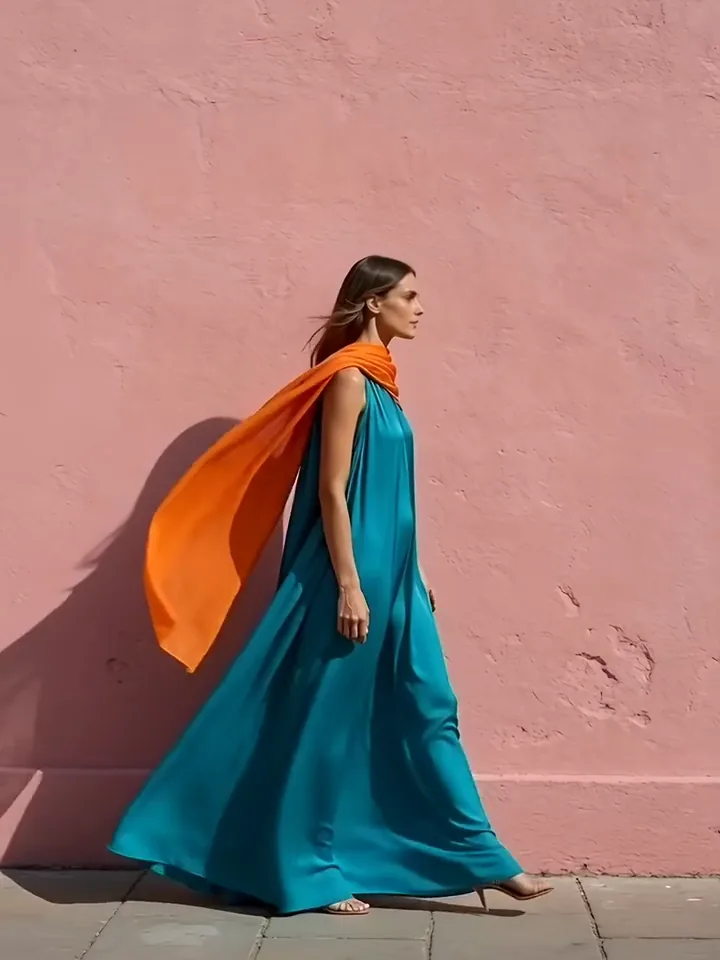
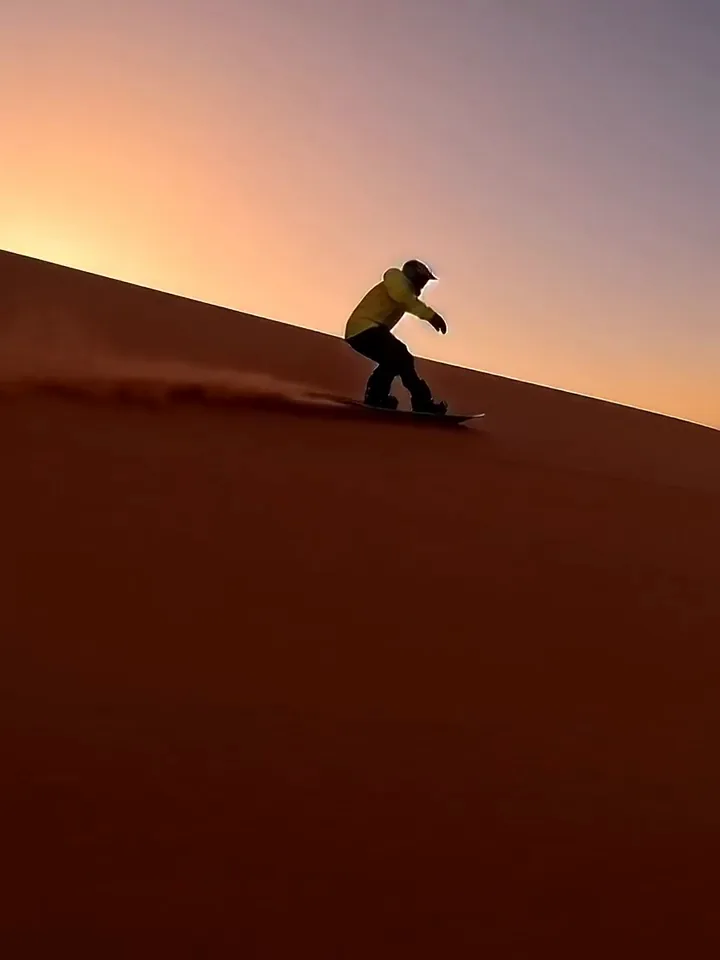

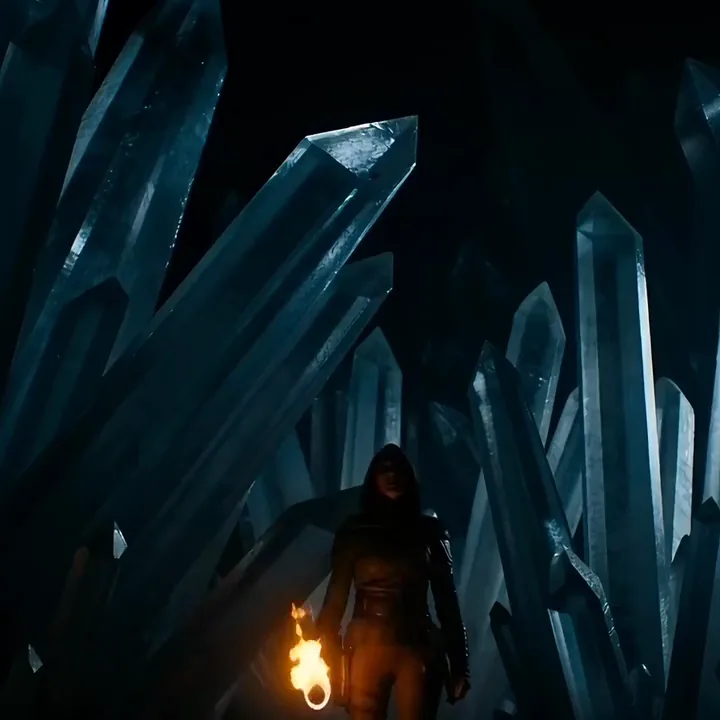
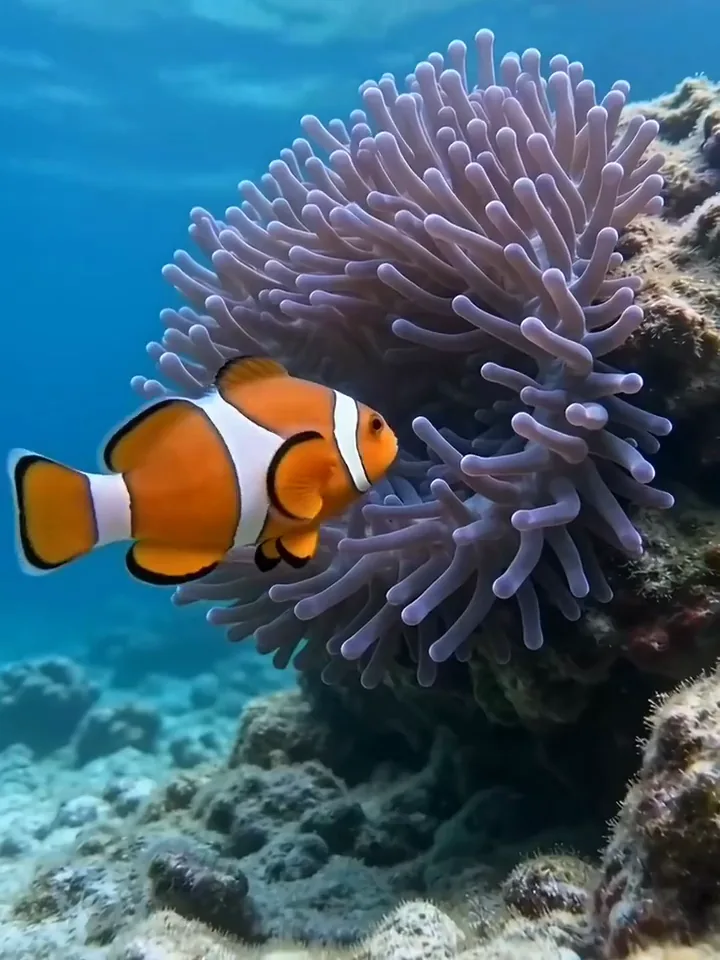
Text or photo
Seedance on Pixelcut works from a written prompt alone, or from a start photo it animates. Text suits a scene you can only picture. A photo sets the opening frame, letting your own product or place start the clip. Pick a length and a ratio, then generate.
A meerkat on a red termite mound at sunset rises onto its back legs and stands tall, slow push in



Describe a scene in plain words and get it back as a finished video. A sentence or two is all it takes to see your idea move. Change one line and run another take until the shot feels right.
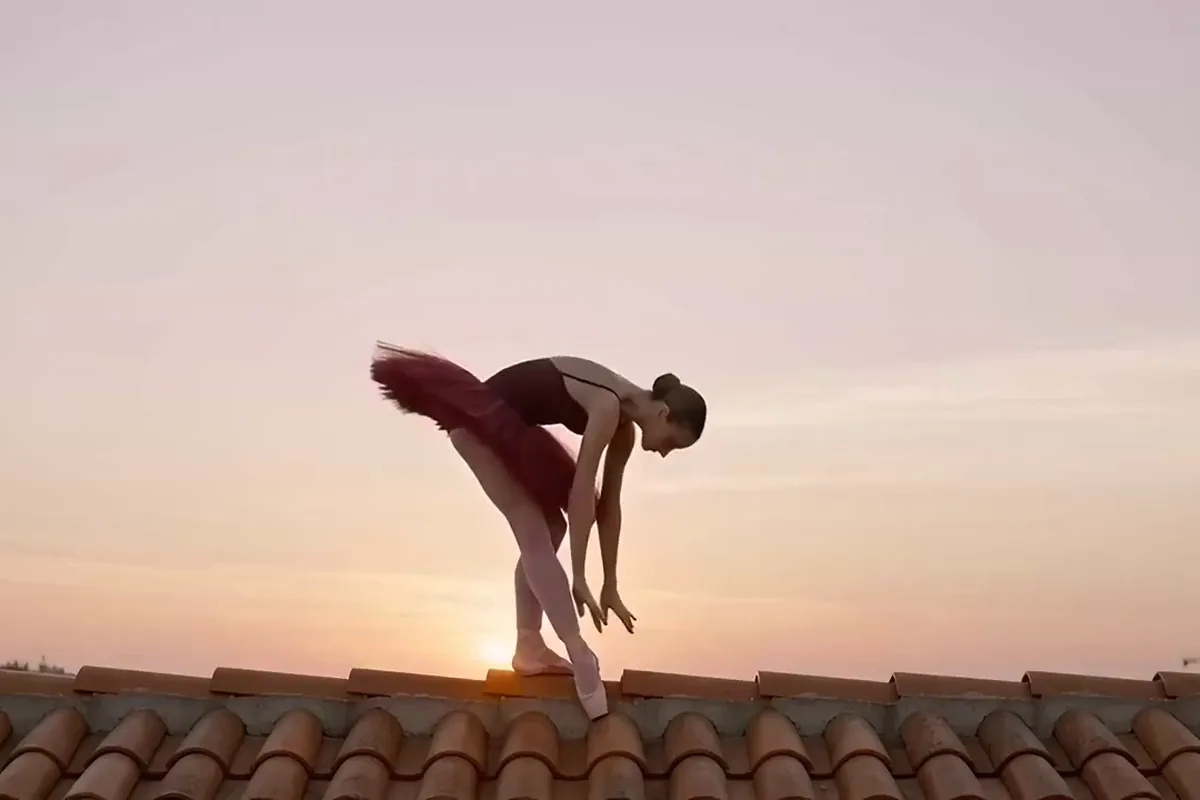
Start from a photo you already have and watch it come to life. On version 2.5 you can add a closing photo too, and the clip travels from one pose to the other. You decide where the shot begins and where it lands.
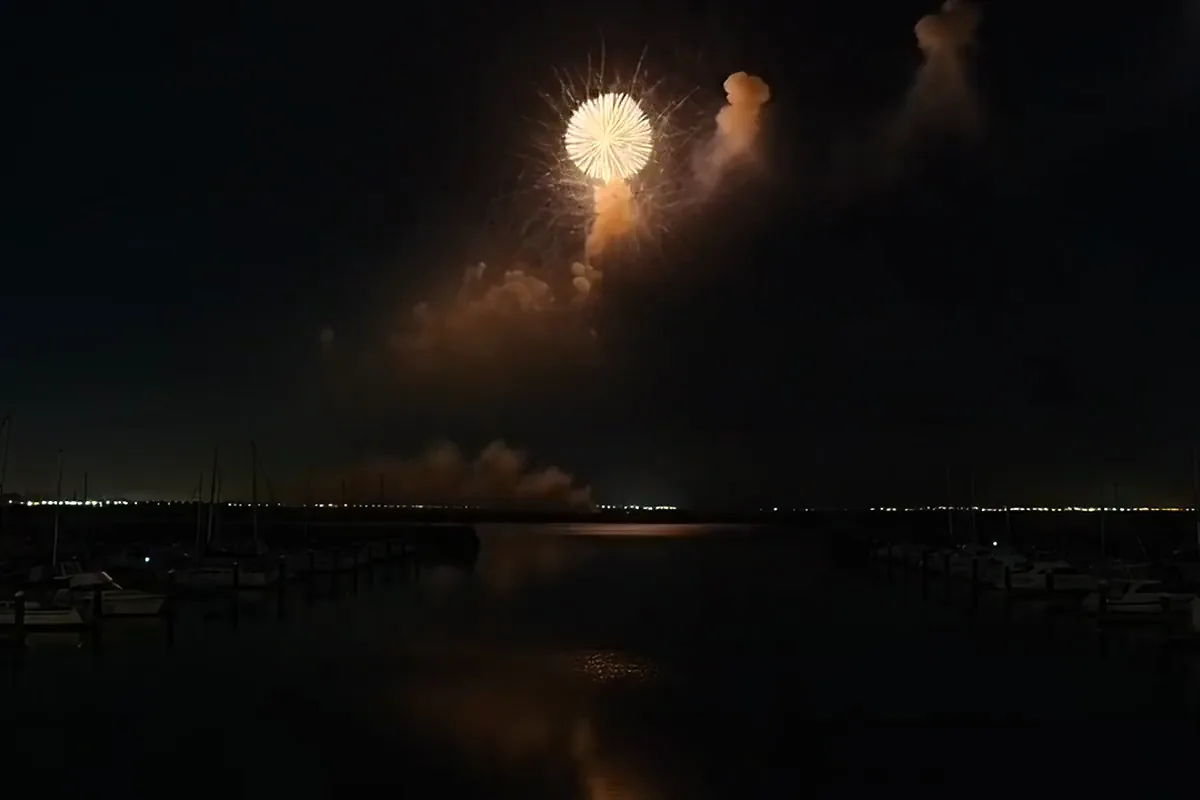
Get the picture and its sound from a single prompt. Version 2.5 creates the audio together with the video. Your clip arrives with its sound already in place, ready to post or to cut into a longer edit.
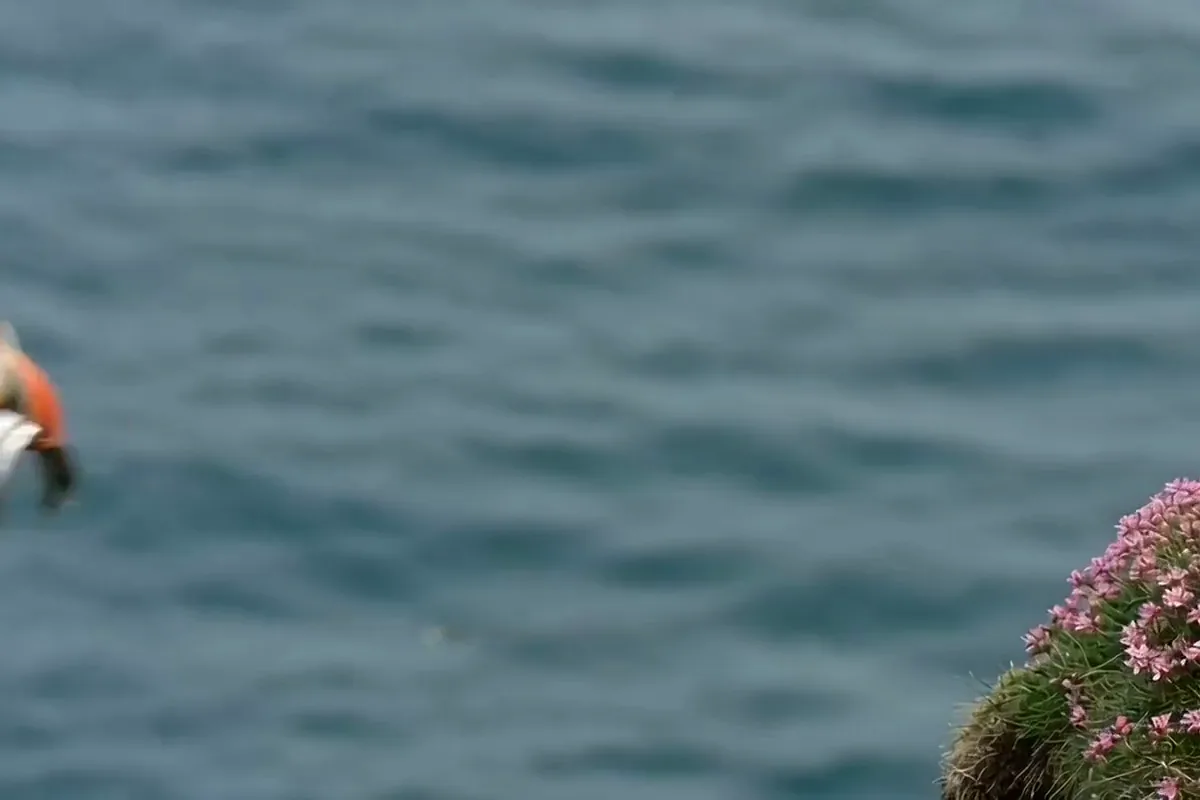
Every version on Pixelcut makes clips in six shapes, from cinematic 21:9 to vertical 9:16. Make one for a website banner, then another for a Reel. Each one is framed for the screen it plays on.
Shop owners, filmmakers and social creators turn a line of text or a photo into a finished clip in a few minutes.
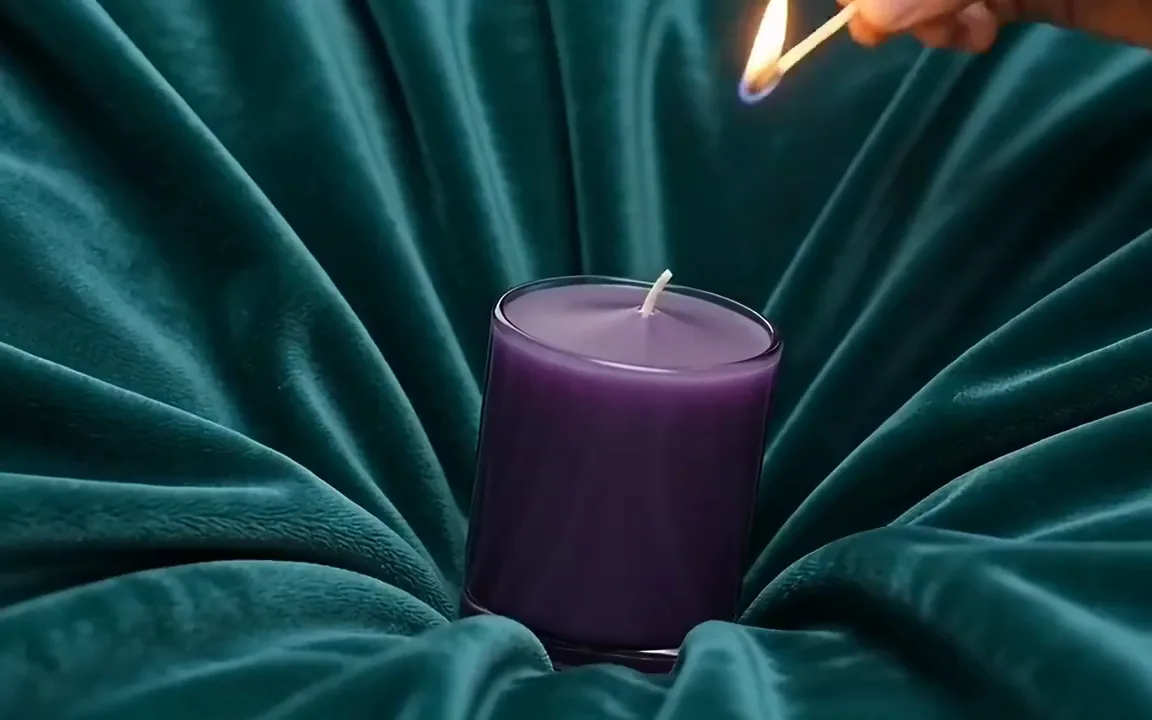
Turn a product photo into a short clip that shows it at its best. Put it on your listing or in an ad. Give shoppers a reason to stop scrolling.

Test a scene before you shoot it, or build a whole short from prompts. Version 2.5 holds one take for up to 30 seconds. Each moment gets room to play out.
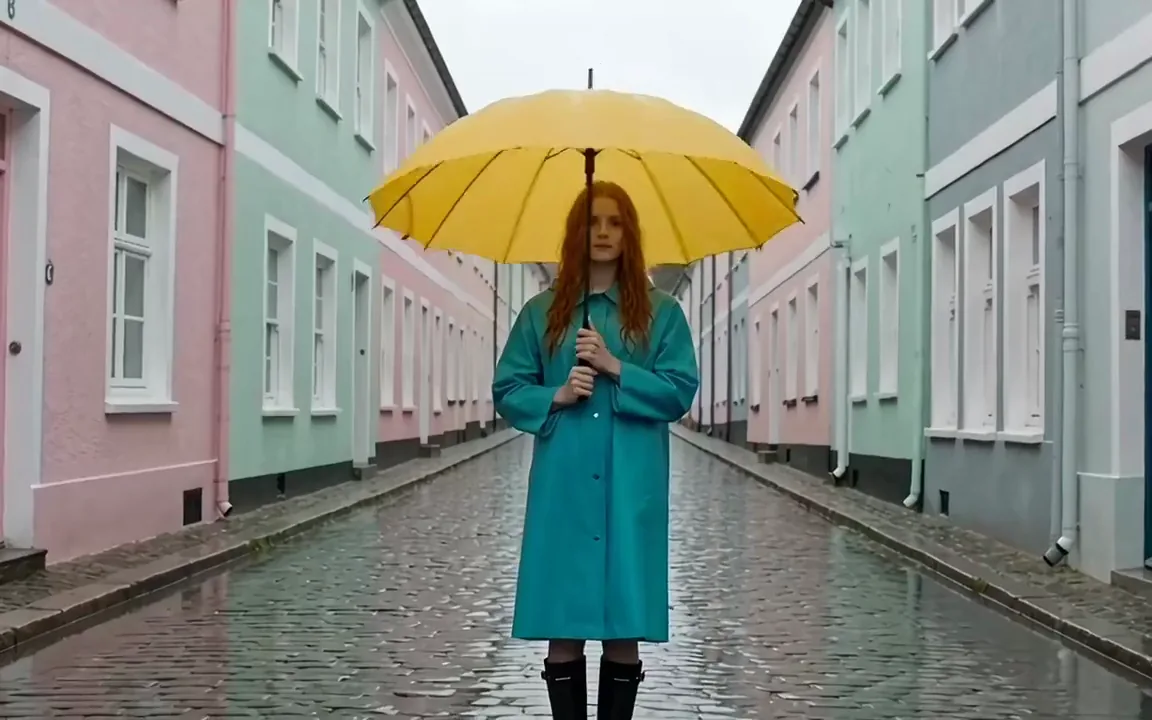
Keep your feed full of fresh clips without filming a thing. Each one is ready in minutes. Compare more models in the AI video generator.
Switch models per generation instead of per subscription. Each card opens that model's page.
Cinematic motion, and your first video is free
Text, image and reference video, up to 15 s
Photoreal video with synchronized audio
Multi-shot scenes and elements
Synchronized audio in many languages
Describe the subject, the action, the setting and the camera move in a sentence or two, or upload a start photo, plus an end photo if you want to set the last frame.
Version 2.5 is selected by default. Switch to Seedance 2.0, 1.5 Pro or 1.0 Pro if you need to, then set the length, the aspect ratio and whether sound is on.
Press generate. The model picker puts a 2.5 clip at about four minutes and a 1.0 Pro clip at five. Watch it back, save the MP4, or sharpen one detail for another take.
Video is billed in credits per second of footage. Pick the plan that matches how much you make.



Trusted by creatives at