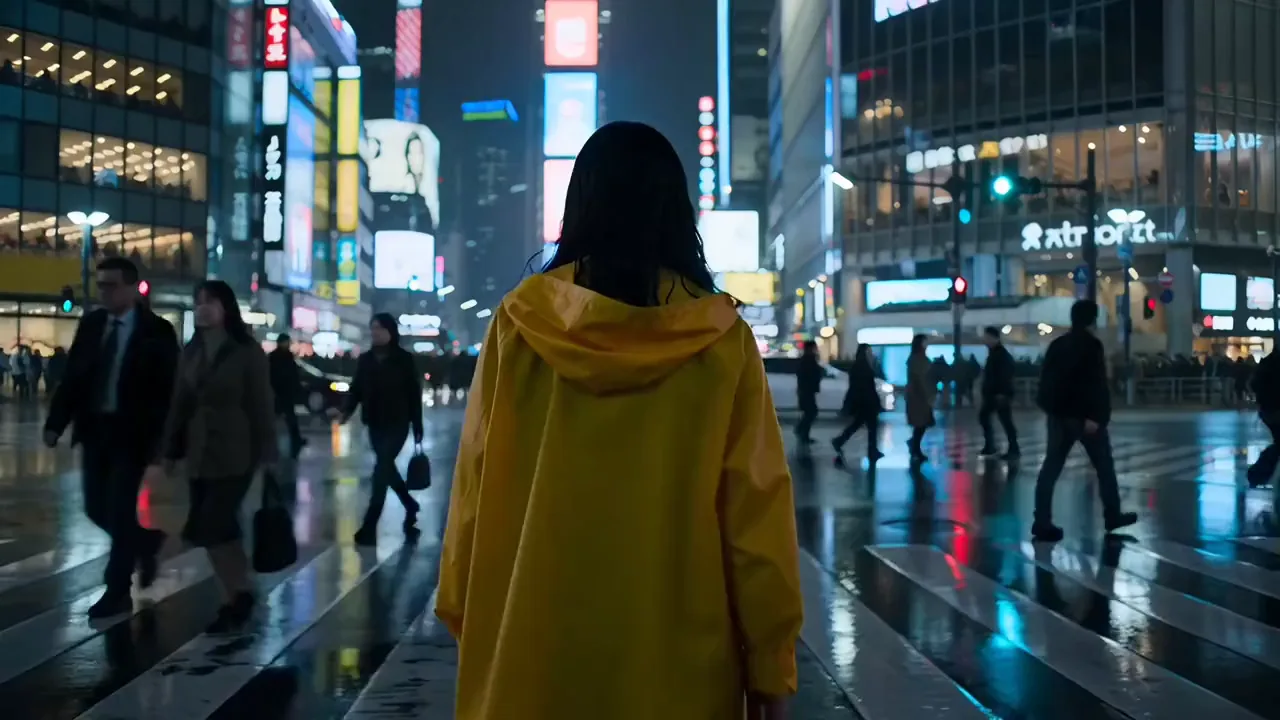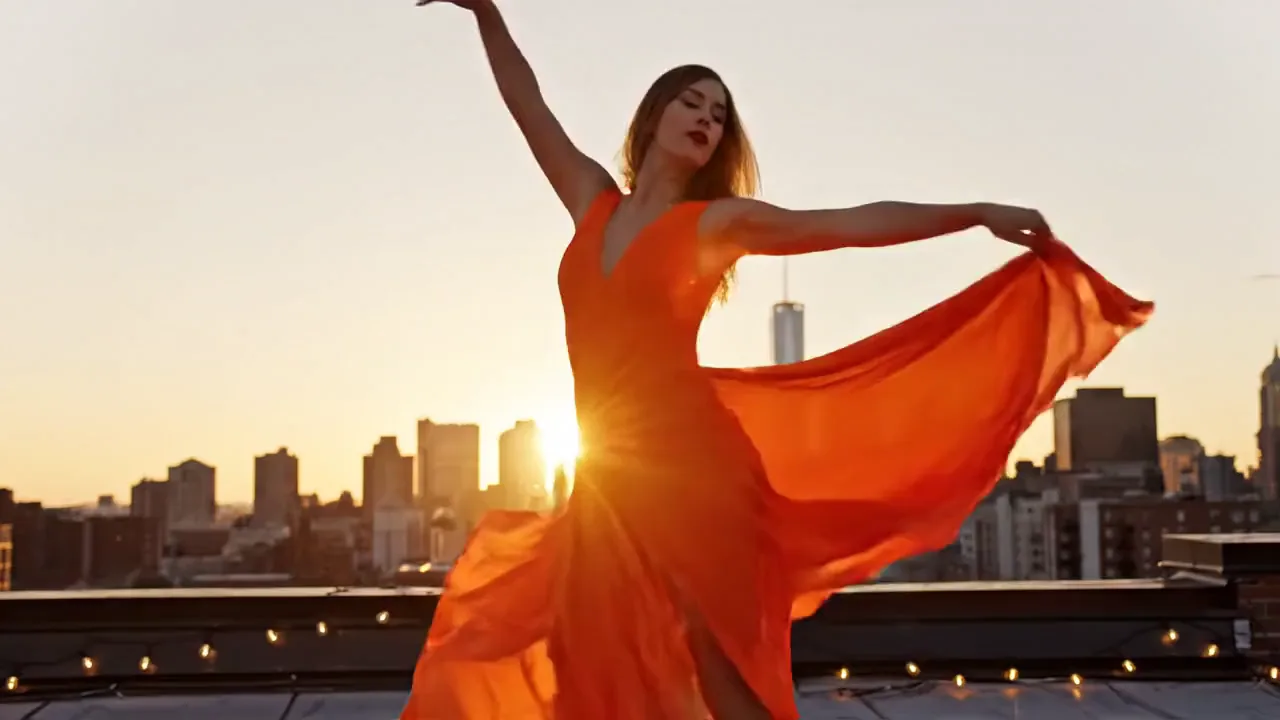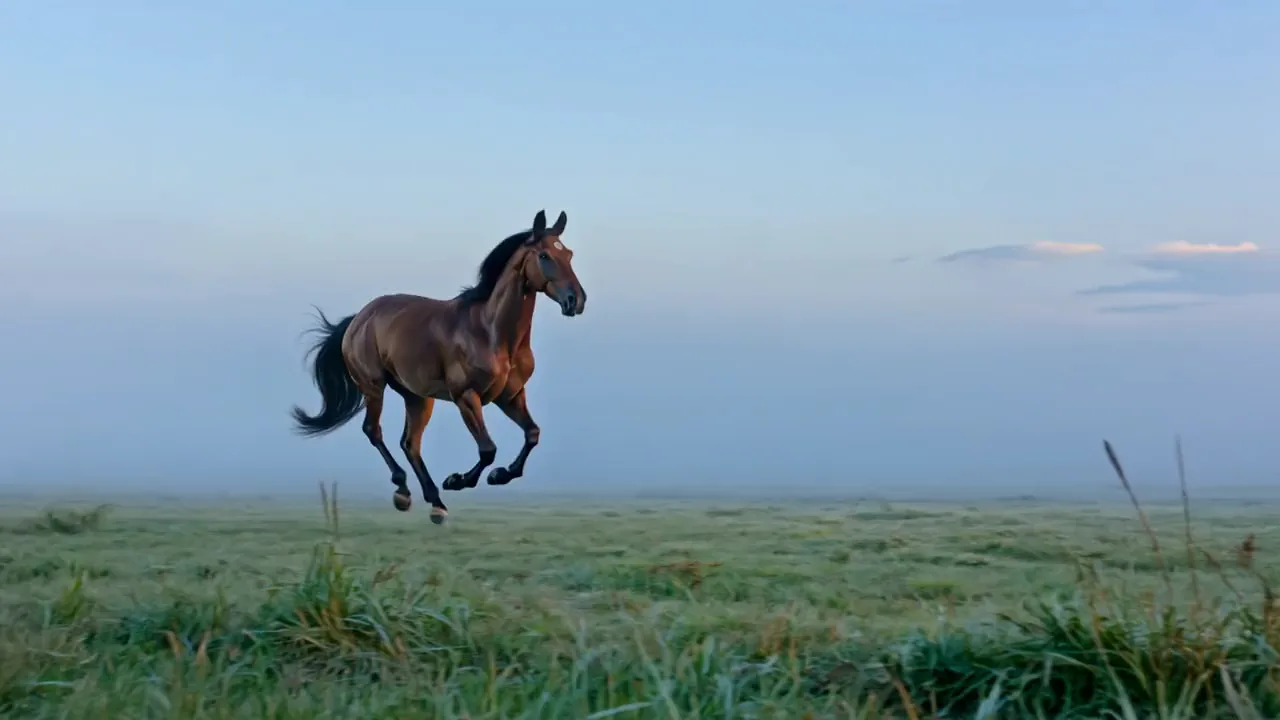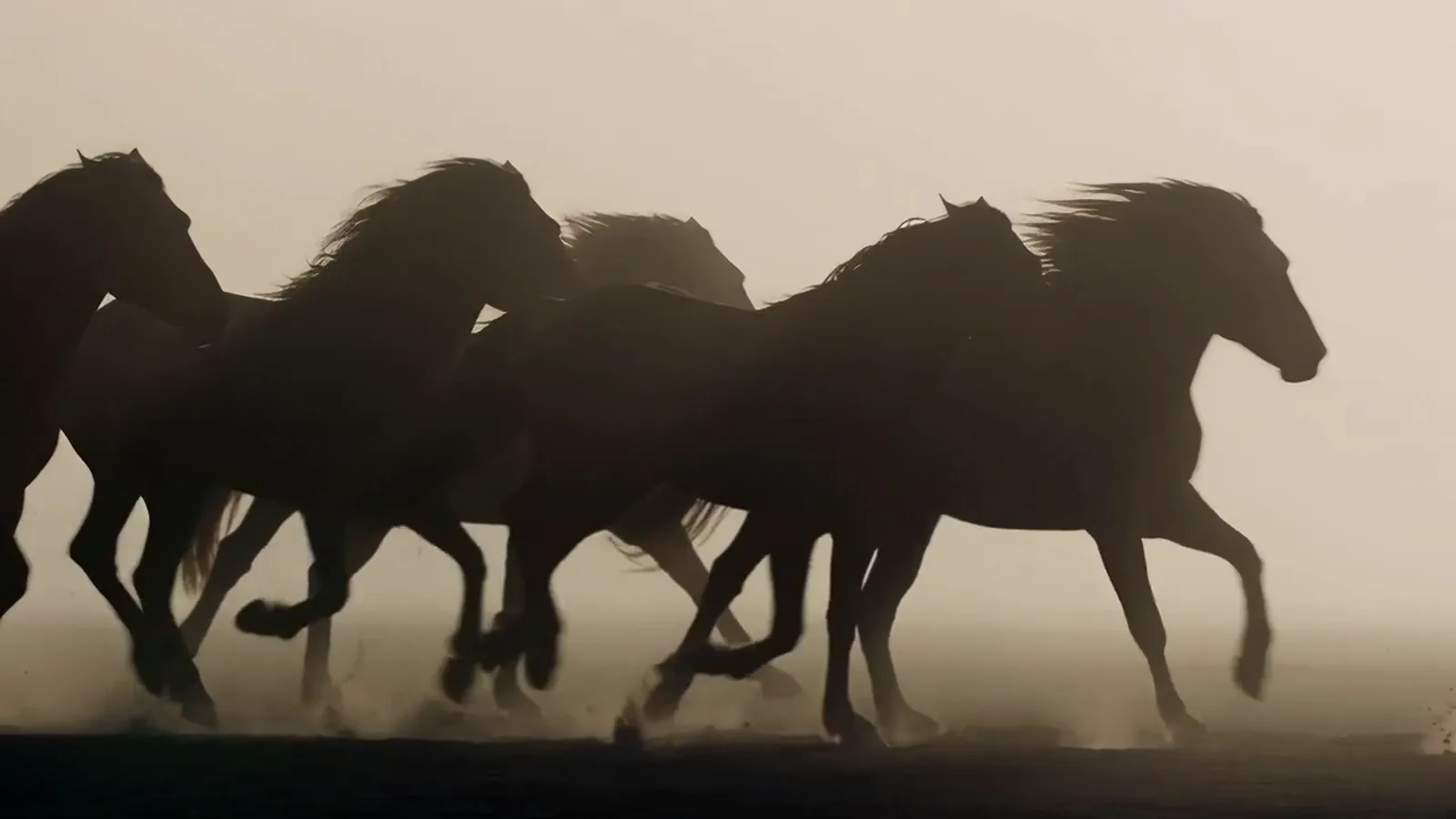







Runway Gen-4 Turbo video of a giant banyan tree lighting up with gold veins at dusk, Runway Gen-4 Turbo video of a freediver in red swimming past a giant stone head underwater, Runway Gen-4 Turbo video of a mandarin duck stretching its wings on a pond under red maples, Runway Gen-4 Turbo video of a camel getting to its feet on a red dune at dusk

Animate your photos with Runway Gen-4

Turn a still into a moving shot with Runway Gen-4 Turbo. Describe the motion, pick 5 or 10 seconds and a shape, and get an MP4 back.

Model

Runway Gen4 Turbo on Pixelcut

Runway Gen-4 Turbo, made by Runway, turns one start photo and a motion prompt into an MP4 of 5 or 10 seconds, in seven shapes from 21:9 to 9:21. It runs on Pixelcut Pro.

Runway Gen4 Turbo at a glance

Input
Photo + promptStart photo required
Resolution
1584 × 672
Aspect ratio
7 formats9:16, 16:9, 1:1, 4:3, 3:4, 21:9, 9:21
Output
MP4
Clip length
5 to 10 s
Audio
No sound

Watch a reel of Runway clips

Upload a photo, describe the motion, and Runway Gen-4 Turbo turns it into a short moving clip.

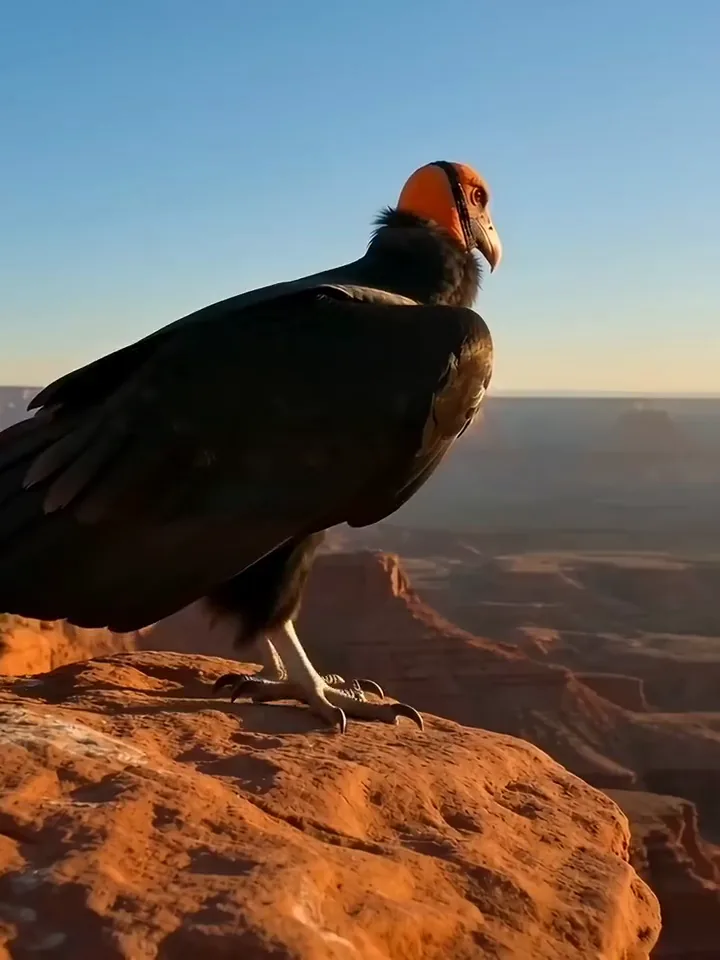
Runway Gen-4 Turbo video of a California condor taking off from a red canyon ledge
Amber perfume bottle on black sand as a foaming wave washes around it
Runway Gen-4 Turbo video of a tea flower opening into a red rose in a glass teapot
Pastel pink observatory opening its dome as a telescope rises at twilight
Runway Gen-4 Turbo video of a mage growing a glowing ice bridge across a chasm
Swimmer in a red cap doing front crawl through pink sunrise clouds
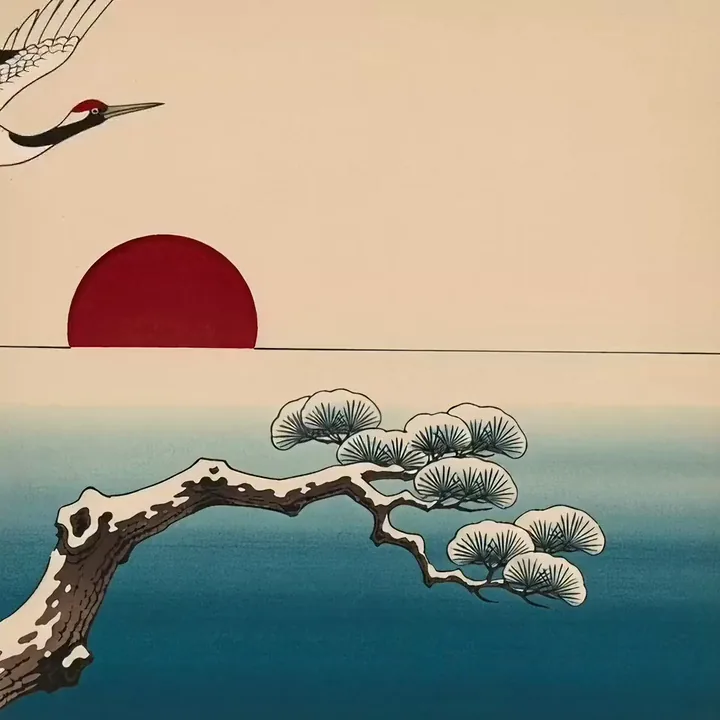
Runway Gen-4 Turbo video of a woodblock print crane landing on a snowy pine branch
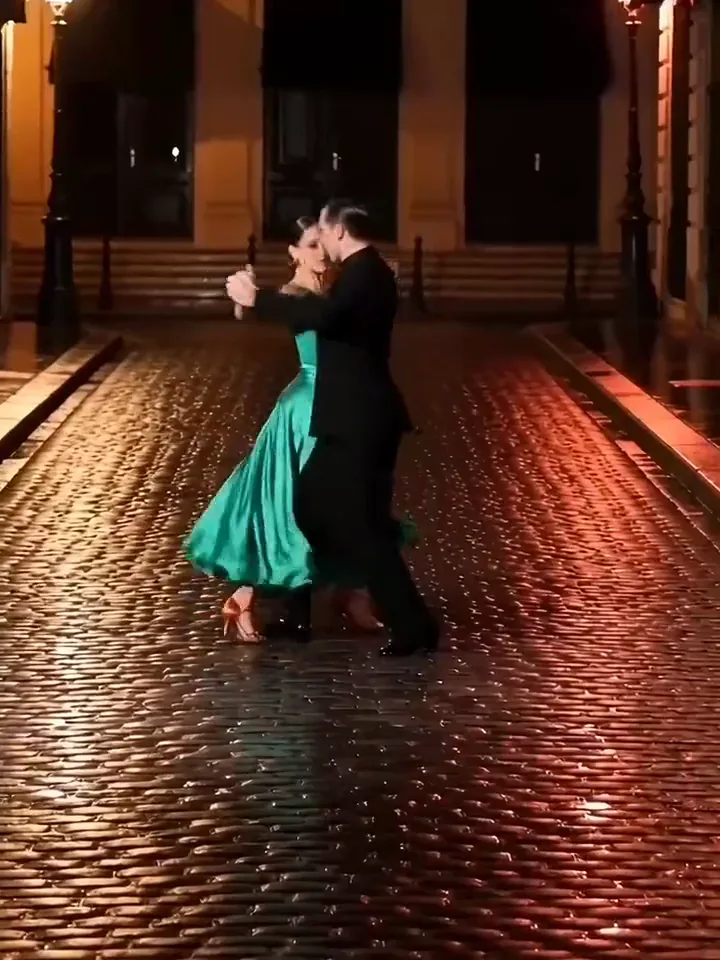
Tango couple in a green dress ending in a deep dip on a red lit cobbled street

Start from a photo

Write Runway Gen-4 prompts that move your photo

Your photo already shows the subject and the light, and the prompt can leave them out. Write the one thing the subject does, then the one way the camera moves. Finish with how the move ends, which gives the clip a clear place to stop.

  1. Add the still you want to see move
  2. Name one action, one camera move and the ending
  3. Generate, then change one line if the take misses
The starting Image to video
Image to video

Turn your own photo into a Runway Gen-4 Turbo clip
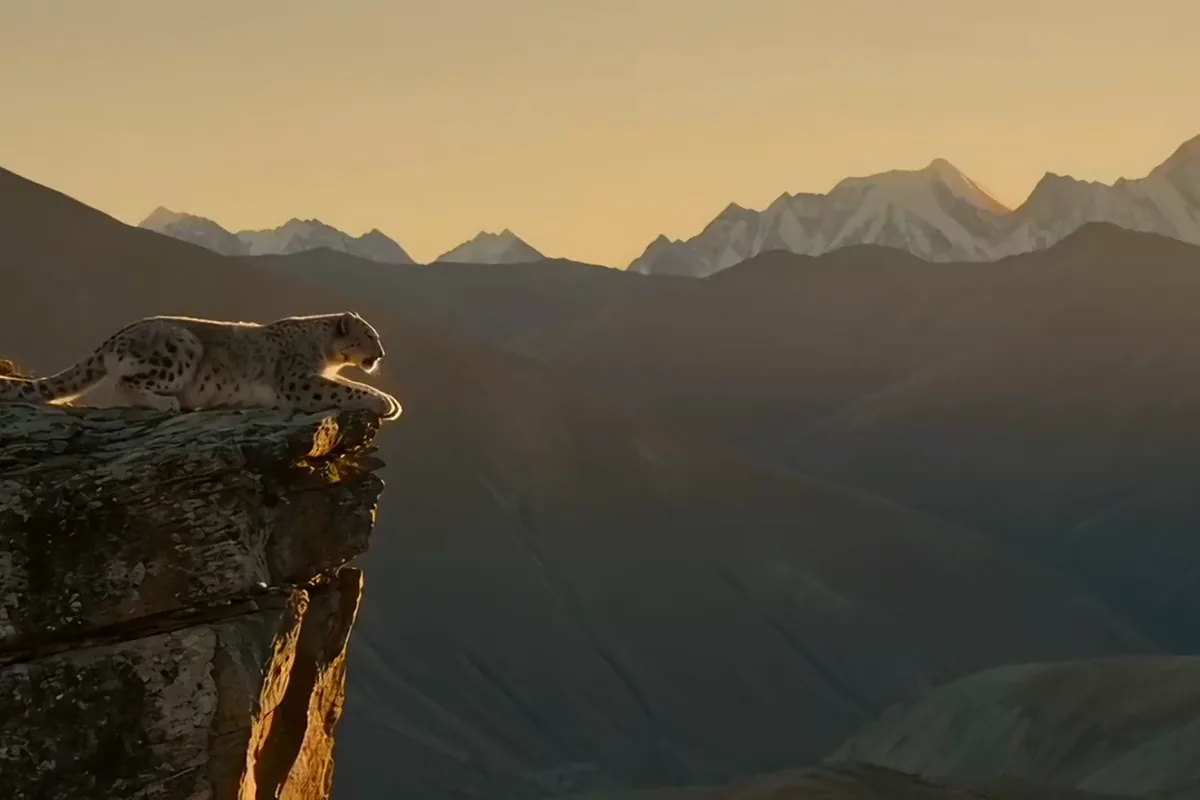
Runway Gen-4 Turbo video of a snow leopard leaping between two cliff ledges at sunset

Your photo becomes the first frame of the clip, with the subject and light you chose. Describe what should happen next and Gen-4 Turbo moves the scene from there. You get a moving shot that opens on your own picture, with no reshoot.

Make each Runway shot 5 or 10 seconds long

Runway Gen-4 Turbo video of a fingertip touching a sensitive plant as its leaflets fold shut

Pick 5 seconds for one quick move, or 10 when the action needs room to unfold. Short clips fit neatly into posts and stories. Longer ones give a slow scene time to breathe. Either way, the clip arrives ready to drop into your edit.

Make your image to video clip wide, tall or square

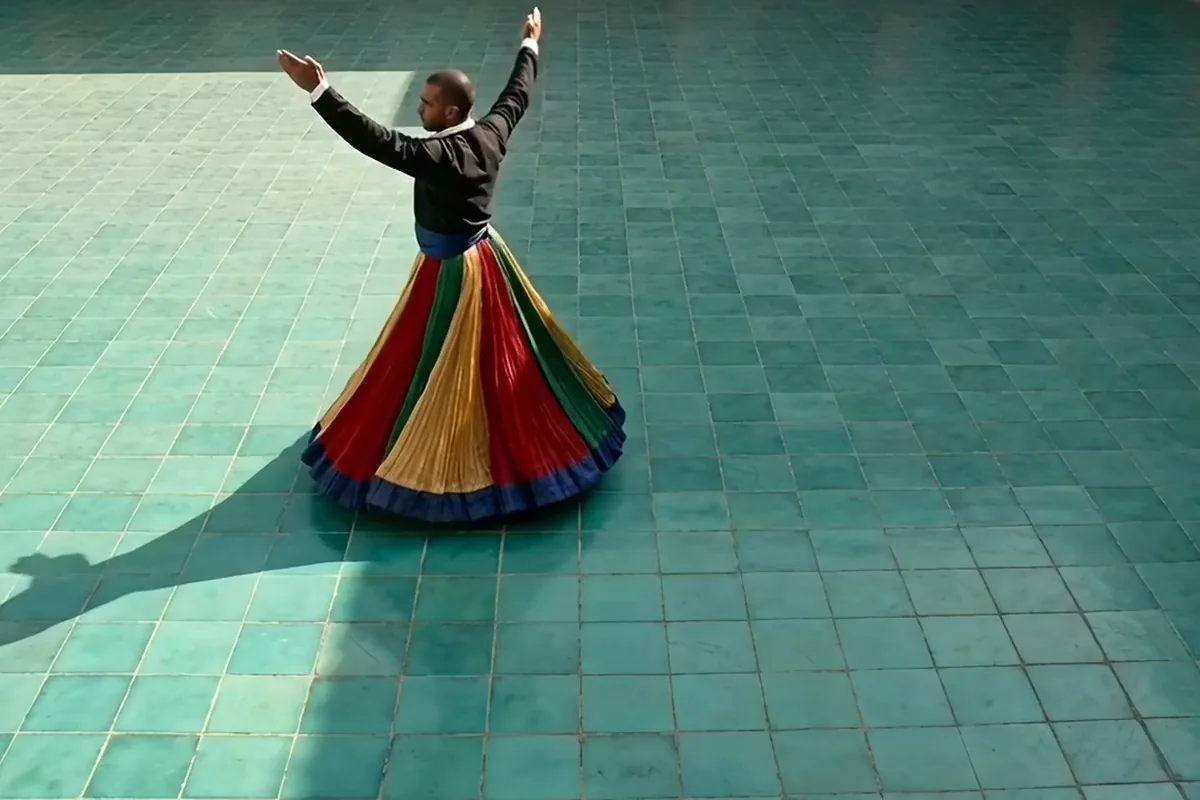
Runway Gen-4 Turbo video of a tanoura dancer spinning his striped skirt into a wide disc

Choose from seven shapes on Pixelcut, from an ultra wide 21:9 to a tall 9:21. Match the frame to your photo and the screen it will play on. The clip comes back in the shape you picked, ready for that screen.

Test a few Turbo takes on one photo in minutes

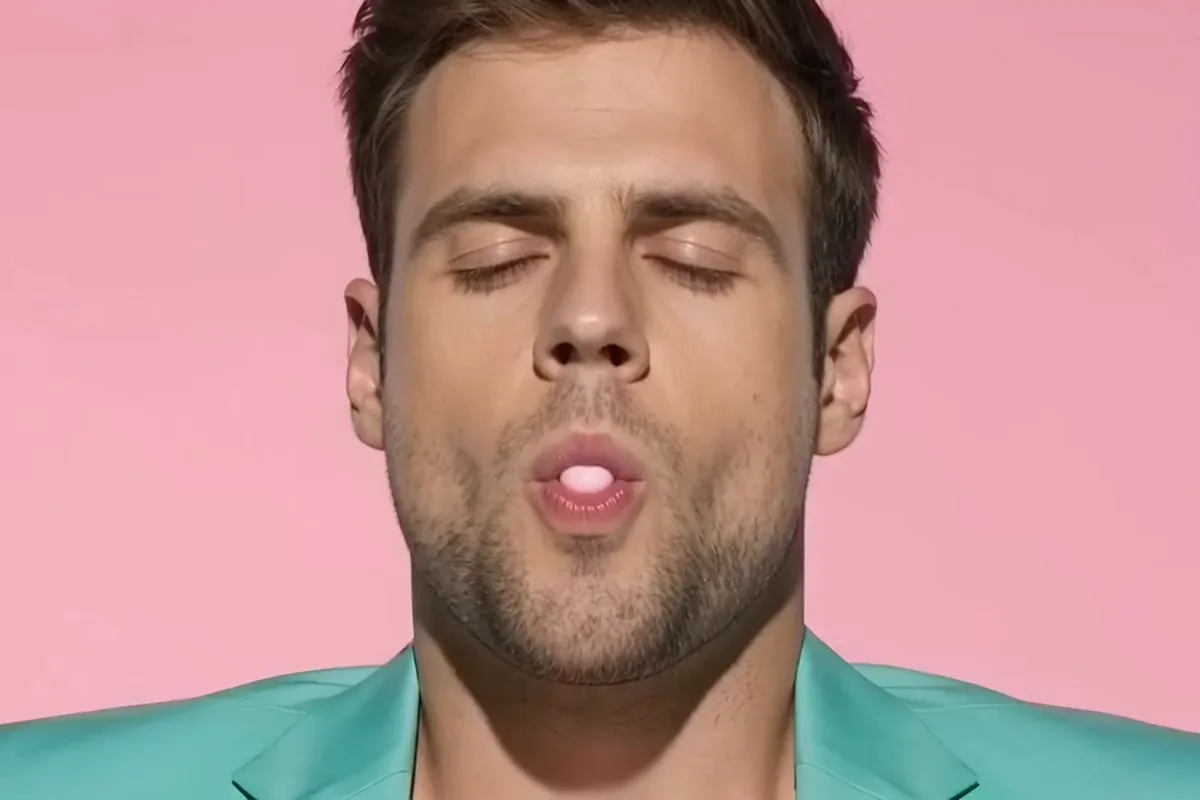
Man in a mint suit whose pink bubblegum bubble pops onto his nose against a pink wall

Pixelcut estimates about 40 seconds per Gen-4 Turbo clip. Try a few motions on the same photo and keep the take you like best. Each run comes back a little different, which gives you real options before you share.

Bring your best stills to the Runway model

Photographers, property teams and artists start every clip from a photo they already own.

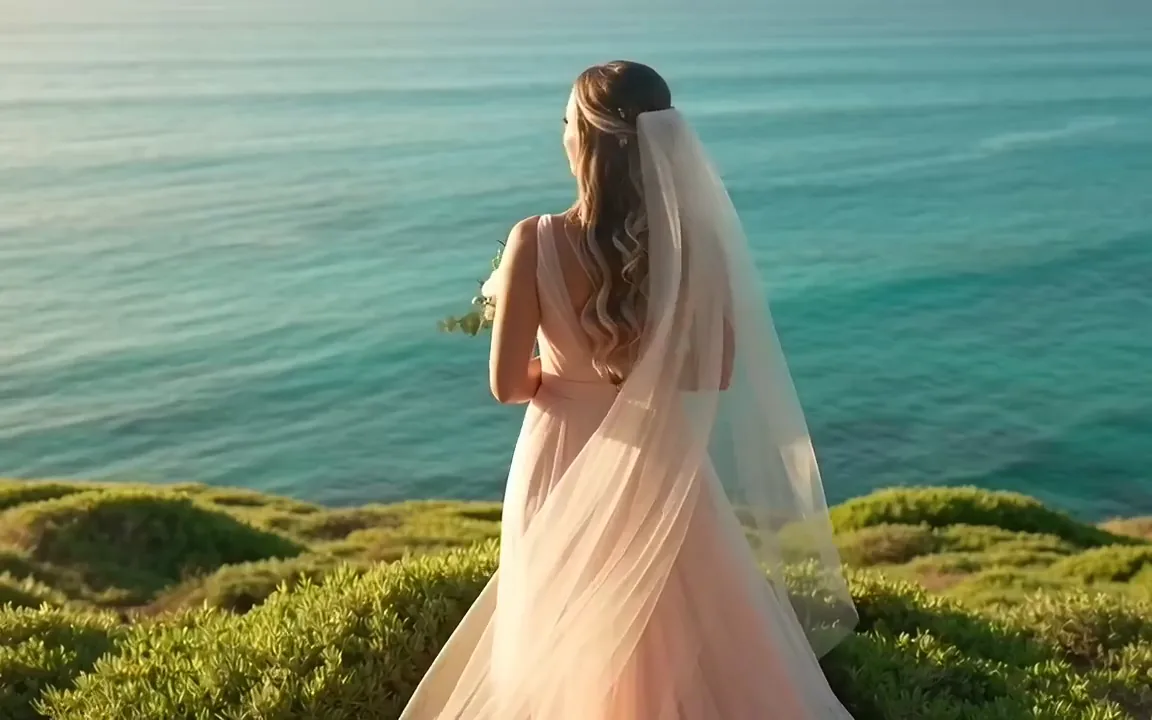
  • Runway Gen-4 Turbo video of a bride on a green sea cliff as the wind lifts her veil

    Wedding photographers

    Give couples their favorite frame from the day in motion. Turn one portrait into a short clip they can share, and hand over a keepsake they can watch again.

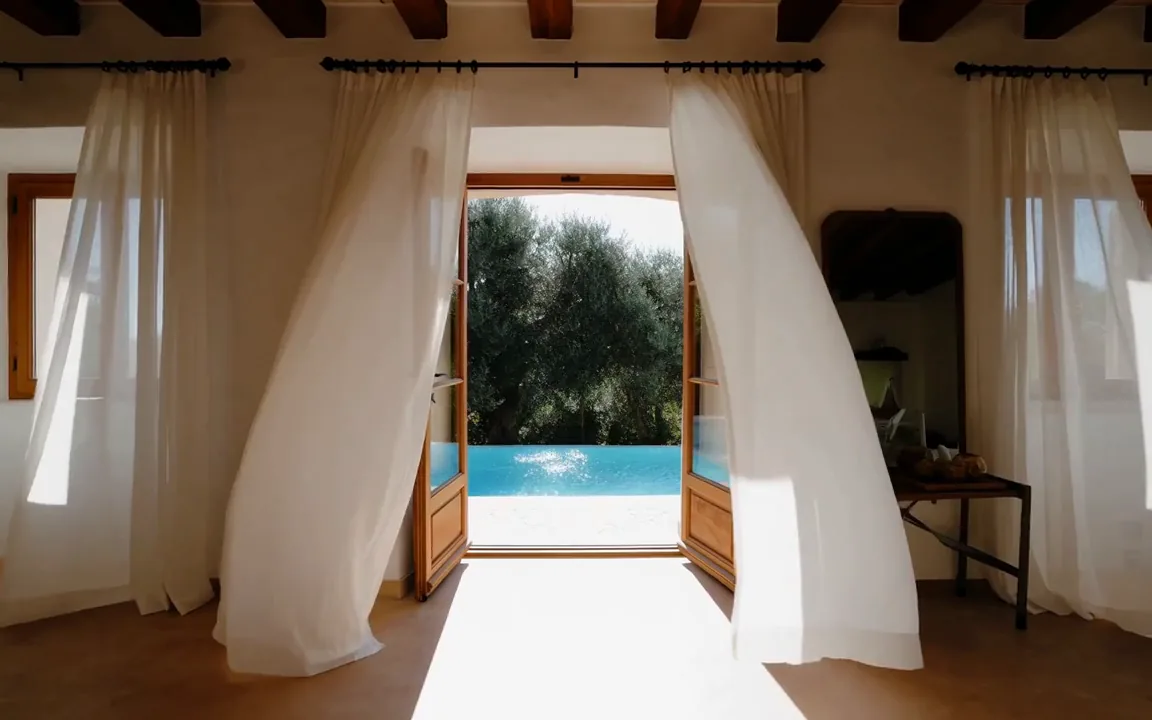
  • Camera pushing toward open terrace doors of a villa as the curtains lift and the pool glints

    Real estate and interior teams

    Make a listing stand out in the feed. Turn a room photo into a slow camera move that draws buyers in. You need no video shoot and no extra visit to the property.

  • Runway Gen-4 Turbo video of an Art Nouveau poster as golden hair drifts and red poppies open

    Illustrators and painters

    Let buyers see your finished art move. Upload a scan of a piece and get a clip for your portfolio or shop page. Find more ways to animate it in the AI video generator.

More models on Pixelcut

Switch models per generation instead of per subscription. Each card opens that model's page.

  • Cinematic motion, and your first video is free

    • New
    • Free with sign-up
    • Image to video
    • Up to 10 s
  • ByteDance's newest video model

    • New
    • Audio
    • Image to video
    • Up to 30 s
  • Text, image and reference video, up to 15 s

    • New
    • Audio
    • Image to video
    • Up to 15 s
  • Photoreal video with synchronized audio

    • Audio
    • Image to video
    • Up to 8 s
  • Multi-shot scenes and elements

    • New
    • Audio
    • Image to video
    • Up to 15 s
  • Synchronized audio in many languages

    • Image to video
    • Up to 10 s

How to use Runway Gen-4 on Pixelcut

  1. 1

    Upload your start photo

    Choose a portrait, a listing photo or a scan of your artwork as the starting frame. A clear main subject with room around it gives the motion space to play out.

  2. 2

    Describe the motion

    Type what should happen in plain words, like the dancer starting to spin or the curtains lifting. Put the action first, since prompts are cut after 1,000 characters.

  3. 3

    Pick length and shape

    Keep Runway Gen-4 Turbo in the model picker, then choose the clip length and the shape closest to your photo and where you plan to post it.

  4. 4

    Generate and download it

    Press generate, watch the clip play back, then download the MP4, ready to post, send to a client or drop straight into your own video editor.

Plans for video generation

Video is billed in credits per second of footage. Pick the plan that matches how much you make.

Save 20% with a yearly plan

Free

$0
per month, billed yearly
Your first video free on MiniMax H3 Max
Image tools free to try

Pro

$10$8
per month, billed yearly
600 AI Credits Monthly
Access all AI models
Unlimited Background Removal
Unlimited Upscale
3 Person Team
1,000 Batch Exports Monthly
Commercial license
Most Popular

Business

$30$24
per month, billed yearly
3,600 AI Credits Monthly
Access all AI models
Unlimited Background Removal
Unlimited Upscale
10 Person Team
2,000 Batch Exports Monthly
Commercial license
Trusted by over 200,000 creators, brands and small businesses

Trusted by creatives at

  • Adidas logo
  • Airbnb logo
  • Apple logo
  • Chanel logo
  • Google logo
  • Gucci logo
  • H&M logo
  • Nike logo
  • Sephora logo
  • Starbucks logo
  • Toyota logo

Frequently Asked Questions

Set your next photo in motion on Gen-4 Turbo