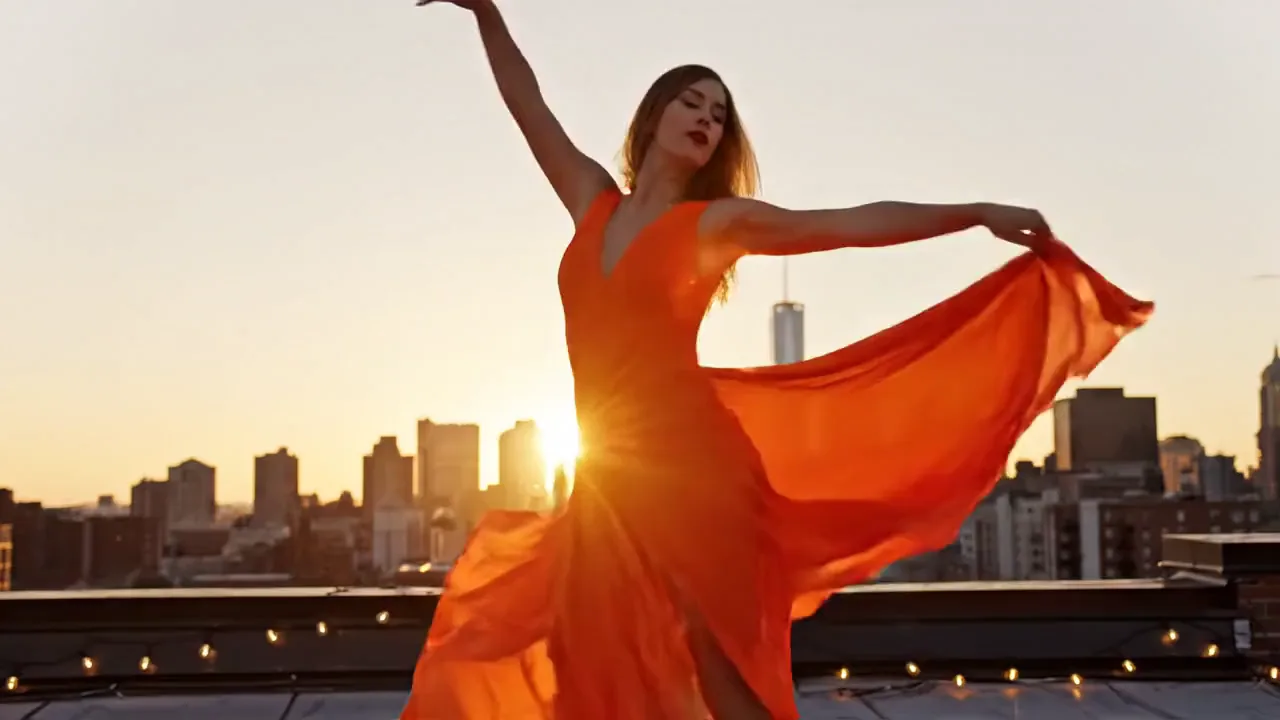
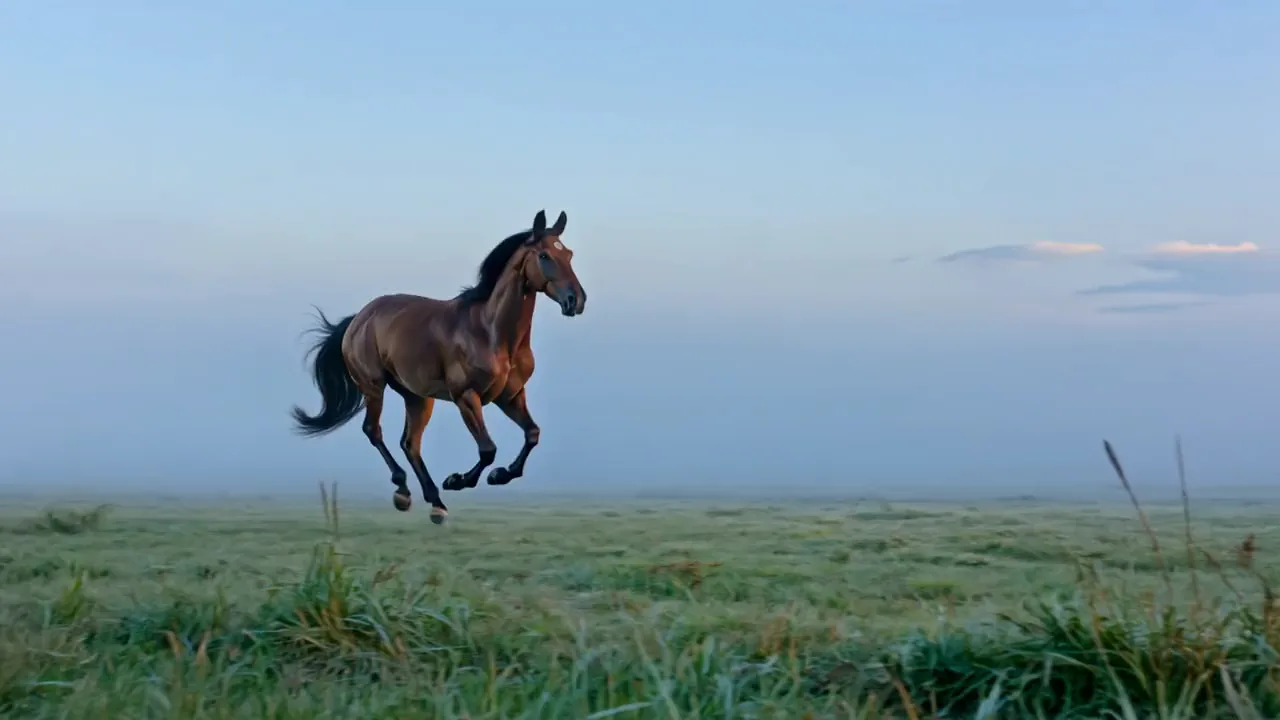
Make Wan AI videos with sound from a prompt
Get a clip with its sound already in place from a single prompt. Wan 2.5 makes the audio together with the picture, in the same MP4. Your clip is ready to share, with no separate audio track to add.

Turn a prompt or one photo into a clip with sound from Alibaba's Wan AI. Pick 16:9, 9:16 or 1:1 and get an MP4 in about a minute and a half.
Model
Wan 2.5 by Alibaba comes preselected. Give it a prompt or one start photo and it returns a short clip with sound. Wan 2.2 is also here, and both run on Pixelcut Pro.
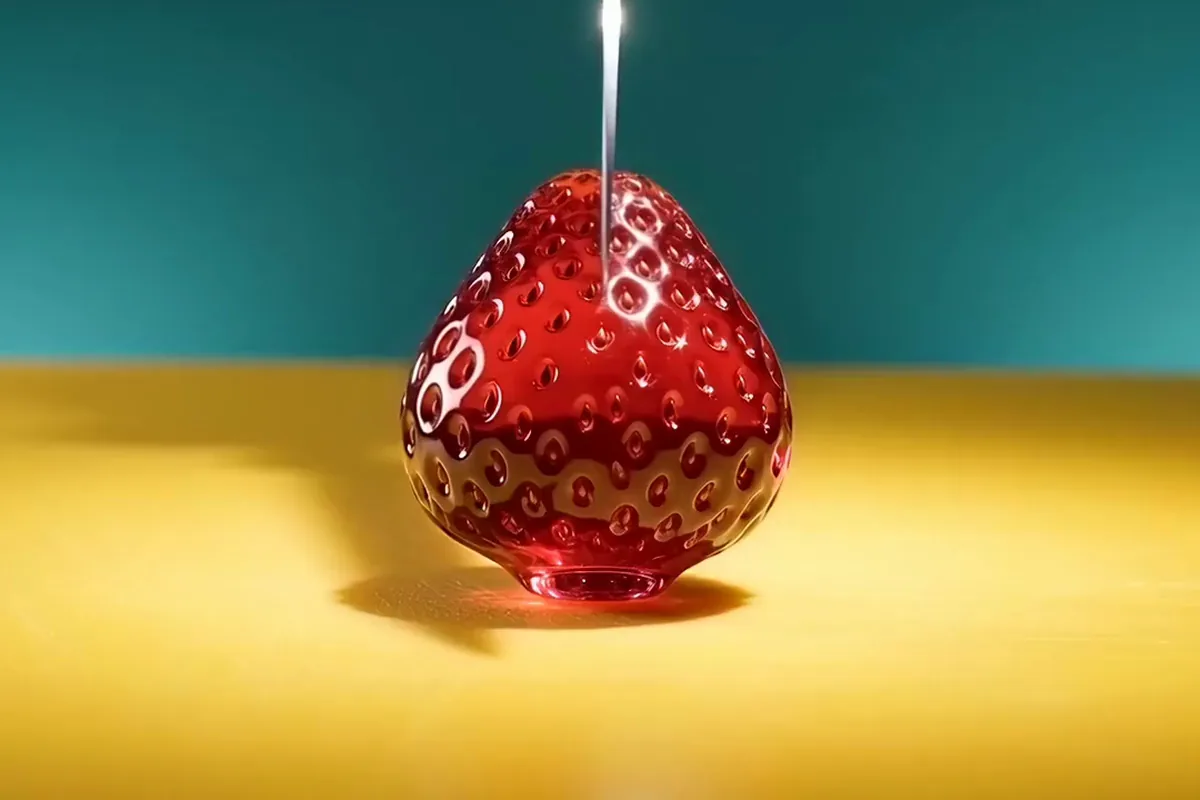
Pick a clip you like, keep its idea, and swap in your own subject, place or camera move.
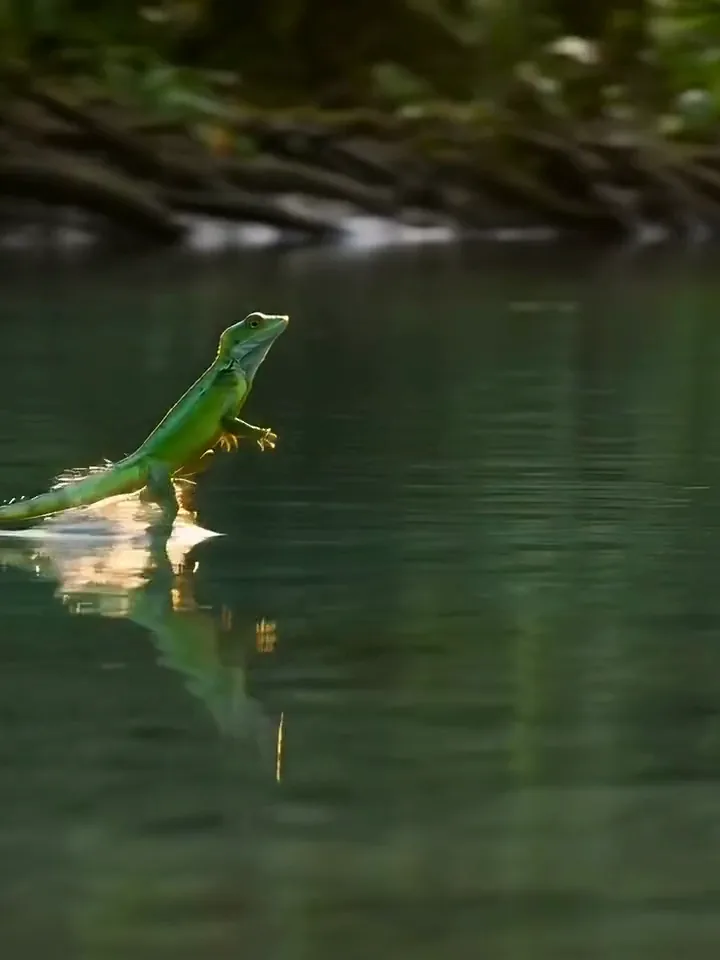


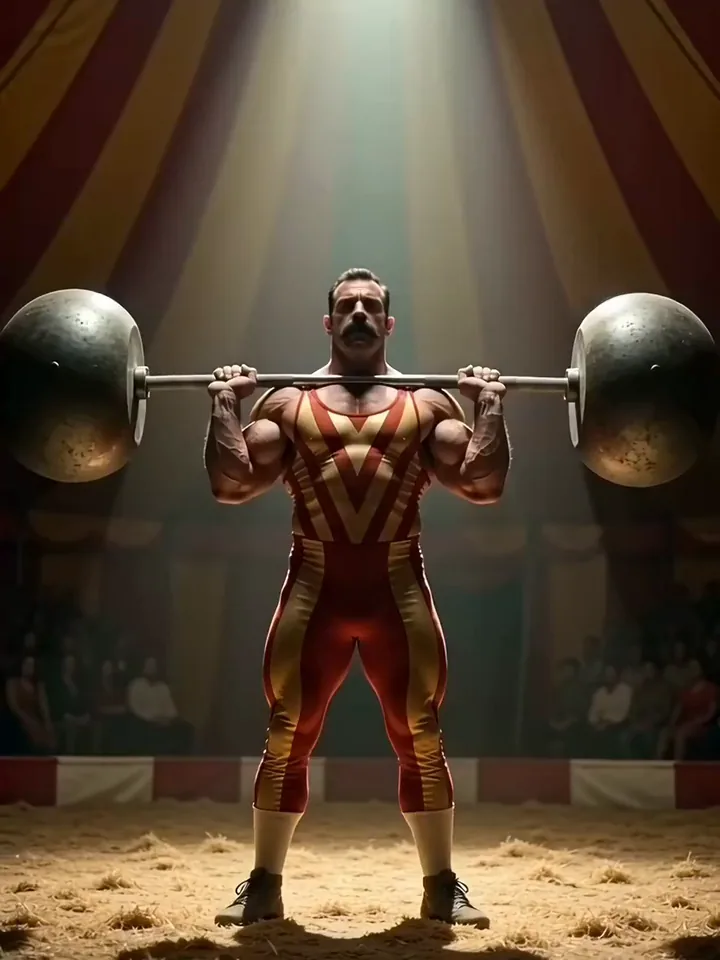
Two ways to start
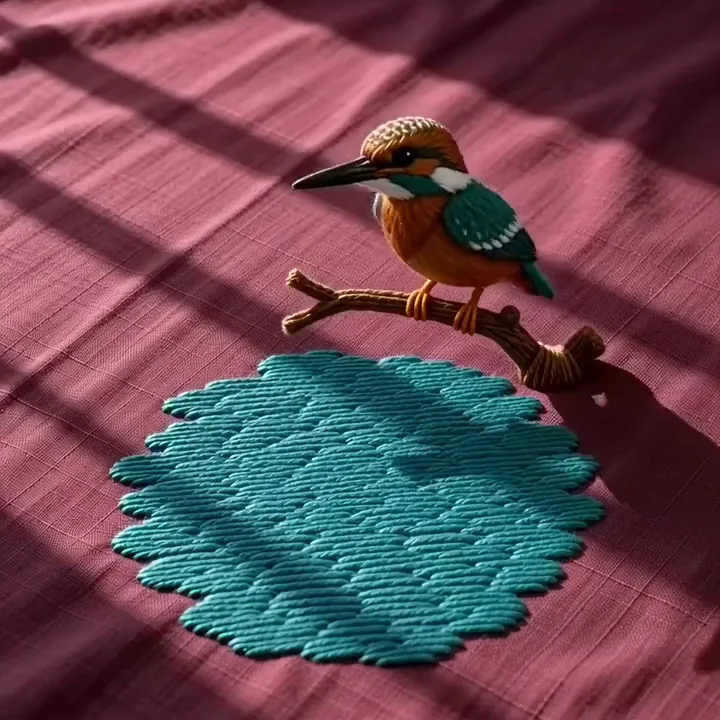
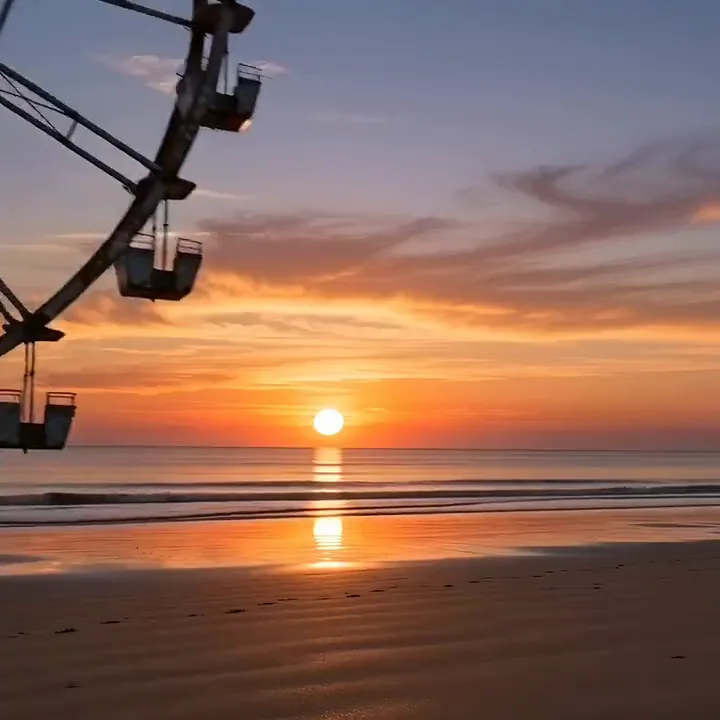
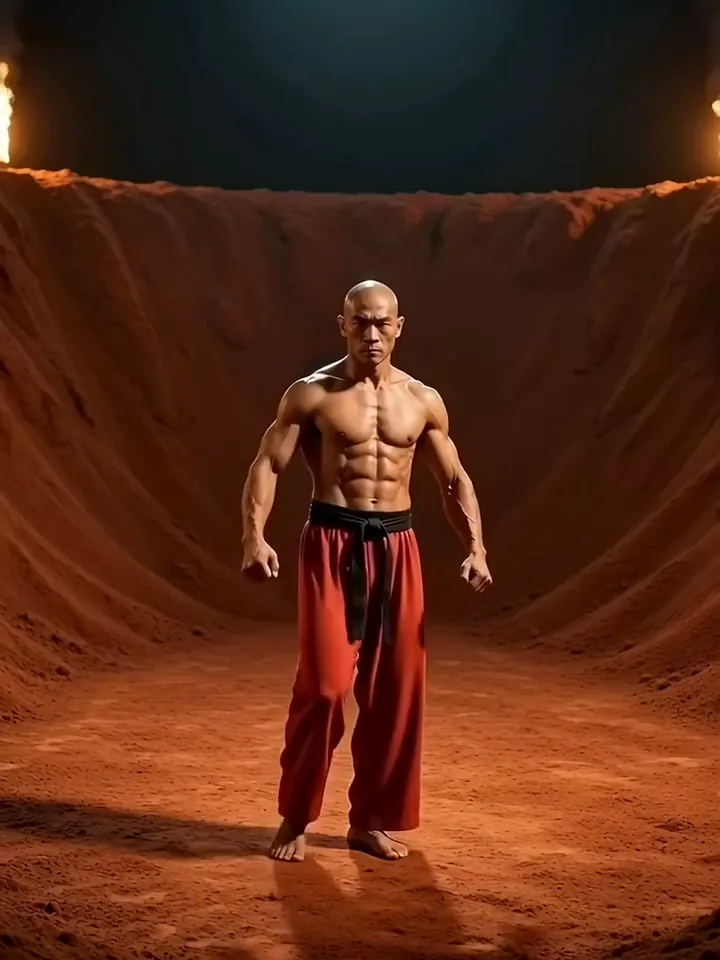
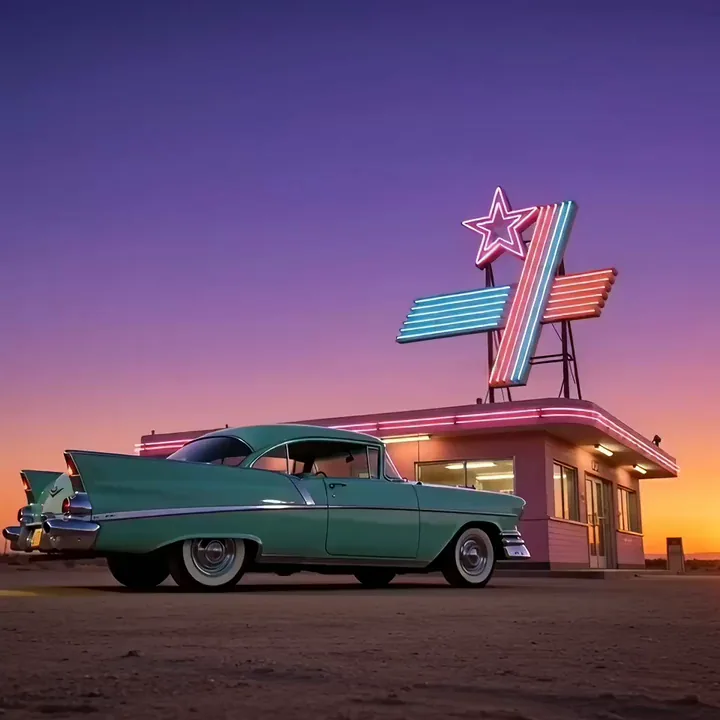
Text to video works from words alone, for a scene you can picture but have no photo of. Image to video starts from one photo of yours, and the prompt only has to describe the motion. Either way, Wan 2.5 hands back a short MP4 with sound.
A brown pelican tucks its wings, plunges bill first into a turquoise cove and bobs up with its throat pouch full of water.
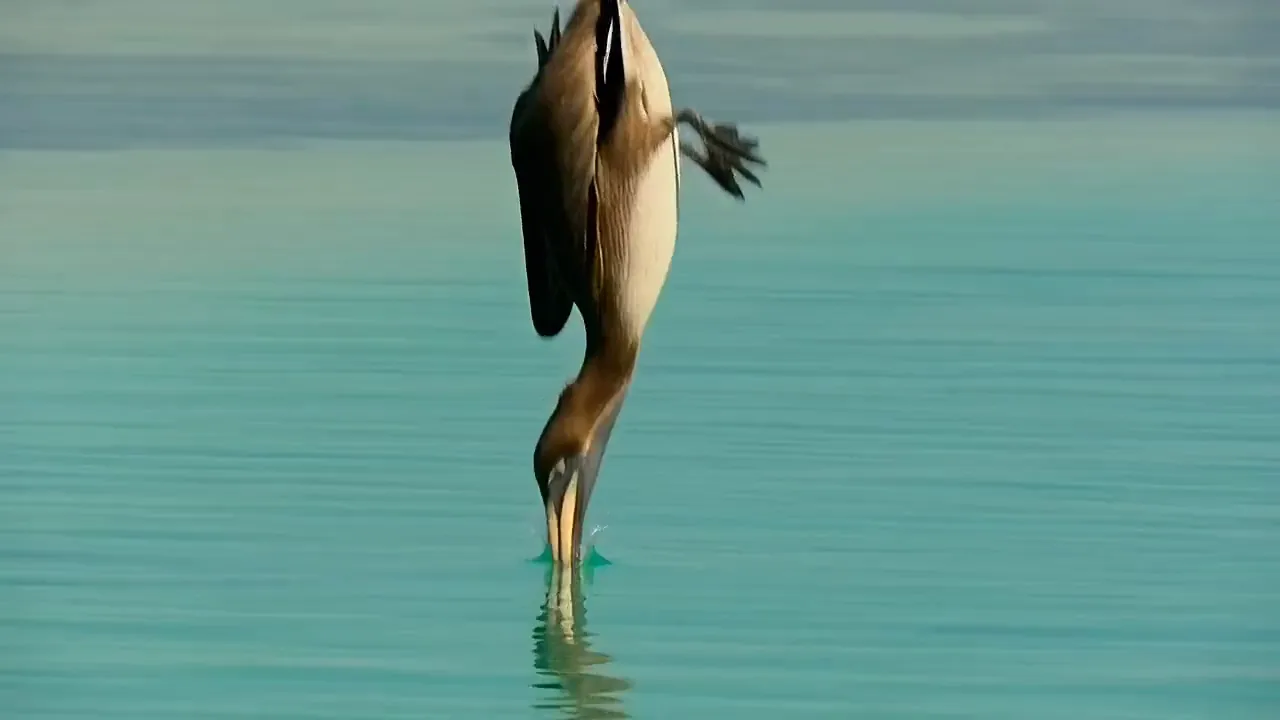


Get a clip with its sound already in place from a single prompt. Wan 2.5 makes the audio together with the picture, in the same MP4. Your clip is ready to share, with no separate audio track to add.

Turn a still you love into a moving clip. Wan 2.5 picks up from your photo as the first frame and carries the scene forward. Any common photo works, and Pixelcut sizes it for you.

Each run makes one shape, picked before you generate. Go tall for Reels and Shorts, square for a feed post, or wide for YouTube. Want one idea in two shapes? Run the same prompt twice.
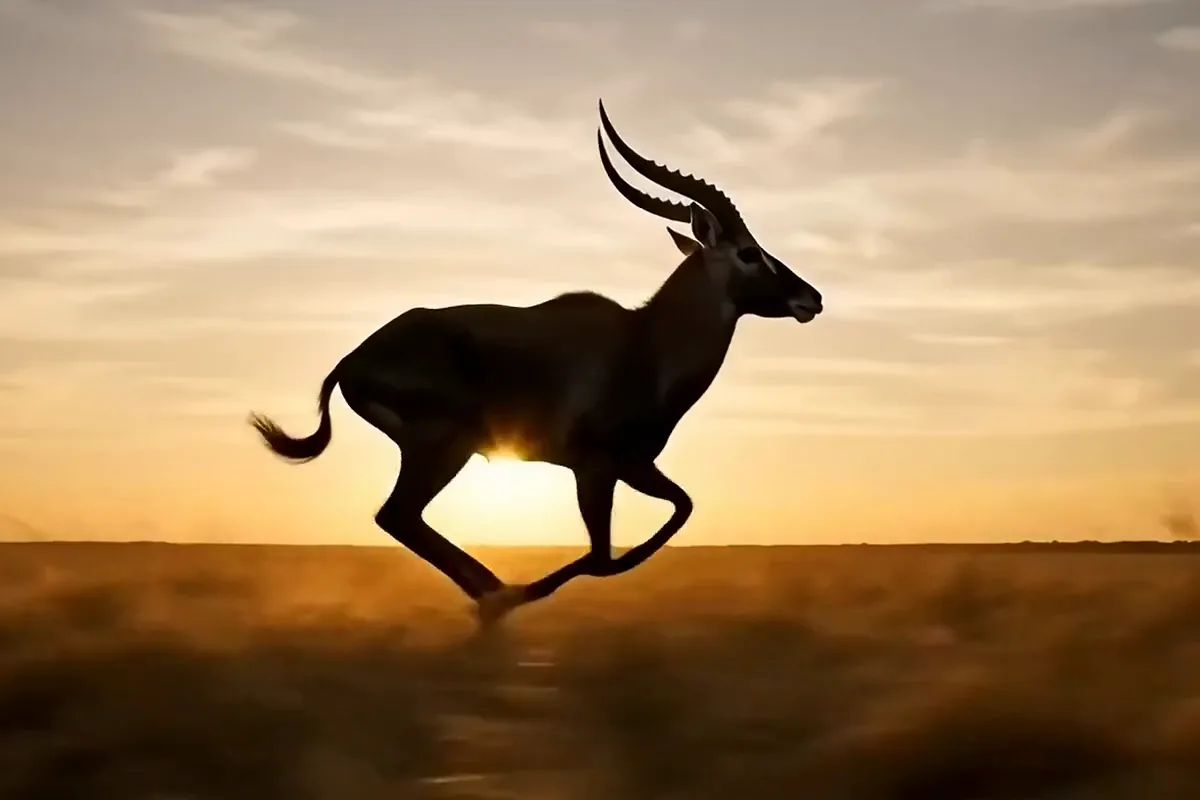
Your clip keeps the heart of your idea when the prompt leads with it. Pixelcut sends the first 800 characters to Wan 2.5 and cuts the rest. Open with who is in the scene and what they do. Style notes can go at the end.
Creators, online sellers and filmmakers use it for vertical posts, product clips and test shots before a shoot.
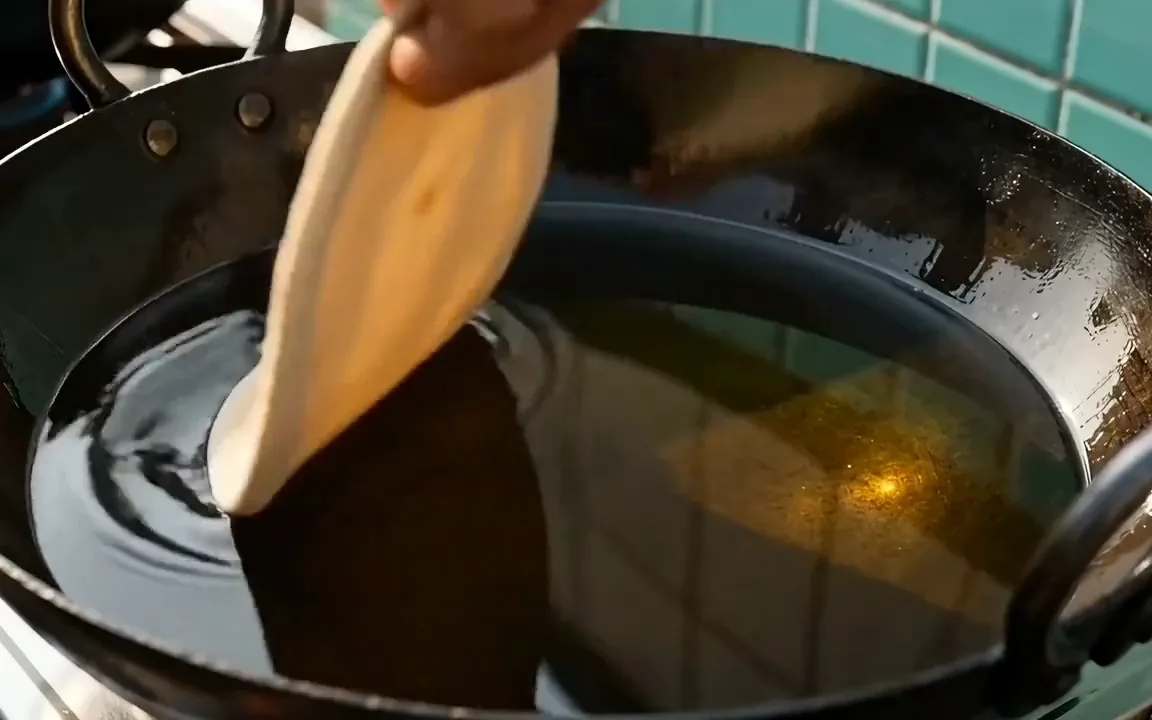
Post vertical clips that hook viewers in the first seconds. Your Wan 2.5 clip arrives with its sound already in place, ready for Reels and Shorts.

Show a product doing the one thing that sells it. You can generally put the clip in listings and ads when you own the photos and words you use.
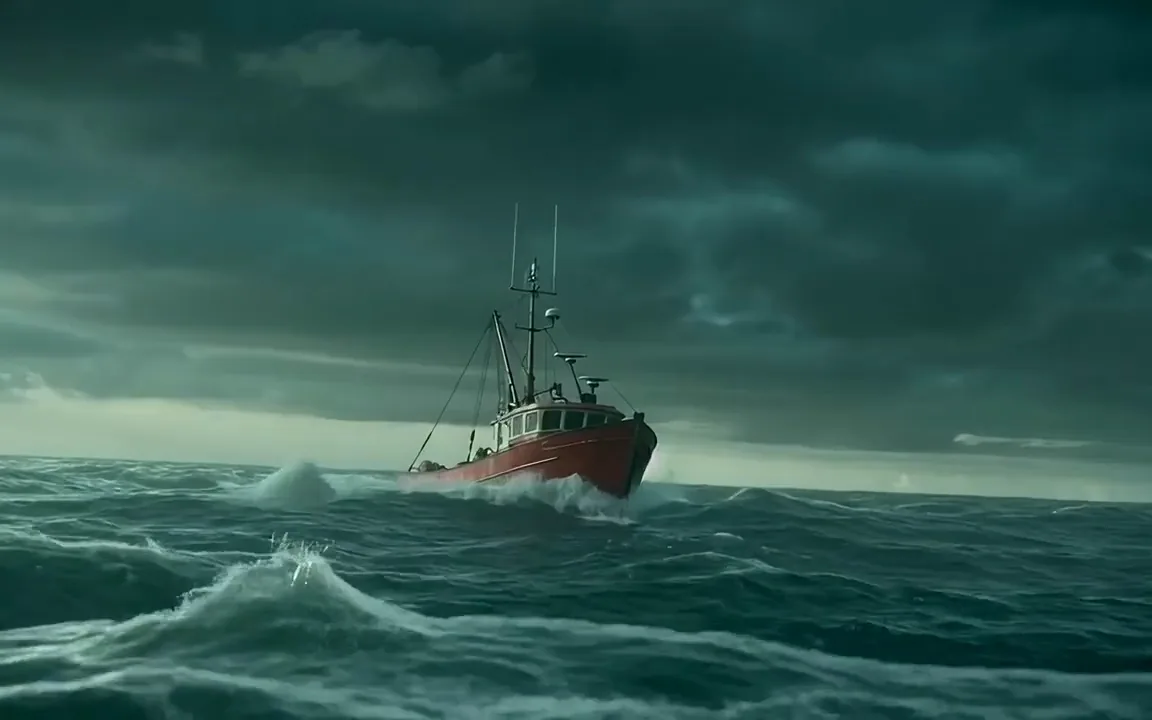
See the expensive shot before you pay for the shoot or the effects. Compare the same idea in Pixelcut's AI video generator.
Switch models per generation instead of per subscription. Each card opens that model's page.
Cinematic motion, and your first video is free
ByteDance's newest video model
Text, image and reference video, up to 15 s
Photoreal video with synchronized audio
Multi-shot scenes and elements
Type what should happen in the clip in plain words, as you would tell a friend. To start from a picture instead, upload one photo and write how it should move.
Keep Wan 2.5 in the model picker or switch to Wan 2.2. Then pick 16:9, 9:16 or 1:1, whichever shape suits the place you plan to post the clip.
Press generate and your clip is ready in about a minute and a half, as the model picker estimates. Download the MP4, or change one word in the prompt and run it again.
Video is billed in credits per second of footage. Pick the plan that matches how much you make.



Trusted by creatives at