Grok Imagine video of a giant pomegranate splitting open on a blue tiled rooftop, its seeds glowing red, A longship with a red striped sail gliding out of sea fog on a fjord, Grok Imagine video of a black rhino charging through orange dust and stopping at the lens, A blue-footed booby spreading its wings and pointing its beak to the sky on black lava rock

Grok Imagine AI video generator

Animate a photo with Grok Imagine Video 1.5 by xAI at up to 1080p, or switch to the other Grok version to make a clip from text alone.

Model

Grok Imagine Video 1.5 on Pixelcut

Grok Imagine Video 1.5 by xAI animates a start photo you upload, at up to 1080p and 1 to 15 seconds, in your photo's shape. The other version also works from text alone, with sound and seven shapes.

Grok Imagine Video 1.5 at a glance

Input
Photo + promptStart photo required
Resolution
480p, 720p, or 1080p
Aspect ratio
Matches your photo
Output
MP4
Clip length
1 to 15 s
Audio
No sound

Watch Grok Imagine videos in motion

Upload a photo, describe the motion, and Grok Imagine turns it into a short clip.

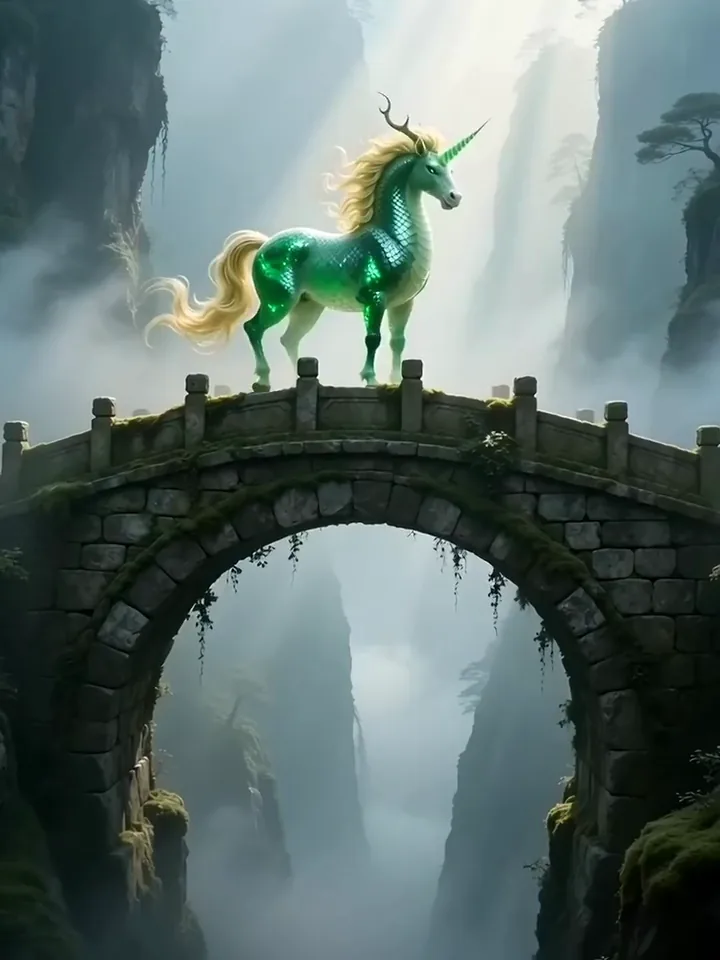
Grok Imagine video of a green stone qilin rearing on a stone bridge in a misty gorge
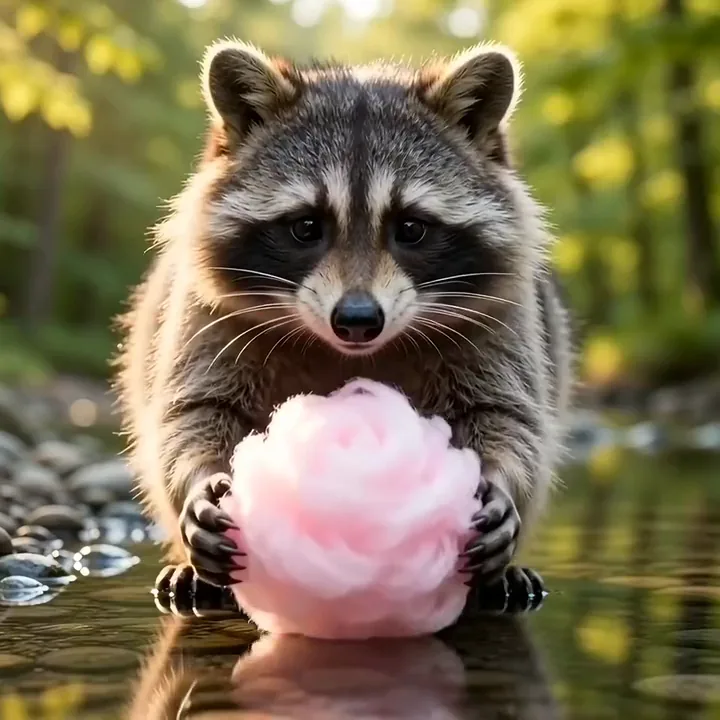
Raccoon washing pink cotton candy in a stream until it dissolves in its paws
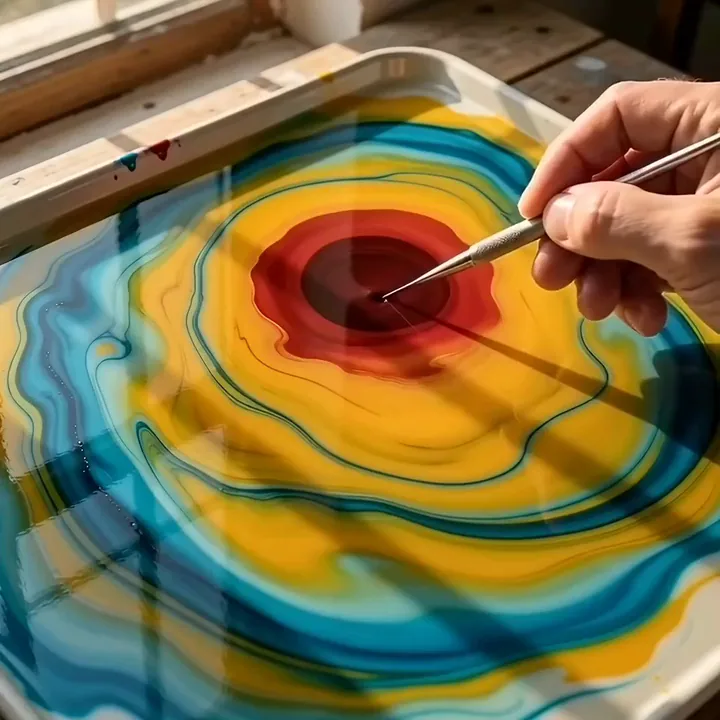
Grok Imagine video of a metal pin drawing red paint into a tulip on marbling water
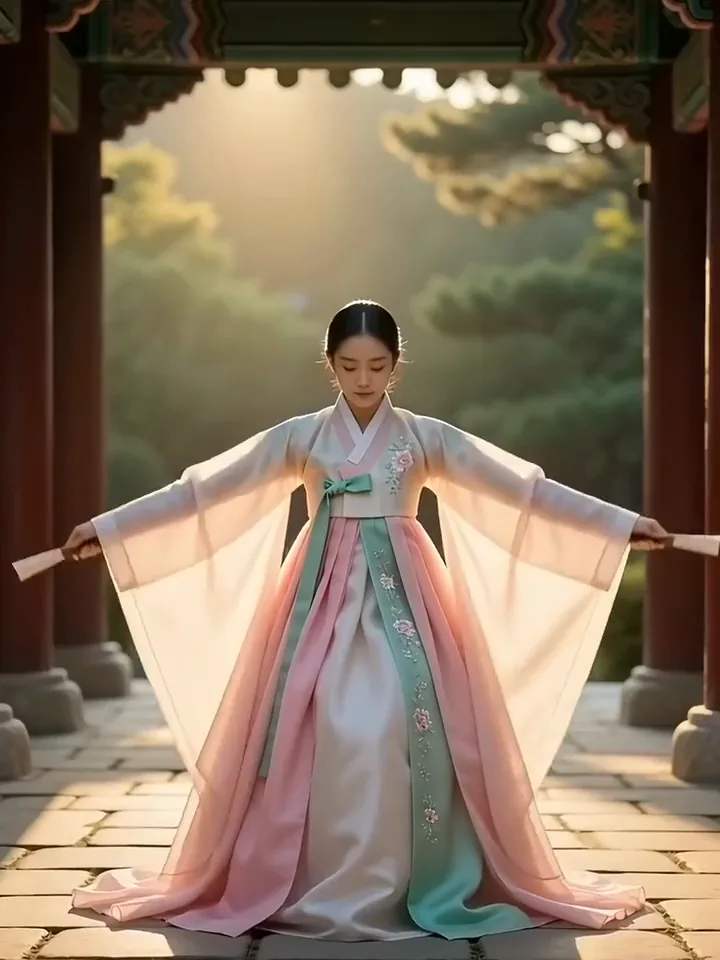
Korean fan dancer in a pink and jade hanbok raising two closed fans and snapping them open
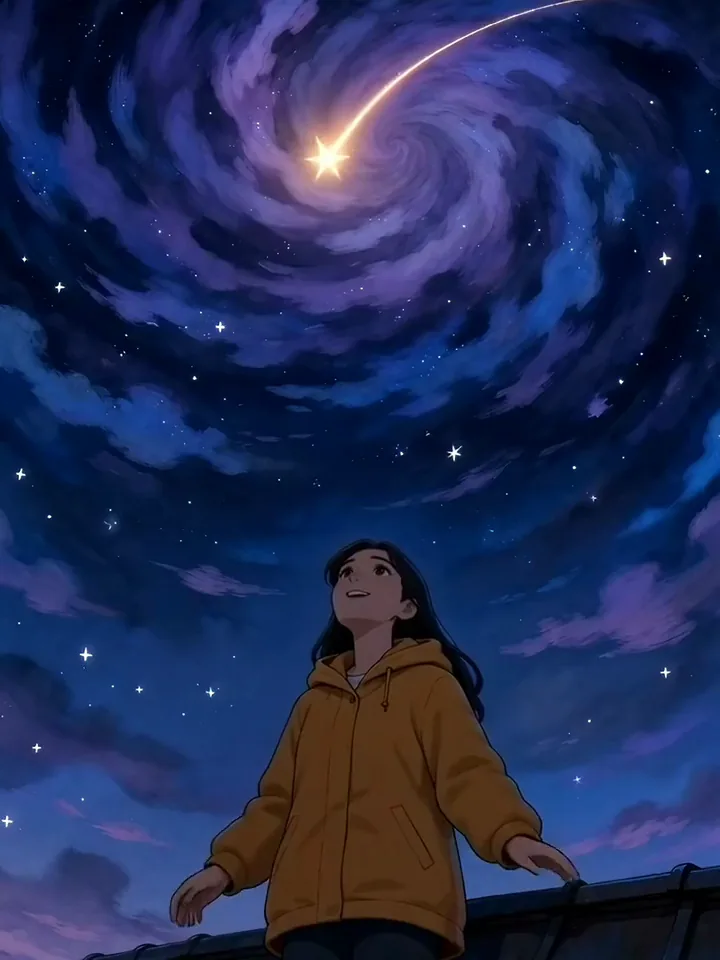
Grok Imagine video of a hand drawn astronomer catching a falling star under a swirling night sky
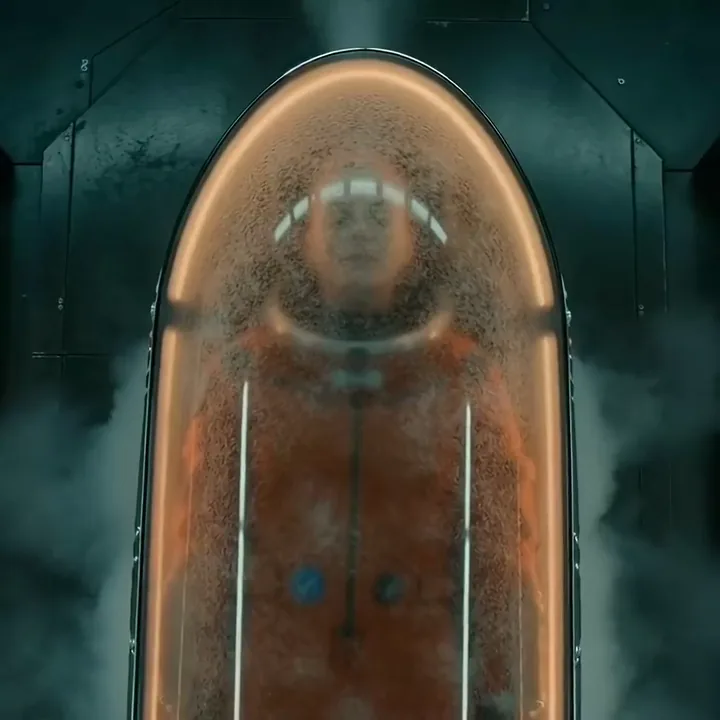
Frost clearing from a cryo pod as a woman in an orange flight suit opens her eyes
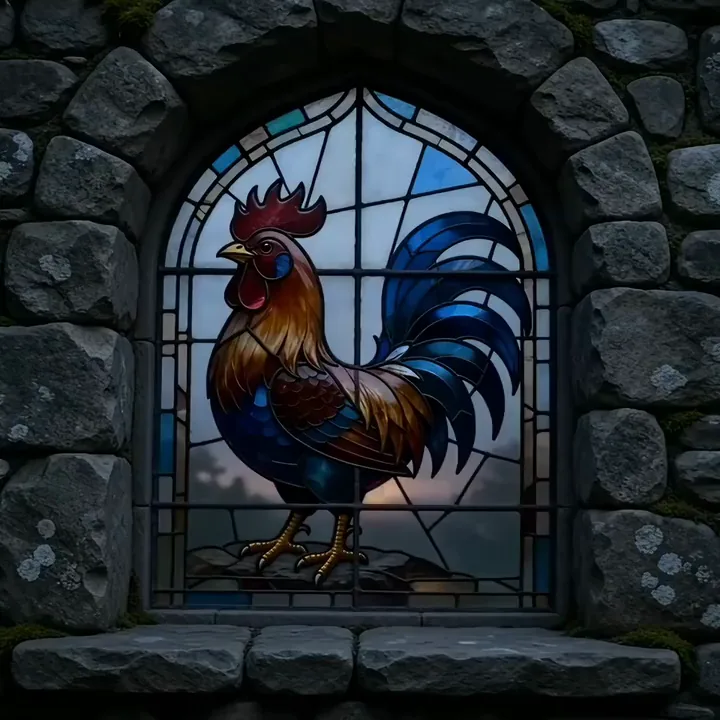
Stained glass rooster glowing as the sunrise lights its window
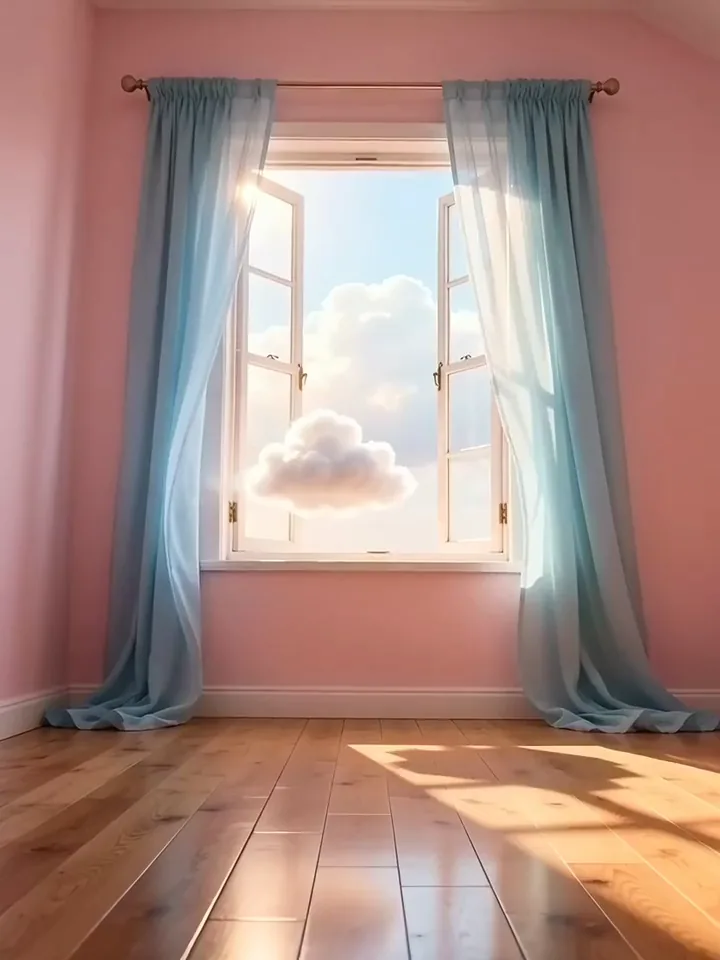
Grok Imagine video of a small white cloud drifting through a window into a pink room

Image to video

Bring a photo to life with Grok image to video

Grok Imagine Video 1.5 on Pixelcut needs a start photo, and every clip opens on the frame you picked. Upload it, write one line about what moves and how the camera travels, and generate. Starting from words instead? The other Grok version takes a prompt alone.

  1. Upload the photo you want to animate
  2. Describe what moves and how the camera travels
  3. Generate the clip and download the MP4
The starting Image to video
Image to video

Animate your own photo with Grok Imagine Video 1.5
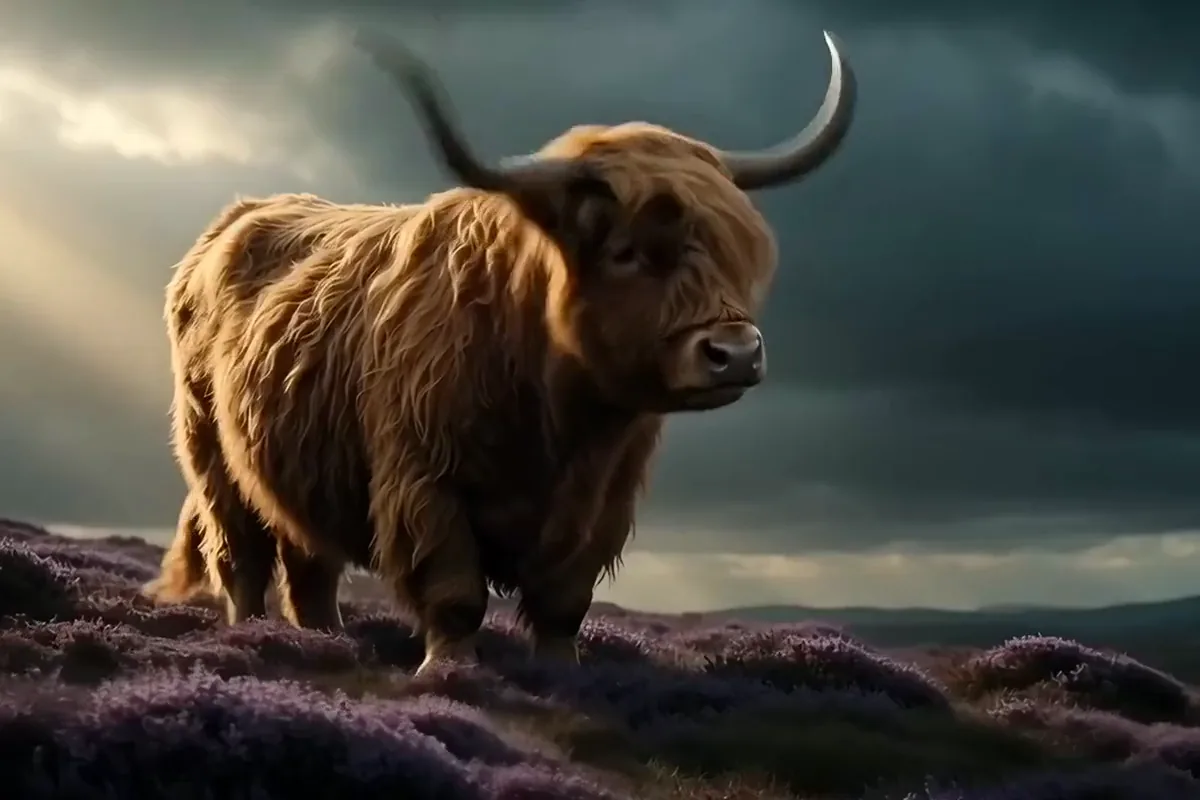
Grok Imagine video of a ginger Highland cow shaking its fringe in purple heather

Version 1.5 starts every clip from a photo you upload, and the first frame is yours. Your prompt only has to say what changes. The colors and setting already come from your picture, and the motion picks up right where it stands.
Choose 1080p when the detail matters

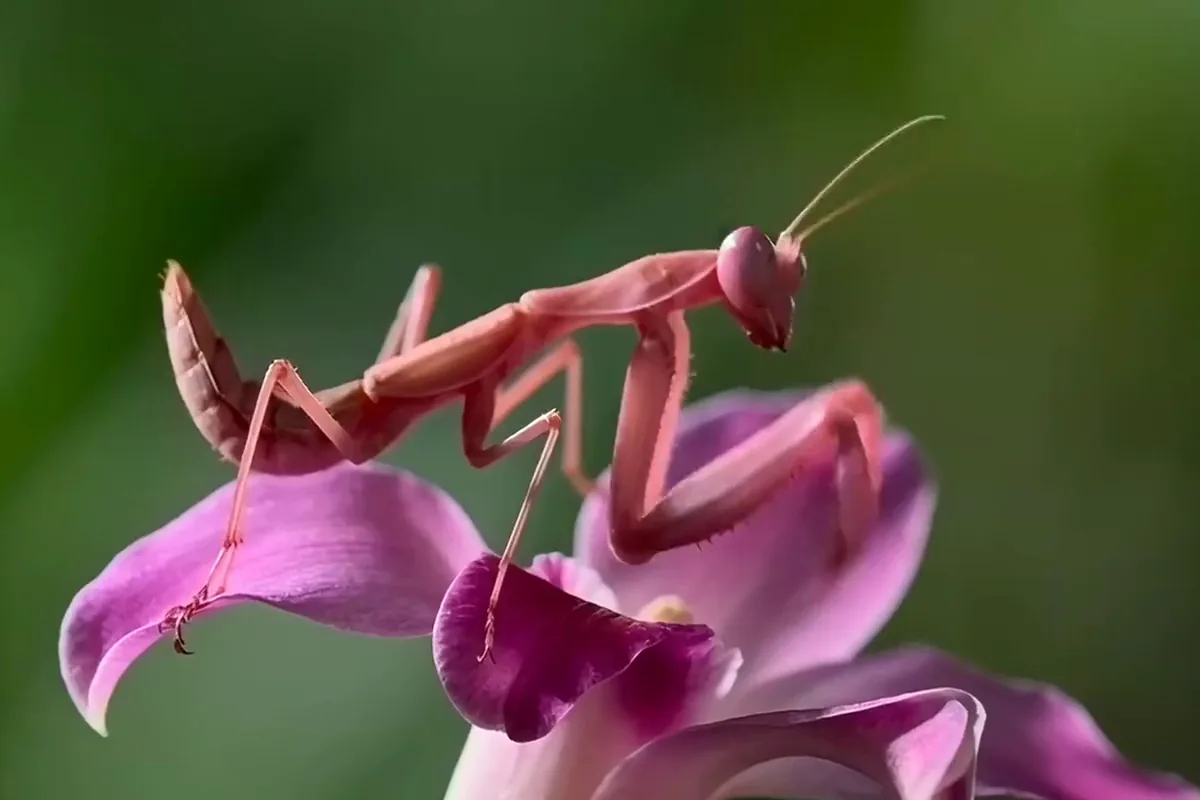
Grok Imagine video of an orchid mantis on a pink orchid turning its head toward the lens

Get version 1.5 clips at up to 1080p on Pixelcut. Choose full HD for close ups and any clip headed for a large screen. Detail shots get the extra resolution they need.

Generate Grok AI video from text alone

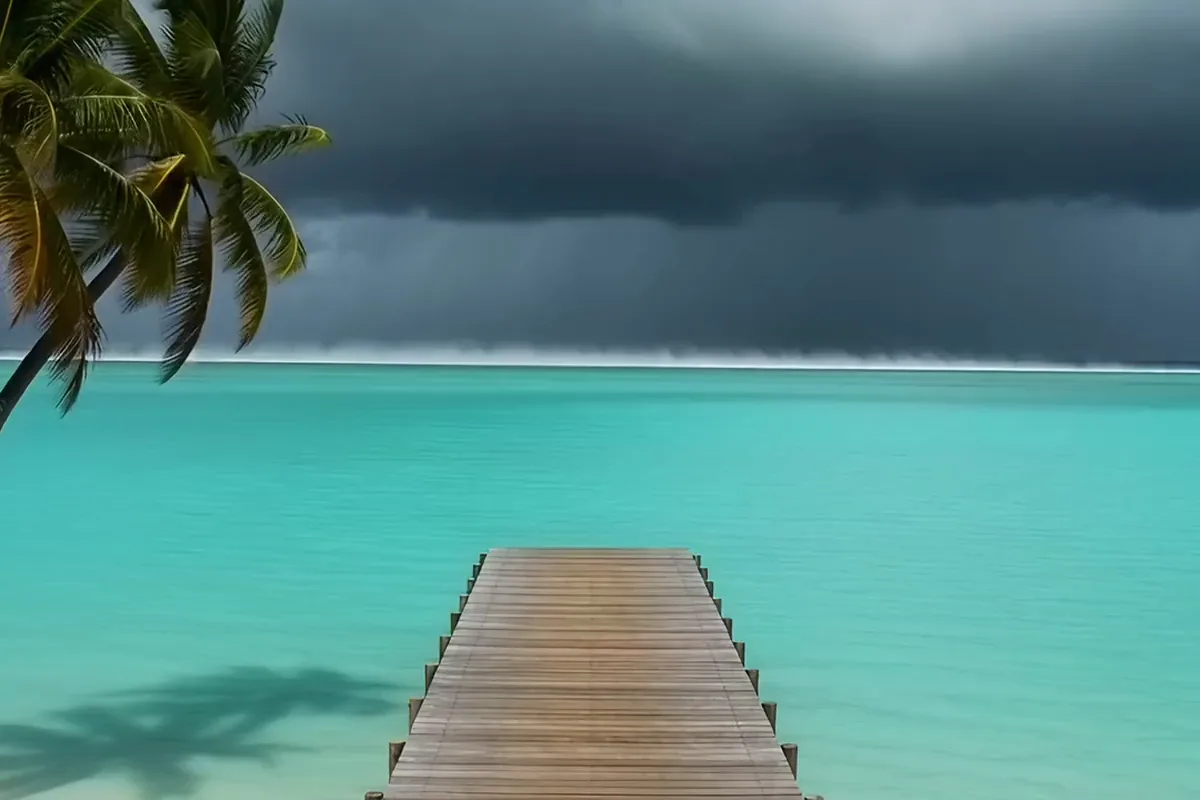
Grok Imagine video of tropical rain moving across a turquoise lagoon and darkening a wooden jetty

No photo to start from? The other Grok version on Pixelcut makes the whole clip from a line or two of text. It also creates a sound track with the picture. You get a finished scene with sound, ready to share.

Set the length and shape of every Grok video

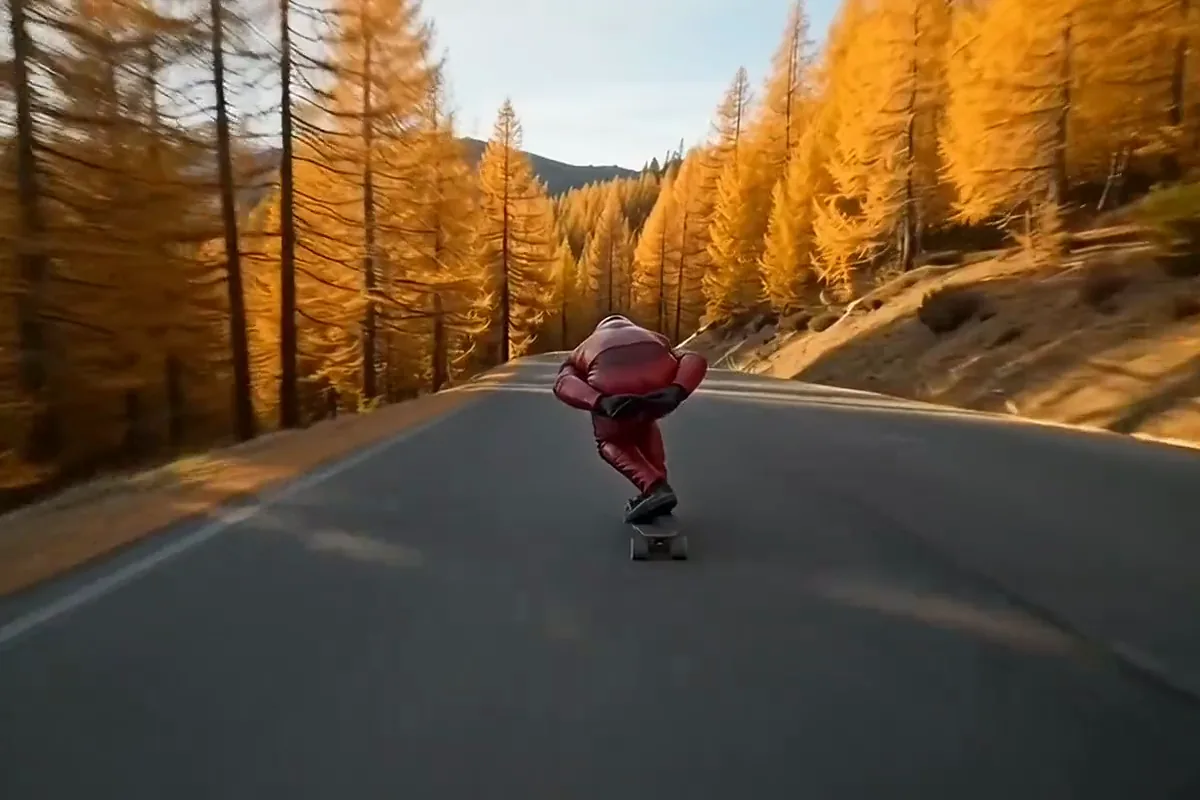
Grok Imagine video of a downhill longboarder in red leathers sliding a mountain hairpin

Make clips anywhere from 1 to 15 seconds long on either version. Cut a quick hook or let a scene play out across the full 15. Version 1.5 keeps the shape of your photo, and the other version offers seven shapes from wide to tall.

Who uses the Grok video generator

Online sellers, social creators and concept artists use Grok Imagine on Pixelcut to turn stills and ideas into clips.

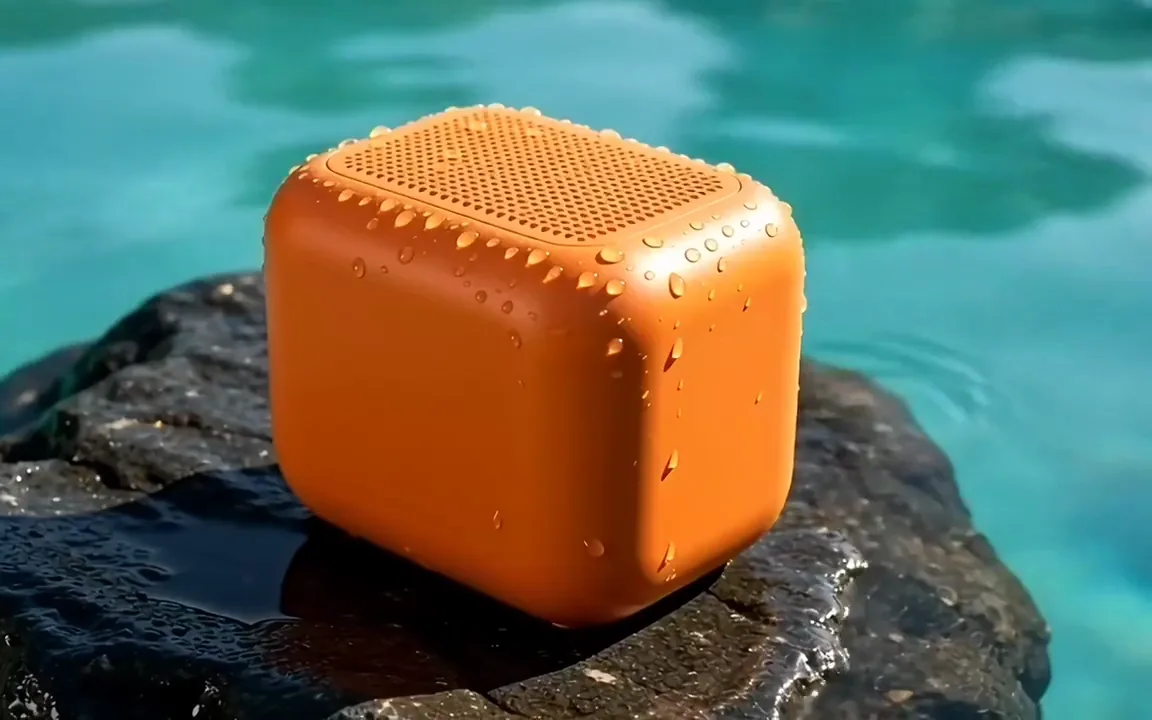
  • Grok Imagine video of pool water splashing over a tangerine waterproof boombox on a wet rock

    Online sellers and brands

    Turn a product photo into an ad that moves. Use it on your listings and paid posts to catch shoppers mid scroll, with no video shoot to plan.

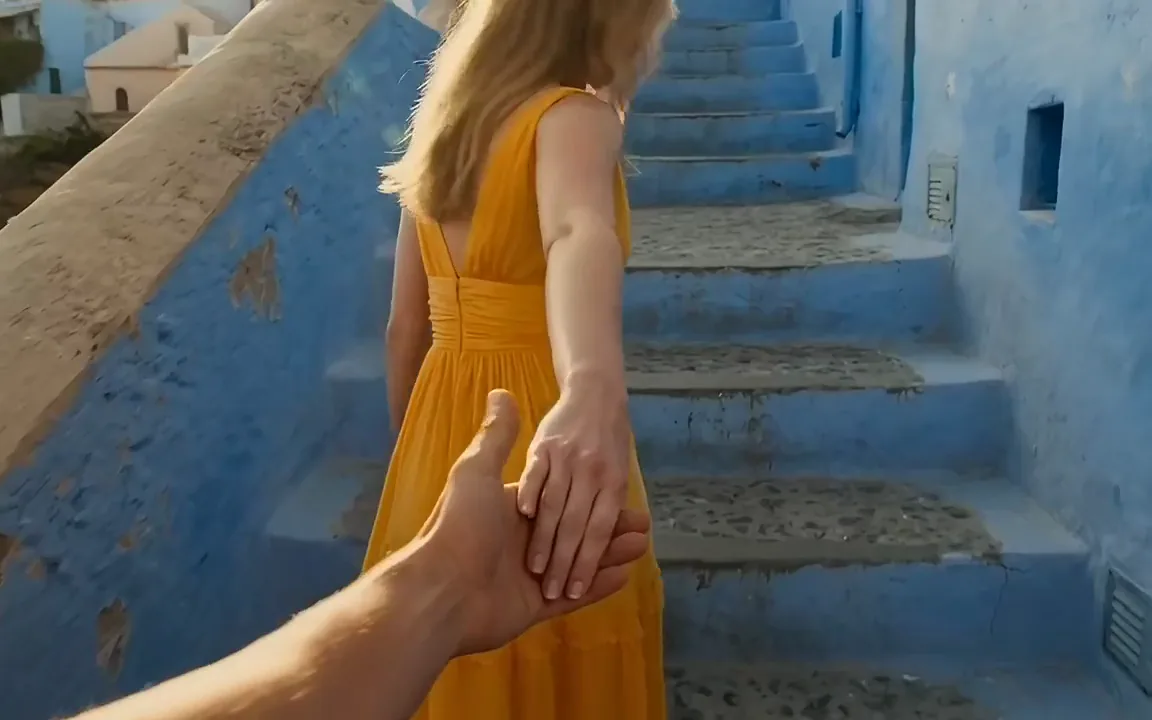
  • Grok Imagine video of a woman in a marigold dress leading the camera up blue painted steps

    Social creators

    Turn your best photo into a clip your followers stop to watch, ready to post the same day. Explore the AI video generator for more looks.

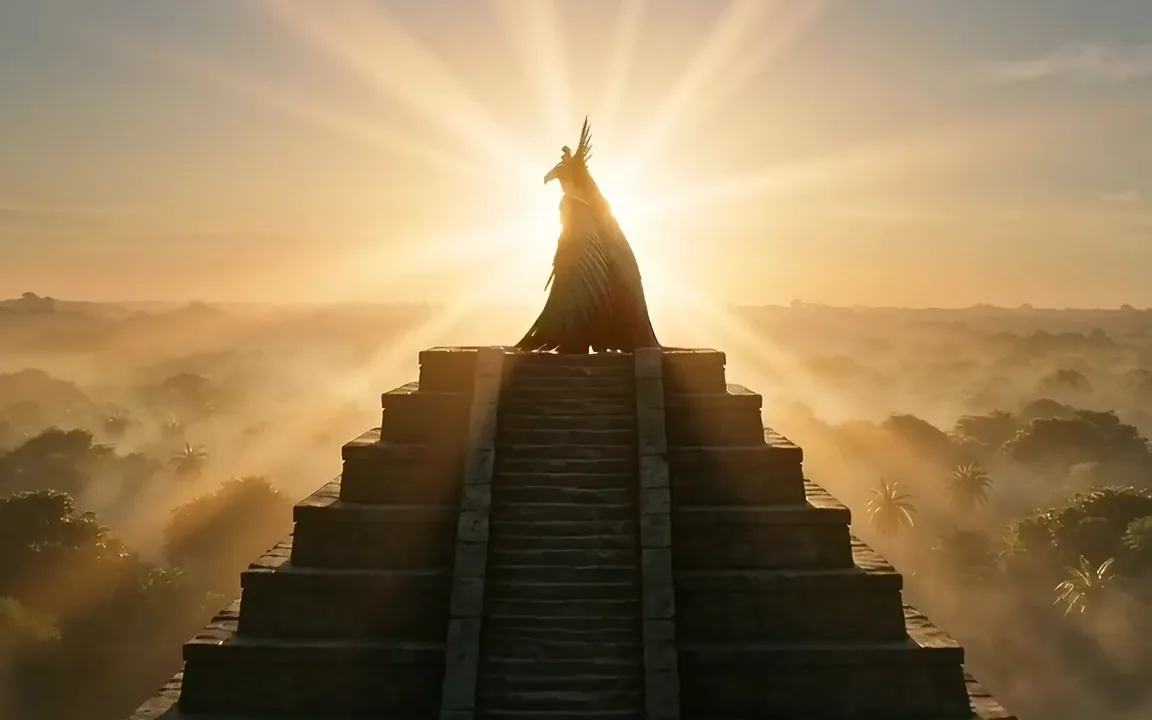
  • Grok Imagine video of an eagle warrior opening a red and green feathered cloak like wings on a jungle pyramid

    Game and concept artists

    Give a character design its first move. Upload your concept art and watch it come alive, ready to pitch to your team or share with fans.

More models on Pixelcut

Switch models per generation instead of per subscription. Each card opens that model's page.

  • Cinematic motion, and your first video is free

    • New
    • Free with sign-up
    • Image to video
    • Up to 10 s
  • ByteDance's newest video model

    • New
    • Audio
    • Image to video
    • Up to 30 s
  • Text, image and reference video, up to 15 s

    • New
    • Audio
    • Image to video
    • Up to 15 s
  • Photoreal video with synchronized audio

    • Audio
    • Image to video
    • Up to 8 s
  • Multi-shot scenes and elements

    • New
    • Audio
    • Image to video
    • Up to 15 s
  • Synchronized audio in many languages

    • Image to video
    • Up to 10 s

How to use Grok Imagine to animate a photo

  1. 1

    Upload your start photo

    Version 1.5 needs one photo to begin. Choose a portrait, a product shot, a pet or a piece of concept art. Its shape becomes the shape of the finished clip.

  2. 2

    Describe the motion

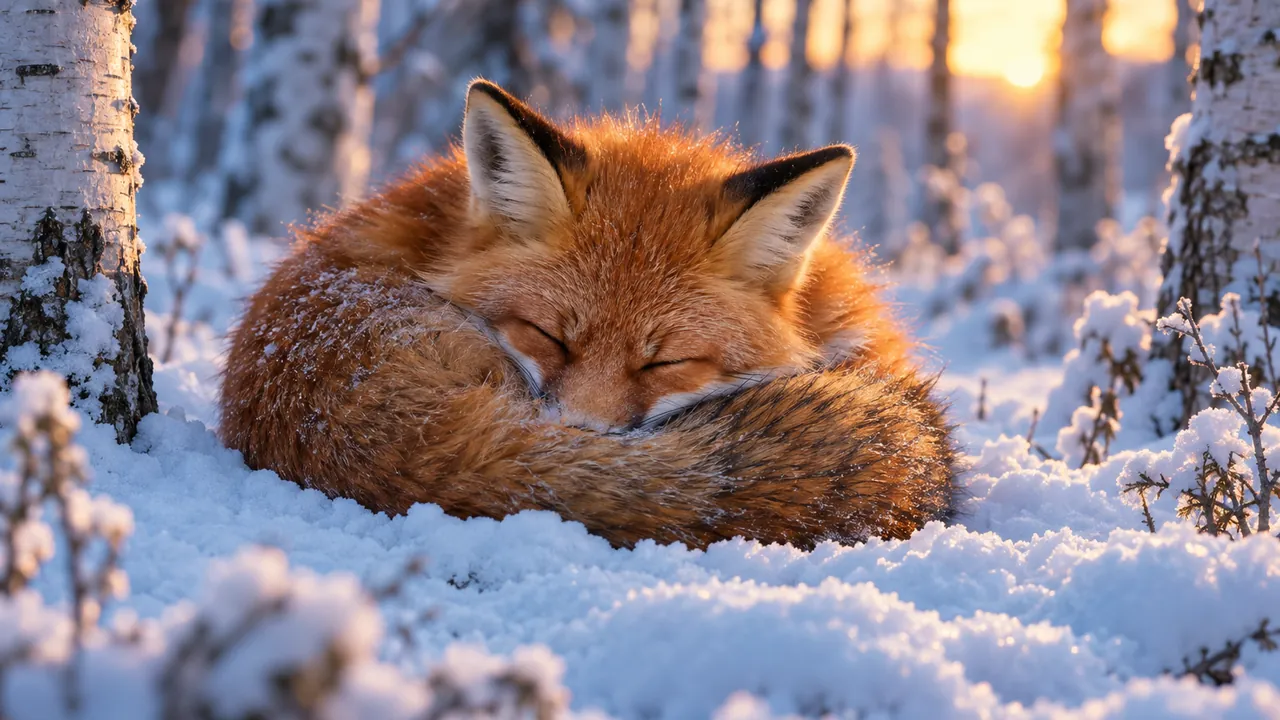
    Write what moves, how the camera travels and where the light falls, such as a slow push in on a sleeping cat as morning sun creeps across its fur.

  3. 3

    Pick version and settings

    Stay on 1.5 for up to 1080p, or switch to Grok Imagine Video for text alone, seven shapes and sound. Then set a length anywhere from 1 to 15 seconds.

  4. 4

    Generate and download

    Each clip takes about a minute, going by the model picker's estimate. Play it back, save the MP4, or change a few words in your prompt and run another take.

Plans for video generation

Video is billed in credits per second of footage. Pick the plan that matches how much you make.

Save 20% with a yearly plan

Free

$0
per month, billed yearly
Your first video free on MiniMax H3 Max
Image tools free to try

Pro

$10$8
per month, billed yearly
600 AI Credits Monthly
Access all AI models
Unlimited Background Removal
Unlimited Upscale
3 Person Team
1,000 Batch Exports Monthly
Commercial license
Most Popular

Business

$30$24
per month, billed yearly
3,600 AI Credits Monthly
Access all AI models
Unlimited Background Removal
Unlimited Upscale
10 Person Team
2,000 Batch Exports Monthly
Commercial license
Trusted by over 200,000 creators, brands and small businesses

Trusted by creatives at

  • Adidas logo
  • Airbnb logo
  • Apple logo
  • Chanel logo
  • Google logo
  • Gucci logo
  • H&M logo
  • Nike logo
  • Sephora logo
  • Starbucks logo
  • Toyota logo

Frequently Asked Questions

Turn your photo into a Grok Imagine clip