


Kling 3.0 video of a stone gargoyle spreading its wings above a city at dusk, Kling 3.0 video of an ice climber in orange hauling up a blue frozen waterfall, Kling 3.0 video of pink and orange coral growing over a teal vintage car underwater, Kling 3.0 video of a bull moose shaking water from its antlers at sunrise

Kling 3.0 video generator by Kuaishou

Turn a sentence or a start photo into a Kling 3.0 clip on Pixelcut, add an end photo to pick the final frame, and match its length to the post.

Model

Kling 3.0 Pro on Pixelcut

Kling 3.0 Pro by Kuaishou is the version Pixelcut runs. Give it a prompt, a start photo or a start and end photo, and it renders a 3 to 15 second 1080p MP4 in 16:9, 9:16 or 1:1 on Pixelcut Pro.

Kling 3.0 Pro at a glance

Explore Kling 3.0 Pro
Input
Text or photosOptional start and end photo
Resolution
1080p
Aspect ratio
9:16, 16:9, and 1:1Landscape, vertical or square
Output
MP4
Clip length
3 to 15 s
Audio
On or offSound generated with the video

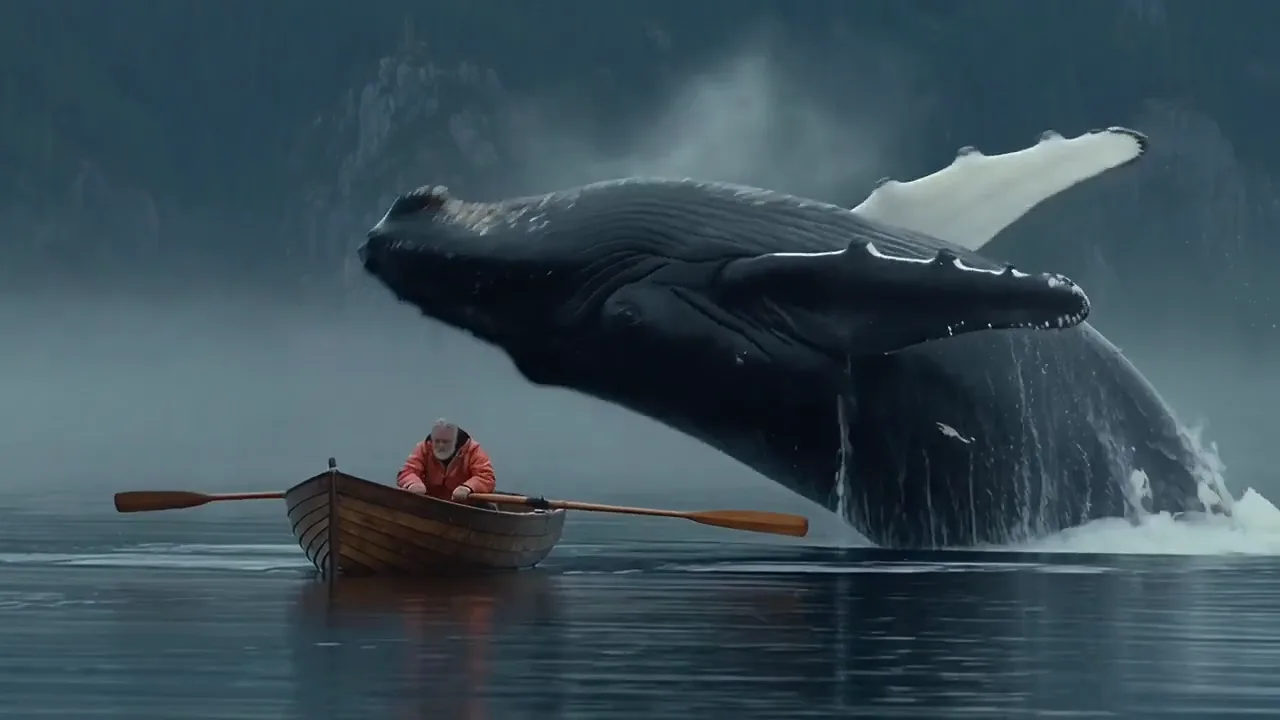
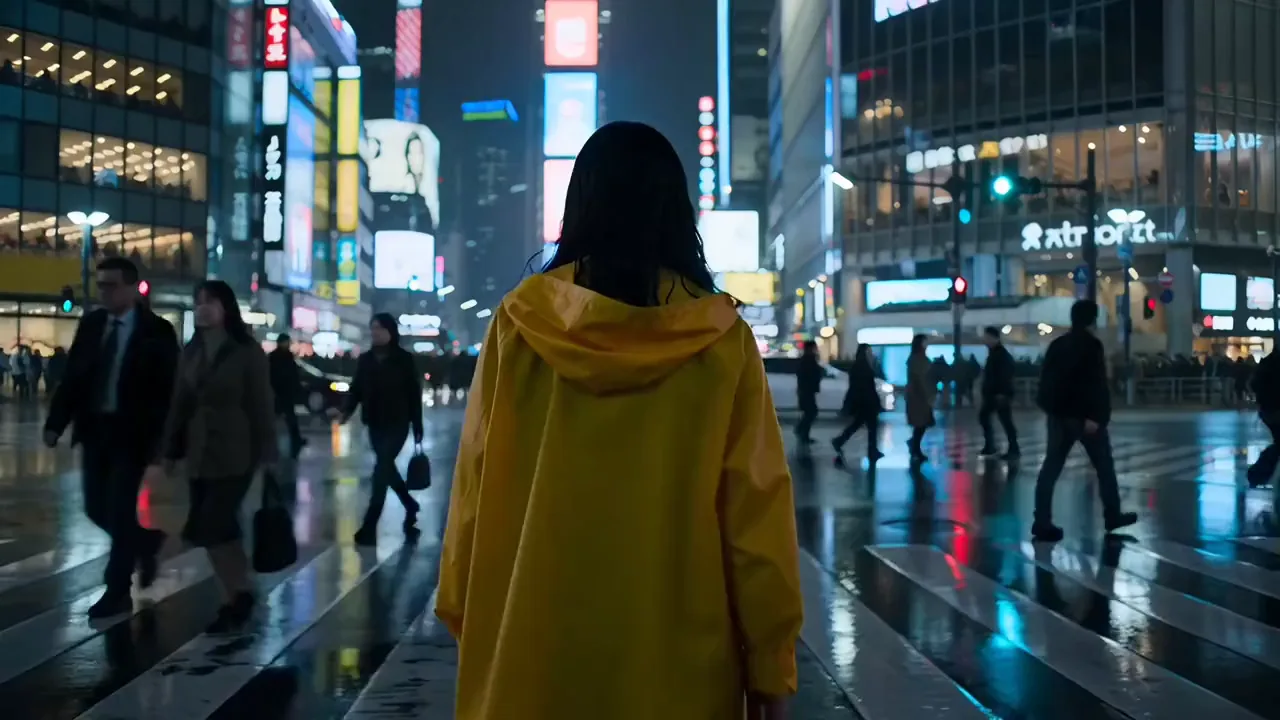
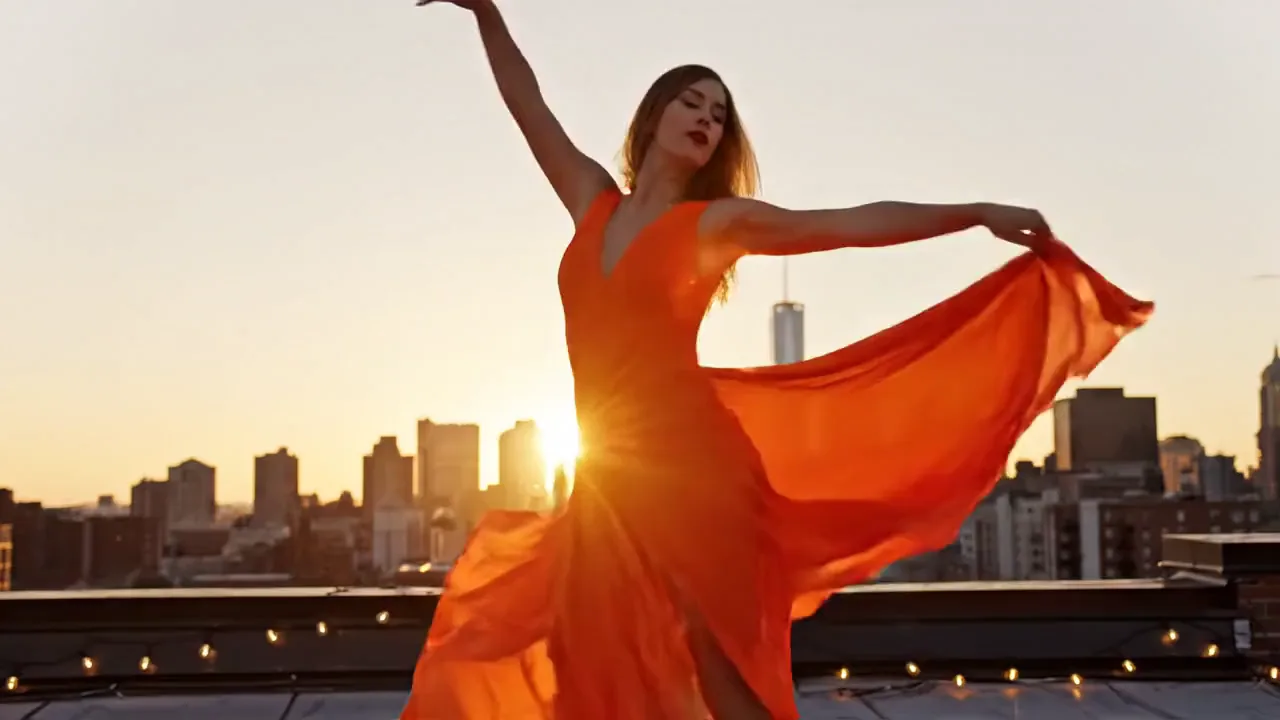
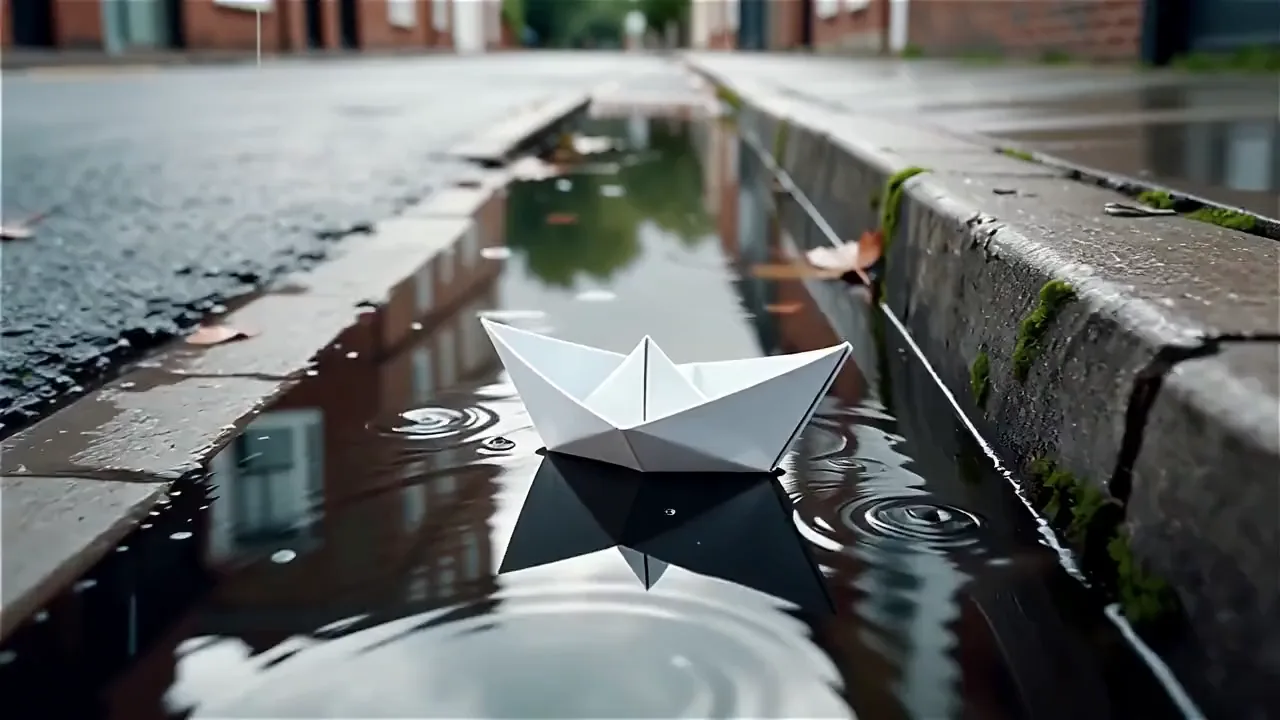
Watch what Kling 3 AI can do

Borrow any of these eight ideas, put your own subject in it and watch your version play.

Kling 3.0 video of a log hut rising on giant chicken legs in an autumn forest
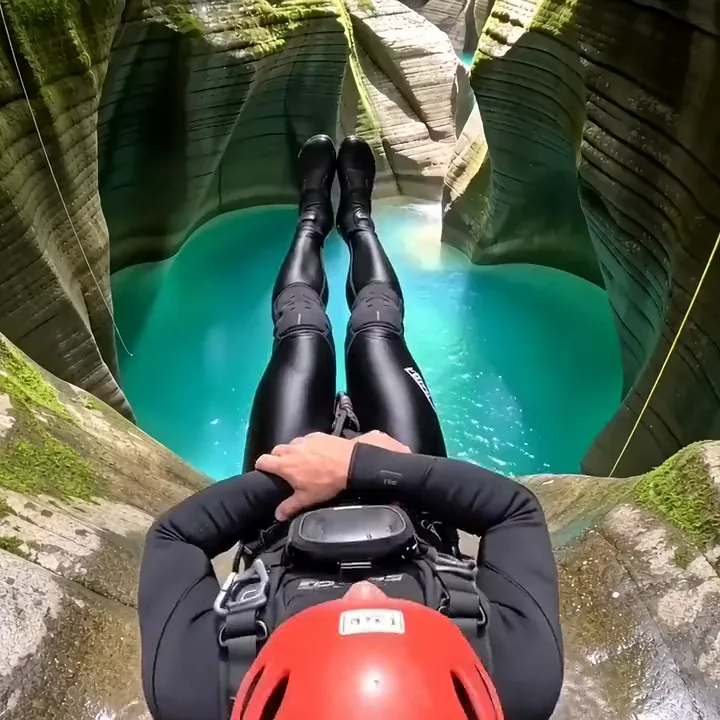
A canyoner in a red helmet sliding down a rock chute into a turquoise pool
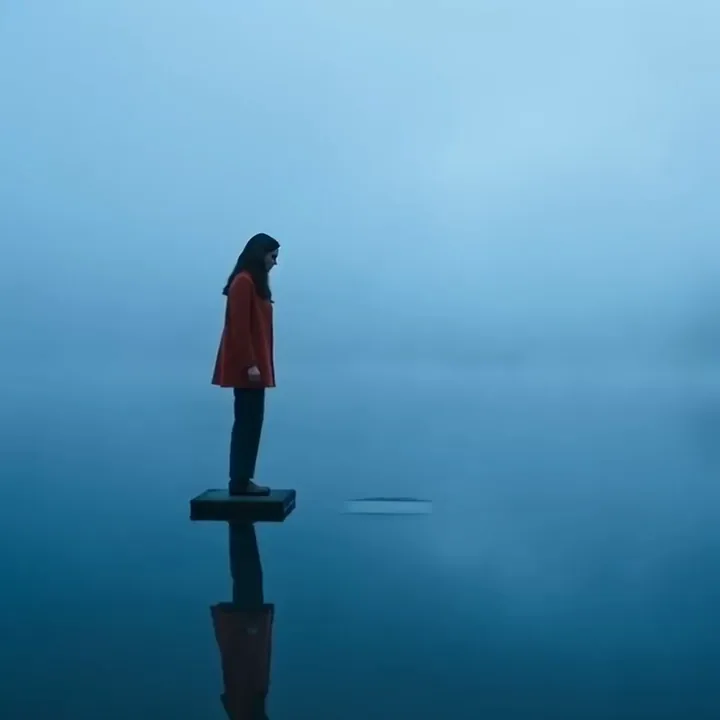
Kling 3.0 video of a woman in a red coat walking on stepping stones across a misty lake
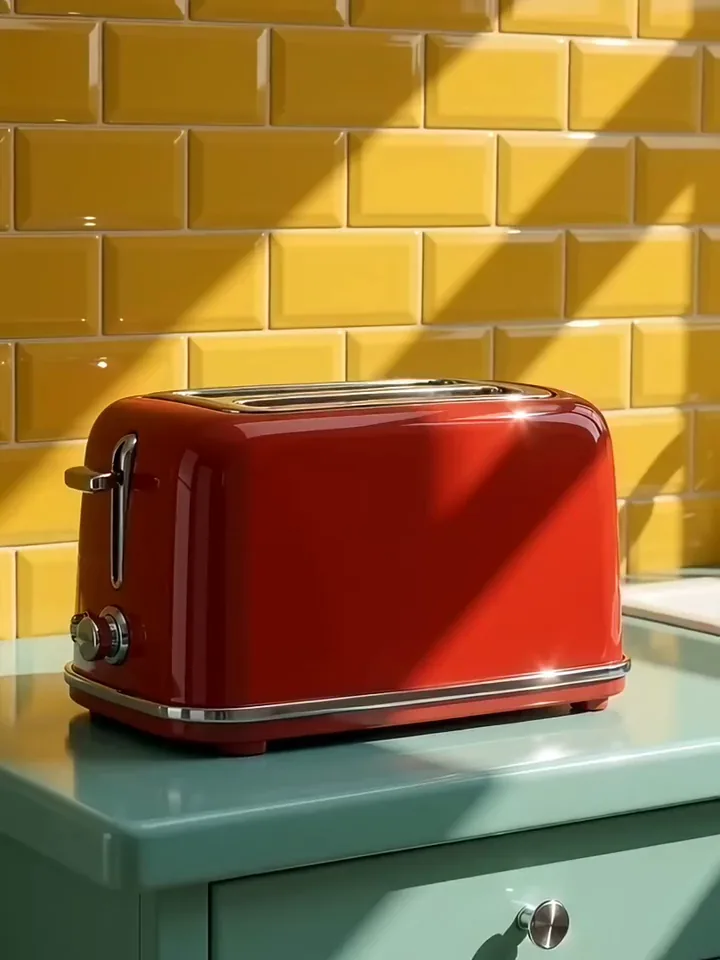
A red retro toaster popping up two golden slices against yellow tiles
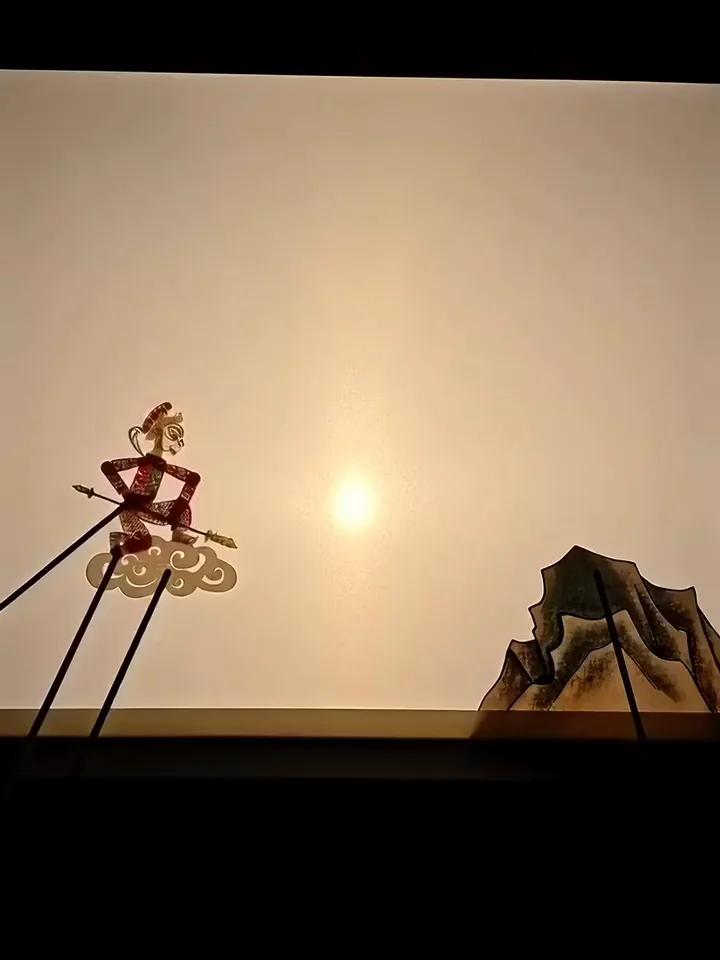
Kling 3.0 video of a shadow puppet on rods leaping onto a mountain peak on a lit screen
A giant panda tumbling down a grassy slope and sitting up
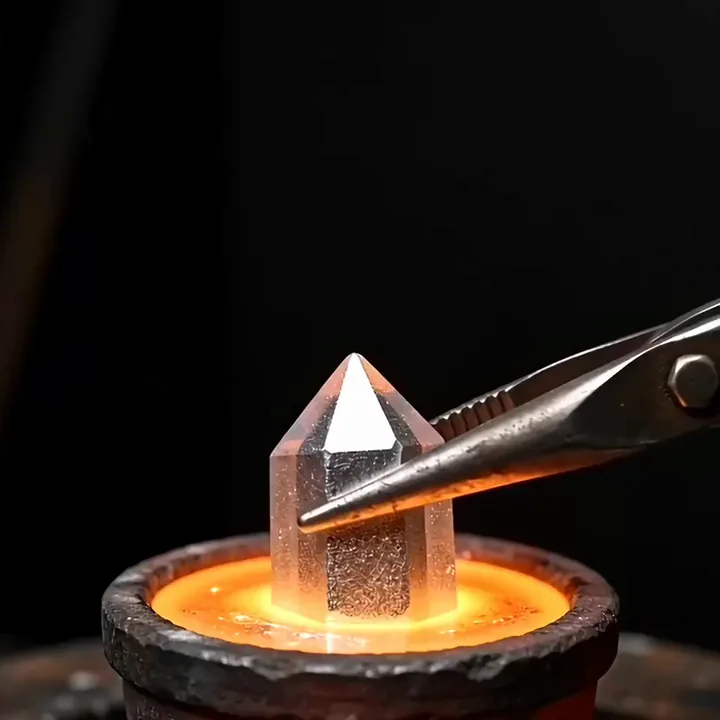
Kling 3.0 video of a bismuth crystal turning rainbow colours as tongs lift it from molten metal
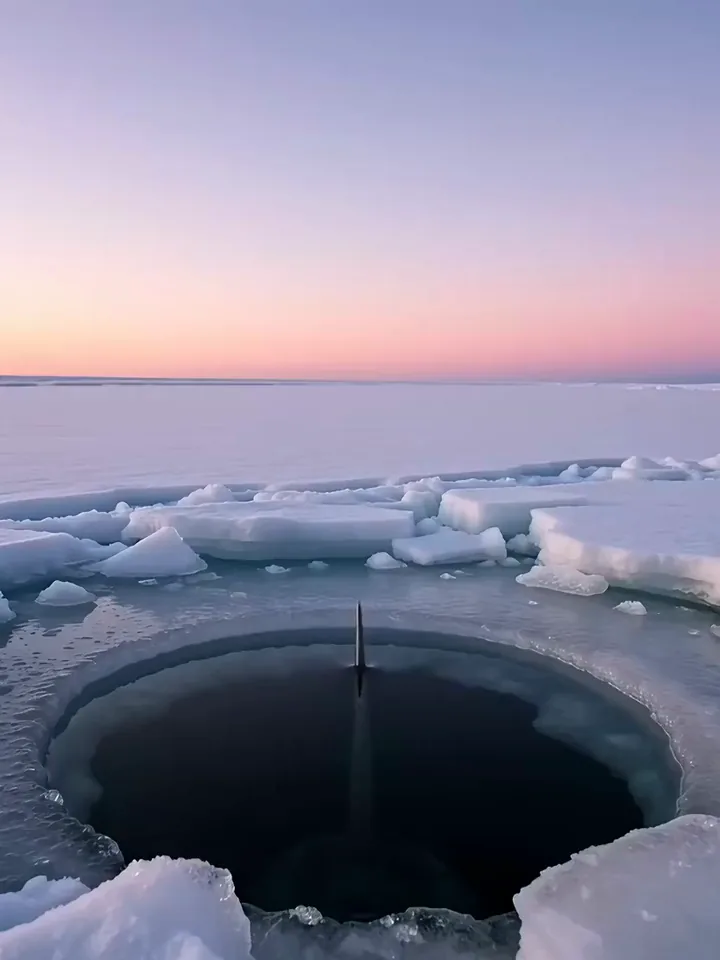
A narwhal pushing its tusk up through a hole in the sea ice and spouting at twilight

Text or a start photo

Run Kling 3.0 text to video or image to video

Choose text to video when you have an idea but no picture yet, such as a concept for a pitch or a mood test. Choose image to video when you already have the shot. Your photo becomes the first frame, and an optional end photo sets where the clip finishes.

  1. Write a scene, or upload a start photo
  2. Add an end photo if you want to set the last frame
  3. Pick the length and shape, then generate

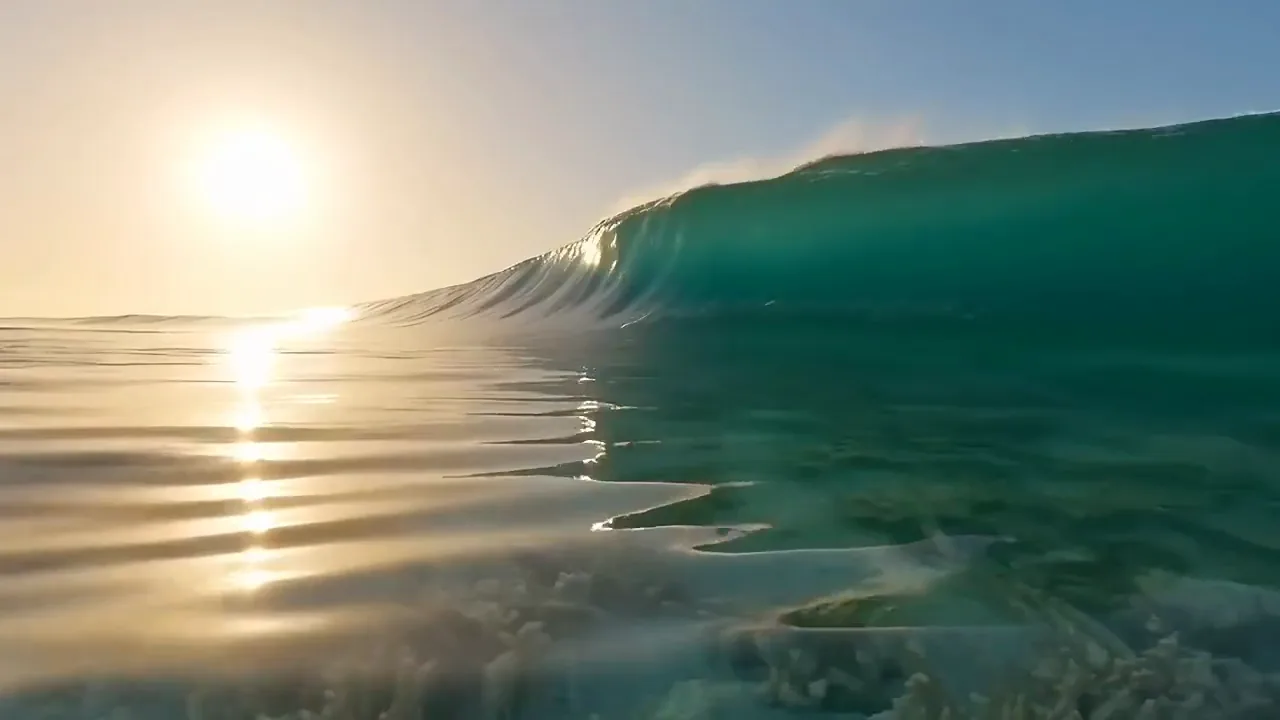
A glassy turquoise wave curls over a reef at sunrise and breaks into white foam

Text to video

Choose the first and last frame of your Kling 3.0 clip

Kling 3.0 video of a giant pumpkin turning into a carriage with gold wheels and lanterns on a cobbled courtyard

Add an end photo to your start photo and choose where the clip finishes. The model fills in the motion between the two. Use it when the last frame matters, like a product reveal or a before and after.
Make your Kling 3.0 Pro clip any length from 3 to 15 seconds

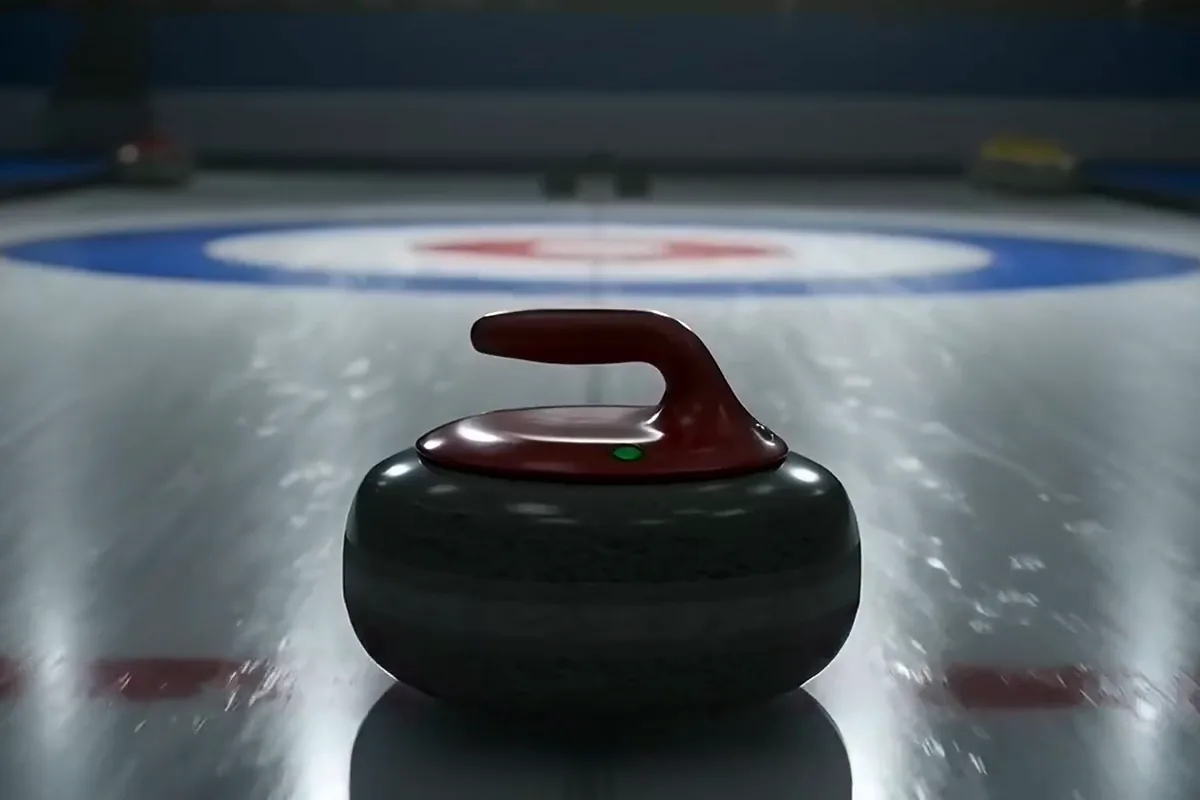
Kling 3.0 video of a curling stone with a red handle gliding to the center of the target

Pick the length before you generate, from 3 to 15 seconds. Go short for a quick teaser or use the full 15 for a vertical ad. You get the clip at the length you need, with less trimming after.

Get a sharp Kling v3 clip for your ad, Reel or website

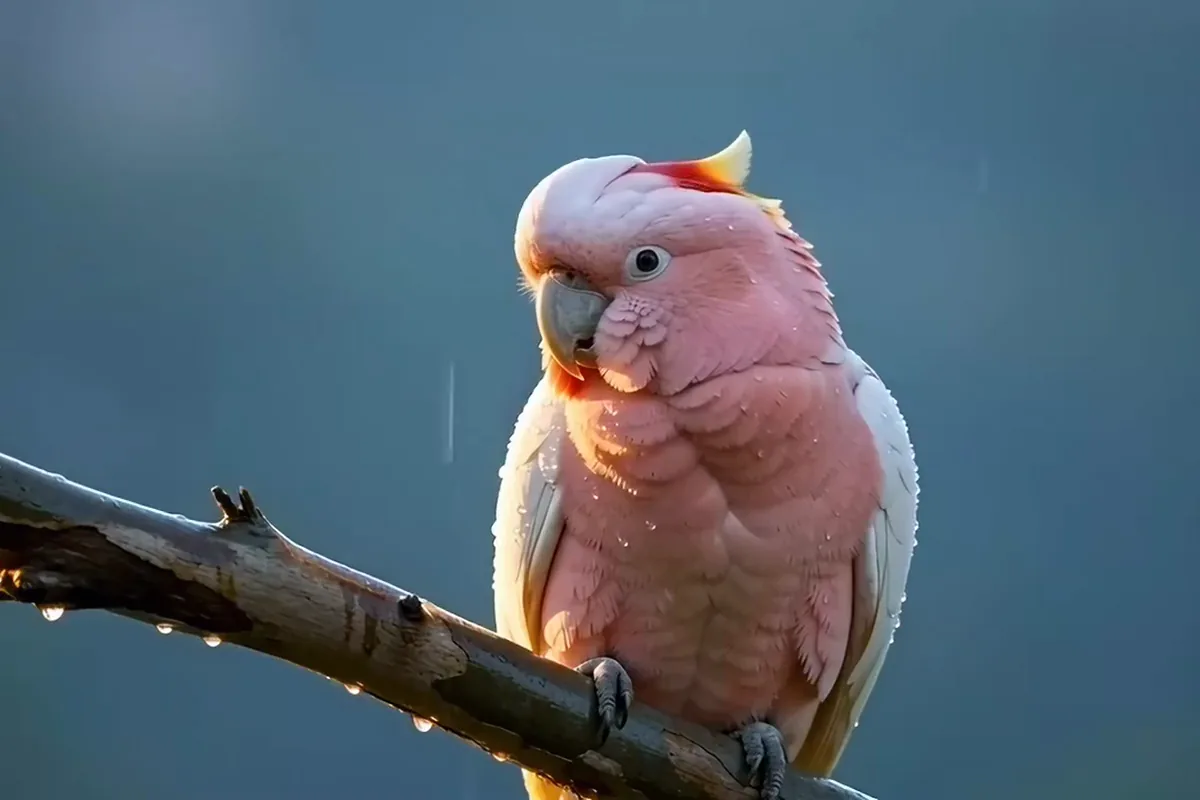
Kling 3.0 video of a pink cockatoo raising its red and yellow crest on a branch

Get sharp 1080p in the shape your post needs. Your Reel comes out just as crisp as the version on your YouTube channel. Close-up detail stays clear even on a full phone screen.

Turn one sentence into a Kling 3 video

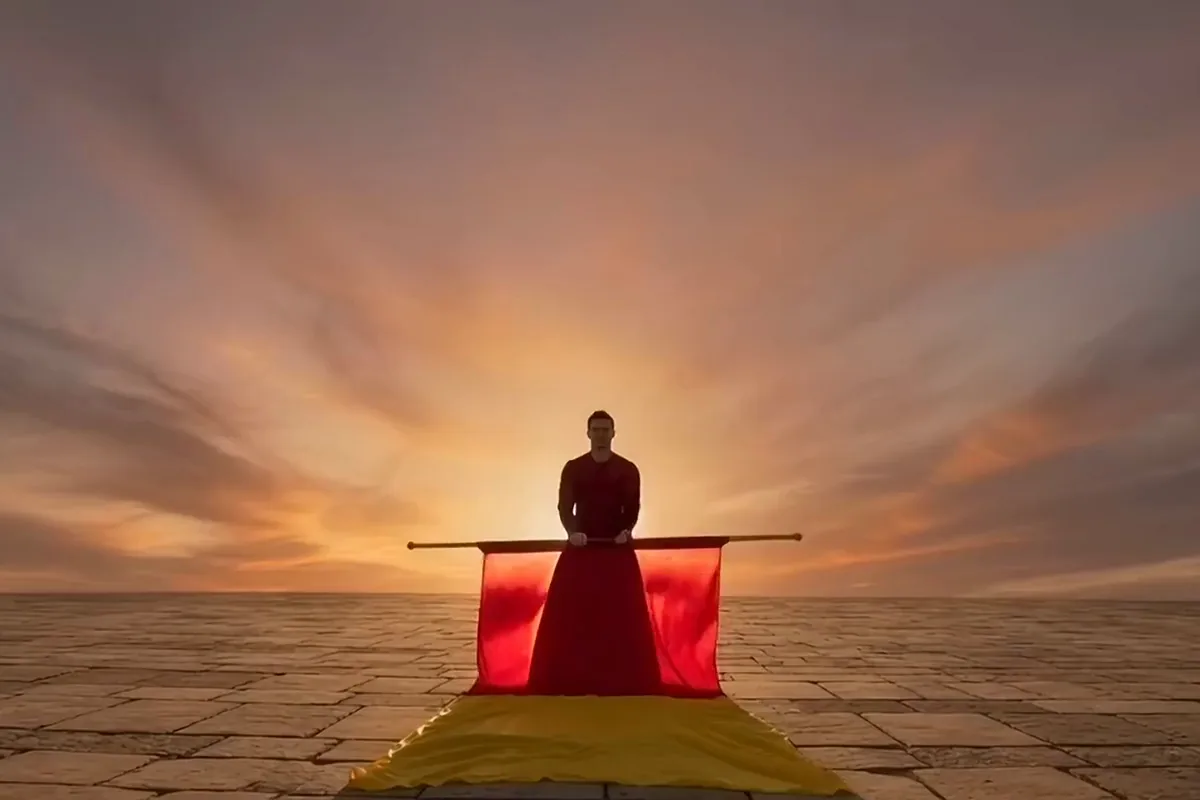
A flag thrower in a red tunic tossing a red and yellow flag at sunset and catching it

Type one sentence and get a clip back with its sound in place. See and hear an idea before you plan a shoot or book a crew. Pixelcut estimates about five minutes a take, enough to try a few versions in one sitting.

Make Kling 3.0 video for your next launch

Release visuals for artists, lookbook clips for fashion labels and trip promos for travel marketers.

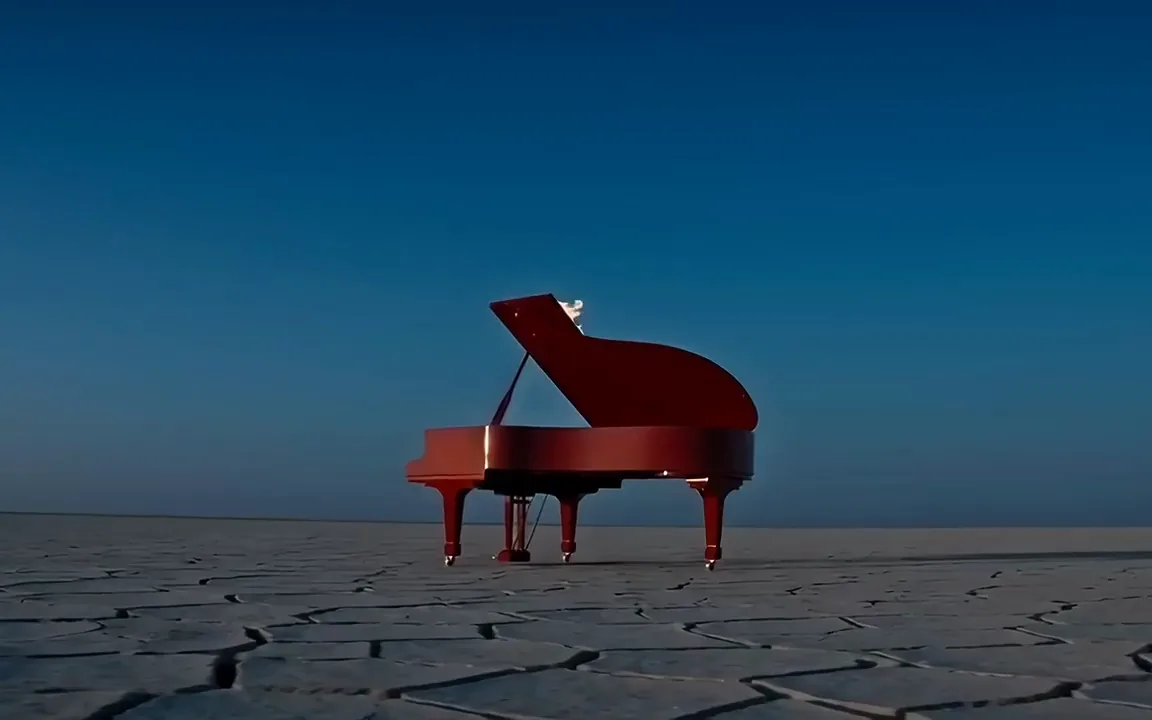
  • Kling 3.0 video of a red grand piano with flames rising from its lid on a desert at dusk

    Artists promoting a release

    Add motion to a single or album cover for its release posts. Upload the artwork as the start photo, and the clip opens on the cover your fans know.

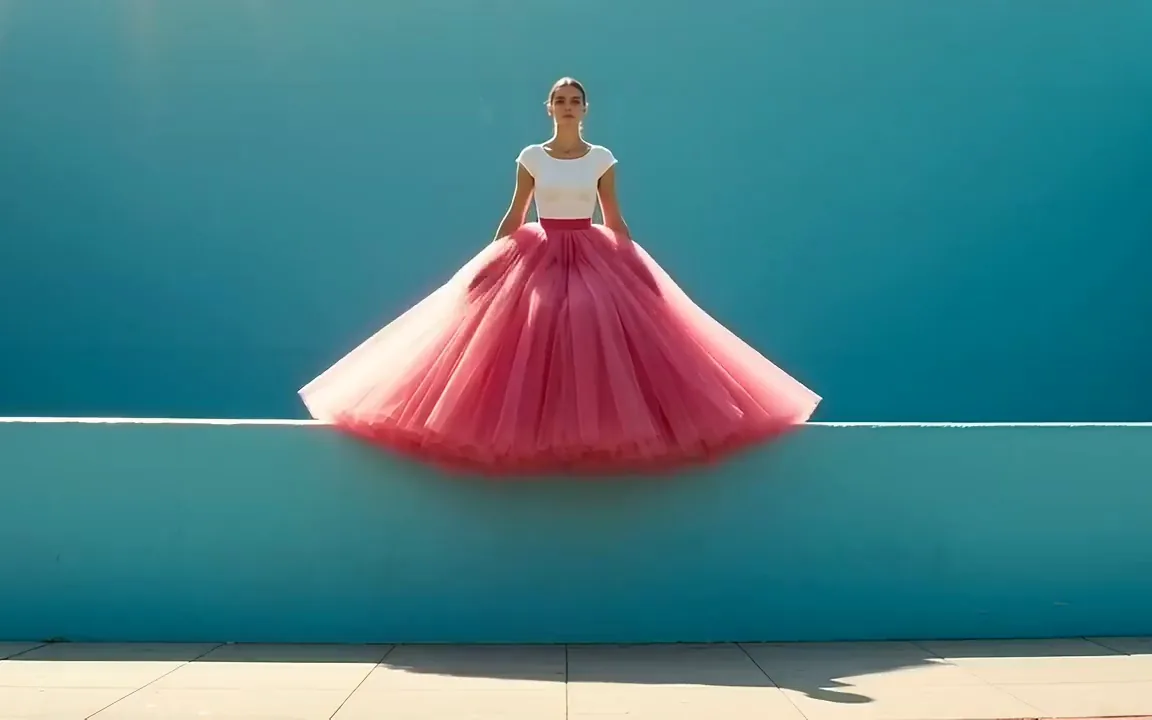
  • A model in a hot pink tulle skirt jumping in front of a teal wall as the tulle billows out

    Fashion and apparel labels

    Show how a piece moves, not just how it hangs. Use two photos from a past shoot as the start and end frames of a lookbook clip.

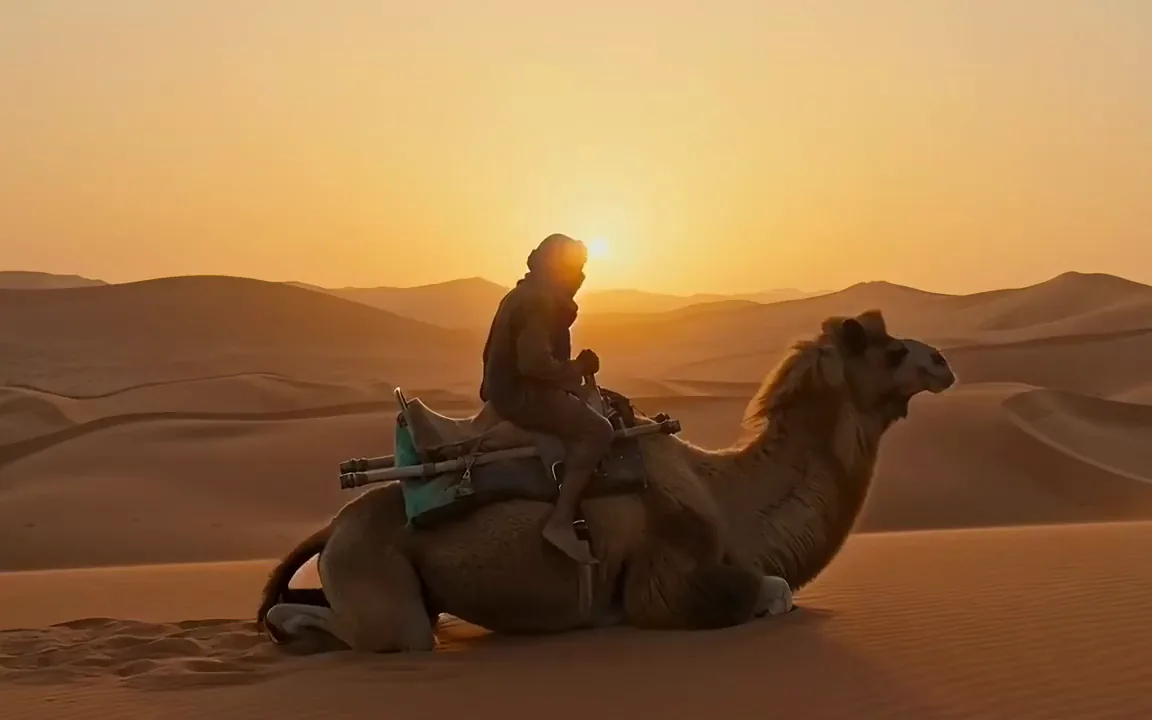
  • Kling 3.0 video of a camel rising to its feet with a rider in a golden desert

    Travel and hotel marketers

    Sell the feeling of being there before a guest books. A short clip of the place works on your booking page and in Reels. Other Kling versions are on Kling AI.

More models on Pixelcut

Switch models per generation instead of per subscription. Each card opens that model's page.

  • Cinematic motion, and your first video is free

    • New
    • Free with sign-up
    • Image to video
    • Up to 10 s
  • ByteDance's newest video model

    • New
    • Audio
    • Image to video
    • Up to 30 s
  • Text, image and reference video, up to 15 s

    • New
    • Audio
    • Image to video
    • Up to 15 s
  • Photoreal video with synchronized audio

    • Audio
    • Image to video
    • Up to 8 s
  • Synchronized audio in many languages

    • Image to video
    • Up to 10 s

How to use the Kling 3.0 AI video generator

  1. 1

    Add your start photo

    Upload the photo you want as the first frame, plus an end photo if you want to choose the last one. Prefer to start from words? Skip the photos and go to the prompt.

  2. 2

    Describe the motion

    Write one or two plain sentences that name the subject, its one action and the camera move. With a start photo, describe the motion, not what the picture already shows.

  3. 3

    Set length and shape

    Keep the preselected model, then set the length the action needs and pick the shape of the screen the clip will play on, wide for a website or tall for a phone.

  4. 4

    Generate and download

    Hit generate and give it about five minutes, Pixelcut's own estimate for this model. Then download the MP4, or change a word in the prompt and run another take.

Plans for video generation

Video is billed in credits per second of footage. Pick the plan that matches how much you make.

Save 20% with a yearly plan

Free

$0
per month, billed yearly
Your first video free on MiniMax H3 Max
Image tools free to try

Pro

$10$8
per month, billed yearly
600 AI Credits Monthly
Access all AI models
Unlimited Background Removal
Unlimited Upscale
3 Person Team
1,000 Batch Exports Monthly
Commercial license
Most Popular

Business

$30$24
per month, billed yearly
3,600 AI Credits Monthly
Access all AI models
Unlimited Background Removal
Unlimited Upscale
10 Person Team
2,000 Batch Exports Monthly
Commercial license
Trusted by over 200,000 creators, brands and small businesses

Trusted by creatives at

  • Adidas logo
  • Airbnb logo
  • Apple logo
  • Chanel logo
  • Google logo
  • Gucci logo
  • H&M logo
  • Nike logo
  • Sephora logo
  • Starbucks logo
  • Toyota logo

Frequently Asked Questions

Plan your first Kling 3.0 AI clip