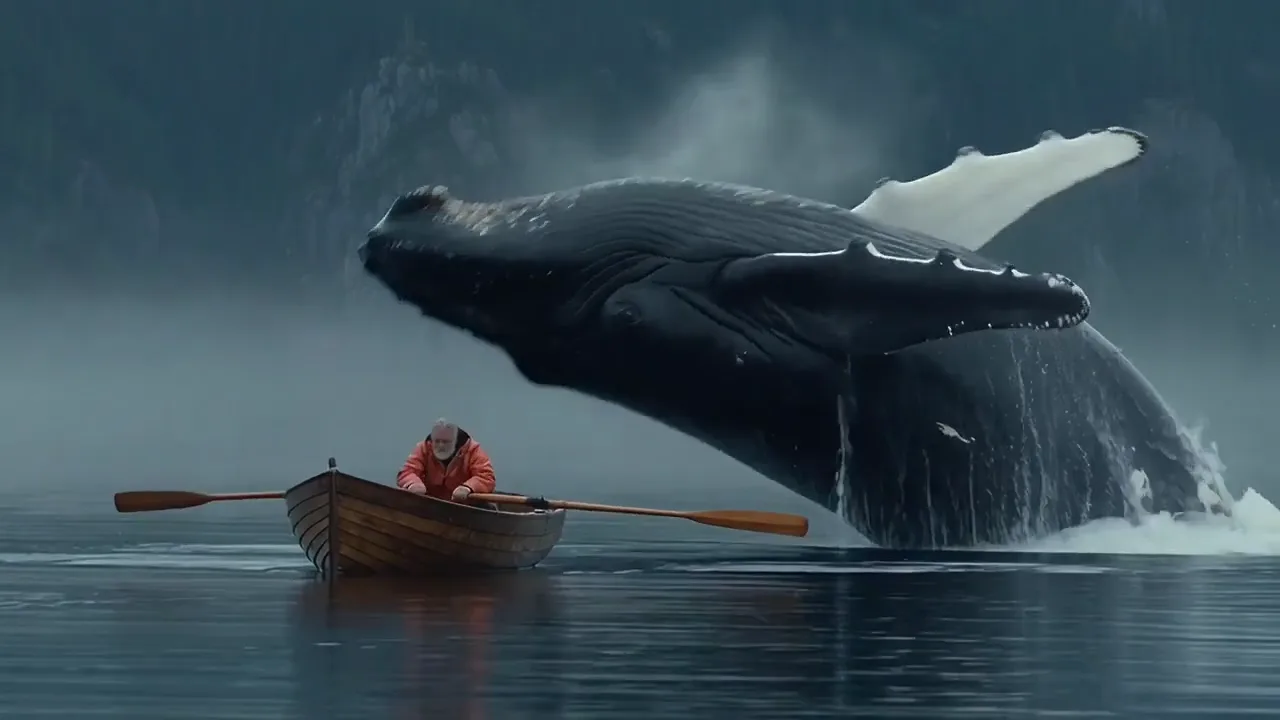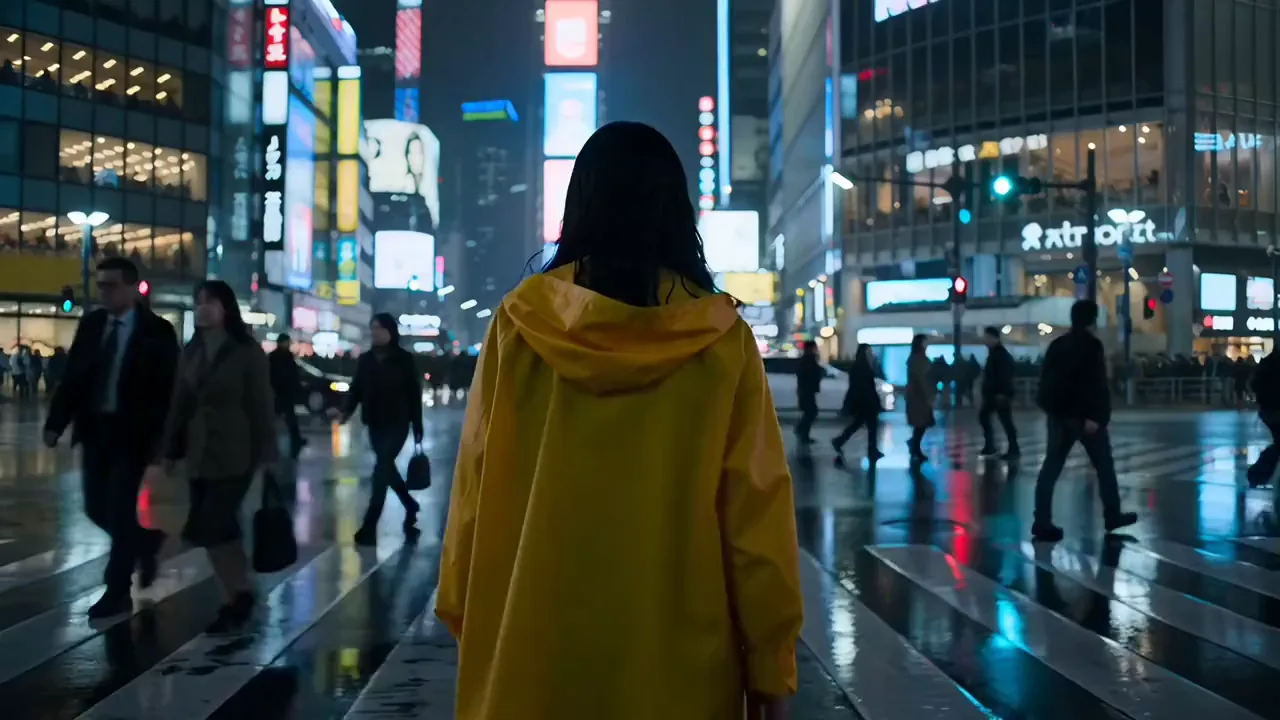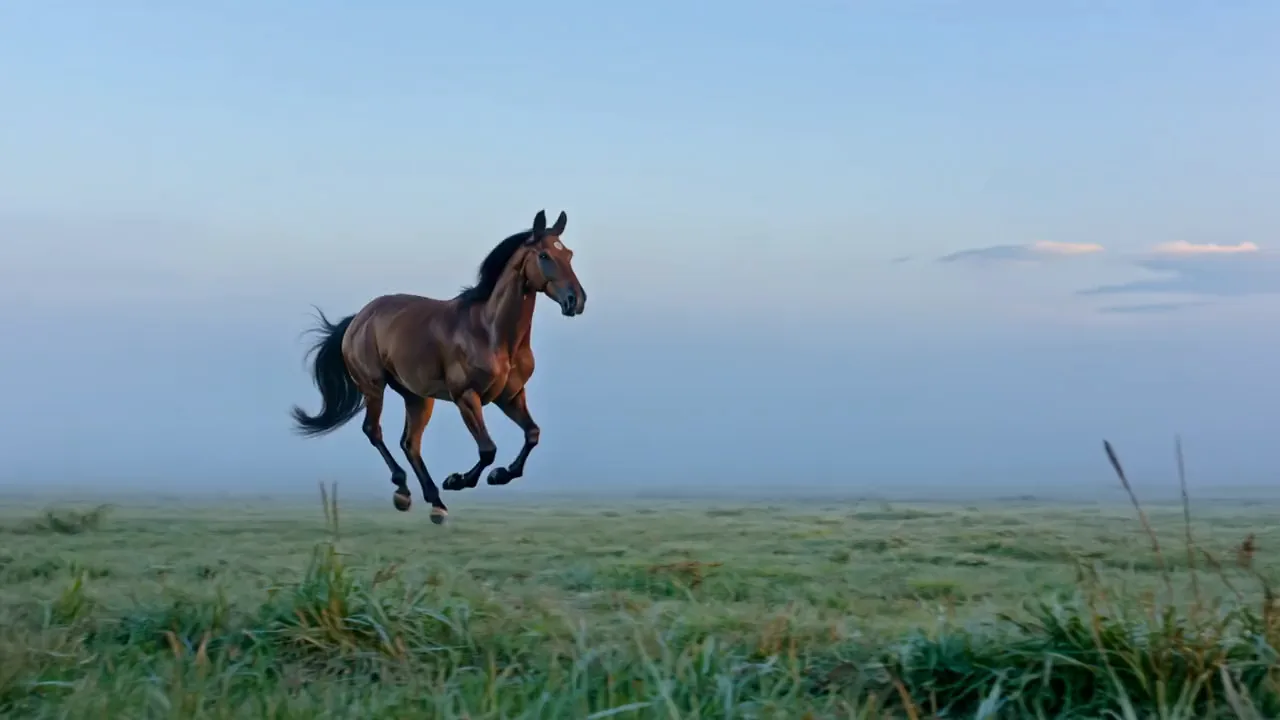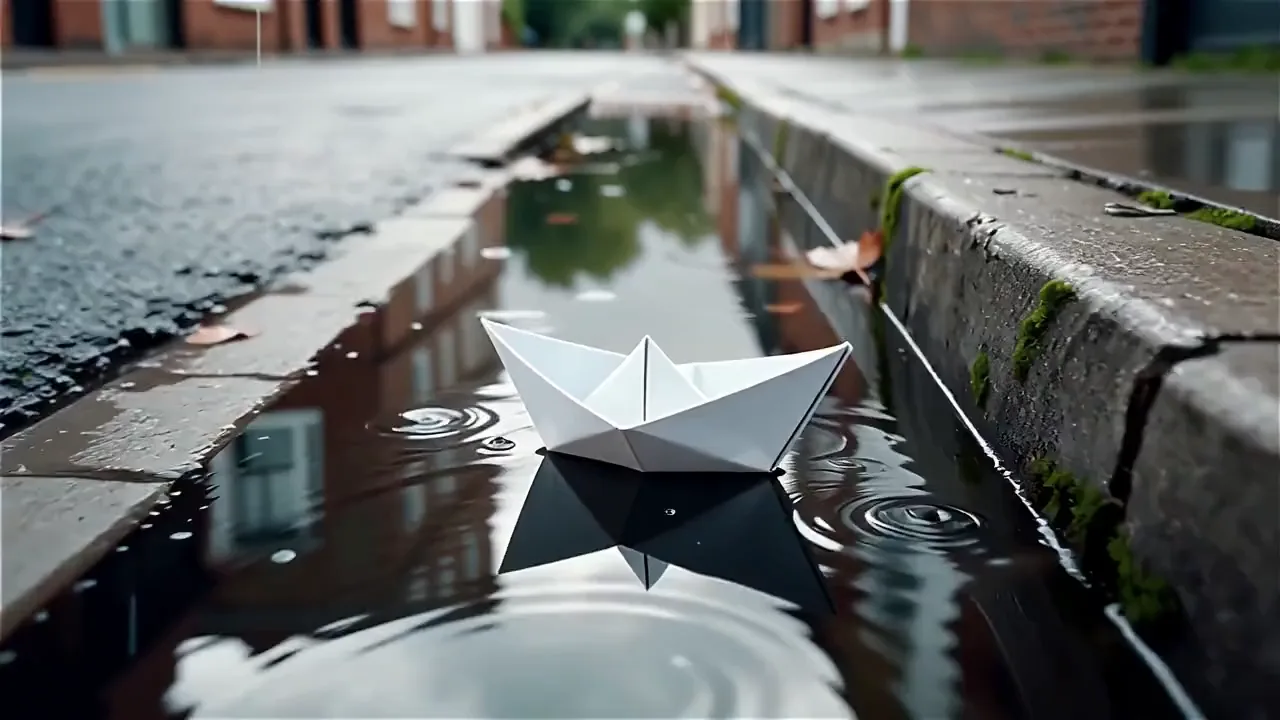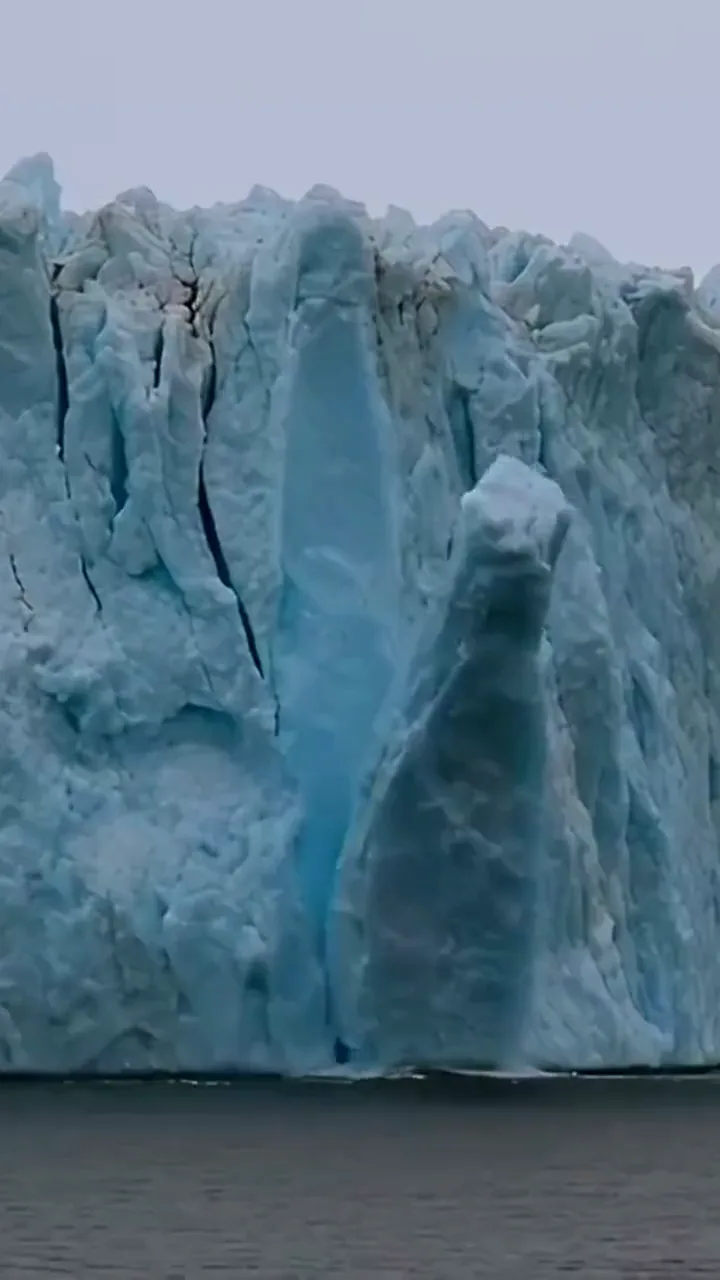




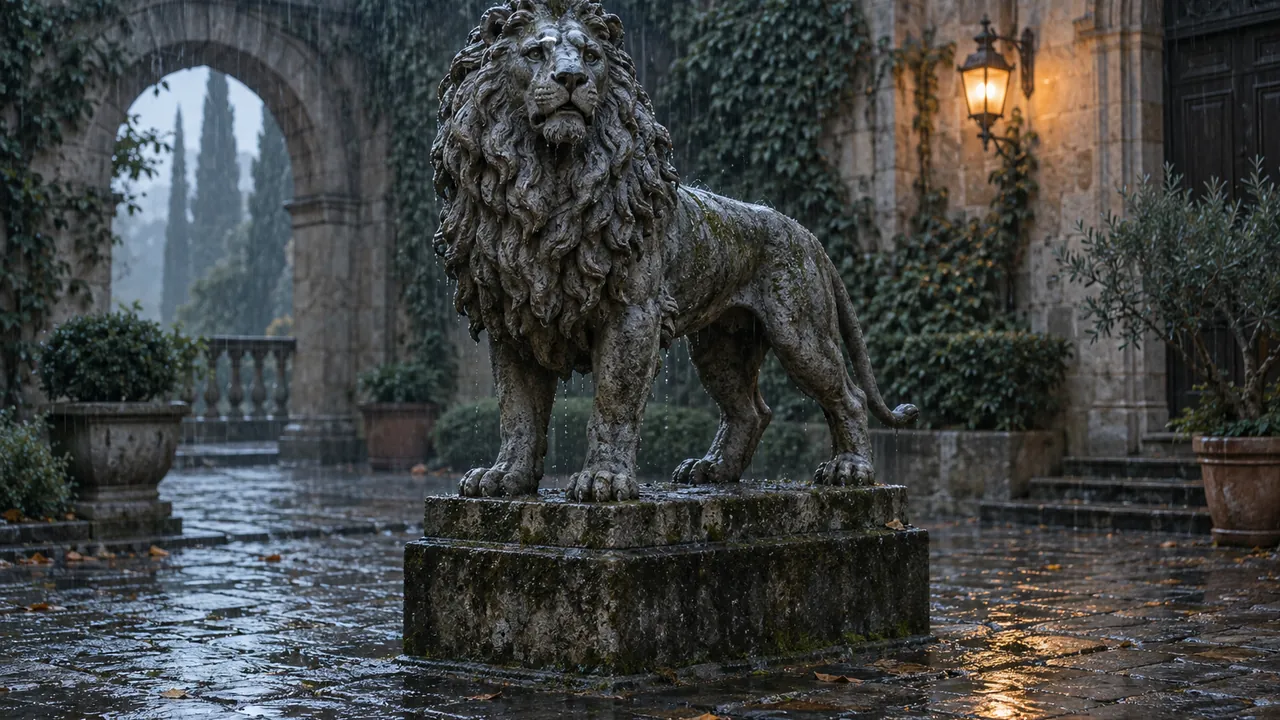
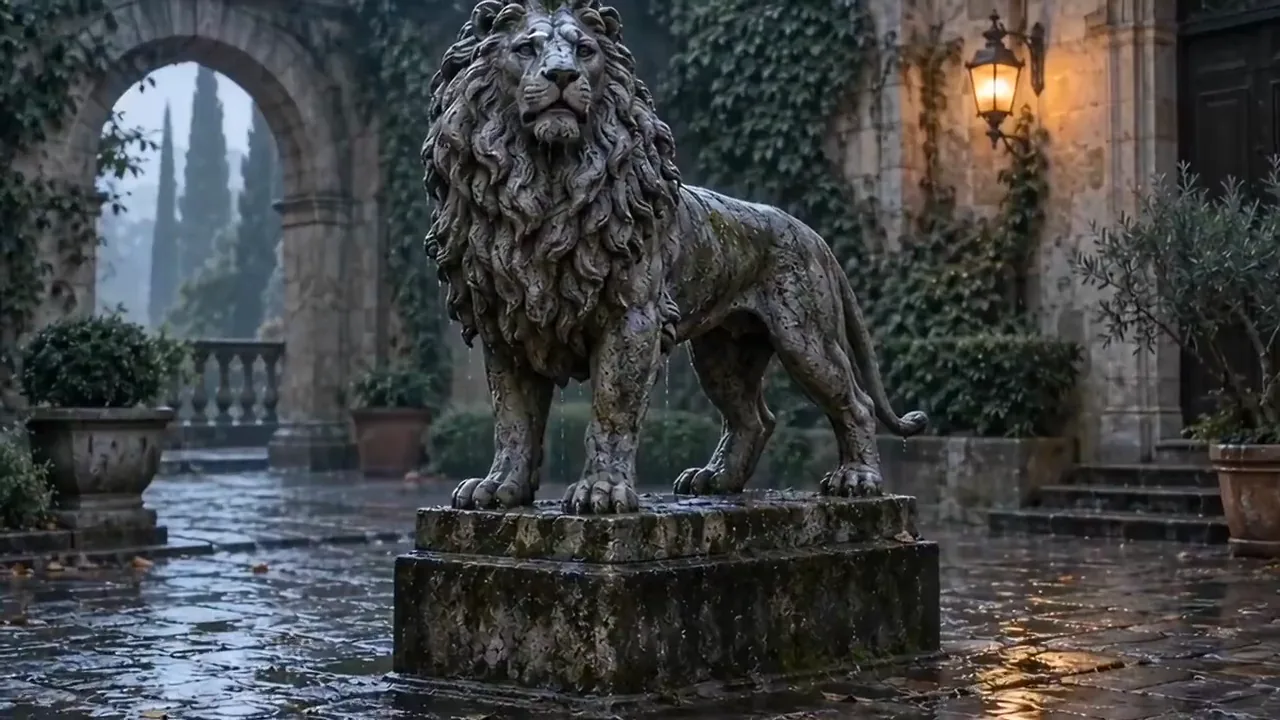
Veo 3.1 video of a turquoise ice slab breaking off a glacier wall into a fjord, Google Veo video of a red paraglider banking low over a turquoise bay at sunrise, Wind rolling across a lavender field toward a stone farmhouse at golden hour, Veo 3 AI video of a waterfall pouring between basalt columns into a misty canyon pool

Veo 3 AI video generator with sound

Create Veo 3.1 videos by Google from a text prompt or a start photo, with sound made in the same pass, in wide 16:9 or vertical 9:16.

Model

Veo 3.1 on Pixelcut

Google's Veo 3.1 turns a text prompt, plus an optional start photo and end frame, into a 4, 6 or 8 second MP4 with sound. Switch to the Fast or Lite version in the picker. Every Veo version runs on Pixelcut Pro.

Veo 3.1 at a glance

Input
Text or photosOptional start and end photo
Resolution
720p, 1080p, or 4K
Aspect ratio
16:9 and 9:16Landscape or portrait
Output
MP4
Clip length
4 to 8 s
Audio
On or offSound generated with the video

See what you can make with Google Veo

Describe the scene you want, and Veo 3.1 turns it into a short clip with sound.

Veo 3.1 video of chopsticks lifting ramen noodles from a steaming bowl with a fried egg
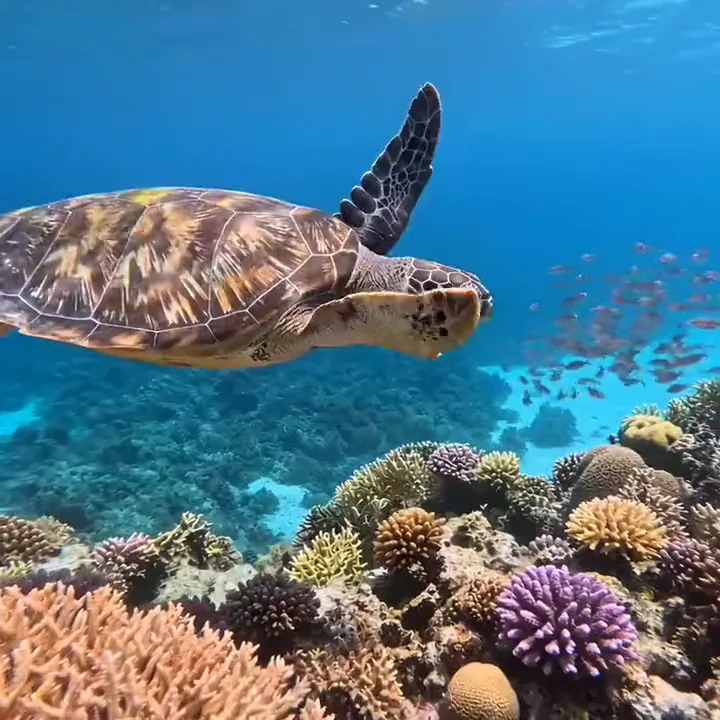
A sea turtle gliding over a colorful coral reef in clear blue water
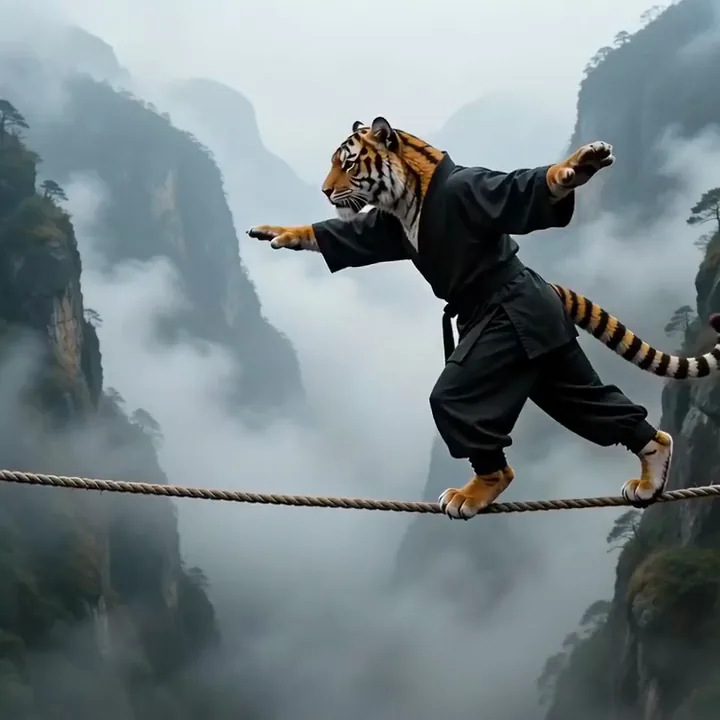
Veo 3.1 video of a tiger in a black kung fu suit balancing on a tightrope over a foggy gorge
A red panda walking along a mossy branch in a misty bamboo forest
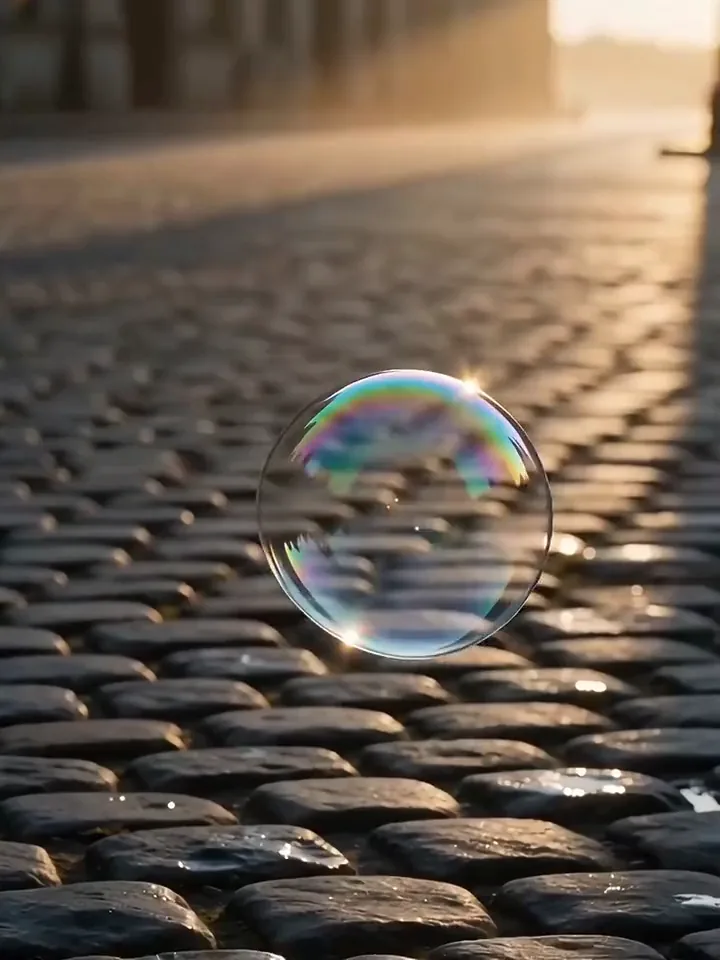
A soap bubble drifting low over wet cobblestones before it pops
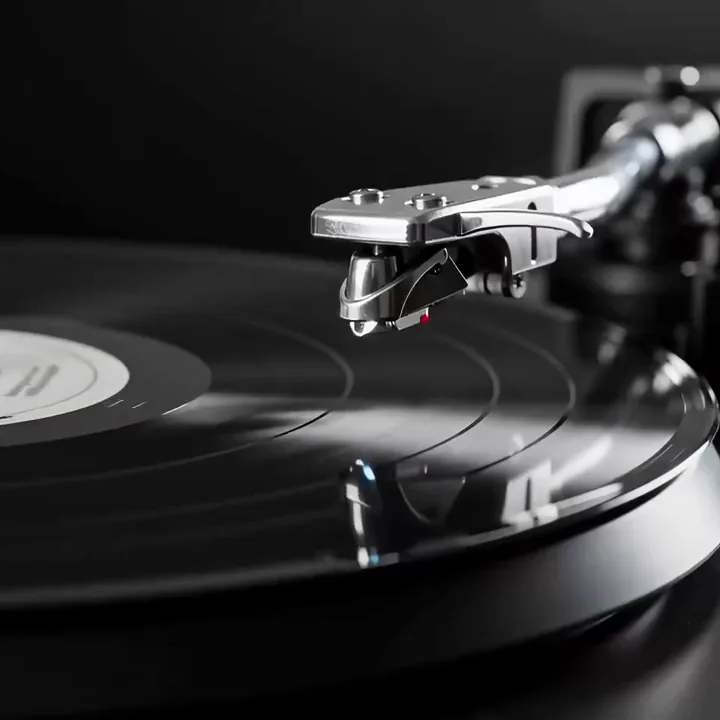
Veo 3 AI video of a tonearm lowering its stylus onto a spinning vinyl record
Basketball dropping through a chain net against a deep blue sky
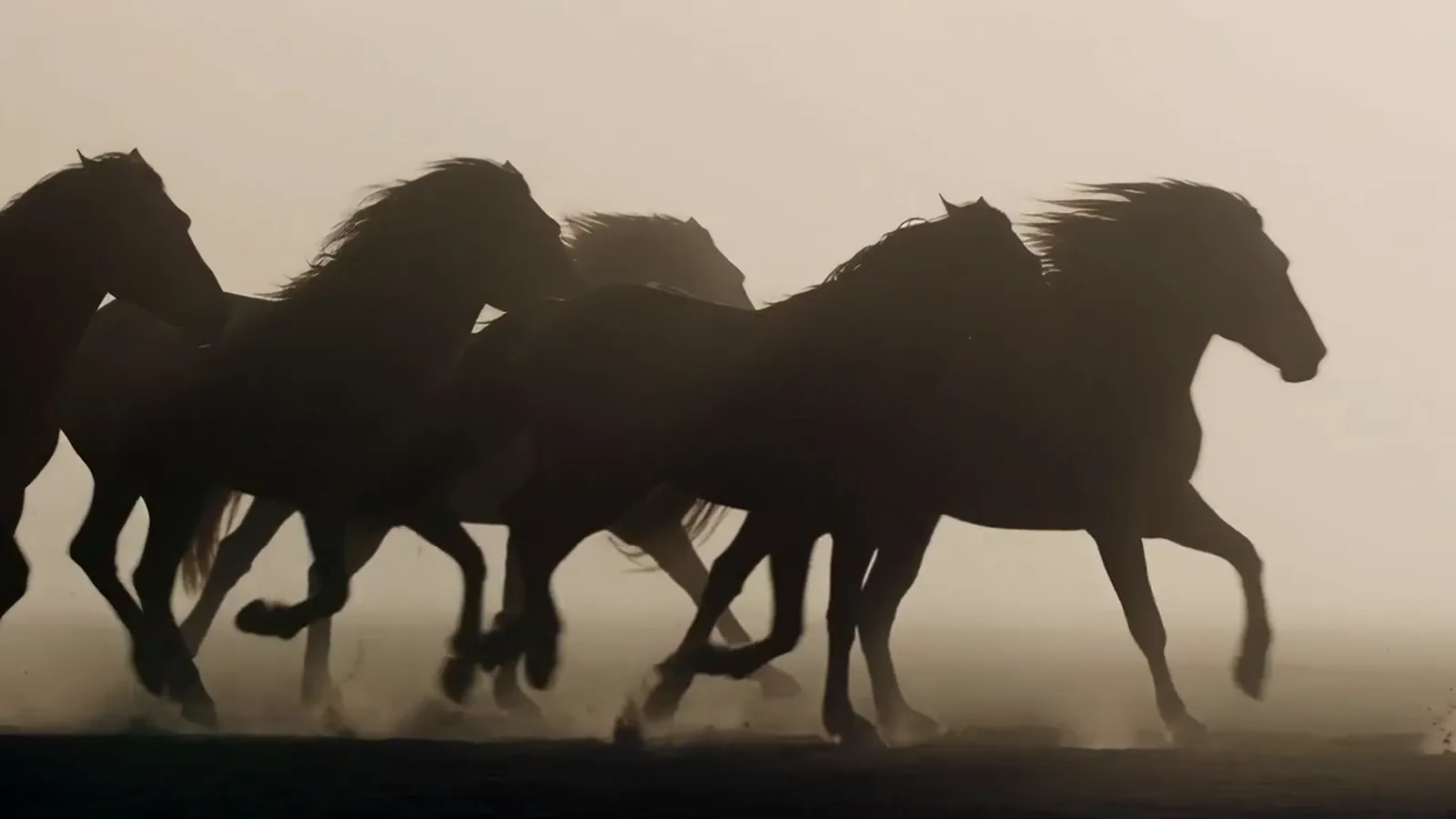
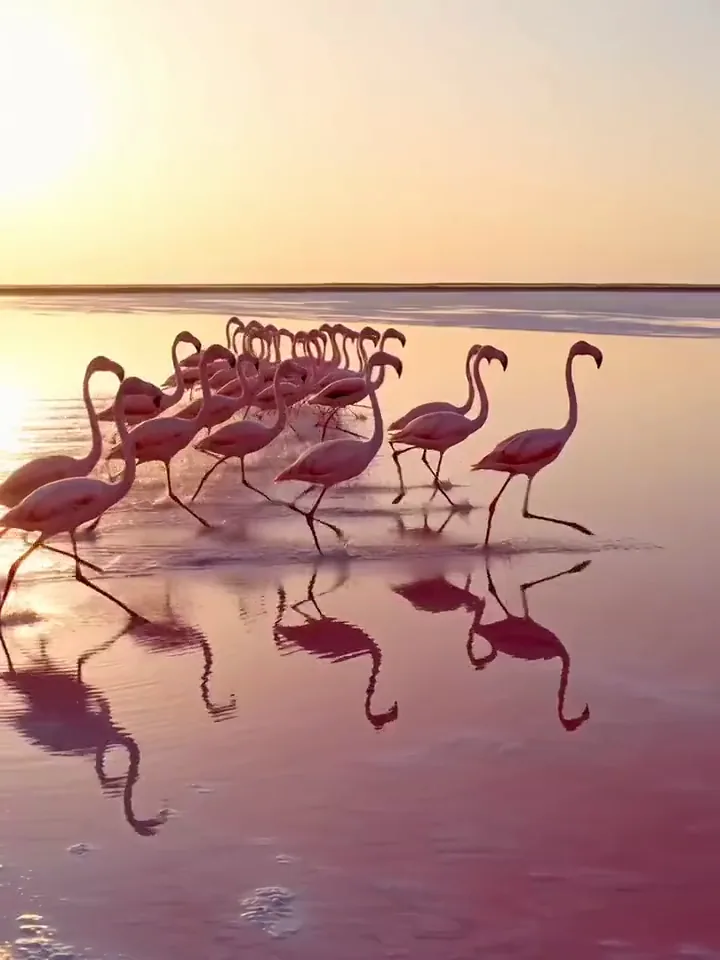
Veo 3.1 video of a flock of flamingos running across a pink salt lake at sunrise

Text or photo to video

Use Veo text to video or start from a photo

Text to video needs nothing but a written scene, which suits ideas you have not filmed yet. Image to video starts from a photo you upload. The clip begins on your own frame, and Veo adds the motion and the sound.

  1. Pick text to video or image to video
  2. Write the action, or upload the photo to animate
  3. Generate, then play the clip back with sound

A blowtorch slowly turns the sugar on a crème brûlée from white to deep amber as the camera pushes in, the sugar crackling.

Text to video

Create Veo 3 videos with sound built in
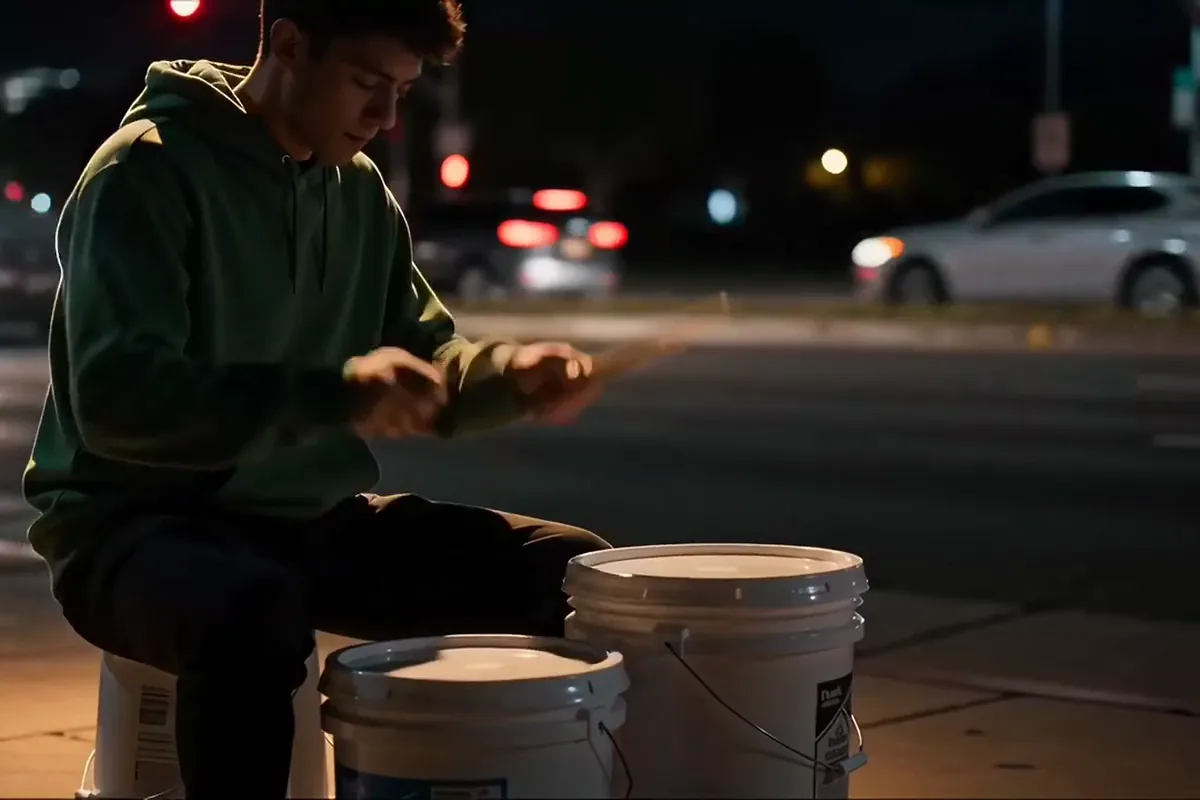
Veo 3 video of a street drummer pounding plastic buckets beside a busy road at night

Get the picture and its sound from one prompt. Audio is made in the same pass as the scene, ready to play the moment your clip comes back. Name the sounds you want right in the prompt. No separate audio track to make or add later.
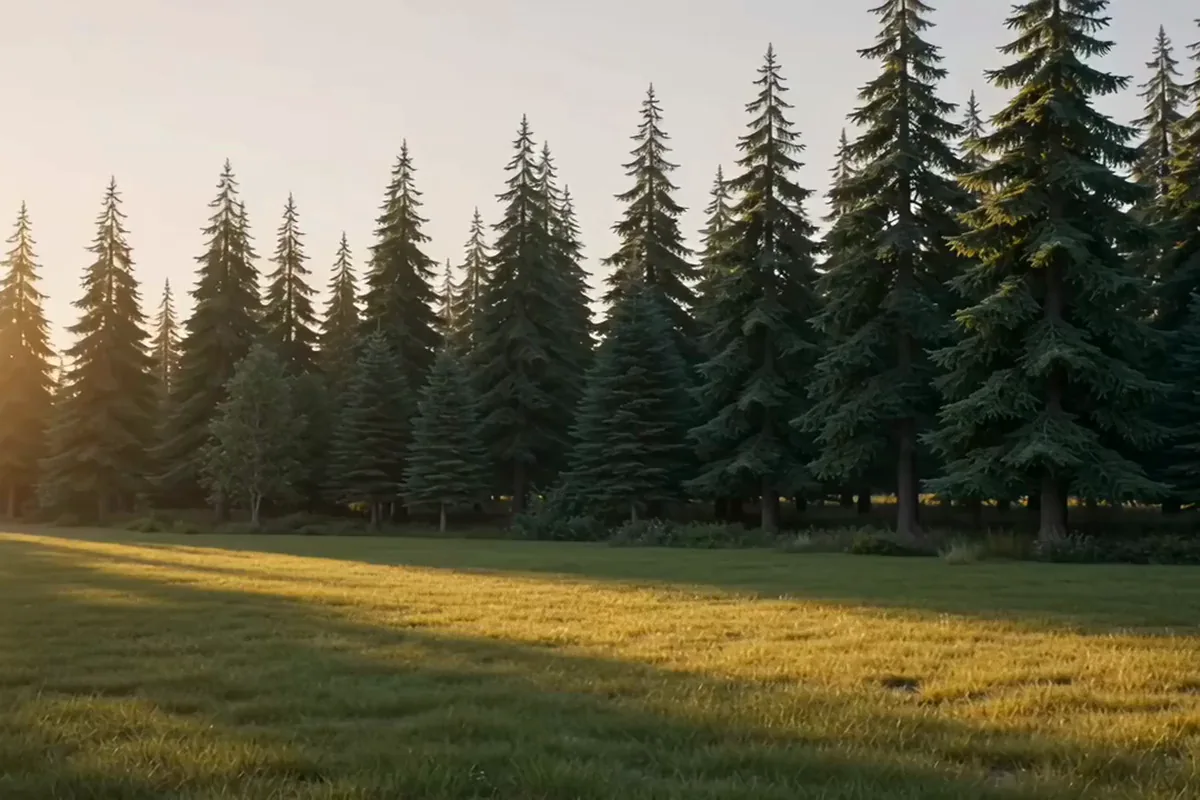
Set the first and last frame with Veo 3.1

Veo 3.1 video of log walls rising on an empty lawn into a finished wooden cabin

Upload a start photo and your clip opens on the exact shot you chose. Add an end photo and Veo 3.1 moves the scene from that first frame to the last. Use it when the final frame has to land exactly right.

Render fine detail in up to 4K

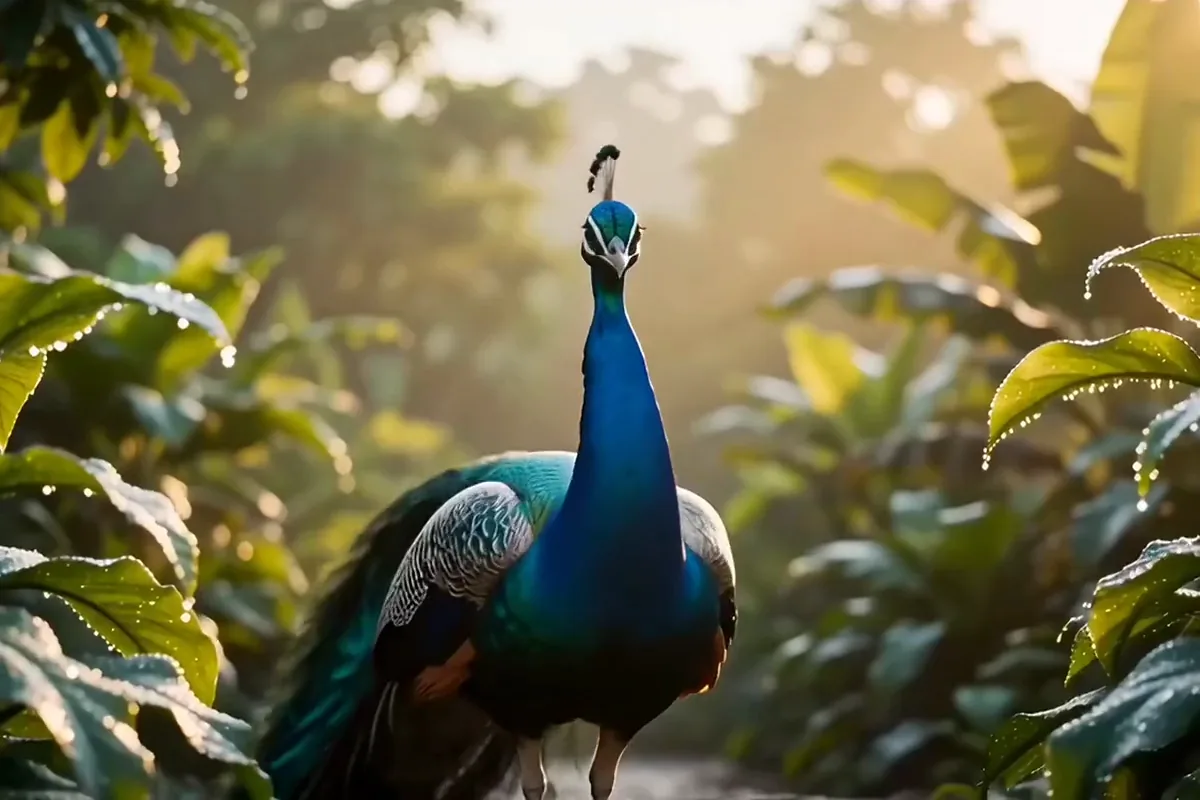
Veo 3.1 video of a peacock fanning its shimmering tail feathers in morning sun

Get Veo 3.1 clips in up to 4K for close-ups that hold up on a big screen. More pixels give fine textures and small movements room to show. Download the MP4 and drop it straight into your edit.

Write Veo 3 AI prompts that get the shot you want

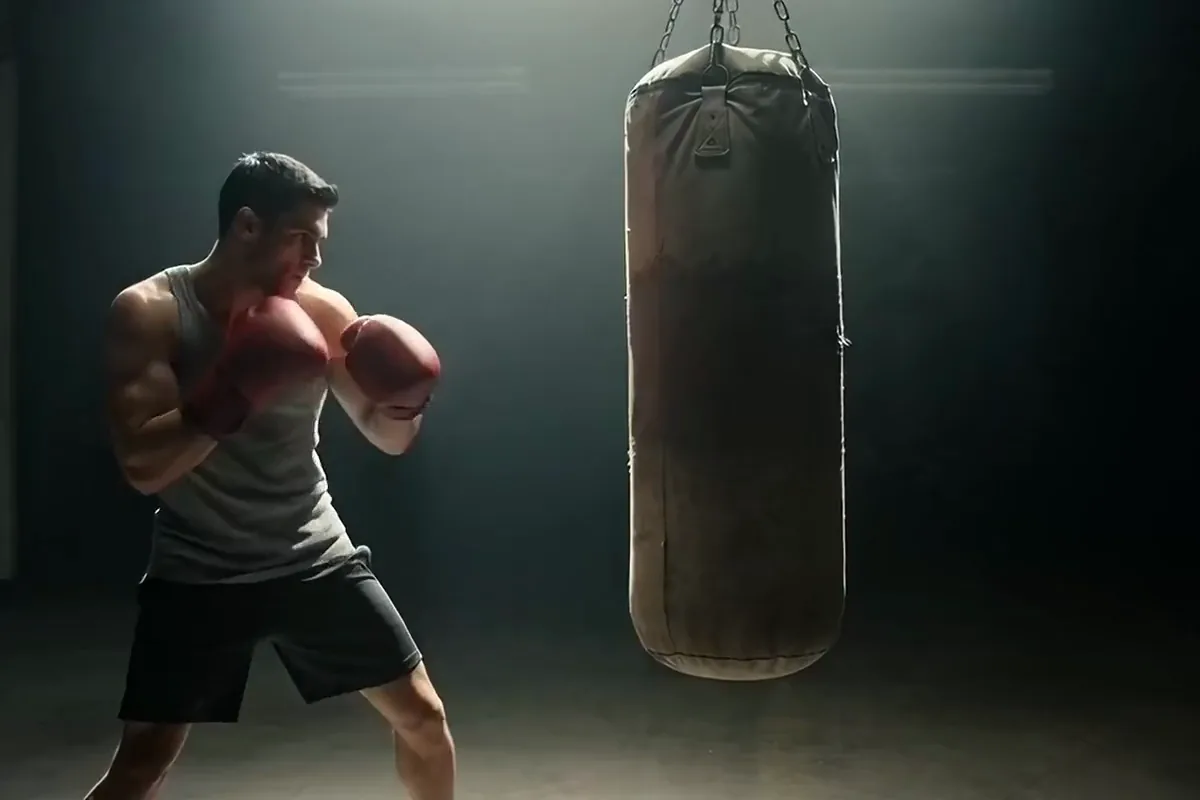
Veo 3 AI video of a boxer punching a heavy bag that swings back on its chain in a dim gym

Write one plain sentence about the moment you want, and Veo builds the shot around it. Want someone to speak? Put their words in quotes to ask for a spoken line. One clear action per clip gives you the cleanest take.

Who uses the Google Veo AI video generator

Filmmakers, short-form creators and ad teams use Veo for clips that need picture and sound from one prompt.

  • Veo 3.1 video of a combine harvester crossing a golden field at dusk

    Filmmakers and editors

    Fill a gap in your edit with a shot that already sounds right. Start from a still of your own footage when the clip must match the scene around it.

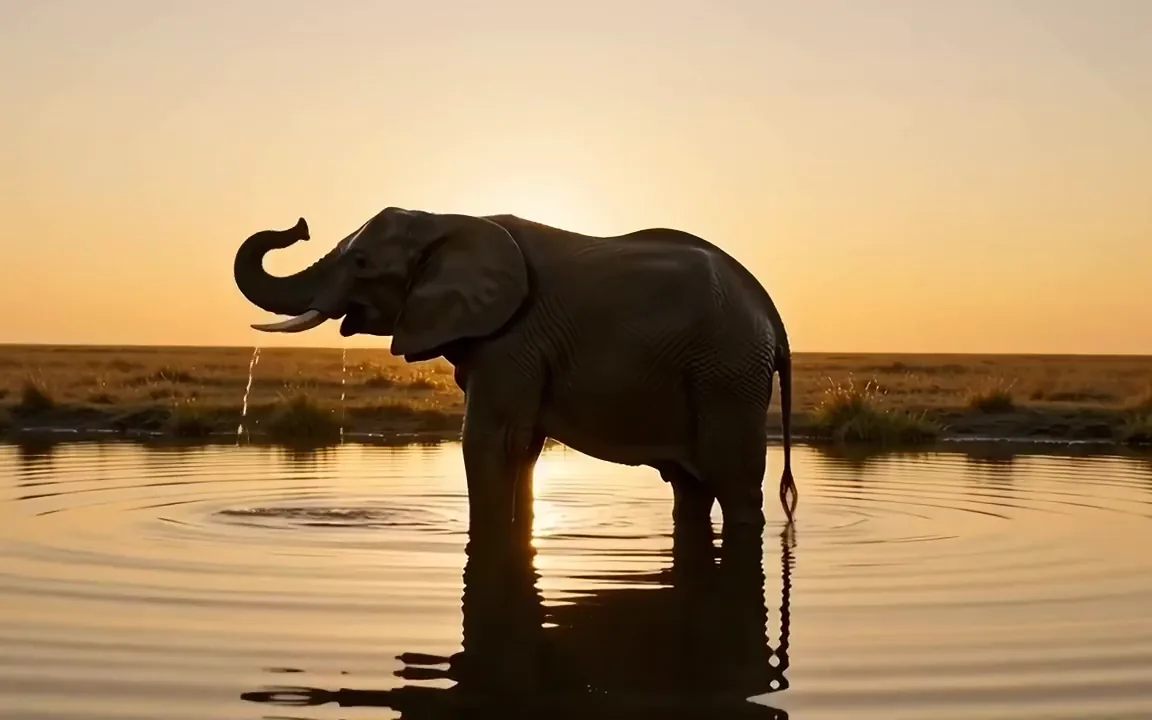
  • Veo 3.1 video of an elephant at a sunset watering hole spraying water from its trunk as it streams down its back

    Short-form creators

    Post a fresh clip without planning a shoot. Make it vertical for your feed, or browse more models in the AI video generator.

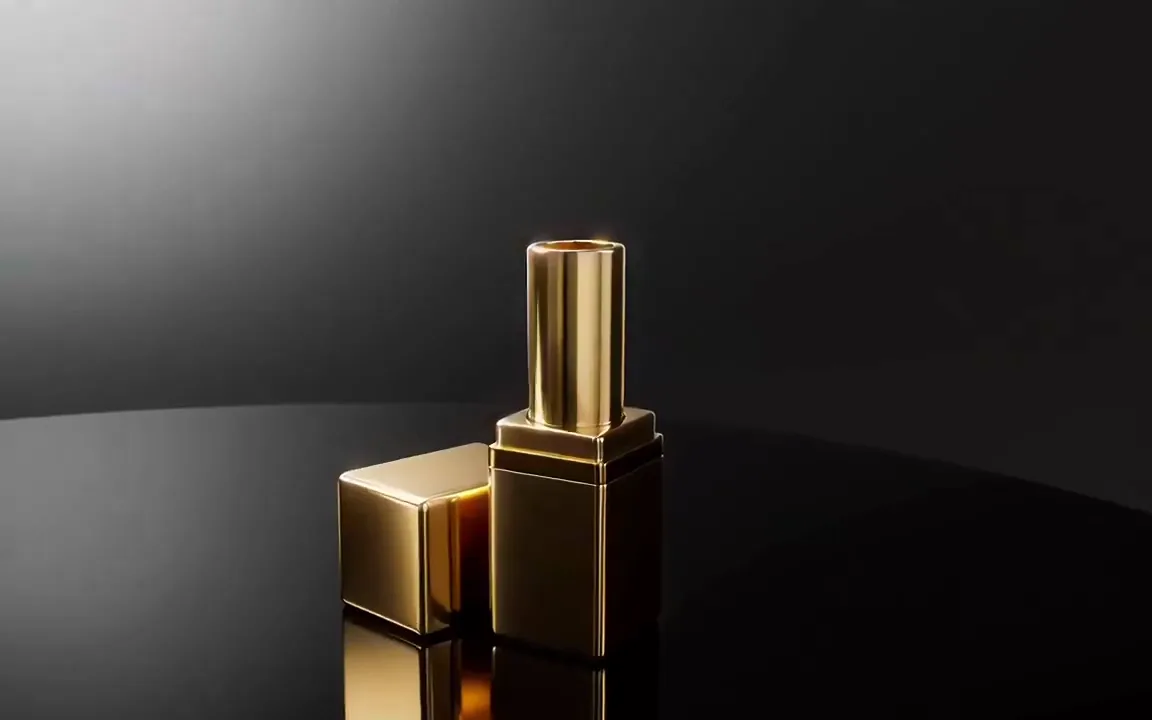
  • Veo 3.1 video of a red lipstick twisting up from its gold case

    Ad and product teams

    Pitch a teaser before the shoot is booked. Start from your own product photo and the clip opens on the real thing, with sound to match.

More models on Pixelcut

Switch models per generation instead of per subscription. Each card opens that model's page.

  • MiniMax

    • New
    • Image to video
    • Up to 10 s
  • ByteDance's newest video model

    • New
    • Audio
    • Image to video
    • Up to 30 s
  • Text, image and reference video, up to 15 s

    • New
    • Audio
    • Image to video
    • Up to 15 s
  • Multi-shot scenes and elements

    • New
    • Audio
    • Image to video
    • Up to 15 s
  • Synchronized audio in many languages

    • Image to video
    • Up to 10 s

How to use Google Veo 3 on Pixelcut

  1. 1

    Write your scene prompt

    Type what happens, how the camera moves and what you want to hear. Want the clip to open on a shot you already have? Add a start photo before you generate.

  2. 2

    Pick version and settings

    Choose a Veo version in the model picker, then set the length to 4, 6 or 8 seconds, wide or vertical framing and the resolution your project needs.

  3. 3

    Generate and download it

    Press generate and the model picker puts the wait at about a minute. Watch the take, then download the MP4 or change a few words and run it again.

Plans for video generation

Video is billed in credits per second of footage. Pick the plan that matches how much you make.

Save 20% with a yearly plan

Free

$0
per month, billed yearly
Limited Background Removal
Limited Upscale
Free export without watermark

Pro

$10$8
per month, billed yearly
600 AI Credits Monthly
Access all AI models
Unlimited Background Removal
Unlimited Upscale
3 Person Team
1,000 Batch Exports Monthly
Commercial license
Most Popular

Business

$30$24
per month, billed yearly
3,600 AI Credits Monthly
Access all AI models
Unlimited Background Removal
Unlimited Upscale
10 Person Team
2,000 Batch Exports Monthly
Commercial license
Trusted by over 200,000 creators, brands and small businesses

Trusted by creatives at

  • Adidas logo
  • Airbnb logo
  • Apple logo
  • Chanel logo
  • Google logo
  • Gucci logo
  • H&M logo
  • Nike logo
  • Sephora logo
  • Starbucks logo
  • Toyota logo

Frequently Asked Questions

Try the Veo 3 video generator on Pixelcut