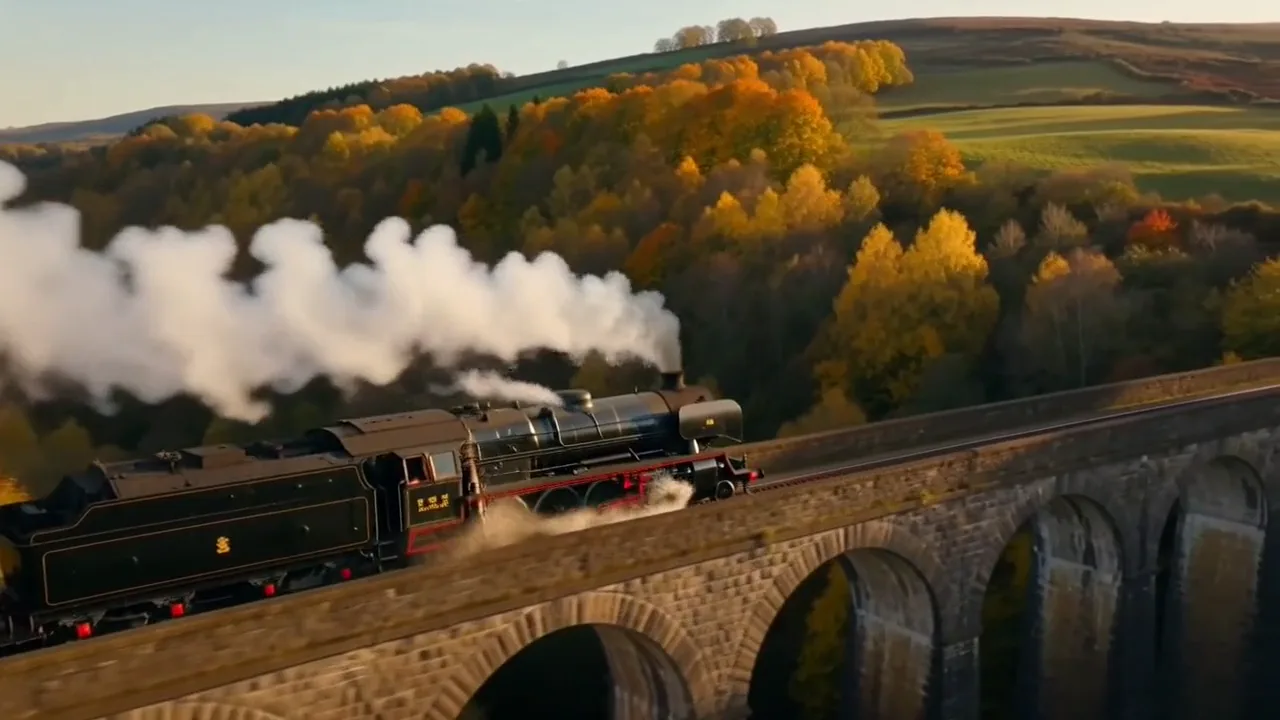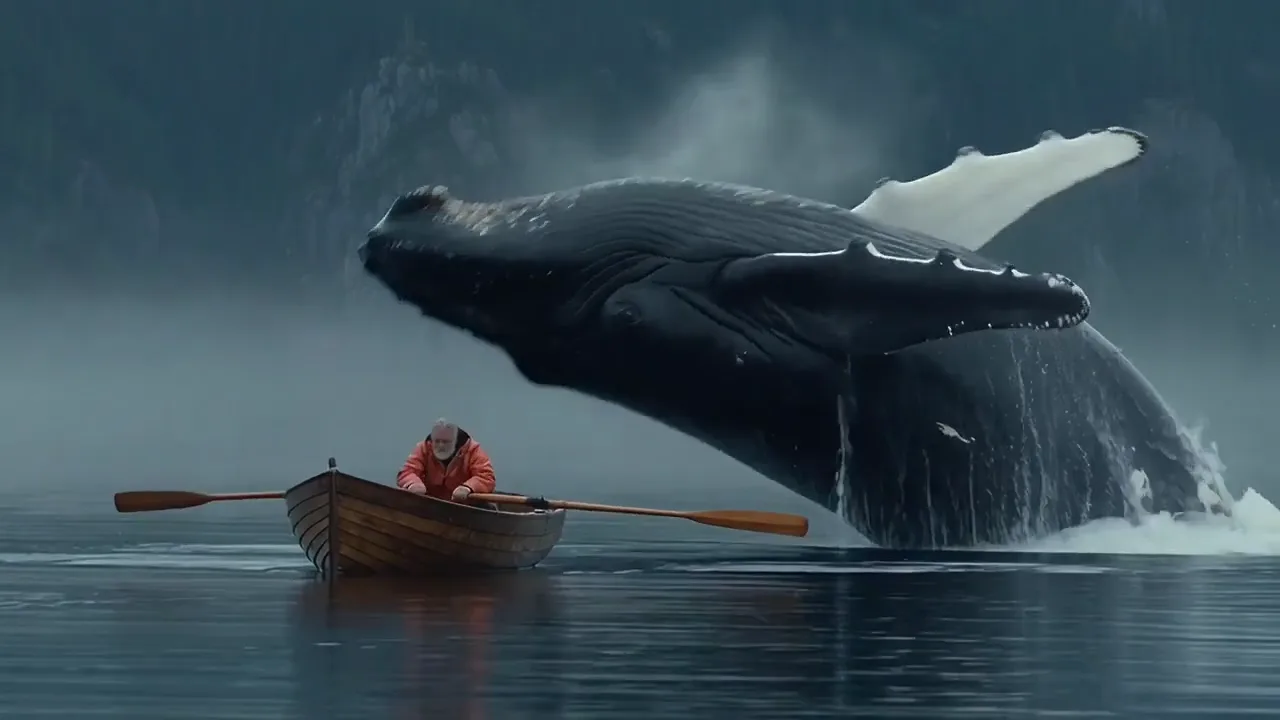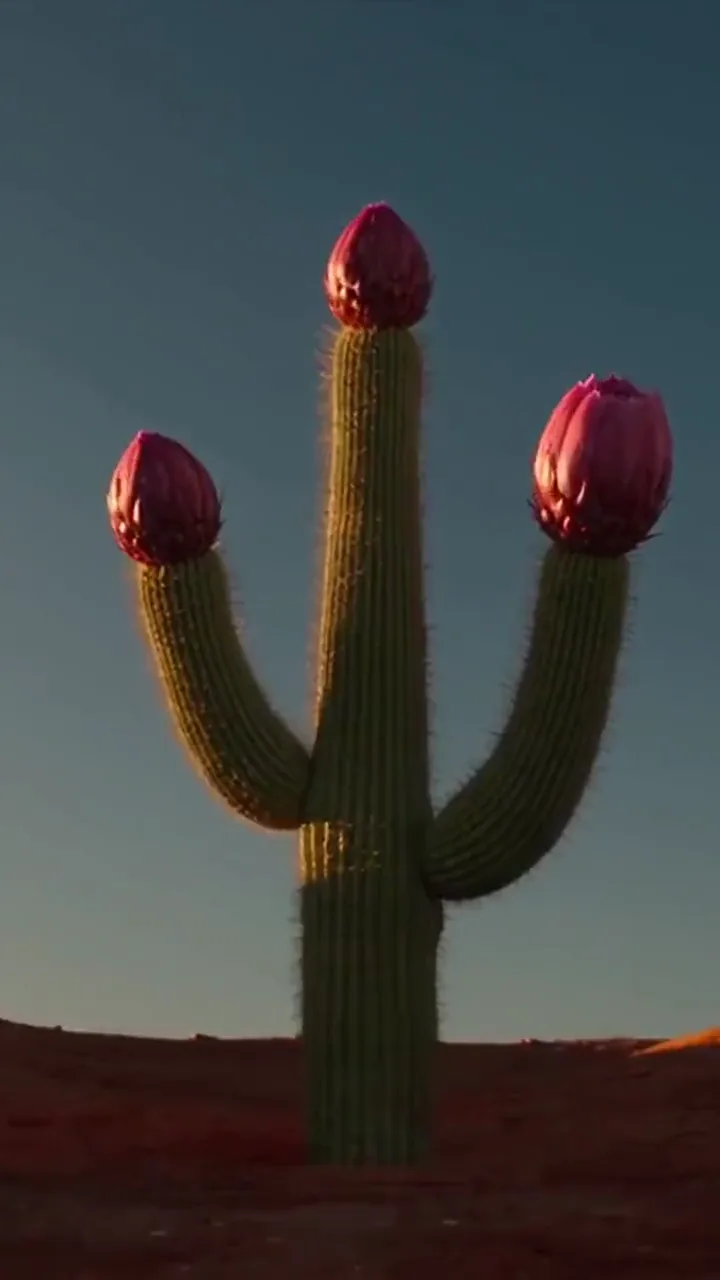



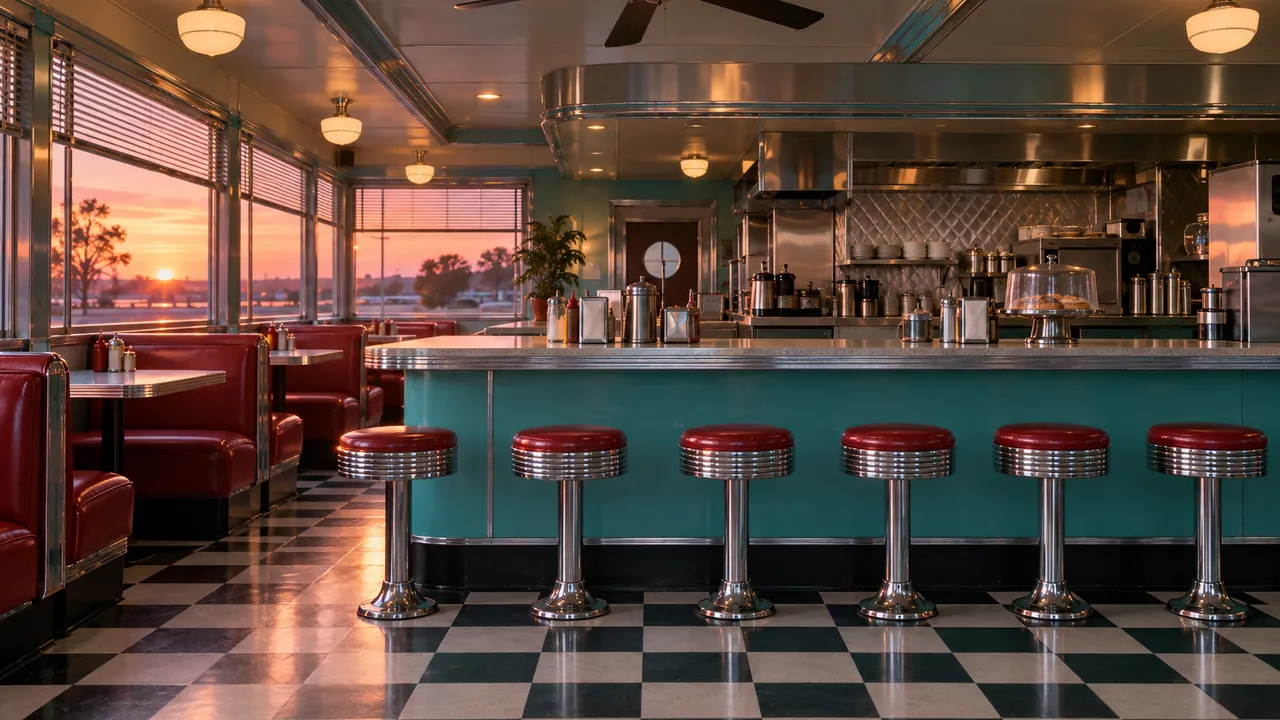
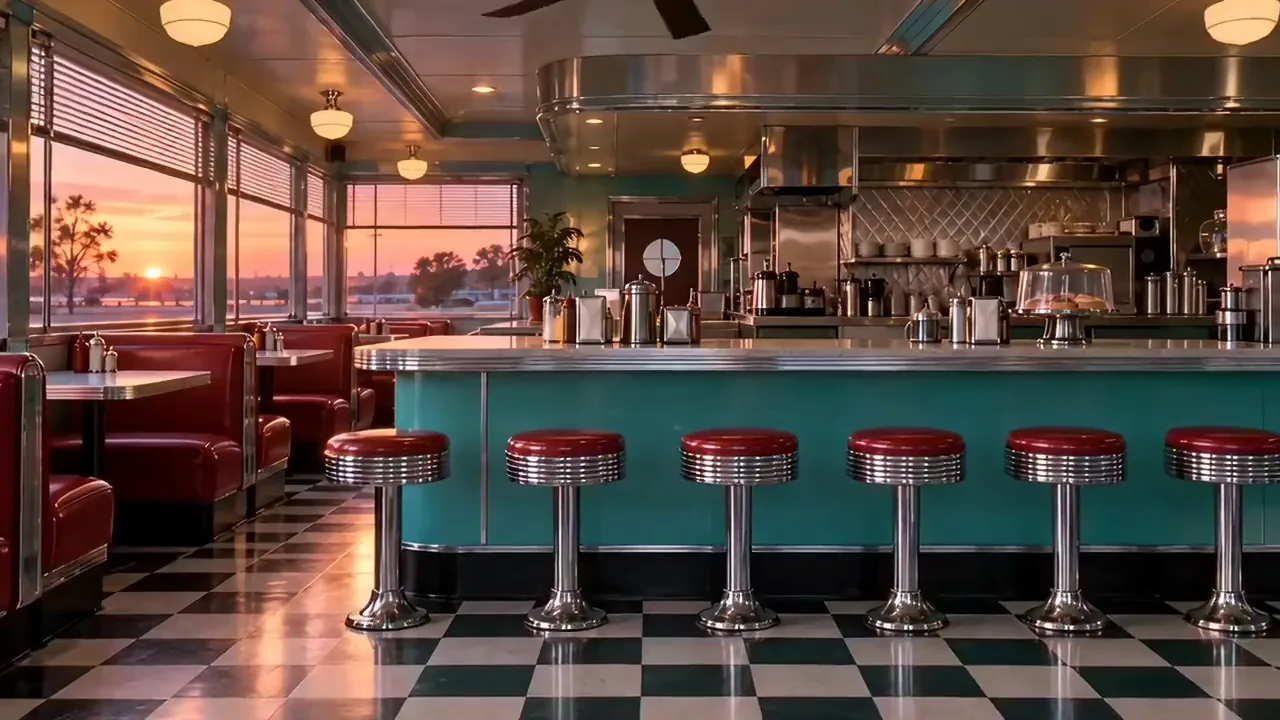
Runway Gen-4.5 video of a saguaro cactus in a red desert opening giant magenta blooms, An orange paraglider gliding past a sheer green cliff, Runway AI video of a white rocket lifting off its launch pad at dawn, An antlered forest warden standing in rings of glowing golden leaves at dusk

RunwayML AI video generator

Turn a prompt or a photo into a lifelike clip with Runway AI. Gen-4.5 on Pixelcut brings Runway's realistic motion to every scene you write.

Model

Runway Gen 4.5 on Pixelcut

Runway Gen-4.5 runs on Pixelcut Pro and makes 4 second MP4 clips from a prompt, with an optional start photo. Text to video comes in 16:9 or 9:16 at 720p, and a photo adds 1:1, 4:3, 3:4, 21:9 and 9:21.

Runway Gen 4.5 at a glance

Input
Text or photosOptional start photo
Resolution
720 × 1280
Aspect ratio
5 formats9:16, 16:9, 1:1, 4:3, 3:4
Output
MP4
Clip length
4 s
Audio
No sound

See the Runway video generator at work

Write a prompt or upload a photo, and Runway Gen-4.5 turns it into a silent 4 second clip.

Runway Gen-4.5 video of a welder grinding a steel beam as orange sparks spray across the floor
A giant violet hourglass with orange sand on pastel clouds
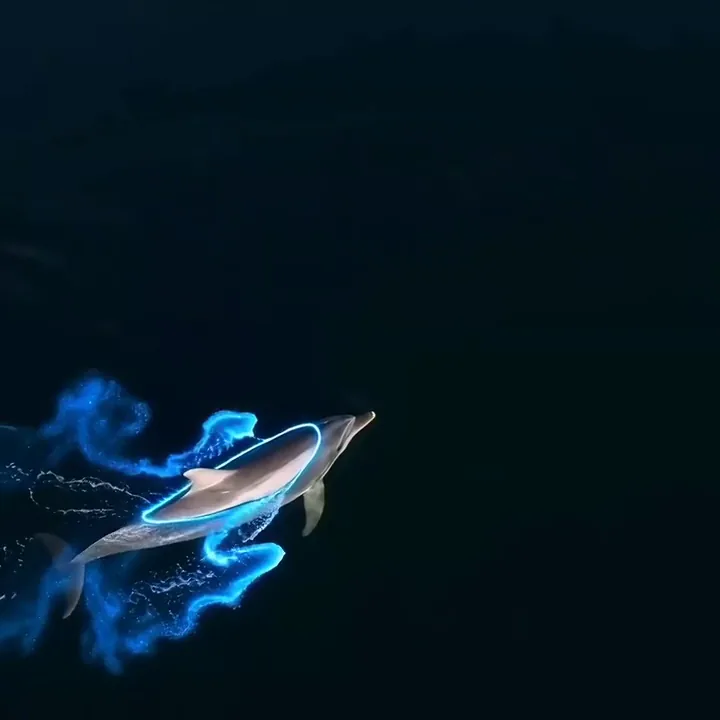
Runway Gen-4.5 video of a dolphin glowing electric blue as it swims through a bioluminescent bay at night
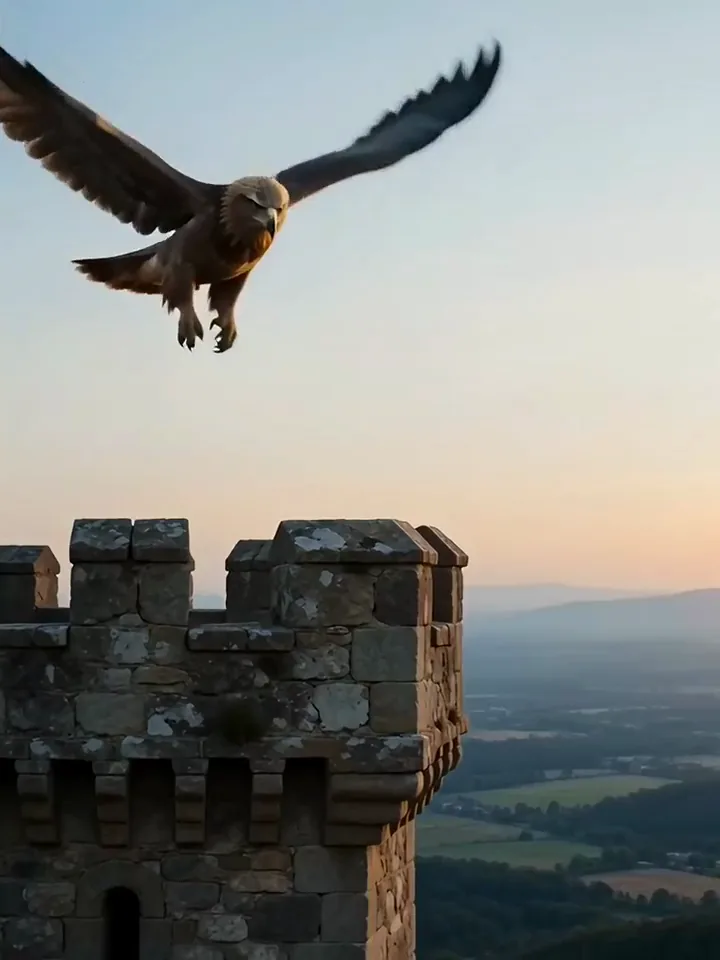
A golden eagle landing on a stone castle tower at sunset
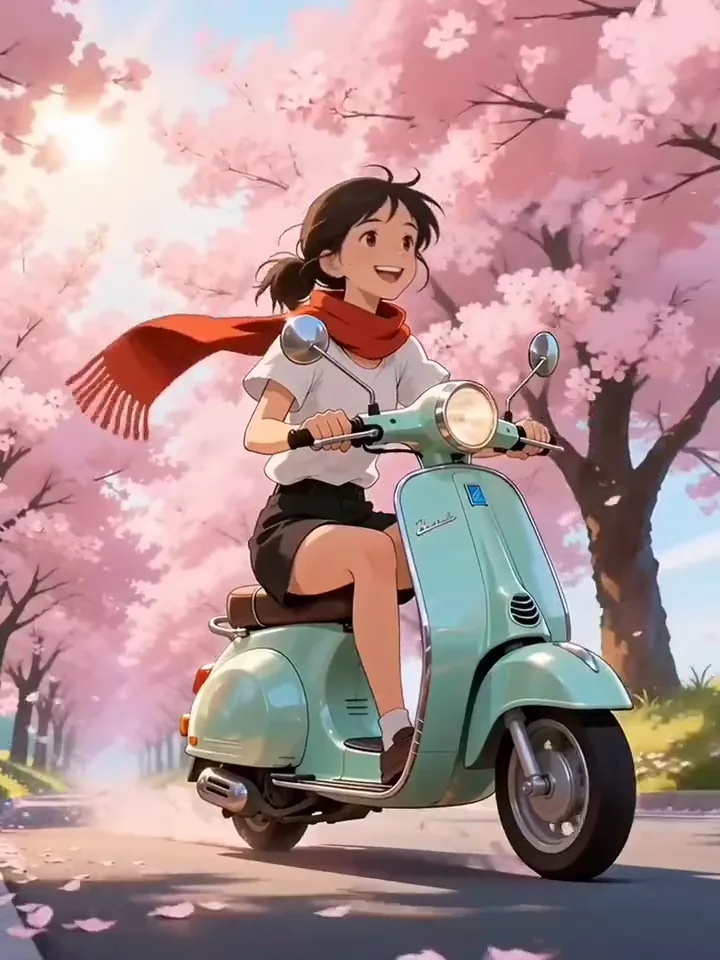
Runway AI video of an anime rider on a mint scooter down a cherry blossom road
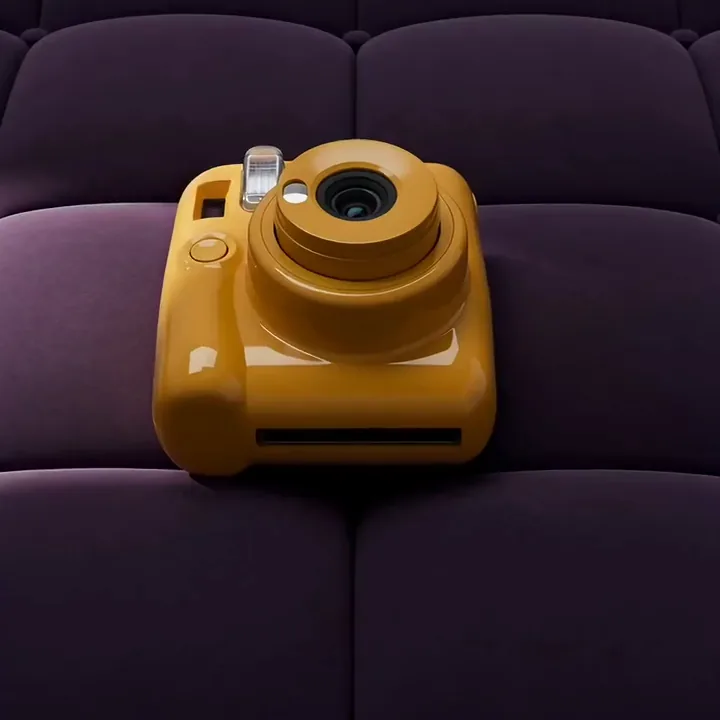
A yellow instant camera on purple velvet ejecting a print that develops into a sunset
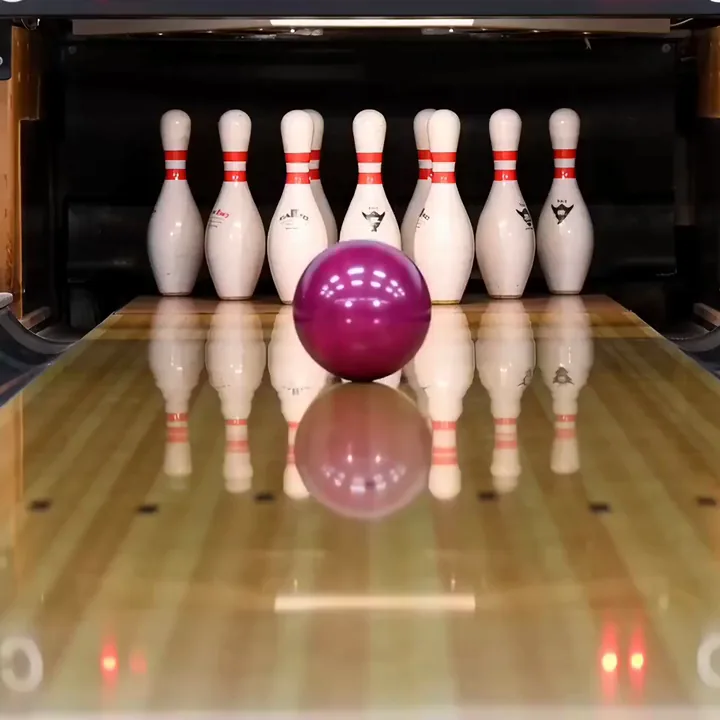
Runway Gen-4.5 video of a magenta bowling ball knocking down all ten pins
A red spiral staircase rising step by step out of a still pink sea

Two ways to start

Start from text or a photo with RunwayML

Pick text to video when the scene only exists in your head. Describe what happens and Gen-4.5 builds it for you. Pick image to video when you already have the shot, and tell Runway AI how that photo should move.

  1. Choose text to video or image to video
  2. Describe the action, or upload a photo first
  3. Generate a 4 second clip and save the MP4

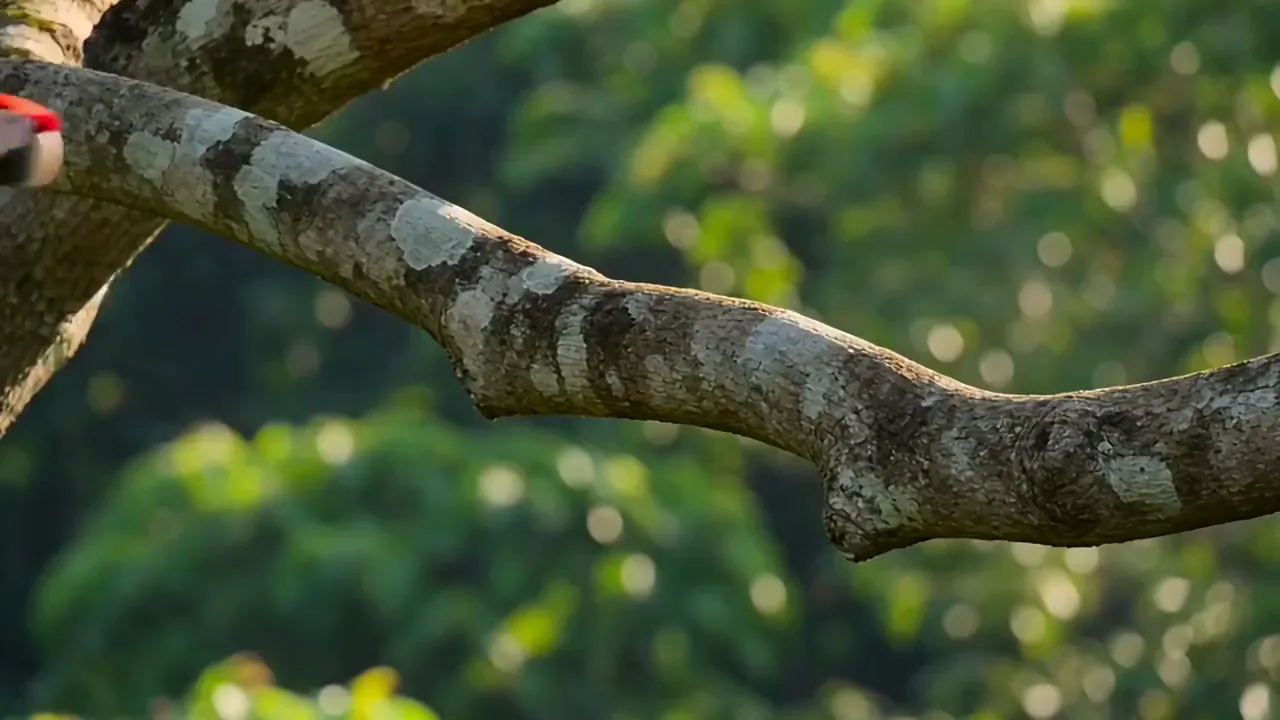
A scarlet macaw sweeps in with wings spread and lands on a jungle branch that dips under its weight, slow tracking shot.

Text to video

Create Runway text to video clips from one sentence
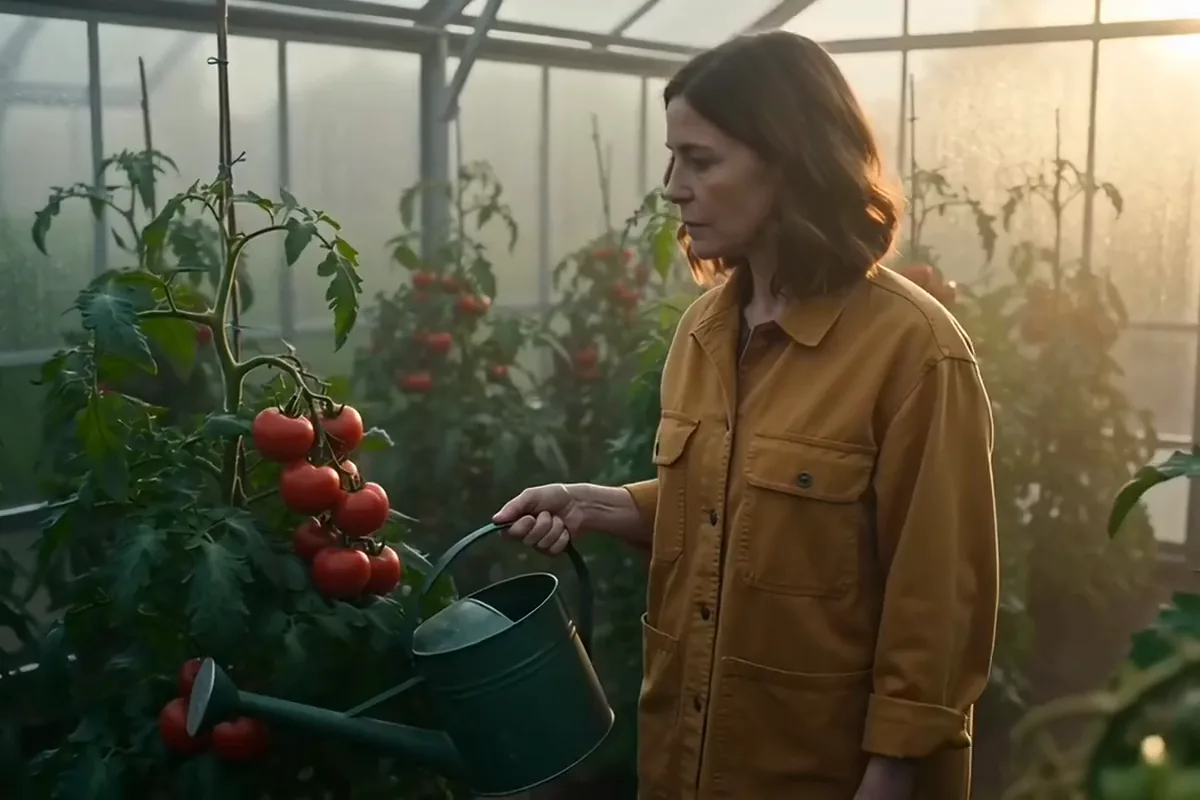
Runway Gen-4.5 video of a gardener with a watering can among tomato plants in a misty greenhouse

Type one sentence and Runway Gen-4.5 builds the whole scene around it. The setting and the camera move come straight from your words. You need no footage to film and no photo to find, just an idea you can watch in motion.
Animate a photo with Runway image to video

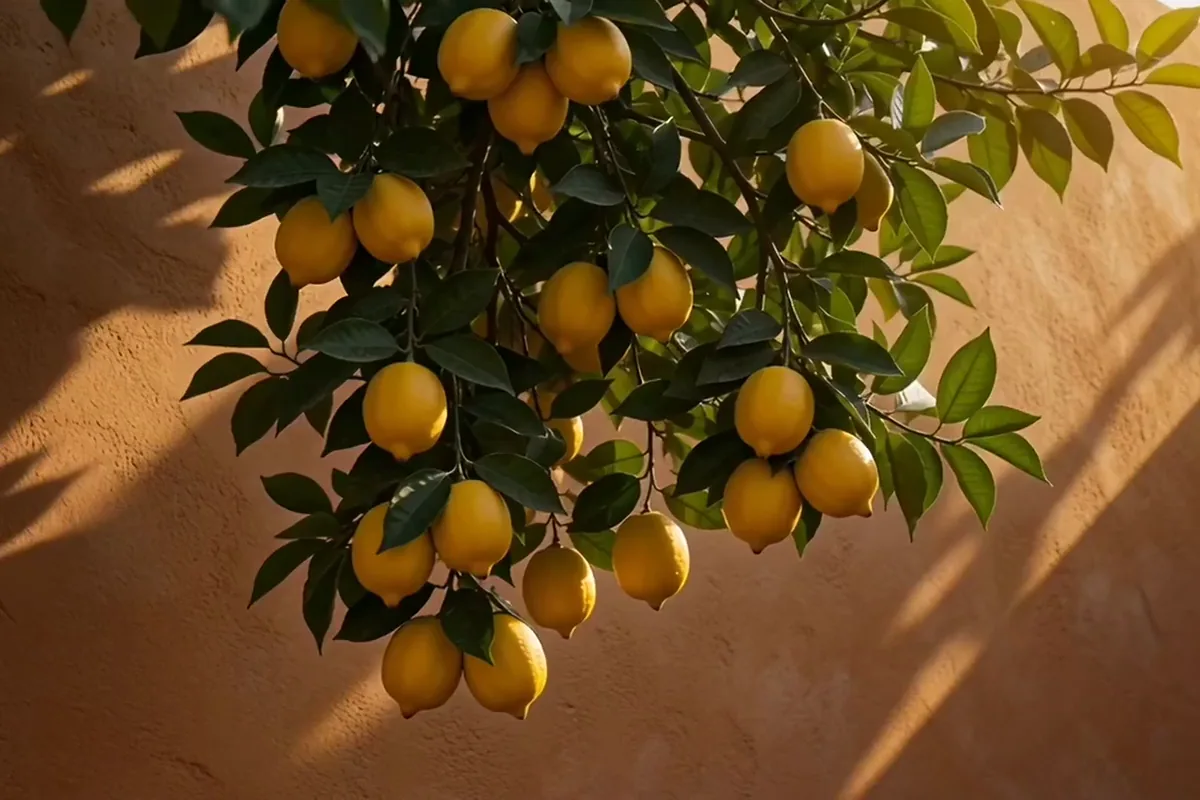
Runway Gen-4.5 video of a lemon branch swaying against a sunny terracotta wall

Upload a picture and say what should happen next. Your picture opens the clip, and Runway Gen-4.5 carries the motion on from there. A start photo also unlocks more shapes on Pixelcut, from square to ultra wide.

Get real weight and motion from Runway Gen-4.5

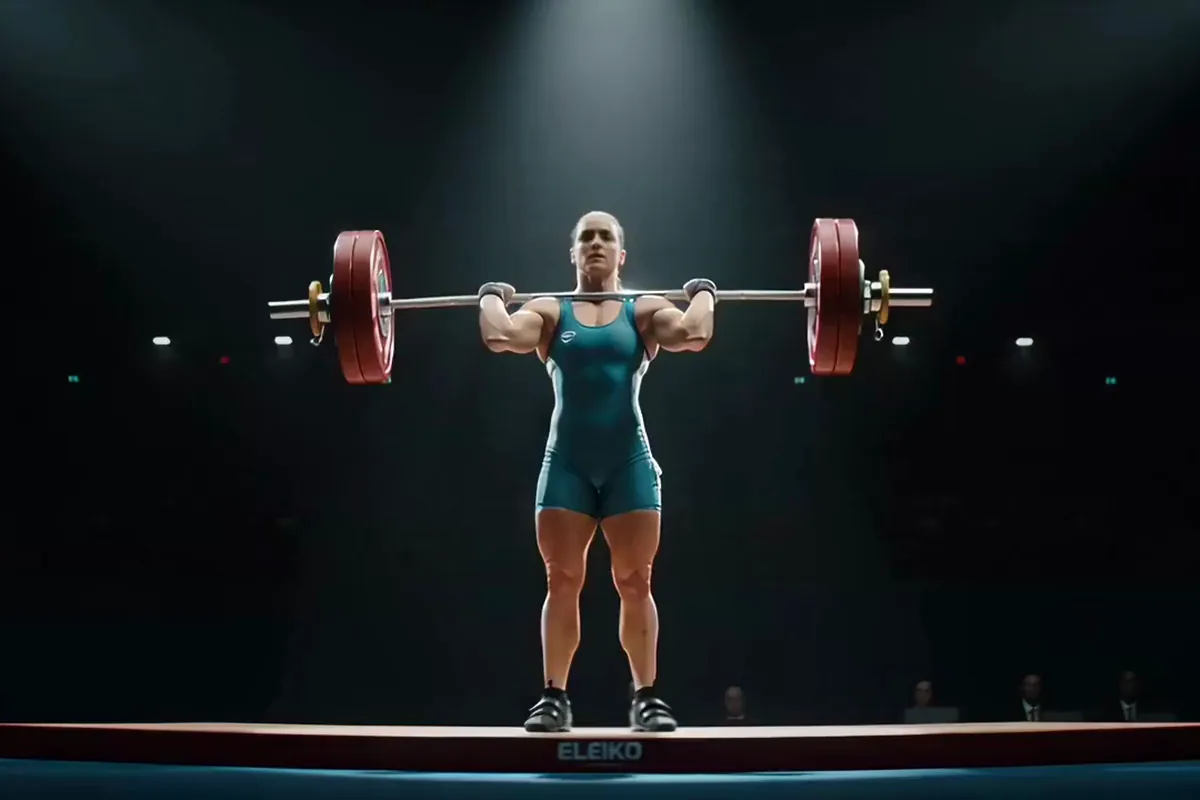
Runway Gen-4.5 video of a weightlifter in a teal singlet pressing a loaded barbell overhead

Runway built Gen-4.5 around how things really move, and it shows in the details. Weight and effort look real on screen. Your short clip reads like filmed footage instead of a picture that wobbles.

Lead each Runway prompt with one clear action

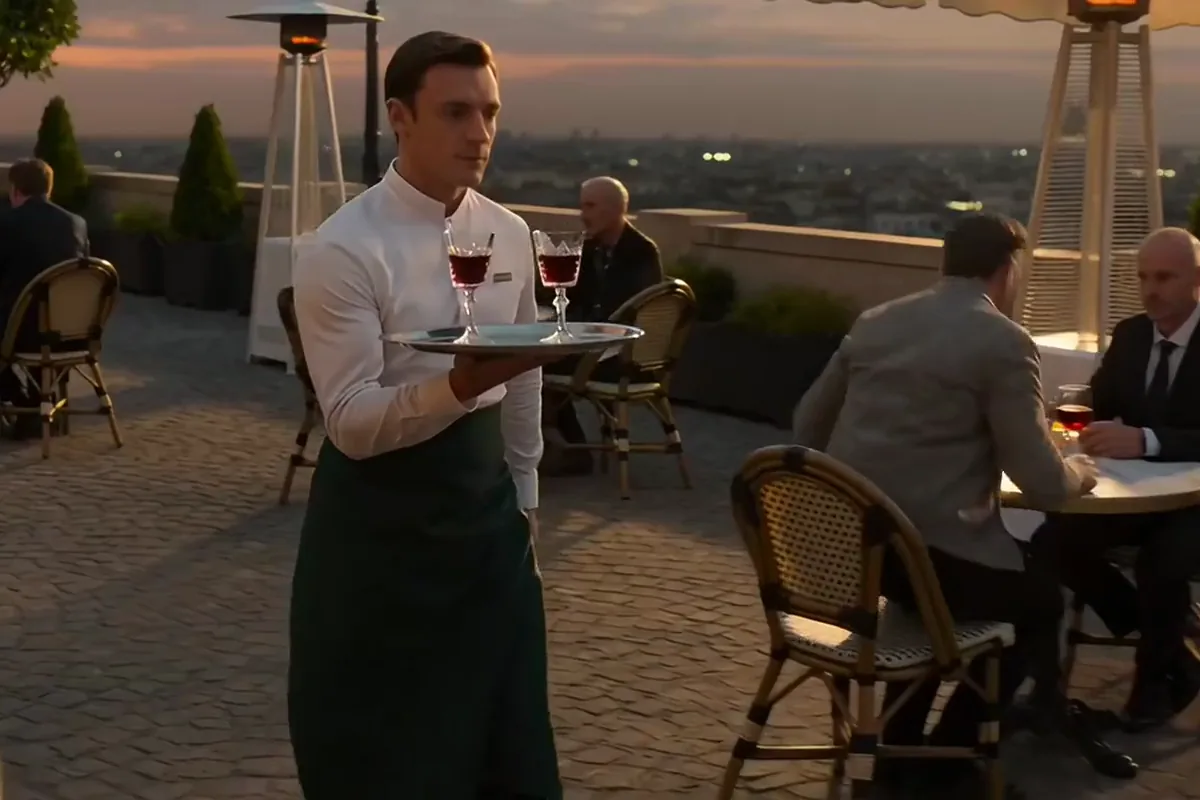
Runway Gen-4.5 video of a waiter carrying two glasses of red wine across a cafe terrace at sunset

Give each Runway clip one clear action and the moment that follows. Then add the camera move and the time of day. Runway tuned Gen-4.5 to follow prompts closely, and the details you name tend to stay put. Pixelcut takes prompts up to 1,000 characters, with room for wardrobe and light after the action.

Put Runway ML to work in film, ads and social

Here is how filmmakers, marketers and creators fit Runway AI into the work they already do.

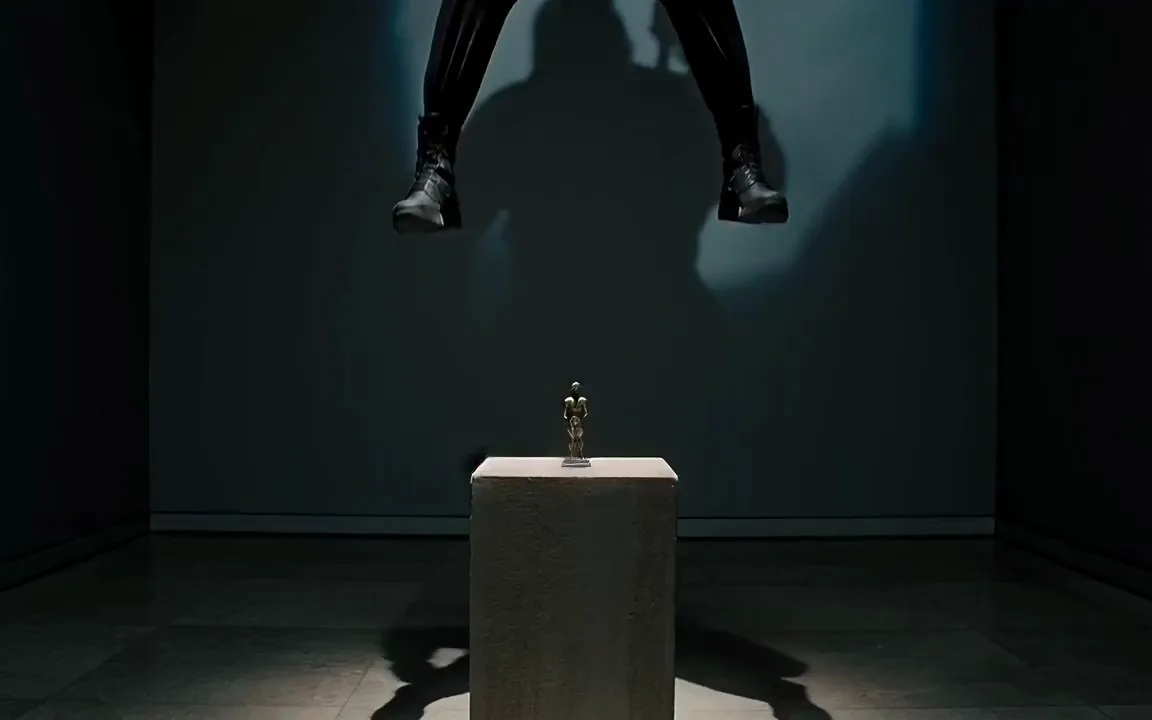
  • Runway Gen-4.5 video of a thief in black lowering on a rope to a bronze statuette on a stone pedestal

    Directors and pre-vis artists

    Block out a scene before the crew arrives. Judge the framing on a moving shot, then share it with your team as a storyboard that already plays.

  • Runway Gen-4.5 video of red wireless headphones on a plinth as the light warms from blue to gold

    Product marketers

    Show a product in motion before the shoot is booked. Make a clip for an ad or a product page from a prompt. Or upload your own product photo and set it moving.

  • Runway Gen-4.5 video of a grandmother and grandson folding dumplings on a floury wooden board

    Short form creators

    Make the moments you can't film and post them the same day in vertical 9:16. Try the same idea on another model in the AI video generator.

More models on Pixelcut

Switch models per generation instead of per subscription. Each card opens that model's page.

  • MiniMax

    • New
    • Image to video
    • Up to 10 s
  • ByteDance's newest video model

    • New
    • Audio
    • Image to video
    • Up to 30 s
  • Text, image and reference video, up to 15 s

    • New
    • Audio
    • Image to video
    • Up to 15 s
  • Photoreal video with synchronized audio

    • Audio
    • Image to video
    • Up to 8 s
  • Multi-shot scenes and elements

    • New
    • Audio
    • Image to video
    • Up to 15 s
  • Synchronized audio in many languages

    • Image to video
    • Up to 10 s

How to generate videos with Runway AI

  1. 1

    Describe your scene

    Type what should happen in the prompt box, from the subject to the light. Want to animate a picture instead? Upload a start photo and describe how it moves.

  2. 2

    Pick the model and settings

    Select Runway Gen-4.5 in the model picker, then choose wide 16:9 or vertical 9:16, or one of the extra shapes a start photo allows for your clip.

  3. 3

    Generate and download

    Press generate, let the Runway AI video generator render your clip, and download the MP4 when it's ready. Change a word in the prompt to try another take.

Plans for video generation

Video is billed in credits per second of footage. Pick the plan that matches how much you make.

Save 20% with a yearly plan

Free

$0
per month, billed yearly
Limited Background Removal
Limited Upscale
Free export without watermark

Pro

$10$8
per month, billed yearly
600 AI Credits Monthly
Access all AI models
Unlimited Background Removal
Unlimited Upscale
3 Person Team
1,000 Batch Exports Monthly
Commercial license
Most Popular

Business

$30$24
per month, billed yearly
3,600 AI Credits Monthly
Access all AI models
Unlimited Background Removal
Unlimited Upscale
10 Person Team
2,000 Batch Exports Monthly
Commercial license
Trusted by over 200,000 creators, brands and small businesses

Trusted by creatives at

  • Adidas logo
  • Airbnb logo
  • Apple logo
  • Chanel logo
  • Google logo
  • Gucci logo
  • H&M logo
  • Nike logo
  • Sephora logo
  • Starbucks logo
  • Toyota logo

Frequently Asked Questions

Bring your next scene to life with Runway