

PixVerse AI video of a lime green monster truck jumping a dirt ramp on an orange track, Two zebras rearing up to spar chest to chest in golden grass at sunset, An orange hovercraft skimming a green river between red canyon walls, A street performer blowing a huge orange fireball from a torch in a night bazaar

PixVerse AI video generator

Write a scene and PixVerse on Pixelcut turns it into a widescreen video clip in about 80 seconds, ready to download as an MP4.

Model

Pixverse 3.5 on Pixelcut

PixVerse v3.5 by PixVerse turns a text prompt into a 5 or 8 second widescreen MP4 at 720p in about 80 seconds. Its Fast version makes 5 second clips in about 90 seconds.

Pixverse 3.5 at a glance

Input
Text
Resolution
720 × 1280
Aspect ratio
9:16 and 16:9Landscape or vertical
Output
MP4
Clip length
5 to 8 s
Audio
No sound

Watch PixVerse AI video examples

Describe a scene, and PixVerse turns it into a short clip you can save as an MP4.

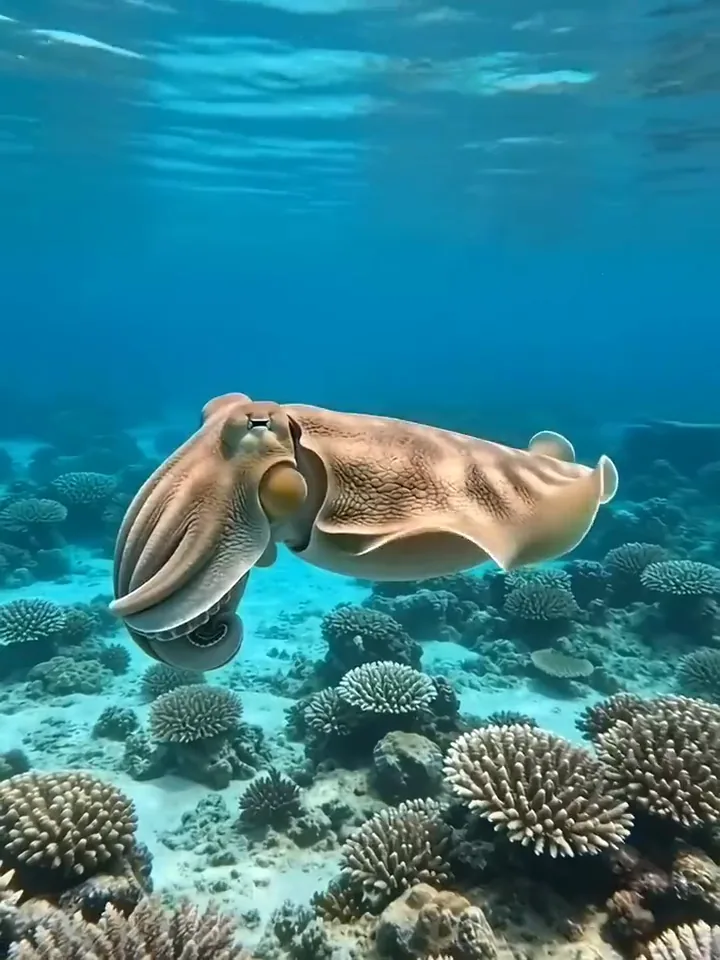
PixVerse video of a cuttlefish rippling bands of violet and orange over a coral reef
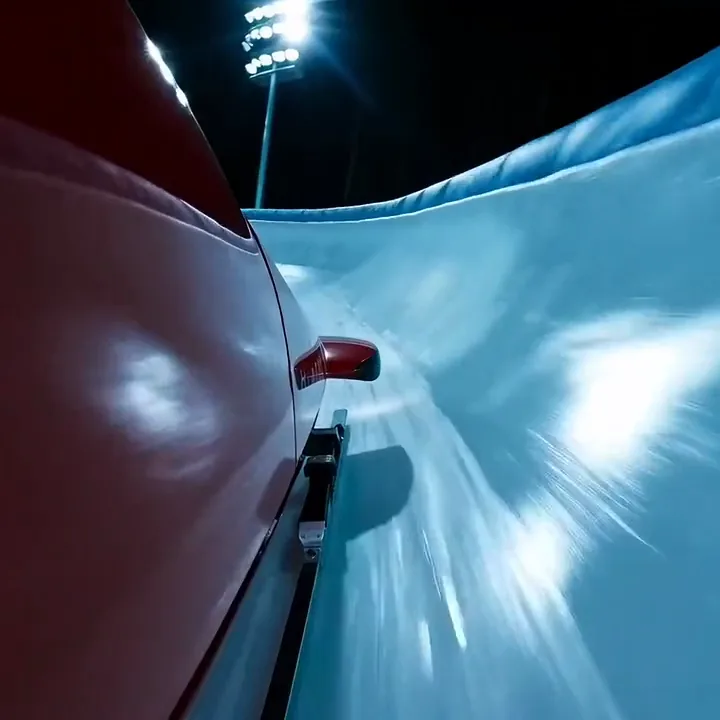
Close view of a red bobsled racing through a floodlit ice track at night
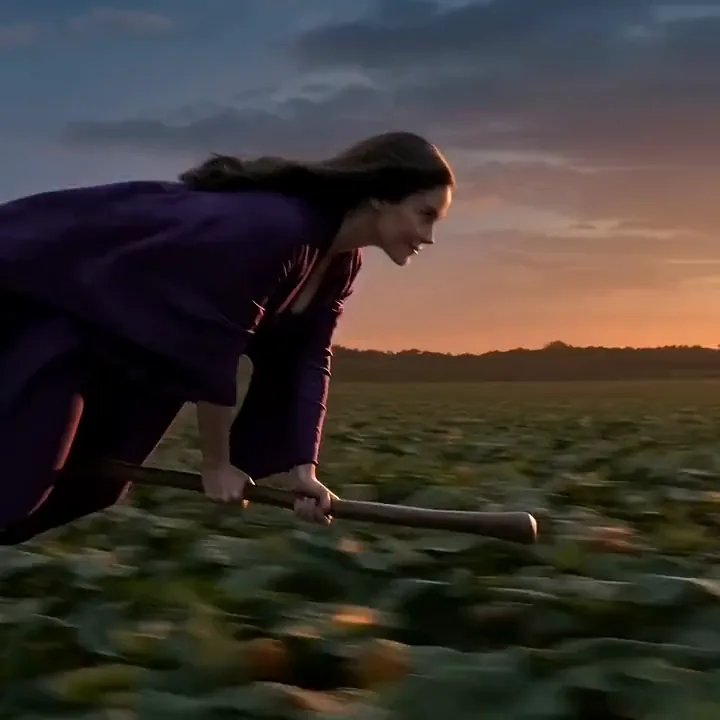
A witch in a violet robe flying her broom over a pumpkin field and a barn roof at dusk
An empty red wooden boat rising off a still teal lake at pink dawn, water streaming from its keel
A clay hermit crab peeking out of a pink shell on a sunny beach and raising both claws
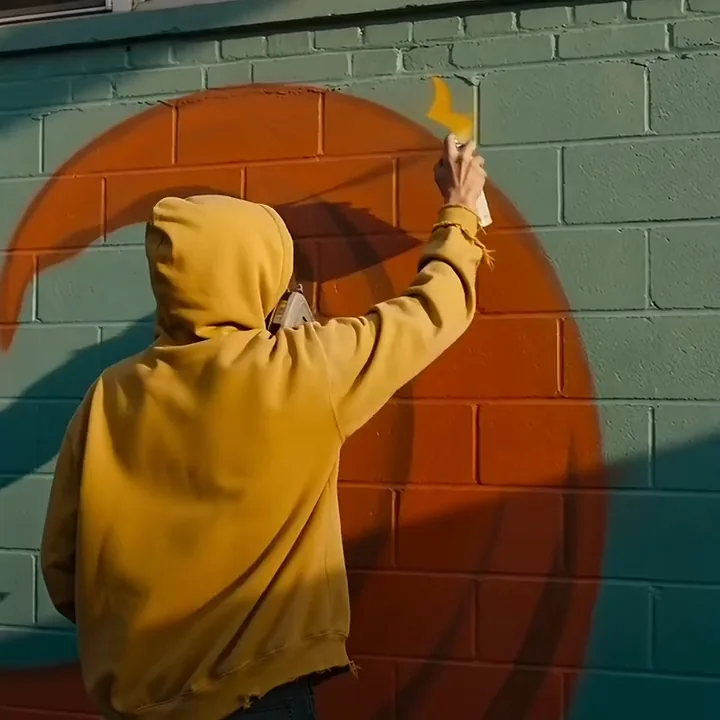
A street artist in a yellow hoodie spraying a yellow sunburst onto an orange mural on a teal wall
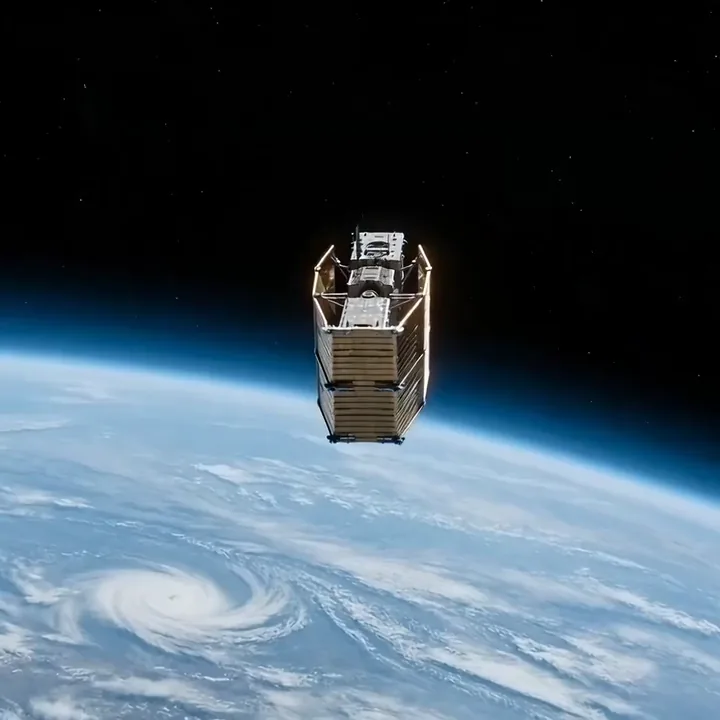
A satellite spreading golden solar panels above the blue Earth
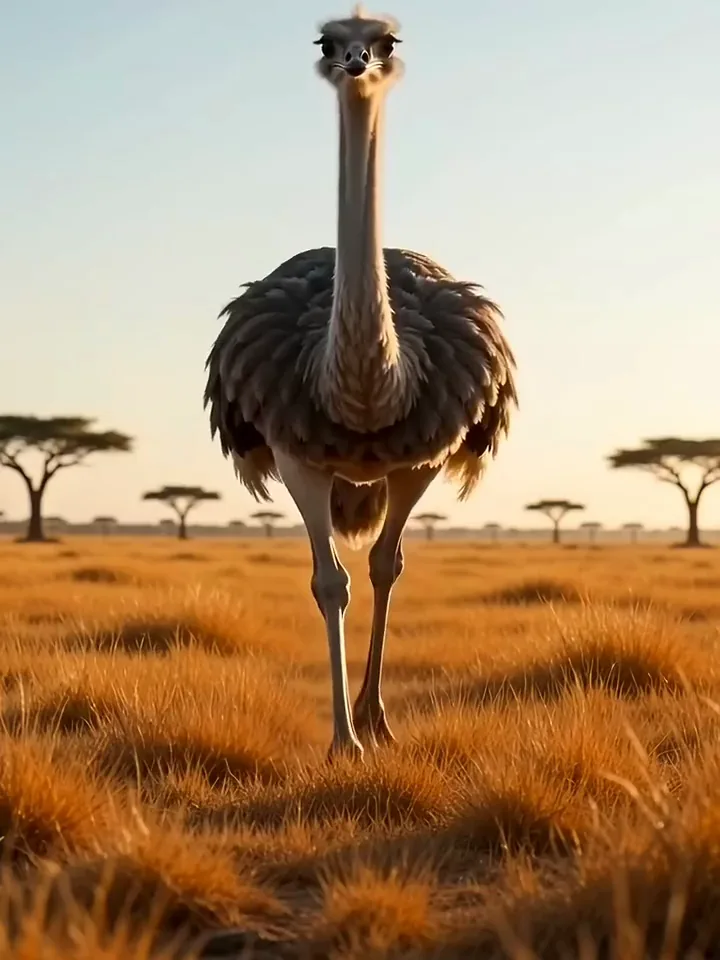
An ostrich walking up to the camera on orange grassland until its eye fills the frame

Text to video

Create PixVerse text to video clips from a prompt

There is one way in, and it is a written prompt. Type the scene, keep v3.5 or switch to v3.5 Fast, choose the length, and the model renders a widescreen clip from your text. Read it back, adjust a detail and run another take for a different version.

  1. Type the scene into the prompt box
  2. Pick v3.5 or v3.5 Fast and a length
  3. Generate the clip and save the MP4

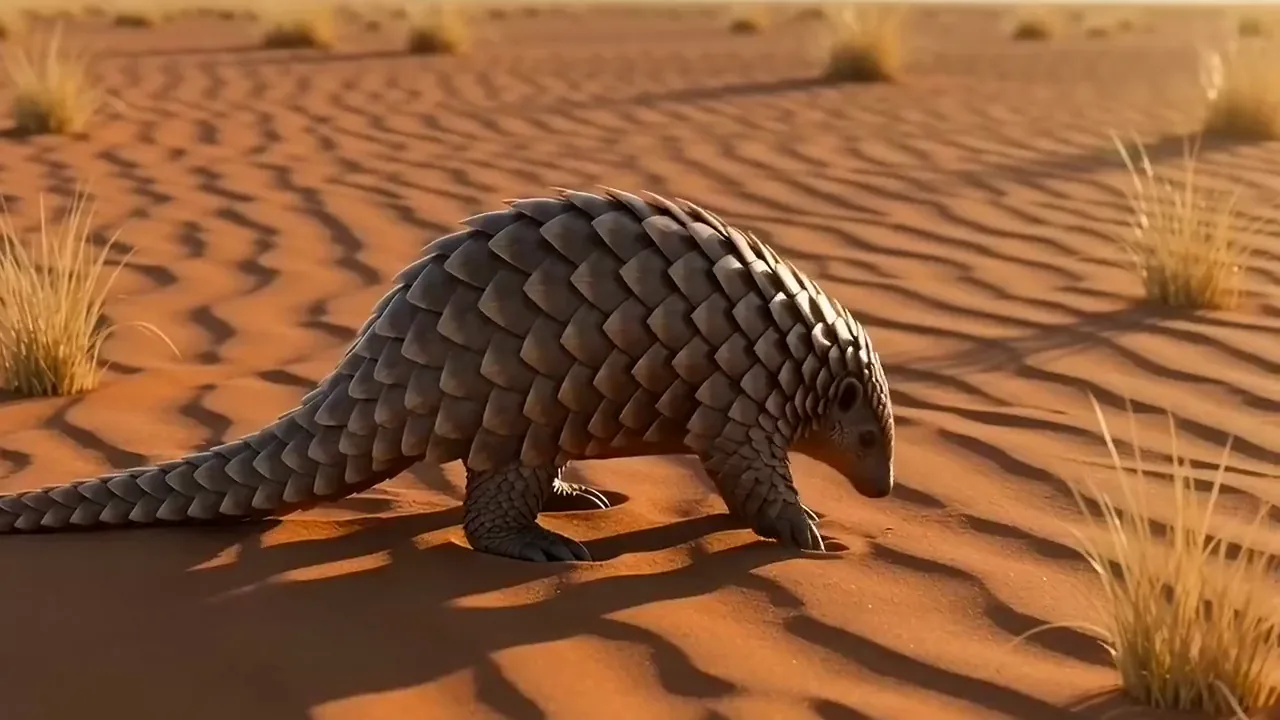
A pangolin curls into a tight ball of bronze scales on red sand at sunset as the camera slowly pushes in

Text to video

Turn one written scene into a PixVerse clip
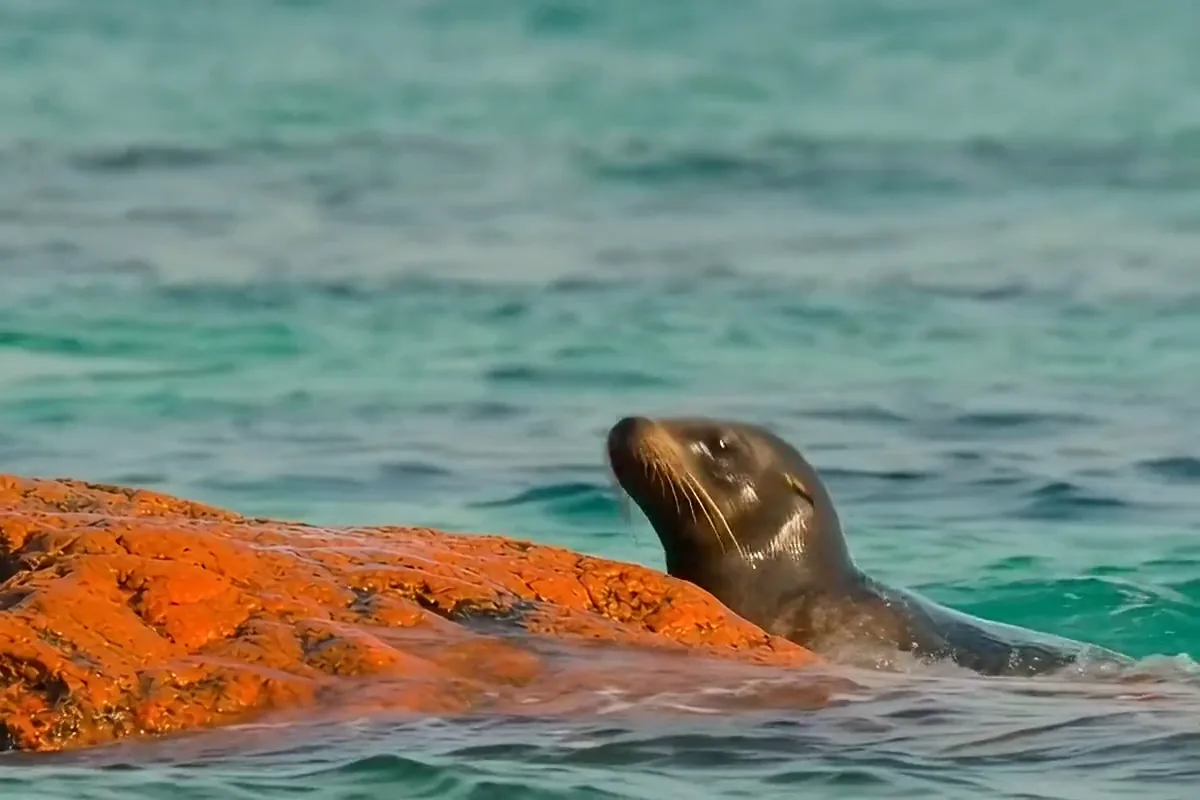
PixVerse video of a sea lion hauling itself out of turquoise surf onto a sunlit orange rock

Type the scene you have in mind and the model builds the whole shot for you. There is nothing to film and nothing to upload before you start. One idea can become many shots, each a little different from the last.
Write PixVerse prompts that shape every detail

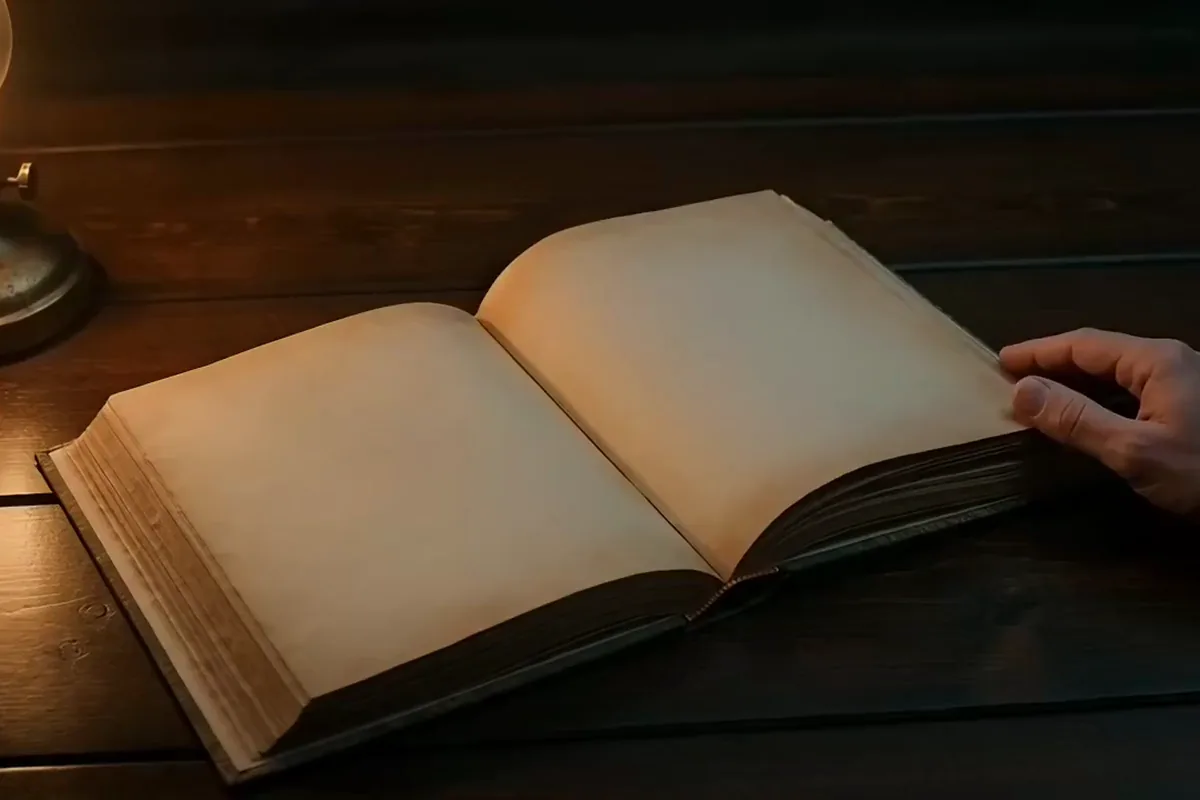
A red and teal paper castle rising from a pop up book as a hand opens the pages

The more you describe, the closer the clip comes to the picture in your head. Every detail you add gives the model something to show on screen. Leave a detail out and the clip takes its own turn, sometimes into a happy surprise.

Give a slow moment 8 seconds to play out

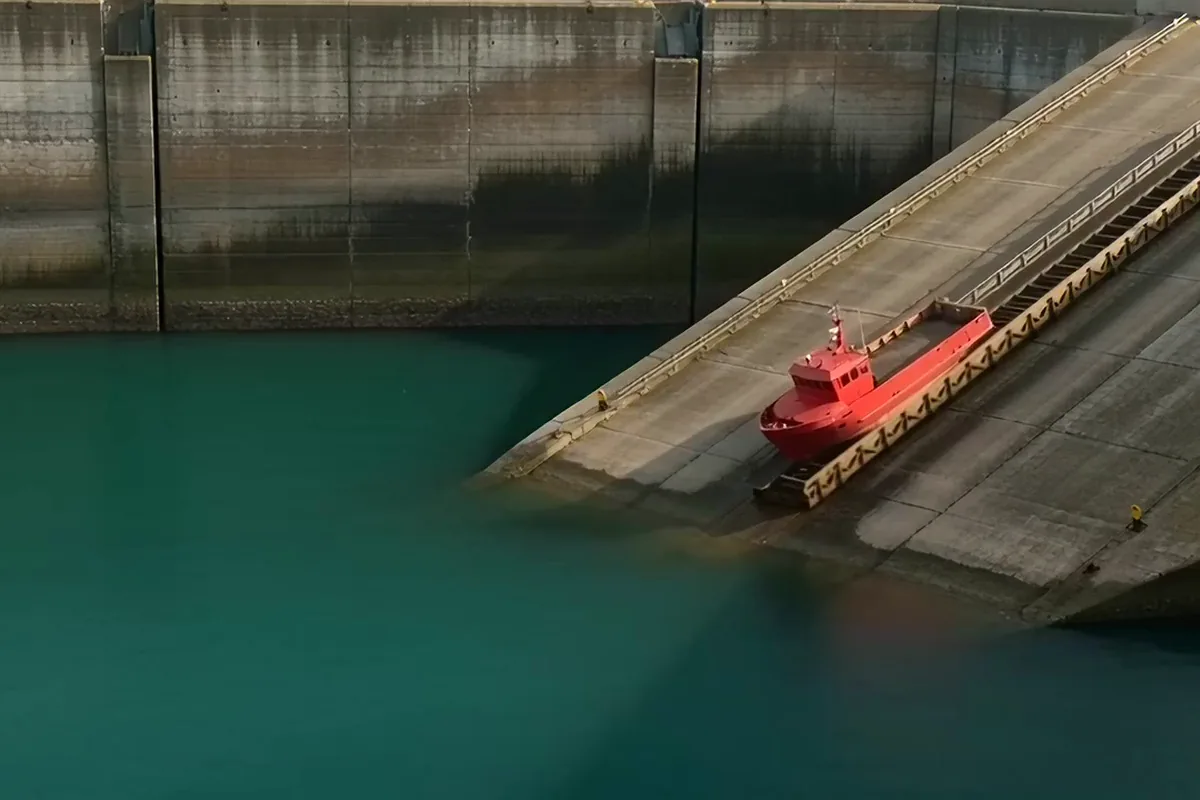
A small red ship sliding down a concrete slipway into a teal harbor with a splash

Some ideas need time to land. On v3.5 a clip can run a full 8 seconds, giving a big moment room to build and finish on screen. Use the longer take when the payoff comes last.

Get widescreen MP4s that drop into your edit

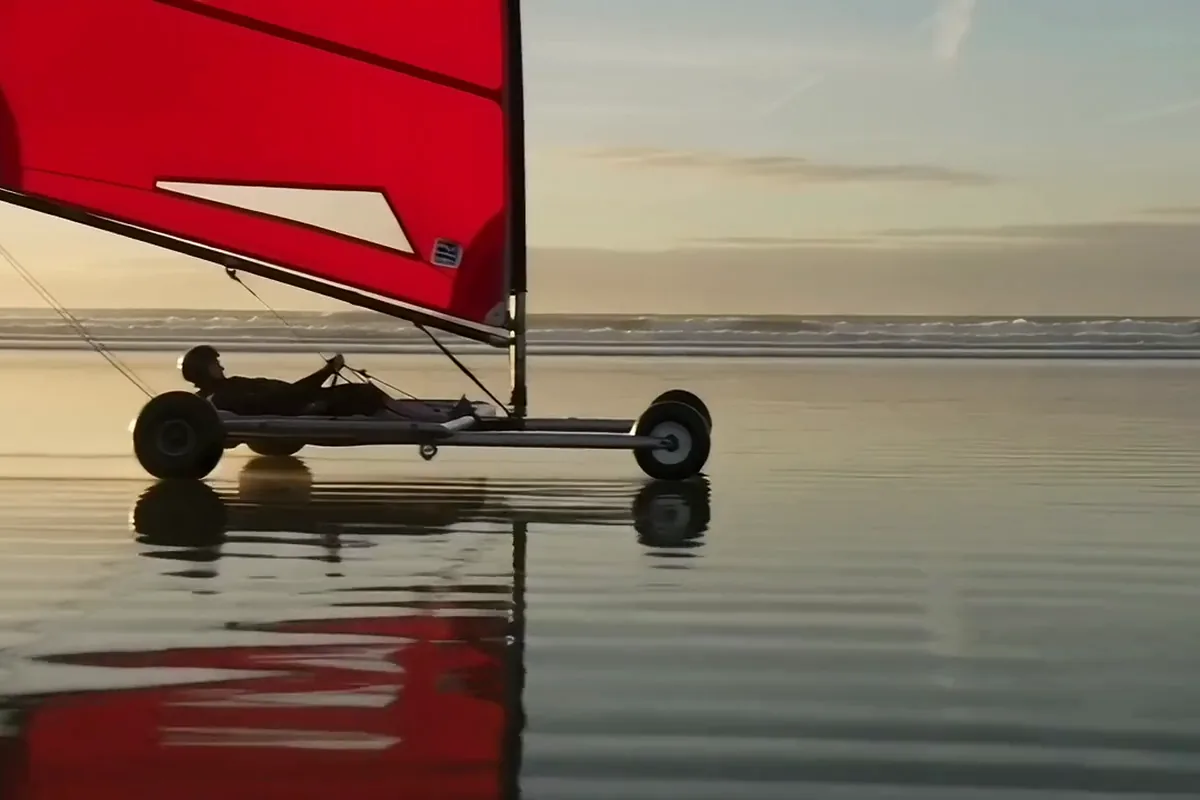
A sand yacht with a red sail tipping up on one side in a gust on a wet beach

Every clip comes back in a 16:9 frame, the shape of a YouTube video or a slide deck. Wide subjects get the full width to move across. Download the MP4 and it is ready for your timeline.

Use the PixVerse AI video generator your way

Widescreen clips from a written scene suit channels, brands and storytellers who plan their shots in words.

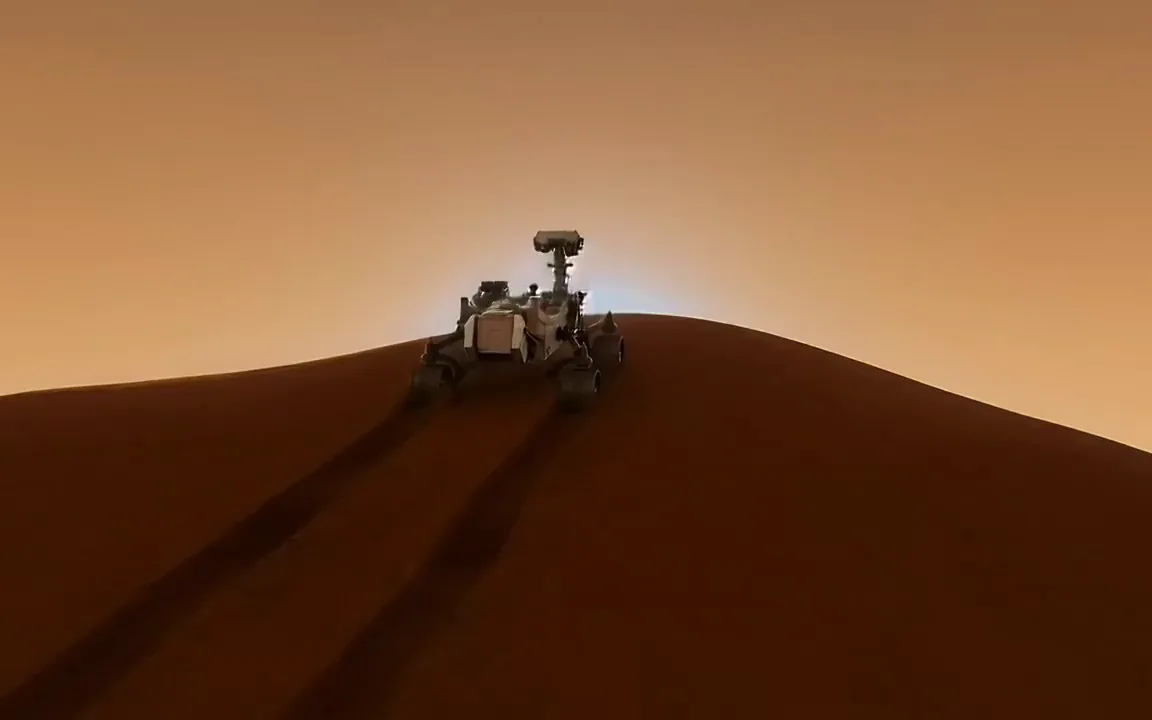
  • A six wheeled rover cresting a rust red dune on Mars at sunset

    YouTube and explainer creators

    Write the footage nobody could film and cut it into your next science or history video. Show distant worlds and past events without hunting through stock libraries.

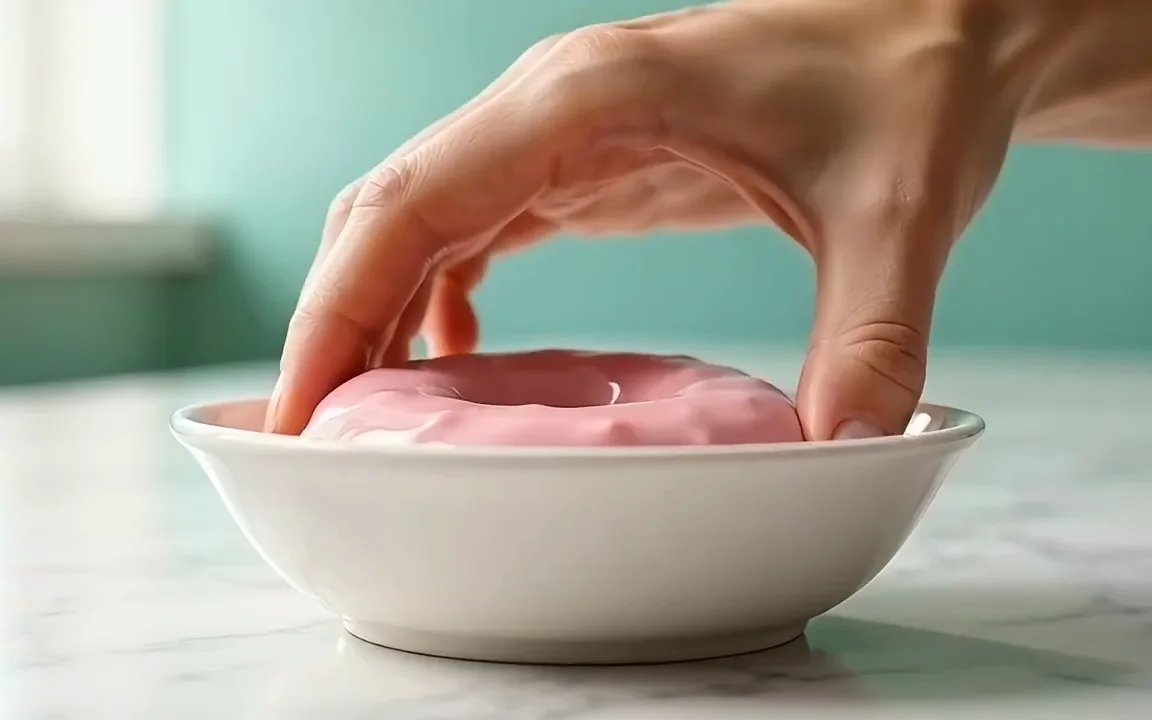
  • A hand lifting a doughnut out of a bowl of glossy pink glaze against a mint wall

    Marketers and small brands

    Brief an ad shot in one sentence and get a polished mood clip back. Use it to open a promo or bring a product page to life.

  • A hand drawn anime woman in a red jacket throwing a paper plane toward a summer cloud

    Animators and storytellers

    Draft a story beat in the drawing style you describe, before you animate a single frame. Compare more models for text to video.

More models on Pixelcut

Switch models per generation instead of per subscription. Each card opens that model's page.

  • Cinematic motion, and your first video is free

    • New
    • Free with sign-up
    • Image to video
    • Up to 10 s
  • ByteDance's newest video model

    • New
    • Audio
    • Image to video
    • Up to 30 s
  • Text, image and reference video, up to 15 s

    • New
    • Audio
    • Image to video
    • Up to 15 s
  • Photoreal video with synchronized audio

    • Audio
    • Image to video
    • Up to 8 s
  • Multi-shot scenes and elements

    • New
    • Audio
    • Image to video
    • Up to 15 s
  • Synchronized audio in many languages

    • Image to video
    • Up to 10 s

How to use PixVerse AI

  1. 1

    Write your scene

    Type what happens into the prompt box in one or two plain sentences that follow a single shot from its first moment to its last. Keep each clip to one idea.

  2. 2

    Choose version and length

    The default, v3.5, is already selected. Pick 5 or 8 seconds for your clip. v3.5 Fast is the other version on the switch and makes 5 second clips only.

  3. 3

    Generate and download

    Press generate and give it about 80 seconds, the time the model picker shows. Play the widescreen take, then save the MP4 or rework the prompt for another pass.

Plans for video generation

Video is billed in credits per second of footage. Pick the plan that matches how much you make.

Save 20% with a yearly plan

Free

$0
per month, billed yearly
Your first video free on MiniMax H3 Max
Image tools free to try

Pro

$10$8
per month, billed yearly
600 AI Credits Monthly
Access all AI models
Unlimited Background Removal
Unlimited Upscale
3 Person Team
1,000 Batch Exports Monthly
Commercial license
Most Popular

Business

$30$24
per month, billed yearly
3,600 AI Credits Monthly
Access all AI models
Unlimited Background Removal
Unlimited Upscale
10 Person Team
2,000 Batch Exports Monthly
Commercial license
Trusted by over 200,000 creators, brands and small businesses

Trusted by creatives at

  • Adidas logo
  • Airbnb logo
  • Apple logo
  • Chanel logo
  • Google logo
  • Gucci logo
  • H&M logo
  • Nike logo
  • Sephora logo
  • Starbucks logo
  • Toyota logo

Frequently Asked Questions

Type a scene and let PixVerse v3.5 render it