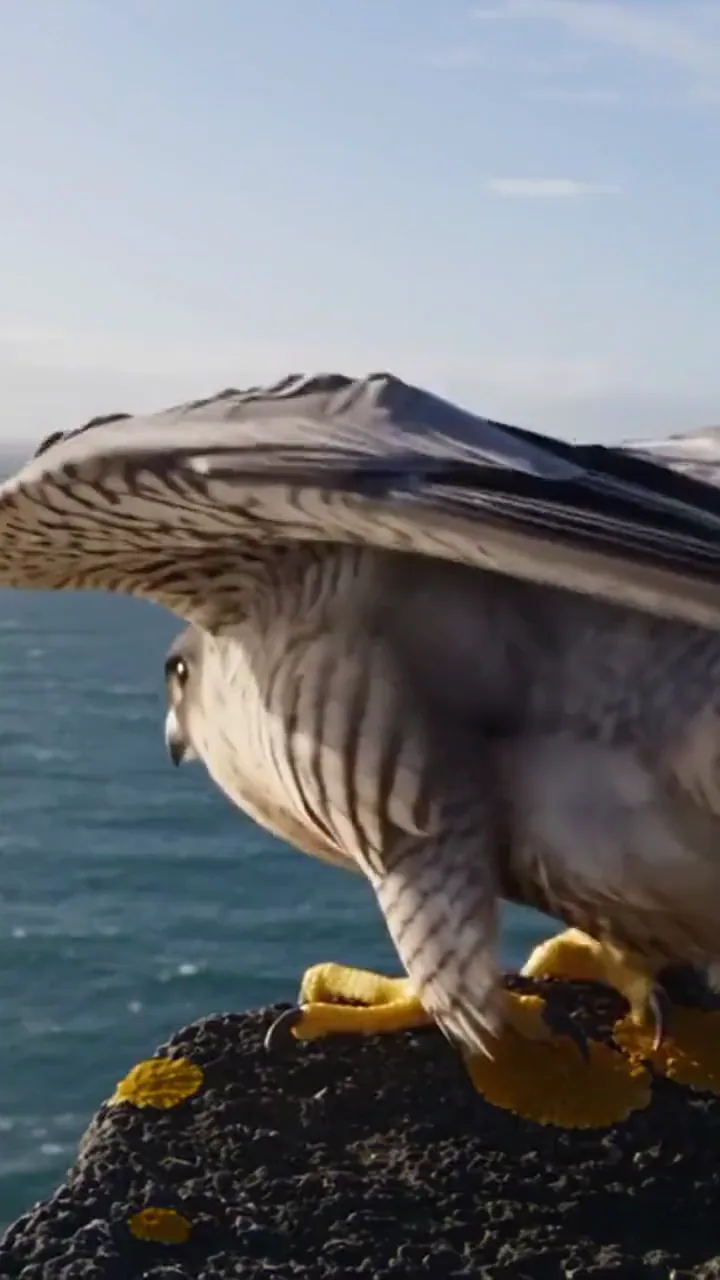


Kling 4.0 video of a peregrine falcon taking off from a lichen covered rock and flying out over the sea

Kling 4.0 AI video generator

Turn a prompt or a photo into one continuous take of up to 30 seconds with Kling 4.0 by Kuaishou on Pixelcut, in 720p or sharp 1080p.

Model

Kling 4.0 on Pixelcut

Kling 4.0 on Pixelcut turns one prompt or photo into a single continuous take that plays out from start to finish. Your clip arrives in about five minutes, ready to download and share.

Kling 4.0 at a glance

Input
Text or photosOptional start and end photo
Resolution
720p or 1080p
Aspect ratio
9:16, 16:9, and 1:1Landscape, portrait or square
Output
MP4
Clip length
3 to 30 s
Audio
Always onSound generated with the video

See Kling 4.0 videos in action

Describe a scene, and Kling 4.0 turns it into a clip of up to 30 seconds with its natural sound.

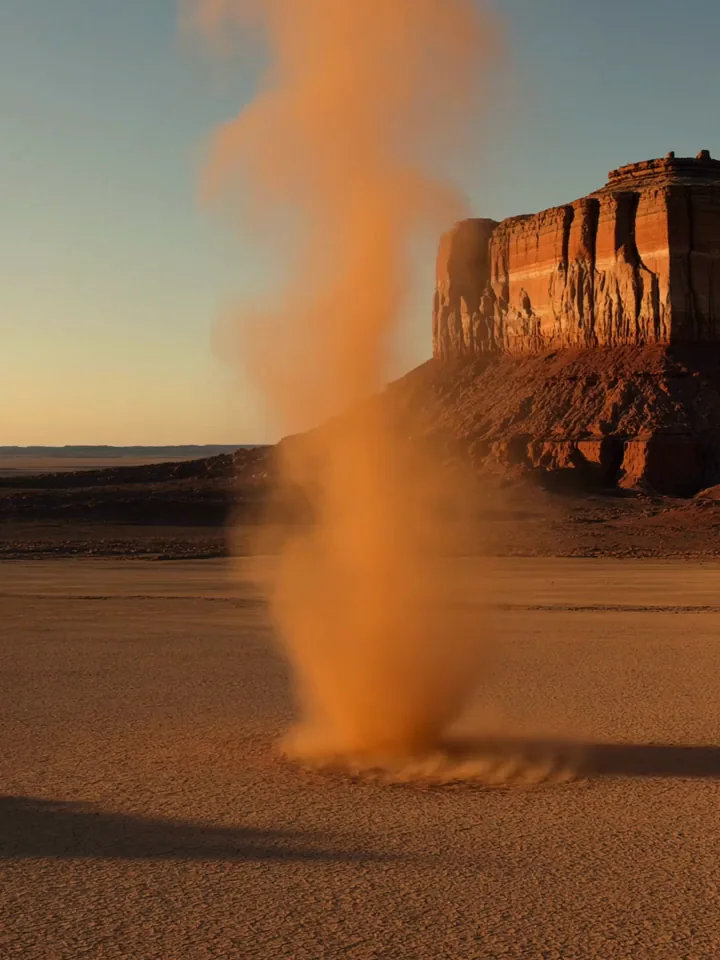
A tall dust devil spinning orange dust across a dry plain in front of a red mesa
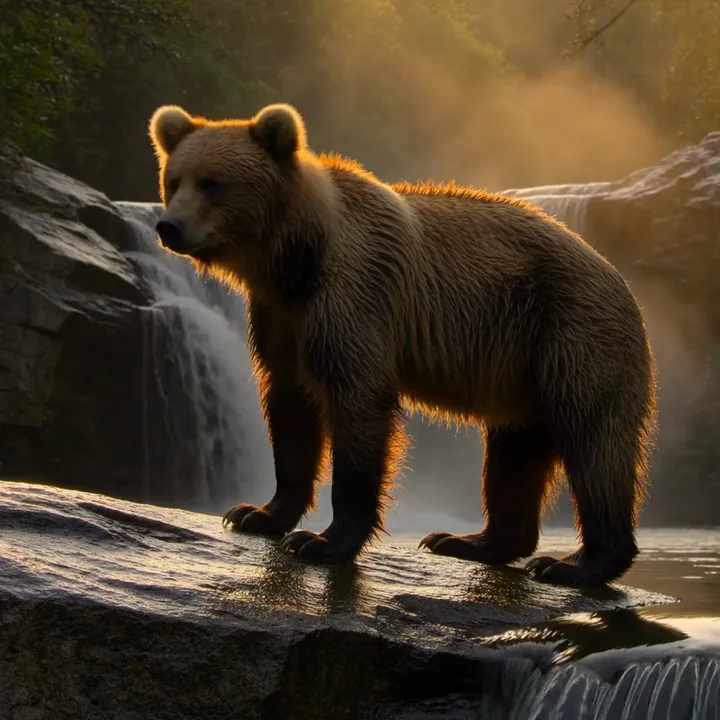
A wet brown bear shaking water from its fur on a rock beside a waterfall at golden hour
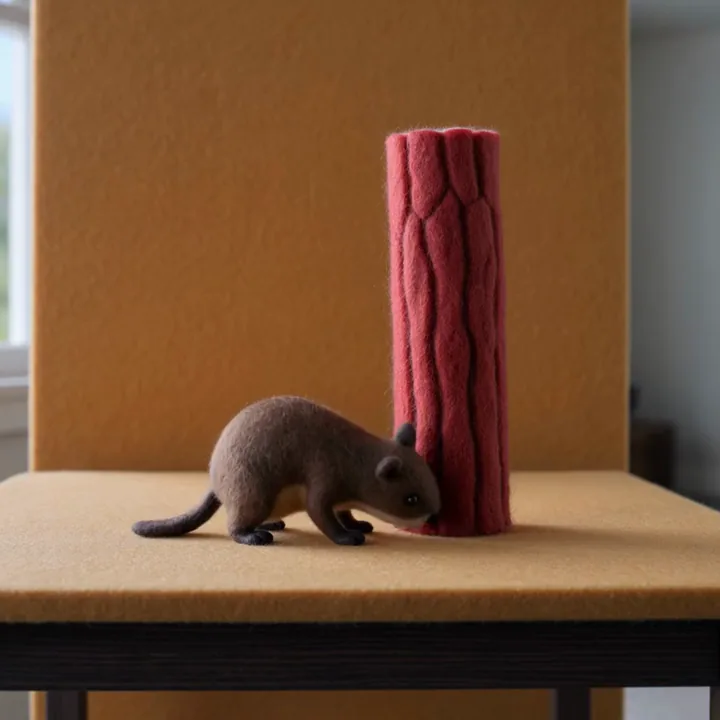
Kling 4.0 video of a felt beaver gnawing a red felt log until it topples flat across the table.
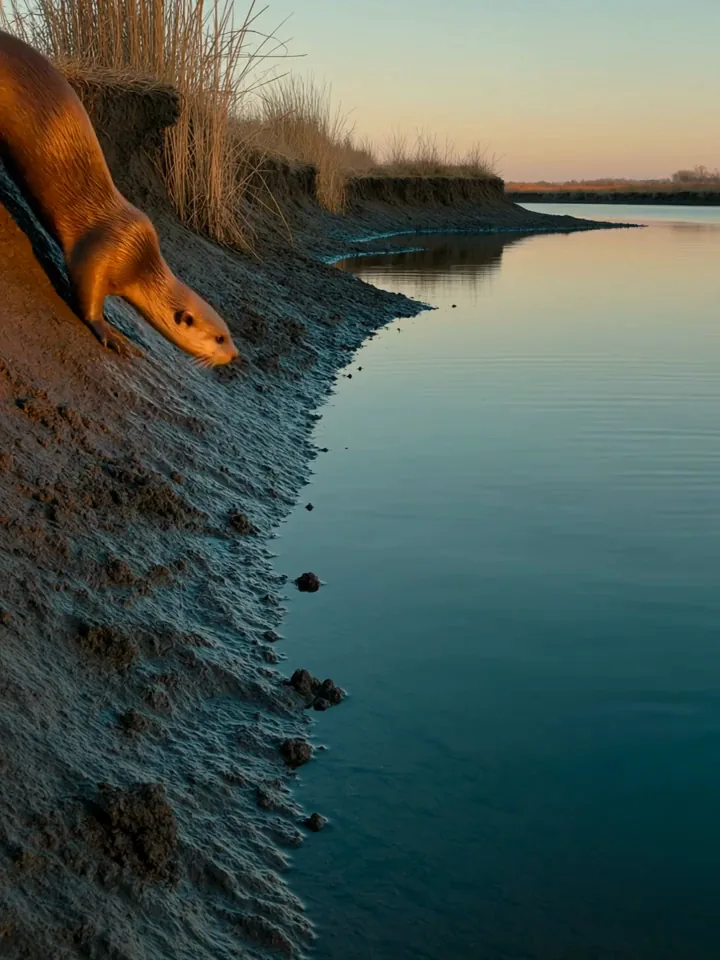
An otter sliding down a muddy riverbank at dawn and slipping into the calm water
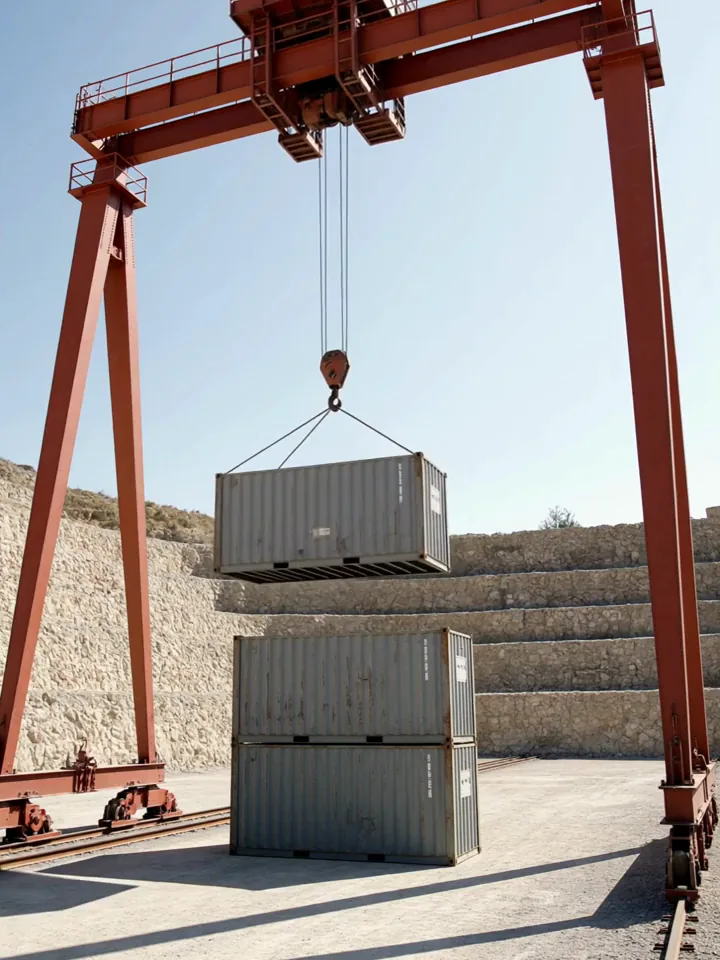
A red gantry crane lowering a grey shipping container onto a stack of two in a stone quarry
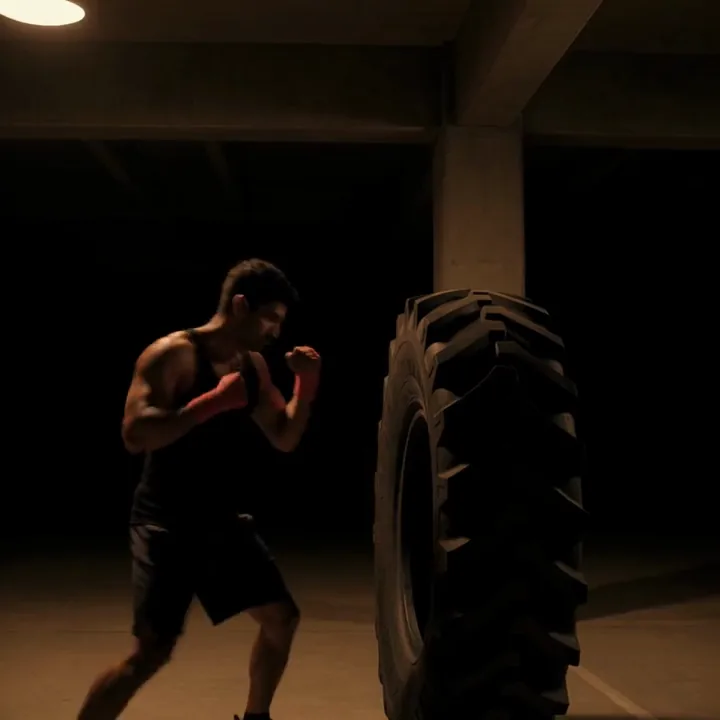
A man in red hand wraps punching a huge upright tractor tire on a dark concrete deck
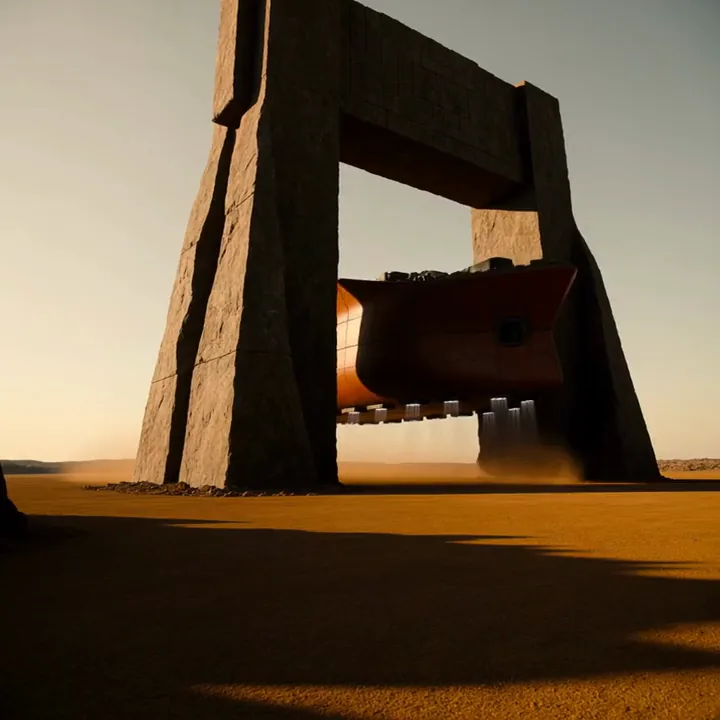
Kling 4.0 video of a colossal orange hover ship gliding through a giant stone arch above desert sand.
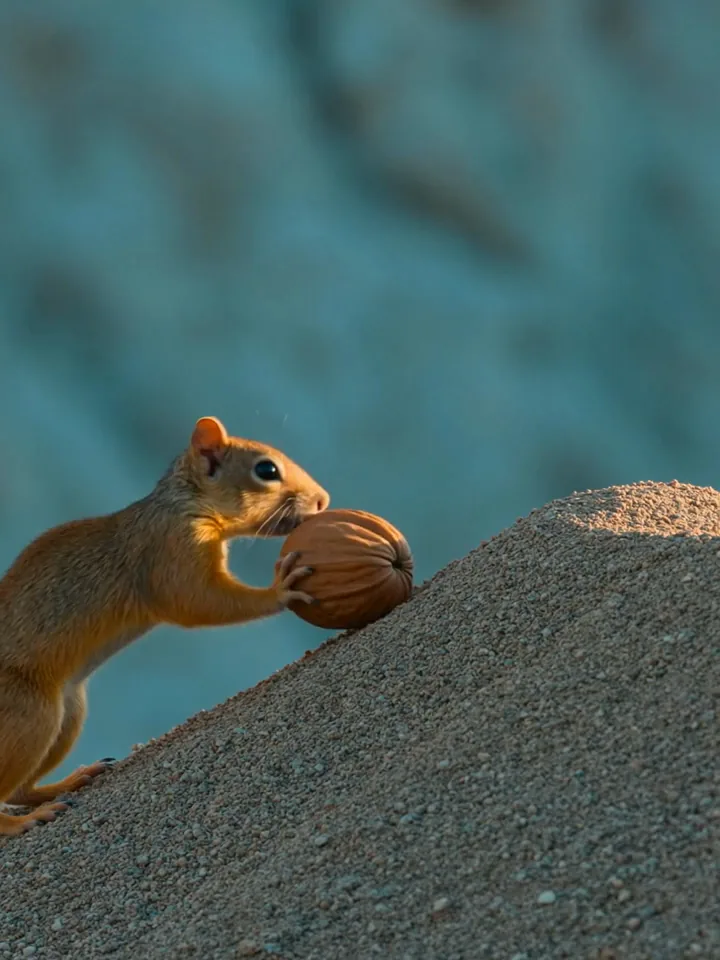
A ground squirrel pushing a walnut up a steep gritty slope in warm evening light

Words or a photo

Use Kling 4.0 text to video or image to video

Start from text when the idea lives only in words and you want to watch it play out. Start from a photo when you already have the picture. Your photo opens the clip, and an optional end photo sets the frame it closes on.

  1. Type your scene or upload the opening photo
  2. Add an end photo if you want to set the last frame
  3. Choose the length and resolution, then generate

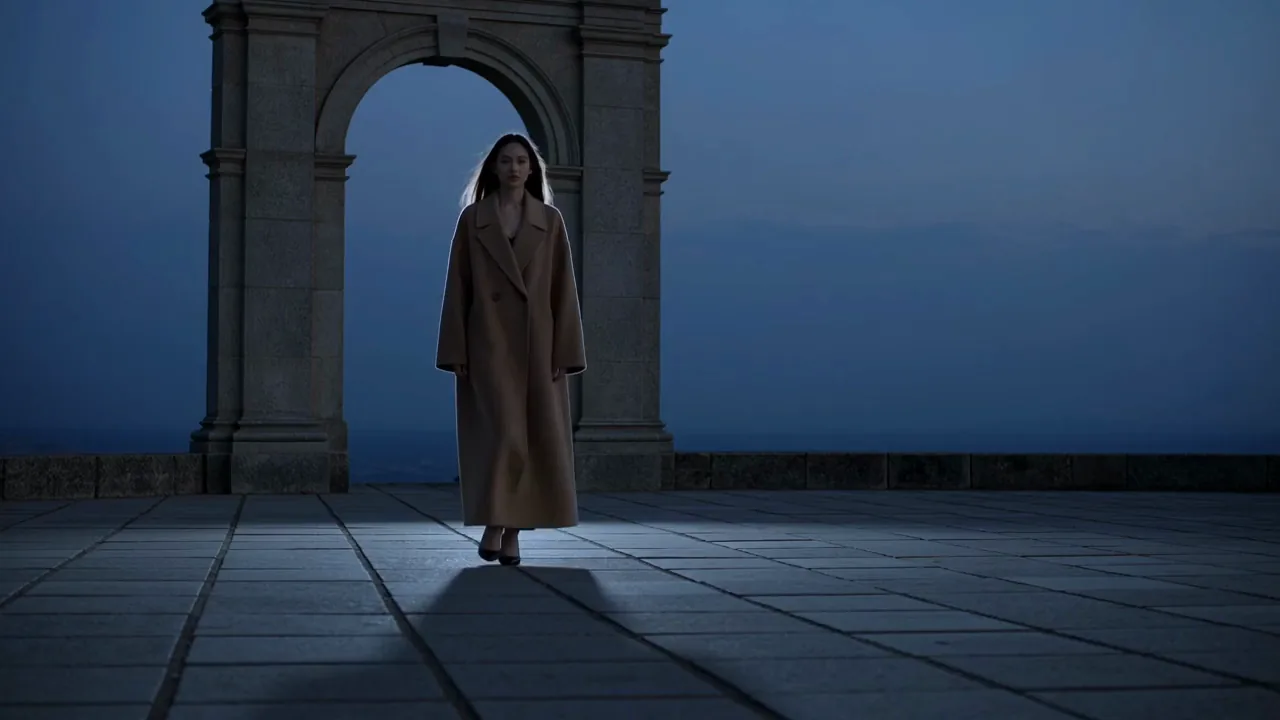
A woman in a long sand wool coat steps out of a stone archway into an empty square at blue hour as a cold gust flares her coat.

Kling 4.0 video of a woman in a long sand coat walking out of a stone archway into a square at blue hour.

Make Kling 4.0 clips up to 30 seconds long
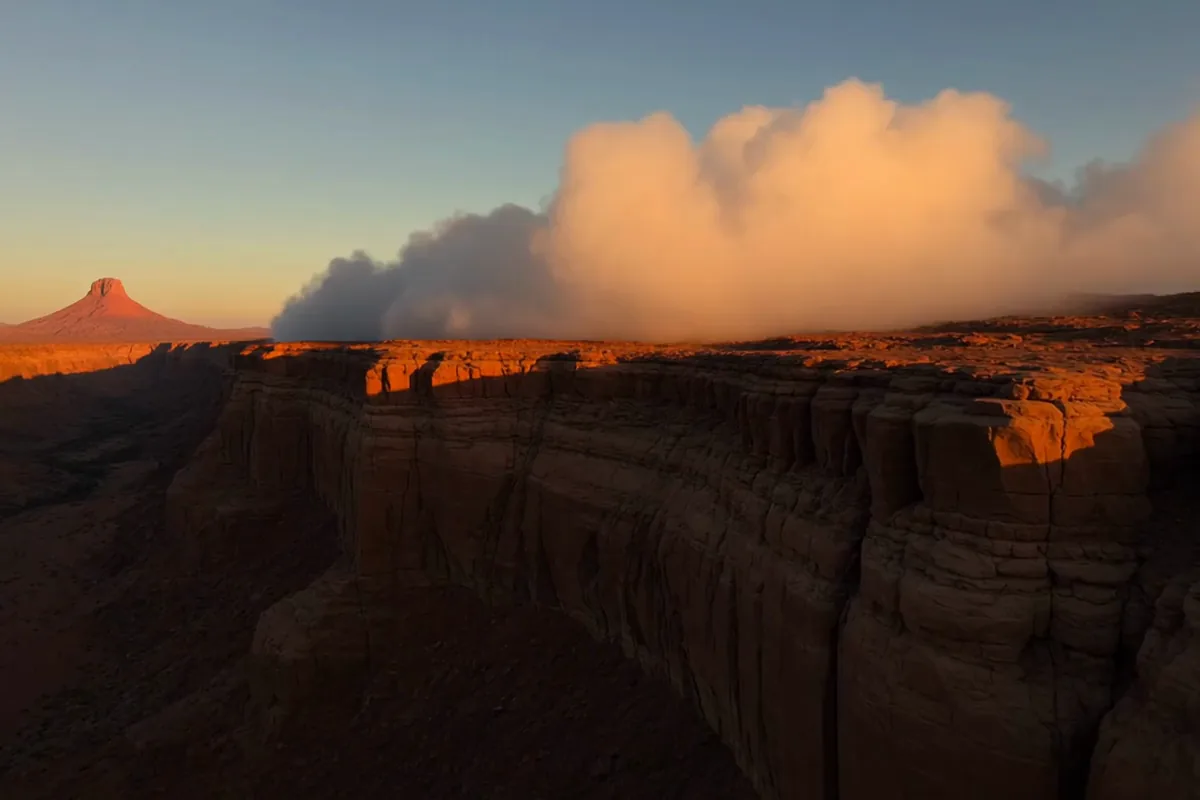
A fog bank rolling over a red canyon rim at sunrise and spilling down the cliff face

Get up to 30 seconds in a single generation, twice the length of Kling 3.0. One continuous take has time to build a moment and pay it off at the end. Choose any length from 3 seconds up. Your whole scene arrives as one clean shot, with no cuts to stitch together.
Pick the first and last frame of your Kling v4 video

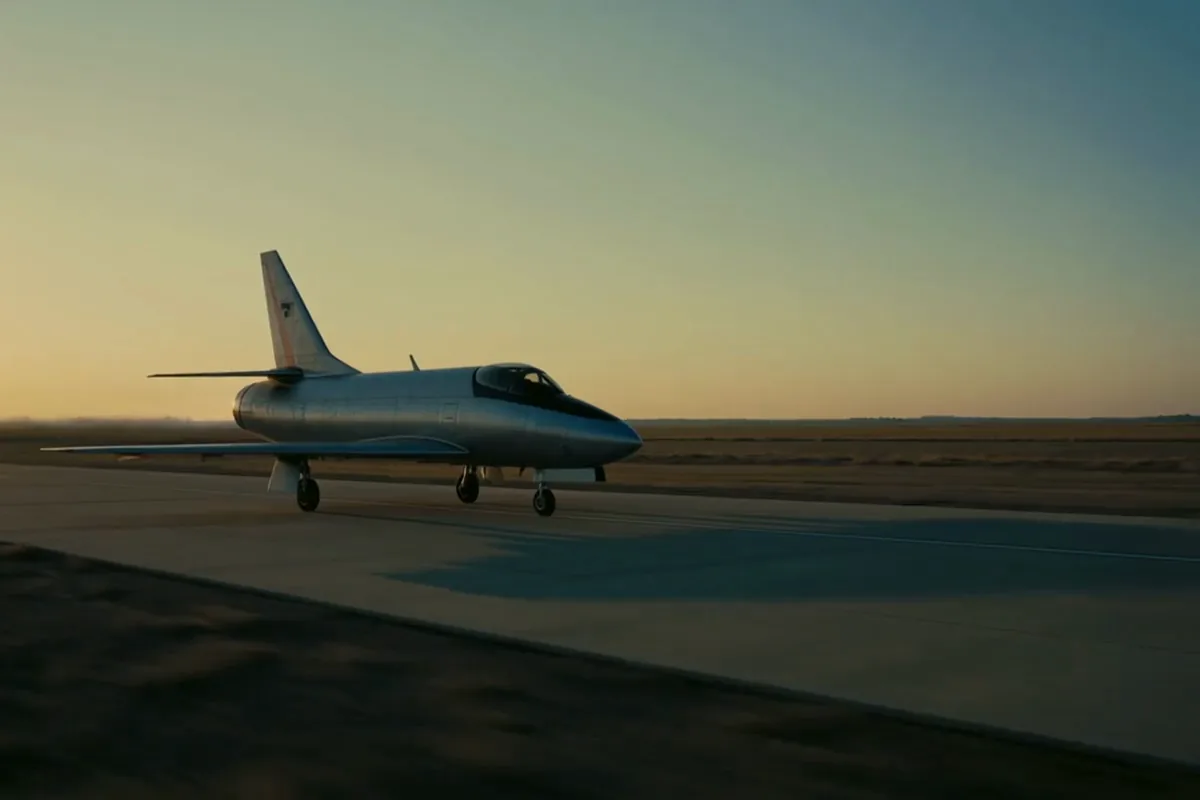
Kling 4.0 video of a silver test jet racing down a steppe runway at dawn and lifting off.

Your clip travels from the start photo you upload to the end photo you choose. You decide exactly where the shot opens and where it lands, rather than hoping the ending turns out right. That control counts most in a reveal, when the closing frame is the one people remember. Every take finishes on the picture you planned.

Your scene comes with its own natural sound

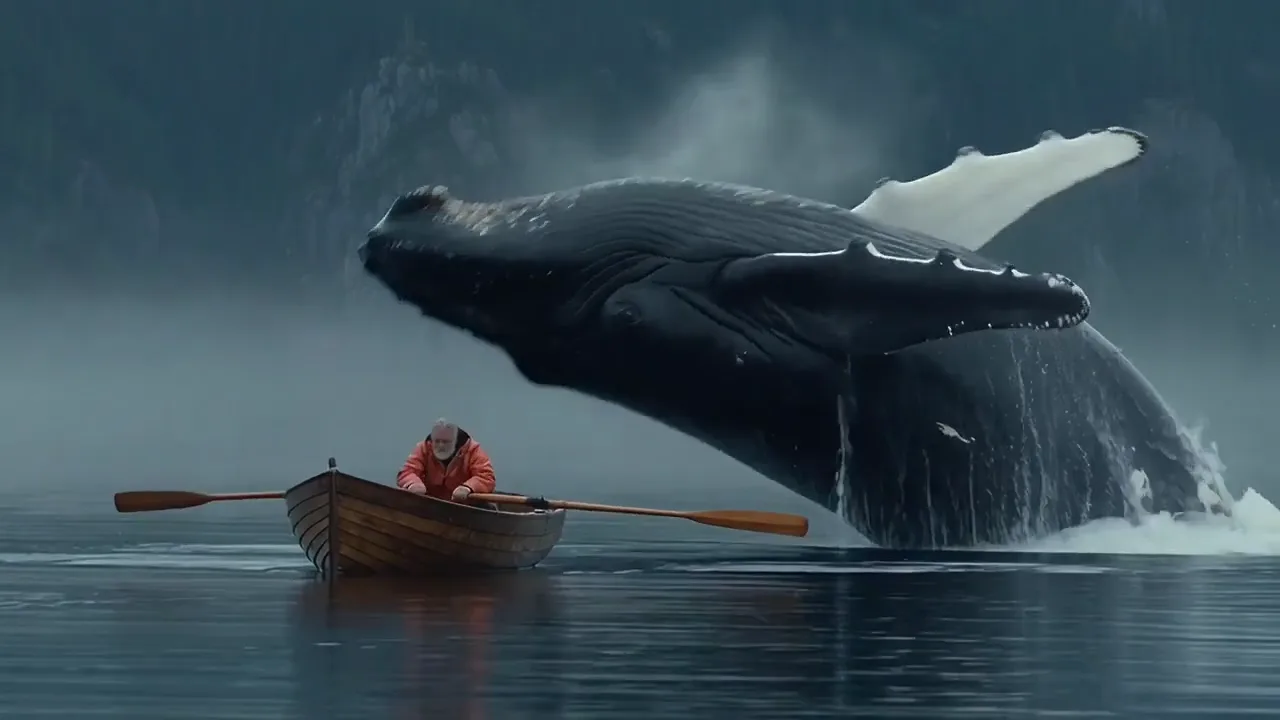
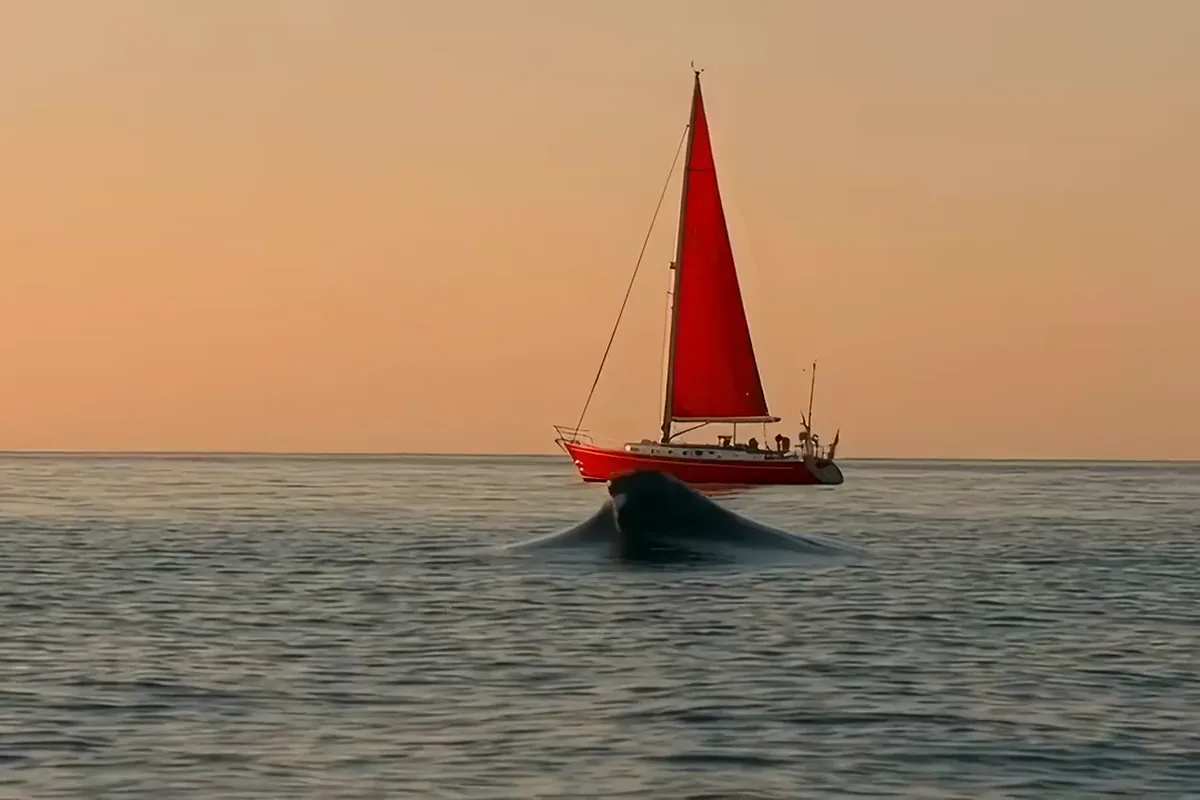
Kling 4.0 video of a humpback whale breaching beside a red sailboat at sunset and crashing back in white spray.

Describe a moment in words, and your clip comes back with the natural sound of the scene. Picture and audio arrive together in one MP4. There is nothing to source or line up later, and no separate sound tool to open. You post a finished scene that feels alive from the first second.

Make your Kling 4 clip tall, wide or square

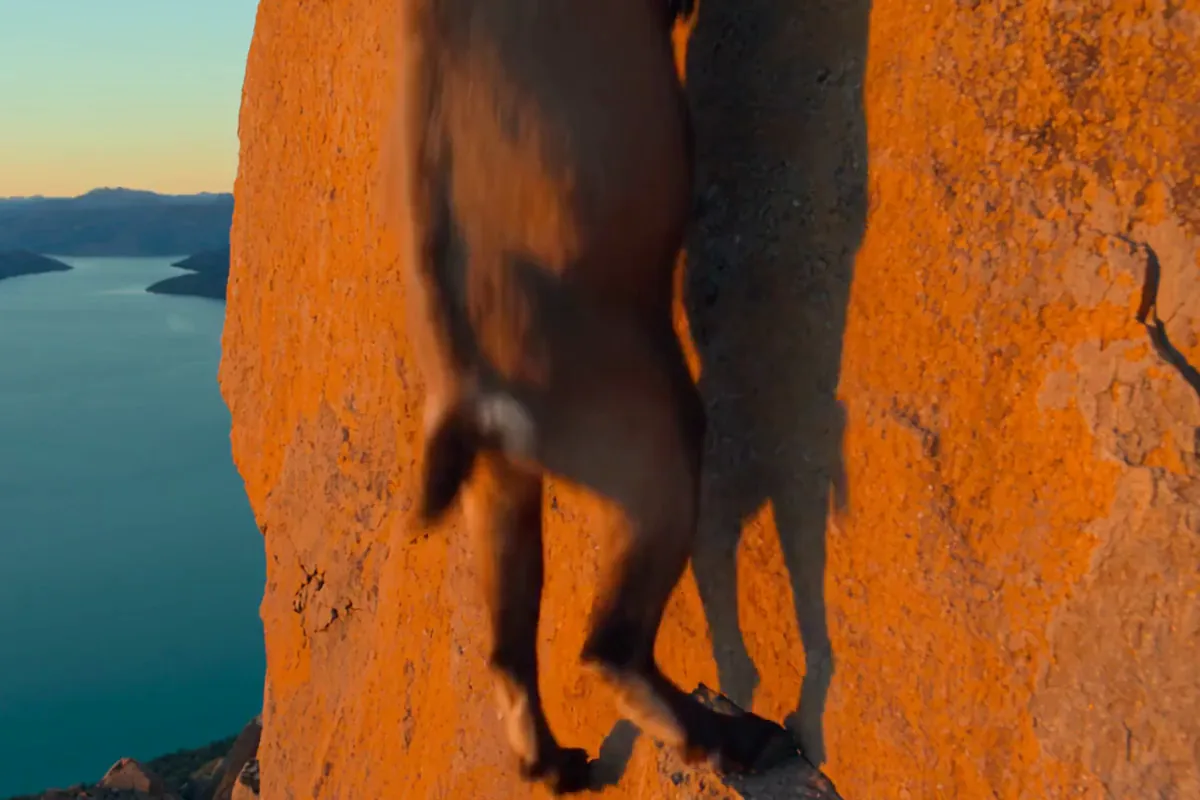
A wild ibex climbing an orange cliff above a turquoise lake and reaching the top ledge

Start from a prompt and frame the shot for the screen it will play on. Go tall for Reels or wide for YouTube, and square is there for the feed. The scene is composed for that shape from the very first frame. Your subject stays in view, with nothing important lost to a crop.

Get your final clip in sharp 1080p

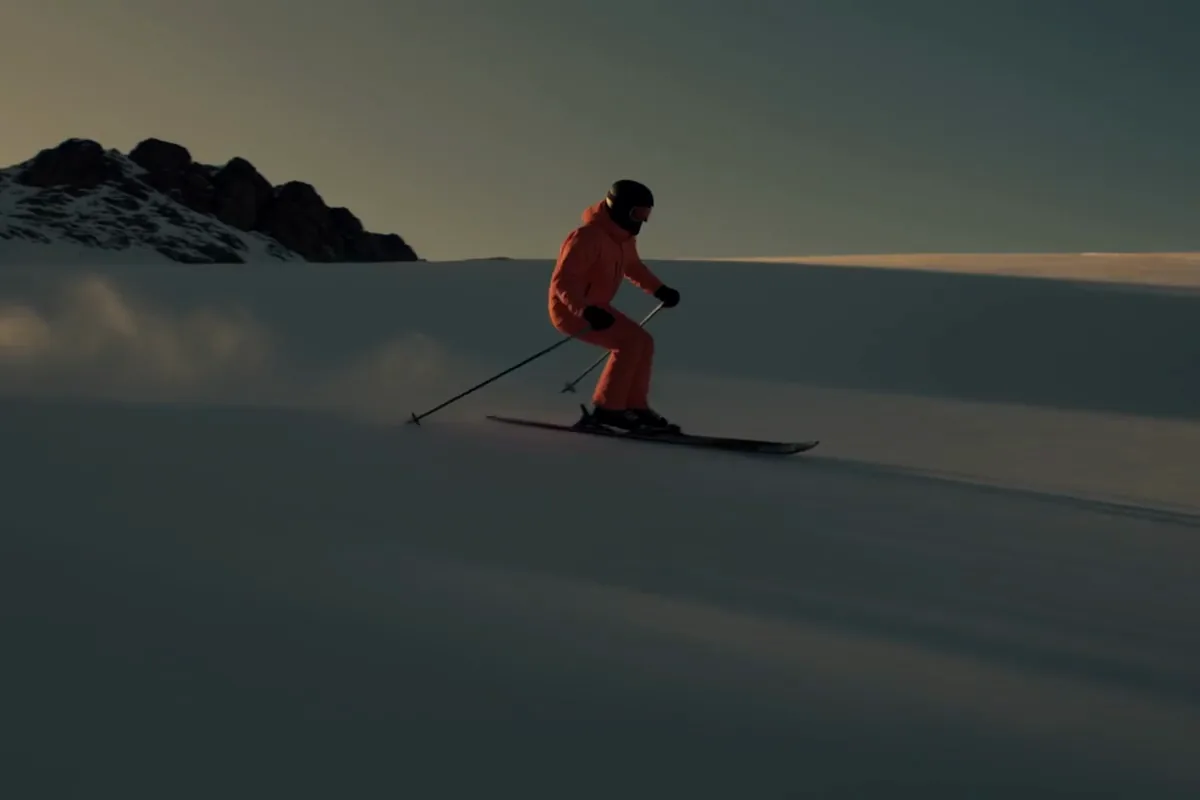
A skier in a red suit carving a turn across sunlit snow and throwing up a spray of powder

Try ideas in 720p while you shape the motion and framing. When the prompt reads right, run it again in crisp 1080p for the clip you keep. Full HD brings out the fine texture that makes a shot worth watching. Every round of testing stays focused on the idea, and the finished version looks its best.

Who Kling 4.0 is for

For directors, marketers and social creators who need a whole scene in one continuous take.

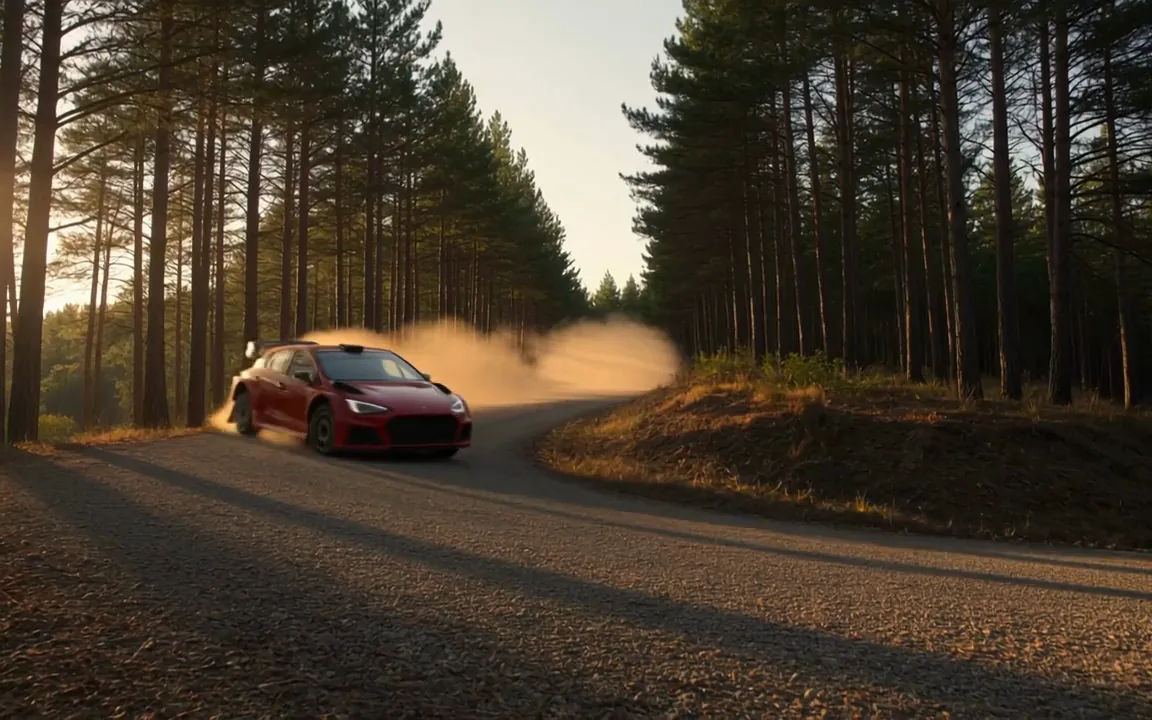
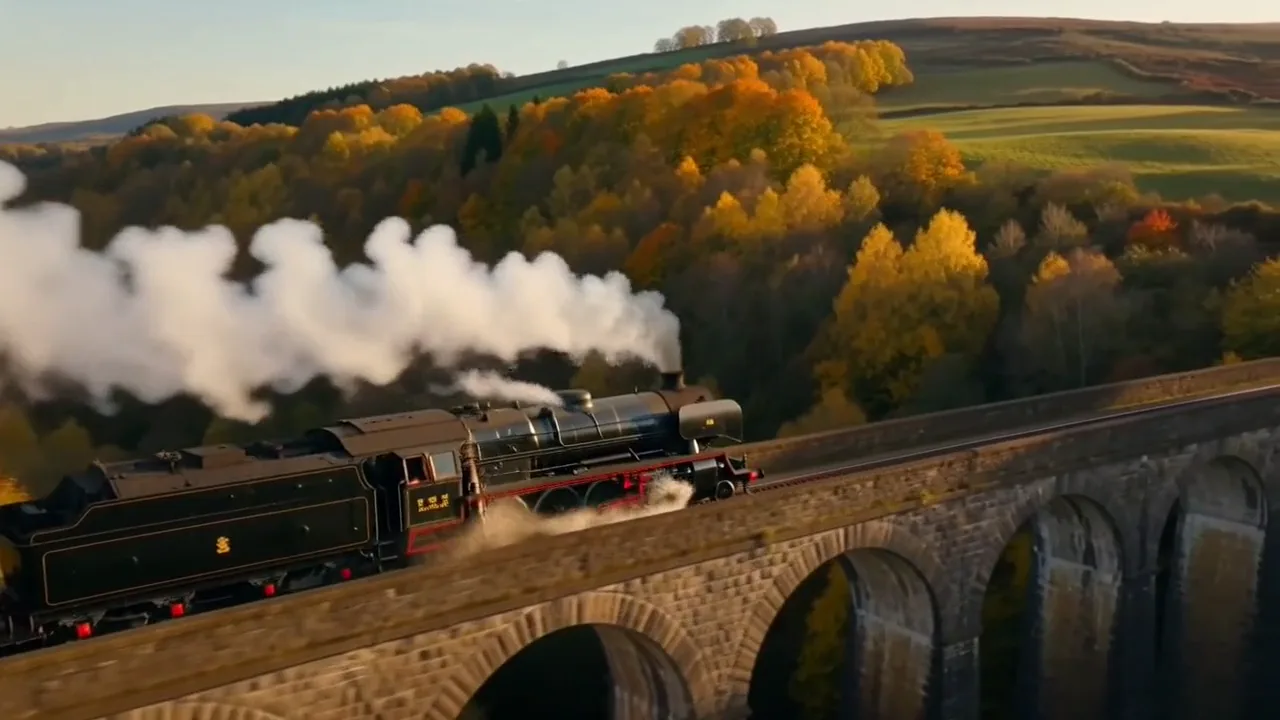
  • Kling 4.0 video of a red rally car sliding sideways through a gravel hairpin in a pine forest.

    Short film directors

    Preview a whole action beat before the shoot day. One 30-second take shows your crew and your client exactly how the scene moves.

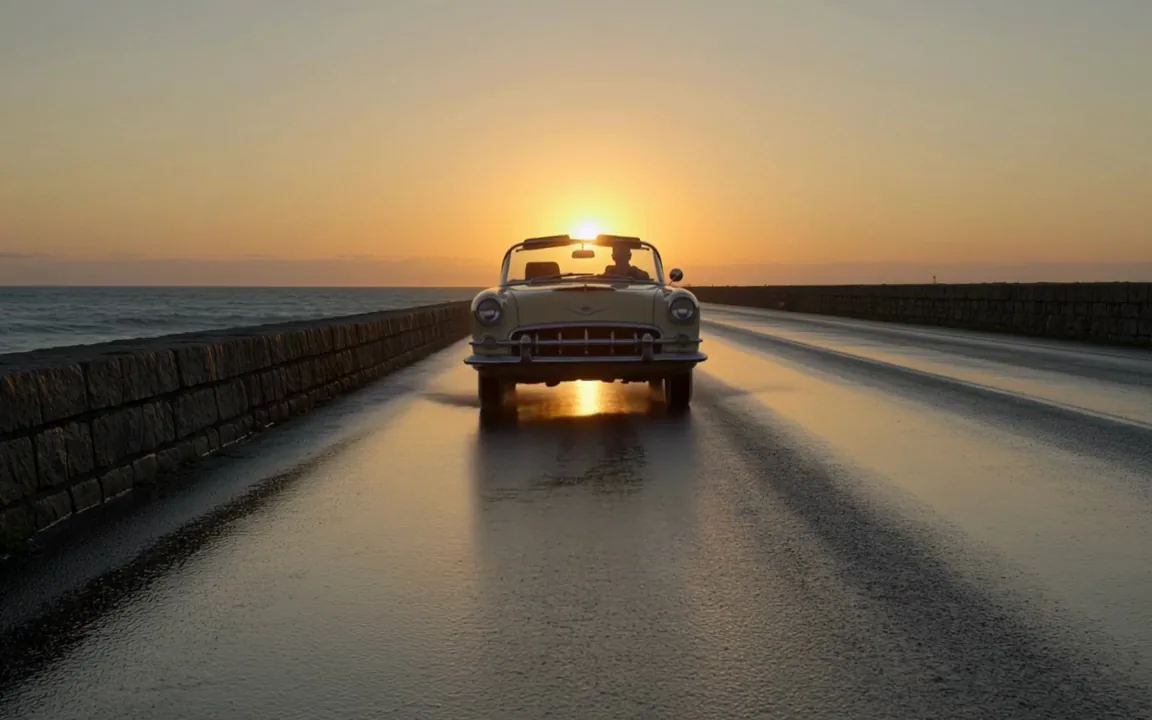
  • Cream 1950s convertible driving through sea spray on a seafront road at dusk

    Marketers and ad agencies

    Turn a product photo or a single line into an ad clip that ends on the shot that sells. Run it as a paid ad or post it on the product page.

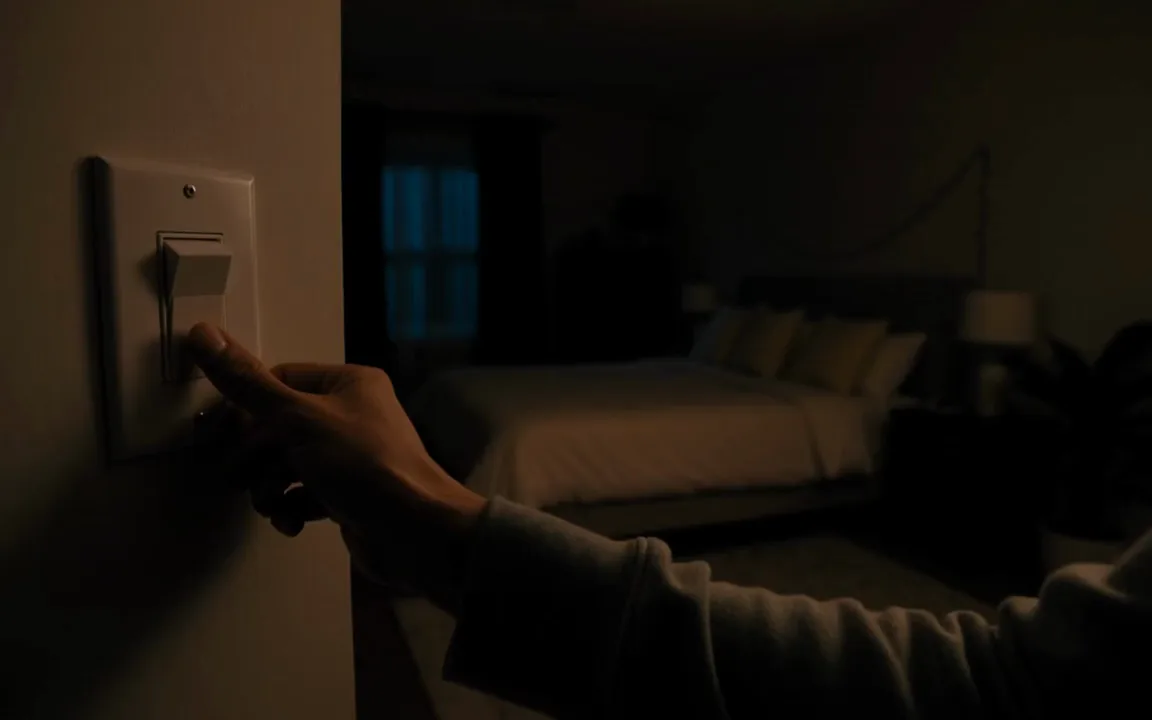
  • Fairy lights and a magenta LED strip glowing on in a dark bedroom as a hand flips the switch

    Social media creators

    Make an eye-catching hook for Reels or YouTube Shorts from one sentence. Your clip is ready to share the moment it lands, with sound already built in.

More models on Pixelcut

Discover the other video models on Pixelcut and the style each one brings to your next scene.

  • MiniMax

    • New
    • Image to video
    • Up to 10 s
  • ByteDance's newest video model

    • New
    • Audio
    • Image to video
    • Up to 30 s
  • Text, image and reference video, up to 15 s

    • New
    • Audio
    • Image to video
    • Up to 15 s
  • Photoreal video with synchronized audio

    • Audio
    • Image to video
    • Up to 8 s
  • Multi-shot scenes and elements

    • New
    • Audio
    • Image to video
    • Up to 15 s
  • Synchronized audio in many languages

    • Image to video
    • Up to 10 s

How to use the Kling 4.0 AI video generator

  1. 1

    Upload your opening photo

    Add the photo the clip opens on, and an end photo if you want to pick the last frame. Photos need at least 300 pixels per side. Starting from words? Skip to the prompt.

  2. 2

    Describe what happens

    Write a few plain sentences about the subject, its action and the camera move. For a long take, say how the scene starts and how it ends, and keep one clear payoff.

  3. 3

    Set length and resolution

    Choose any length from 3 to 30 seconds and pick 720p or 1080p. When you start from text, also pick a tall, wide or square frame. A photo keeps its own shape.

  4. 4

    Generate and download

    Hit generate and allow about five minutes, Pixelcut's own estimate for this model. Then download the MP4, or change a line in the prompt and run another take.

Plans for video generation

Video is billed in credits per second of footage. Pick the plan that matches how much you make.

Save 20% with a yearly plan

Free

$0
per month, billed yearly
Limited Background Removal
Limited Upscale
Free export without watermark

Pro

$10$8
per month, billed yearly
600 AI Credits Monthly
Access all AI models
Unlimited Background Removal
Unlimited Upscale
3 Person Team
1,000 Batch Exports Monthly
Commercial license
Most Popular

Business

$30$24
per month, billed yearly
3,600 AI Credits Monthly
Access all AI models
Unlimited Background Removal
Unlimited Upscale
10 Person Team
2,000 Batch Exports Monthly
Commercial license
Trusted by over 200,000 creators, brands and small businesses

Trusted by creatives at

  • Adidas logo
  • Airbnb logo
  • Apple logo
  • Chanel logo
  • Google logo
  • Gucci logo
  • H&M logo
  • Nike logo
  • Sephora logo
  • Starbucks logo
  • Toyota logo

Frequently Asked Questions

Turn your Kling 4.0 prompts into video